Common ASUS Keyboard Failures
You might notice a single key sticking or perhaps the entire keyboard stops responding when you try to type an email. This issue happens frequently with several of our most common ASUS models. We see many Zenbook 14 and Zenbook Flip units come into our shop because the ultra-slim chassis makes the internal ribbon cable connections very delicate. While a spilled drink is the most obvious culprit, mechanical failure can happen even without liquid.
Sometimes the issue is purely electrical. A failing keyboard controller on the motherboard can mimic a broken keyboard, which means we have to run specific diagnostics before we order any parts. We check the device manager and look for driver conflicts or hardware errors that might suggest a software glitch rather than a physical break. If your ASUS Vivobook 15 has keys that feel “mushy” or don’t click, the internal scissor switches are likely worn out or damaged.
We also frequently work on ROG Zephyrus and TUF Gaming series laptops. These high-performance machines use different keyboard architectures than a standard office laptop. Because these gaming models often run much hotter, the heat from the GPU die can occasionally affect the adhesive or the plastic housing around the keys over several years of heavy use.
Your repair might be simple.
Identifying Your ASUS Model and Problem
Before you bring your machine to our Centerville location, try to identify which specific model you own. You can usually find this information on a sticker on the bottom of the laptop or by typing “System Information” into your Windows search bar. Knowing if you have a Zenbook, a Vivobook, or a ROG gaming laptop helps us estimate the repair complexity immediately.
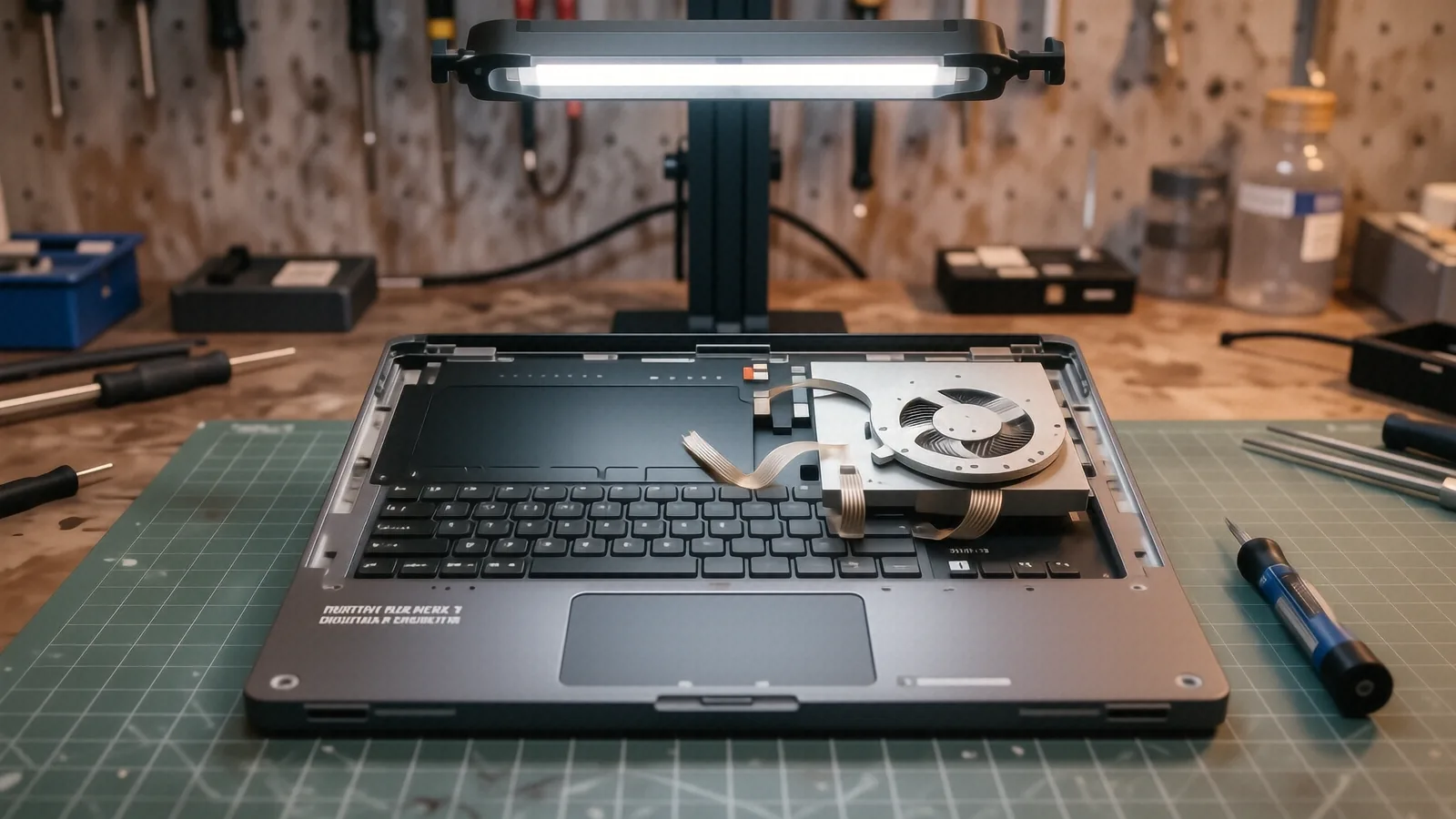
The repair process changes significantly depending on how ASUS built your specific machine. On older ASUS models, the keyboard is often a separate component that sits in a dedicated frame. These are much easier to swap out because we can pop the old unit out and click a new one into place. However, many modern Zenbook and Vivobook designs use a “top case” assembly. This means the keyboard is riveted or glued directly into the palm rest.
If your laptop uses that integrated design, we have to replace the entire upper housing. This process is more labor-intensive because we must carefully move every single component—the battery, the motherboard, the speakers, and the SSD—from the old frame into the new one. While this takes more time on the bench, it ensures your laptop feels like brand new once we finish the job.
We don’t guess on parts.
Touchscreen and Backlit Nuances
If you own an ASUS Zenbook Flip or a touchscreen Vivobook, the keyboard replacement becomes even more technical. The digitizer layer in the screen assembly sometimes shares proximity with the keyboard’s control signals. We have to be extremely careful when opening these units so we don’t accidentally damage the sensitive ribbon cables that connect the touch sensors to the motherboard.
Backlighting is another factor to consider. Some budget-tier Vivobook models do not include a backlit keyboard, while higher-end ROG models feature per-key RGB lighting. If you are upgrading or replacing a part, we make sure the replacement matches your original specifications exactly. You don’t want to end up with a standard white backlight if your machine was designed for custom RGB effects.
Typical Failure Symptoms
You might experience these specific issues:
- Individual keys like ‘E’ or ‘Space’ simply stop working.
- The keyboard inputs “phantom” characters without you touching it.
- Liquid spills cause the keys to become physically stuck.
- The backlight flickers or refuses to turn on entirely.
Parts Availability and Repair Timelines
We do not keep every single ASUS keyboard in stock at our 264 N. Main Street shop. Because ASUS produces dozens of different keyboard layouts and internal configurations every year, it is impossible to carry every specific part for every Zenbook or TUF Gaming model. Instead, we use a professional sourcing network to find the exact OEM-spec replacement for your specific serial number.
Most common parts can be ordered and arrive within 1 to 3 business days. Once the part reaches our bench in Centerville, we perform the installation and then run a series of stress tests. We test every single keycap and check the backlight functionality under different lighting conditions to ensure there are no defects. If your model is particularly rare or uses a specialized gaming layout, it might take slightly longer to arrive.
We provide clear updates throughout the process. After we receive your laptop repair request, we will contact you with a firm estimate once we have verified the part availability and the specific hardware requirements of your machine. This prevents any surprises regarding the final cost or the time you will be without your computer.
Our work is guaranteed.
We stand behind every repair we perform at Dayton PC Repair with a 90-day workmanship warranty. If a key fails or a ribbon cable comes loose because of our installation, we will fix it at no additional cost to you. We want your ASUS to feel as responsive as the day you unboxed it.
Why Professional Installation Matters
It might be tempting to try and order a cheap keyboard from an online marketplace and install it yourself. However, ASUS laptops are notoriously difficult to disassemble without causing collateral damage. One slip with a screwdriver can crack the plastic casing or tear a delicate ribbon cable that controls your trackpad.
When you bring your machine to us, we handle the high-risk steps. We use specialized tools to manage the tiny screws and prying instruments required for tight tolerances. If we encounter a stubborn screw or a damaged clip during the process, we have the experience to navigate it without breaking the chassis. This level of precision is difficult to replicate in a home environment.
We also verify that the replacement part is electrically compatible with your motherboard. Using an incorrect keyboard can lead to short circuits that might damage the laptop’s controller chip. By letting a professional technician handle the swap, you ensure that the electrical integrity of your ASUS remains intact.
Getting Your ASUS Fixed in Centerville
If you are located near the OH-48 corridor or anywhere in the Dayton area, dropping off your device is straightforward. You don’t need to spend hours on the phone trying to diagnose a hardware failure over a grainy video call. Physical inspection is always more accurate than a remote description.
When you arrive at our suite, we will take down your contact information and the specific symptoms you are seeing. We recommend backing up your important files to an external drive or cloud service before bringing your laptop in, just as a standard precaution for any hardware service. We will then move your device into our diagnostic queue.
Bring your ASUS laptop to our shop at 264 N. Main Street, Suite C, Centerville, OH 45459 during our regular business hours. We are open Monday through Friday from 10am to 7pm.