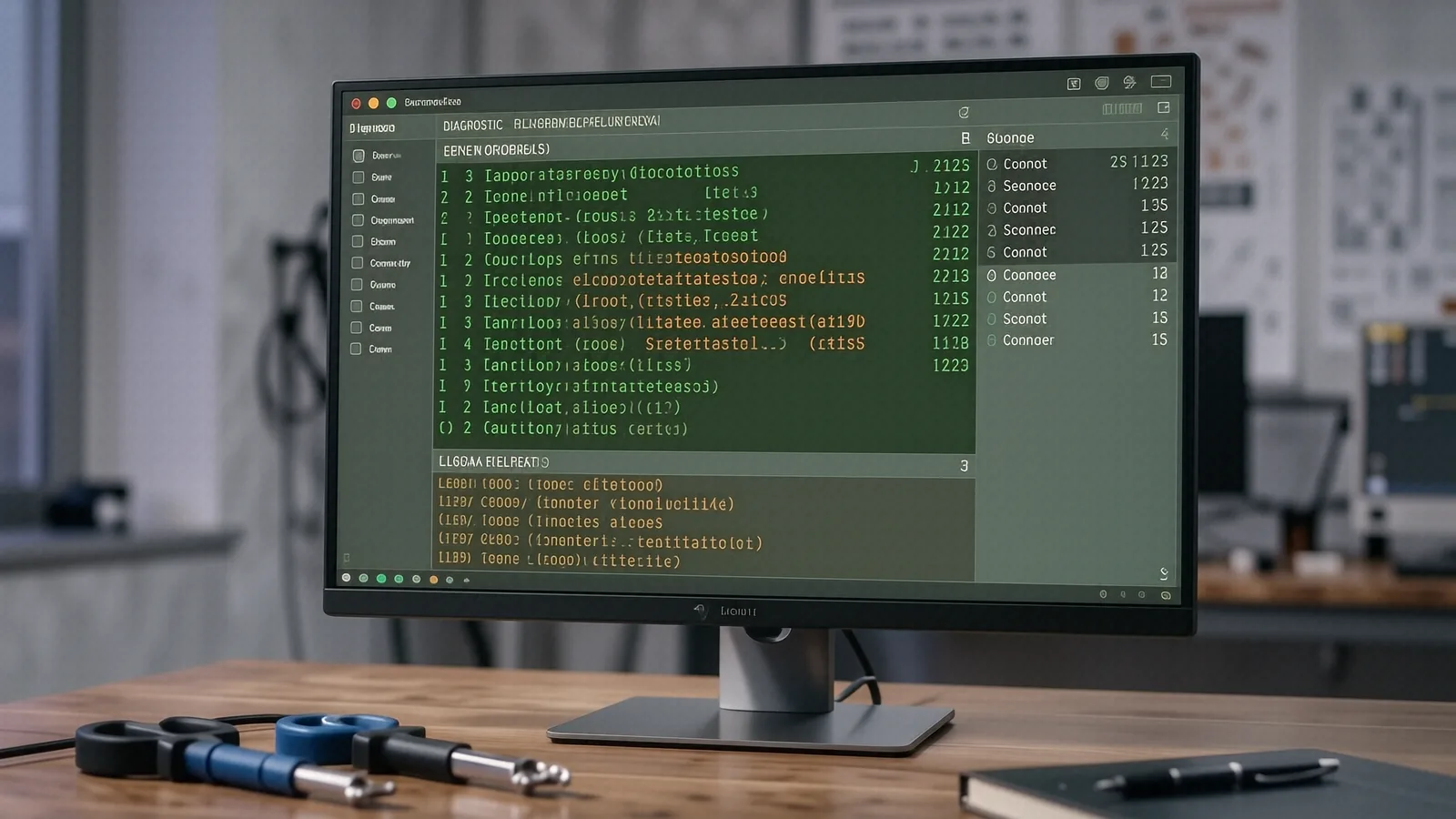
Identifying Malicious Software Threats
You might notice your Dell XPS 13 running significantly slower than it did last week. While a simple Windows update can sometimes cause sluggishness, sudden performance drops often signal that background processes are consuming your CPU cycles. We see this frequently when an infostealer begins scraping browser data or mining cryptocurrency in the background. These programs hide within legitimate-looking processes so that you never notice the spike in temperature or fan noise.
Malware comes in many forms.
A typical infection might start with a simple adware popup that refuses to close even after you restart your MacBook Pro. Because these scripts are designed to be persistent, they often rewrite registry keys or modify startup folders to ensure they reload every time you boot the machine. We use specialized tools like Task Manager and Activity Monitor to hunt down these rogue processes before we begin our deep cleaning.
Rootkits represent a much more serious tier of infection. These programs embed themselves deep within the operating system kernel, which makes them nearly invisible to standard consumer antivirus software. When a rootkit is active on a Lenovo ThinkPad T-series, it can intercept system calls to hide its own files and network connections from your view. Our technicians use low-level bootable environments to scan the drive while the primary operating system is completely inactive.
Your data is at risk.
Specialized Malware Removal Services
Ransomware is perhaps the most stressful situation a computer owner can face. If you see a screen demanding payment in Bitcoin to unlock your files, you must act immediately by disconnecting from the internet. We analyze the specific strain of encryption used on your HP Pavilion 15 because some older variants have known flaws that allow for data recovery without paying the ransom. Although we cannot guarantee every file can be saved, we provide a transparent assessment of what is recoverable through decryption tools or shadow copy extraction.
Browser hijackers target your web experience.
These annoyances redirect your searches to suspicious engines or inject unwanted ads into every webpage you visit. While they rarely steal files, they compromise your privacy by tracking your browsing habits and selling that data to third parties. We manually clean the browser profiles on your Surface Laptop 5 by removing malicious extensions and resetting the local preference files.
Infostealers are a growing concern for everyone.
These lightweight programs focus on grabbing saved passwords, credit card details, and session cookies from your Chrome or Safari profiles. Because they work so quietly, you might not realize an infection has occurred until your bank account shows unauthorized activity. We perform a comprehensive sweep of your temporary folders and registry hives to ensure no “phone home” scripts remain active on your device.
Adware is simply annoying.
You likely deal with this when your desktop becomes cluttered with popups that look like system warnings or fake software updates. Even though these aren’t always “viruses” in the traditional sense, they degrade your hardware’s performance and create massive security holes. We strip out the junk software and clean up your startup list so your machine feels snappy again.
Rootkits require deep technical intervention.
Since these hide below the OS level, we often have to perform a clean installation of Windows or macOS to be 100% certain the threat is gone. If you are running a high-end gaming rig with a dedicated GPU, we check for firmware-level infections that could persist even after a drive wipe. This is a heavy-duty process that we only recommend when standard cleaning fails.
We handle it all.
Our Diagnostic and Repair Process
The moment you walk into our shop near the intersection of OH-48 and the Centerville area, we start by documenting your current symptoms. You can drop your device off at 264 N. Main Street, Suite C, and we will begin a formal diagnostic within 24 hours. We don’t just run a generic scan; instead, we look at Event Viewer logs and SMART data to see if the malware has caused secondary hardware issues or file system corruption.
We provide a clear quote first.
After we identify the specific threat—whether it is a stubborn Trojan or a massive ransomware attack—we will call you with a detailed estimate. We never perform work on your Dell or Apple hardware without your explicit permission and a firm understanding of the cost. This prevents any surprises when you come back to pick up your machine from our Centerville location.
Most repairs take 1-3 business days.
While some simple adware removals can be finished quickly, deep-seated infections like rootkits require much more time for thorough verification. We spend extra time testing the system after the removal process is complete so that we don’t send you home with a partially cleaned machine. If your repair requires specialized parts or advanced decryption tools, we will update you on the timeline immediately.
We stand by our work.
Every malware removal service includes a 90-day workmanship warranty to ensure the infection does not return through a missed backdoor. If you notice the same suspicious behavior within that window, bring it back to us and we will re-evaluate the system at no extra cost. We want your HP or Lenovo machine to be a safe tool for your daily life.
Honesty is our policy.
Sometimes, the cost of repairing an old, heavily damaged machine exceeds its actual value. If we determine that your laptop is too far gone or that the hardware itself has been compromised beyond reasonable repair, we will tell you plainly. We would rather recommend a replacement than take your money for a fix that won’t last.
We protect your privacy.
During the cleaning process, we treat your files with the utmost respect and confidentiality. We do not browse through your personal photos or documents while performing our technical duties on your MacBook or PC. Your data remains yours, and our focus stays strictly on the integrity of the operating system and your security.
Our shop is easy to find.
You can pull up right near our suite in Centerville without worrying about difficult parking situations. We are located conveniently for anyone coming from the surrounding neighborhoods or traveling via I-675. Just look for the sign at 264 N. Main Street and walk into Suite C.
We are open Monday through Friday from 10am to 7pm.
If you suspect your computer has been compromised, do not wait for the damage to get worse. Bringing a device in early can often mean the difference between a simple software cleanup and a total loss of personal data.
Bring your device to our Centerville shop today.