Recovering Lost Files and Drives
Losing your digital life feels like a punch to the gut. You might be staring at a MacBook Pro Retina that won’t boot, or perhaps a Dell XPS 13 is stuck in a constant reboot loop while you try to access critical tax documents. When a drive fails, panic usually sets in immediately. We see this every day at our shop on N. Main Street.
Hardware failures are often sudden. While some drives give you warning signs through clicking sounds or slow read speeds, many modern NVMe SSDs simply vanish from the system without any prior notice.
Understanding Mechanical HDD Failures
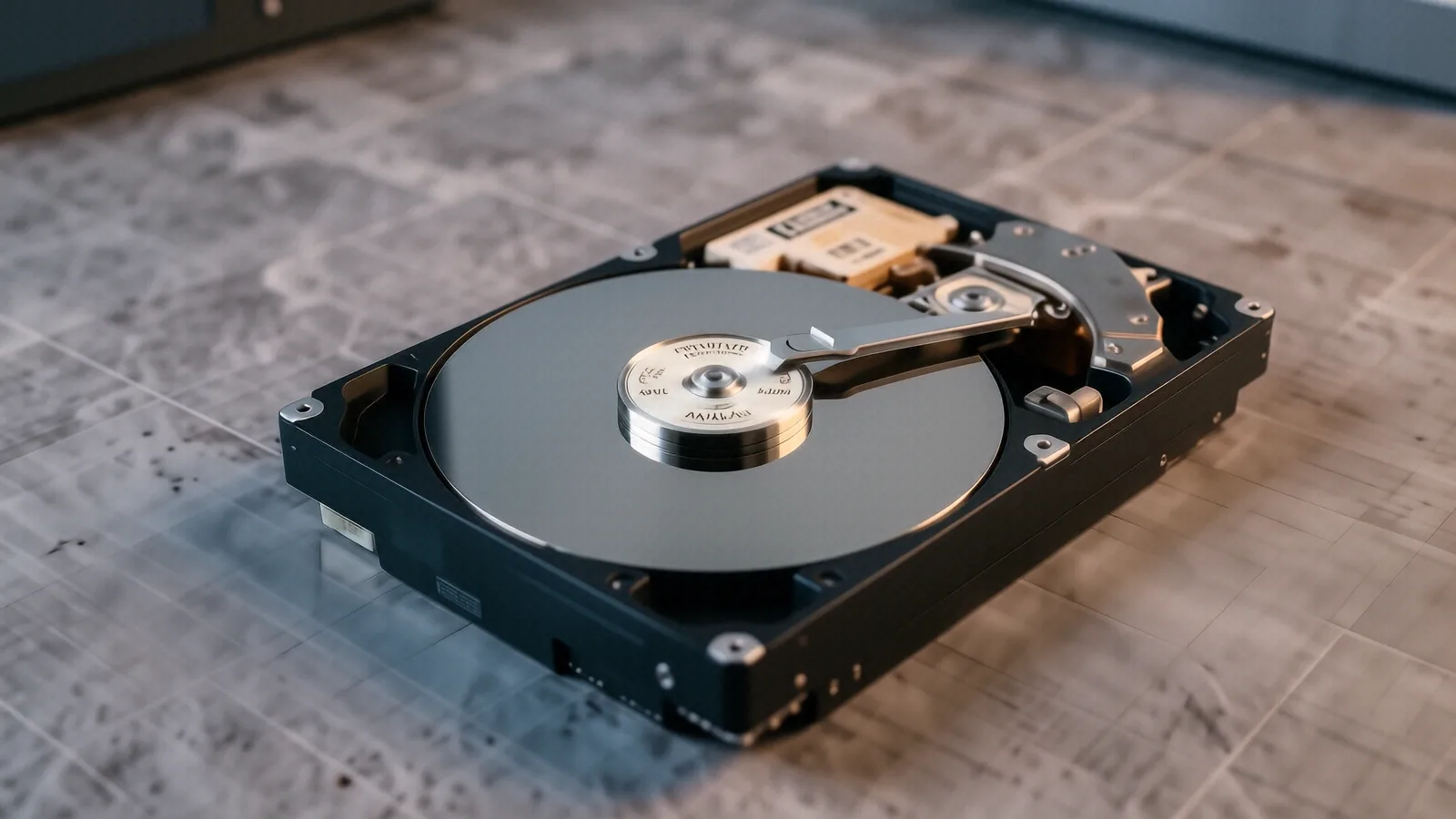
Mechanical hard drives rely on physical spinning platters and moving actuator arms. If you hear a rhythmic clicking or a grinding noise coming from your desktop, stop using that device immediately. Every time the drive spins while it is malfunctioning, the read/write head might be physically scratching the magnetic surface of the platter. This physical damage makes data recovery much harder because the actual bits of information are being scraped away.
We handle these mechanical issues with precision. Even if your Seagate Barracuda or Western Digital Blue drive has suffered a motor failure, we can often stabilize the platters to extract what remains. We use specialized tools to bypass damaged sectors that would otherwise cause a standard Windows OS to hang during a file copy attempt.
Don’t keep trying to power it on. If the drive is clicking, every second of power increases the risk of permanent data loss.
The Complexity of SSD and NVMe Recovery
Solid State Drives work differently than old-school spinning disks. Because they use NAND flash memory chips to store data, there are no moving parts to hear when they fail. A Samsung 980 Pro or a Crucial MX500 might simply show up as “Uninitialized” in Windows Disk Management, even though the hardware is physically intact. This often happens because the controller chip on the PCB has failed or the firmware has entered a locked state.
Recovery here requires a different technical approach. We cannot simply “unstick” a mechanical arm, so we instead focus on bypassing the faulty controller or performing chip-off recovery if the board is completely dead. Although this process is more complex than traditional HDD repair, it is often successful if the NAND chips themselves haven’t been electrically fried by a power surge.
SSDs are tricky. The way these drives handle “garbage collection” means that once data is deleted or overwritten, it is often gone forever due to TRIM commands.
RAID Array Reconstruction and Server Recovery
If you run a NAS (Network Attached Storage) at home or a small business server, you likely use a RAID configuration for redundancy. A RAID 5 or RAID 10 setup is great until two drives fail simultaneously or the RAID controller itself dies. When the parity data is lost, your files don’t just disappear; they become a scrambled mess of fragmented bits that no standard operating system can read.
We specialize in rebuilding these virtual volumes. Whether you are using a Synology NAS or a custom-built Dell PowerEdge server, we attempt to reconstruct the stripe sets by analyzing the underlying data structures. While some rebuilds are straightforward, others require us to manually calculate parity to fill in the gaps left by missing disks.
We fix RAID arrays. We don’t just replace the broken drives and hope for the best.
Accidental Deletion and Software Errors
Sometimes the hardware is perfectly healthy, but you simply made a mistake. You might have accidentally emptied the Trash on your MacBook or formatted a partition on an external SanDisk portable SSD while trying to clear space. This type of recovery is usually much faster because we are dealing with logical errors rather than physical destruction.
We use forensic-grade software to scan the drive for file signatures that haven’t been overwritten yet. If you haven’t saved new files to the drive since the deletion occurred, your chances of a full recovery are very high. We recommend keeping the drive disconnected from the computer so that the OS doesn’t write temporary system files over your lost photos or documents.
Act fast. The more you use a drive after a deletion, the less likely we can find your files.
Ransomware and Malicious Encryption
Ransomware is a different beast entirely. When a virus encrypts your files and demands payment in Bitcoin, you aren’t looking for a broken component; you are looking for a way to bypass the encryption. We see this frequently with small businesses using Lenovo ThinkPad fleets that were hit by a sudden wave of malware.
We approach ransomware with extreme caution. Our first step is always to isolate the infected machine so the malware doesn’t spread across your local network or your cloud backups. While we cannot always “crack” high-level AES encryption, we search for known vulnerabilities in specific ransomware strains or look for shadow copies that the virus might have missed.
We prioritize security. We ensure that any recovered data is clean and free of the original infection before we hand it back to you.
Our Data Recovery Process in Centerville
We don’t believe in guessing games when your data is on the line. When you bring a device to our shop at 264 N. Main Street, Suite C, we follow a strict protocol to ensure nothing gets worse during the diagnostic phase. We are located right near the OH-48 and I-675 interchange, making it easy for customers from Centerville, Kettering, or Dayton to drop off their gear.
The process starts with an intake assessment. Once we receive your device, we perform an initial diagnostic to determine if the failure is logical (software/file system) or physical (hardware/mechanical). We typically provide a clear diagnosis within 24 hours of receiving the unit.
From Drop-off to Data Delivery
- Initial Intake: You drop off your device at our Centerville location during our Mon-Fri 10am-7pm business hours.
- Diagnostic Phase: Our technicians analyze the drive’s SMART data and physical health to see what is possible.
- Transparent Quote: We provide a firm price based on the complexity of the recovery before we start any intensive work.
- The Recovery: Once you approve, we move the data to a secure, healthy storage medium.
- Verification and Pickup: You inspect the recovered files to ensure everything is present before you leave.
Most standard logical recoveries can be completed within 1-3 business days. Physical recoveries involving cleanroom-style work or complex chip-off procedures may take longer depending on the specific hardware model and the extent of the damage. We will always keep you updated via phone or email so you aren’t left wondering about the status of your files.
We value your time. We won’t start a job unless we are confident we can actually get your data back.
When We Recommend Against Repair
Honesty is our policy. If a drive has suffered catastrophic physical damage—such as a head crash that has pulverized the magnetic coating on the platters—we will tell you upfront if recovery is unlikely. There is no point in charging you $500 for a job that has a 0% success rate because of how the hardware failed.
We also advise against DIY “recovery” kits sold online. Many of these tools involve running software that puts intense stress on a dying drive, which can turn a recoverable error into a permanent hardware death. If you suspect a real failure, leave the software alone and bring the device to a professional bench.
Don’t gamble with your data. It is better to pay for a professional diagnostic now than to lose everything forever by trying a “quick fix.”
Protecting Your Data Moving Forward
Once we have successfully recovered your files, we want to make sure this never happens again. A single backup is not a backup; it is just a copy that can also fail. We recommend a “3-2-1” strategy: keep three copies of your data, on two different types of media, with one copy located off-site or in the cloud.
We can help you set this up. Whether you need an external Western Digital Elements drive for local backups or want to configure an automated cloud sync for your HP Pavilion desktop, we have the tools to secure your digital life. We can also assist in setting up RAID configurations for your home server so that a single drive failure doesn’t result in downtime.
Prevention is cheaper than recovery. A well-maintained backup routine costs almost nothing compared to the price of professional data reconstruction.
If you are currently staring at a blue screen or a clicking hard drive, bring it into our Centerville shop. We are located at 264 N. Main Street, Suite C, right near the main shopping corridors. You can walk in anytime between 10am and 7pm, Monday through Friday.