Preventing laptop issues is much cheaper than repairing them. Discover 8 essential habits to keep your device running fast and avoid common failures.
Real fixes, real diagnostics, written by techs who see these problems every day. Tutorials, troubleshooting, buying guides.
Preventing laptop issues is much cheaper than repairing them. Discover 8 essential habits to keep your device running fast and avoid common failures.
Is your Acer Aspire or Nitro freezing or showing blue screens? Learn how to diagnose failing SSDs and HDDs before you lose your data.
Deciding between a laptop and a desktop? We break down the advantages and disadvantages of laptop use, covering mobility, battery backup, and hardware limitations.
Searching for the best antivirus for home use? We compare top security software like Bitdefender, ESET, and Malwarebytes to help you protect your Windows 11 or Mac computer.
Find out if your aging laptop is worth repairing or if it's time for an upgrade. Learn about hardware limits, Windows 11 requirements, and Mac longevity.
Struggling with a slow laptop or a blank screen? Our guide covers the most common laptop problems, from motherboard failure to overheating, and how to troubleshoot them.
Discover the real factors that impact how long data recovery takes, from 1TB SSDs to massive 10TB hard drives with physical damage.
Discover the ideal cleaning schedule for your laptop. From cleaning the keyboard to internal dust removal in gaming laptops, we cover everything you need to know.
A comprehensive guide on how to back up your computer using built-in tools like Microsoft OneDrive, Windows File History, and macOS Time Machine to prevent data loss.
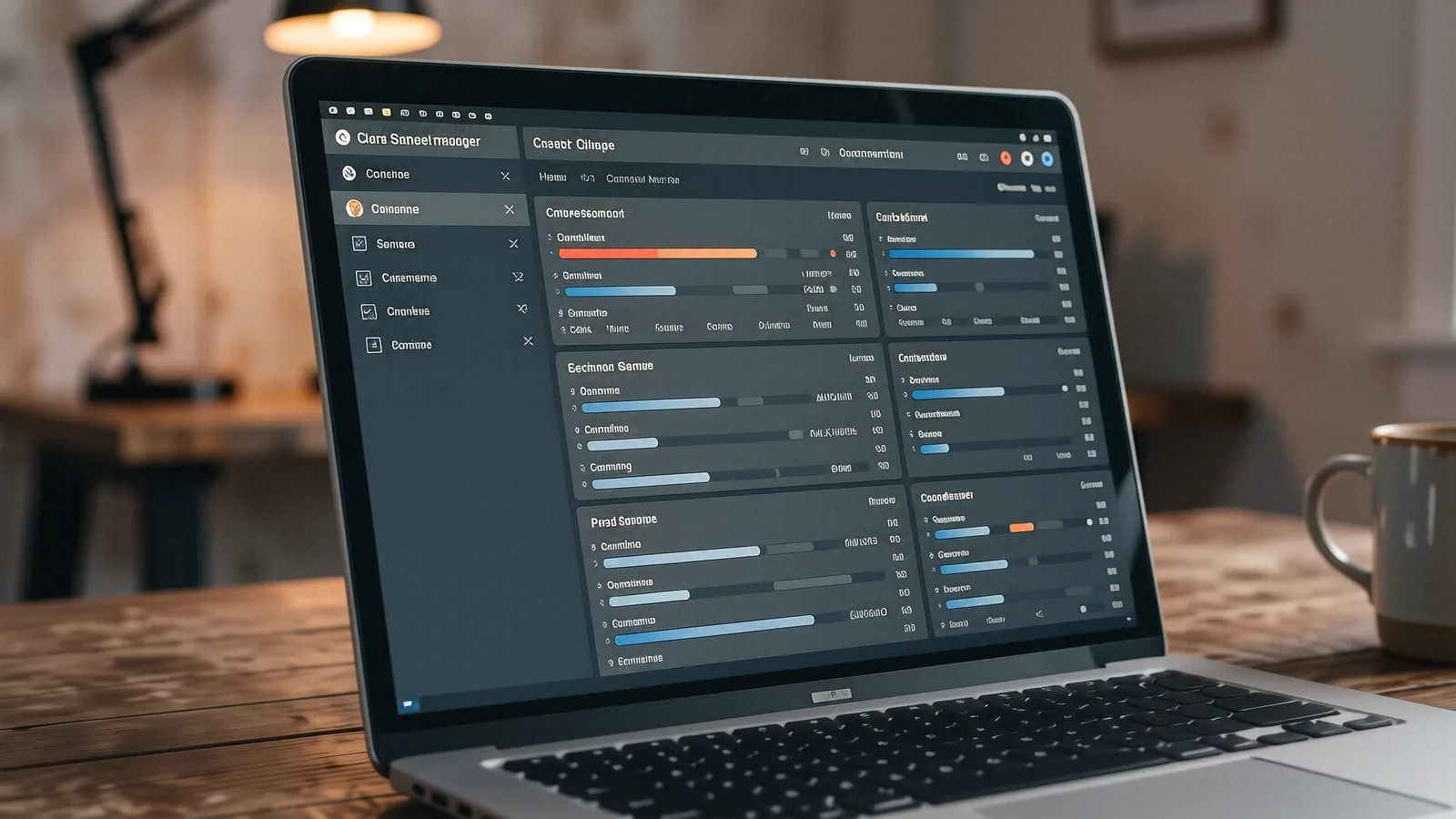
Is your PC crawling? Discover the best ways to fix 100% disk usage in Windows 10, from disabling Windows Search to running CHKDSK and updating drivers.
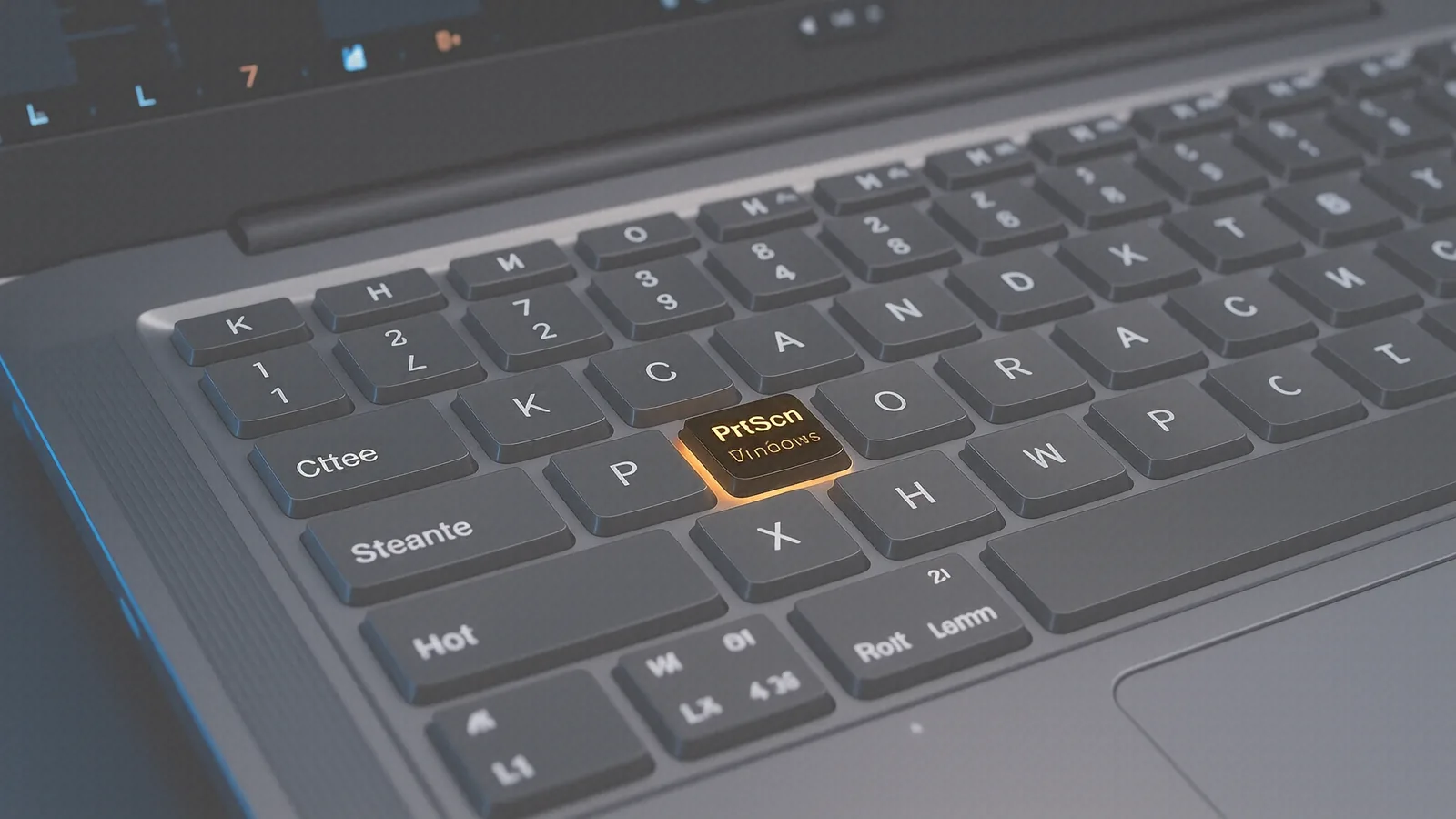
Master every way to take a screenshot on your HP computer. From using the PrtSc key to the Snipping Tool, we cover all HP laptop models and troubleshooting tips.
Is your computer slow or crashing? Discover the warning signs of a failing hard drive, from strange noises to Blue Screen of Death errors, and learn how to test your drive's health.
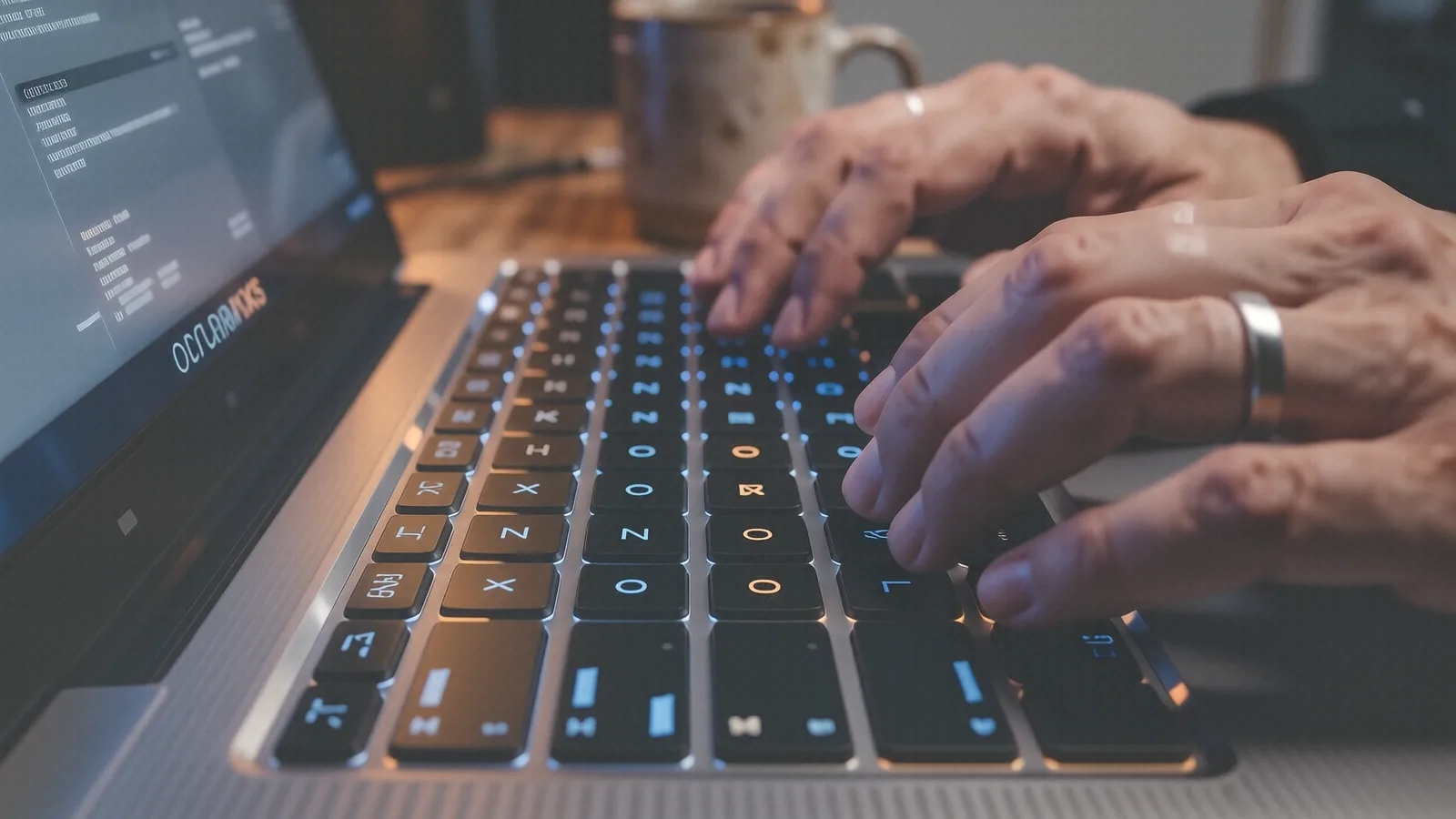
Quickly learn how to adjust the volume on your laptop or desktop using keyboard shortcuts, the Fn key, and Windows system settings.
Discover the real reasons your laptop shuts down randomly, including thermal paste issues, faulty power supplies, and Windows 11 errors.
Confused about buying a new computer? Compare laptop portability vs desktop power to find the best fit for your budget and workflow.
Is your MacBook Pro or Air lagging? Learn how to fix slow macOS performance with our expert technician guide for hardware and software issues.
Deciding between a laptop repair and buying a new one is difficult. We break down the costs of motherboard repairs, battery replacements, and SSD upgrades to help you decide.
Discover the critical signs your laptop needs a new battery, including swelling, sudden shutdowns, and reduced capacity. Learn how to check battery health on Windows and Mac.
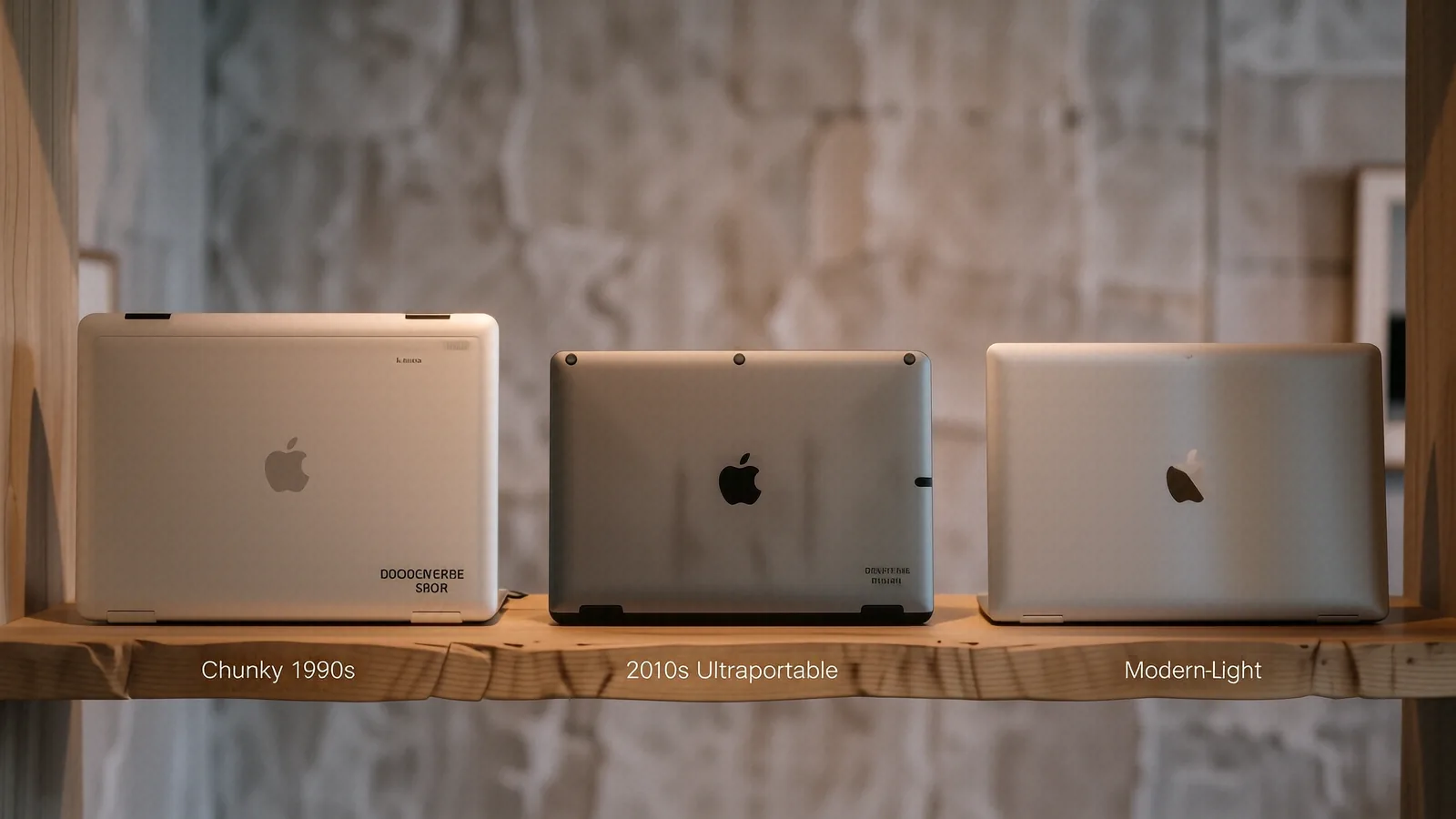
Trace the evolution of the laptop computer from early machines like the Osborne 1 and Epson HX-20 to the powerful modern notebooks we use today.
Learn how technicians use SMART data, Event Viewer, and stress tests to find your computer's problem. Get professional diagnostics in Centerville.
Learn how to fix a black laptop screen using driver resets, hard reboots, and Safe Mode. Professional repair advice for Dell, HP, MacBook, and more.
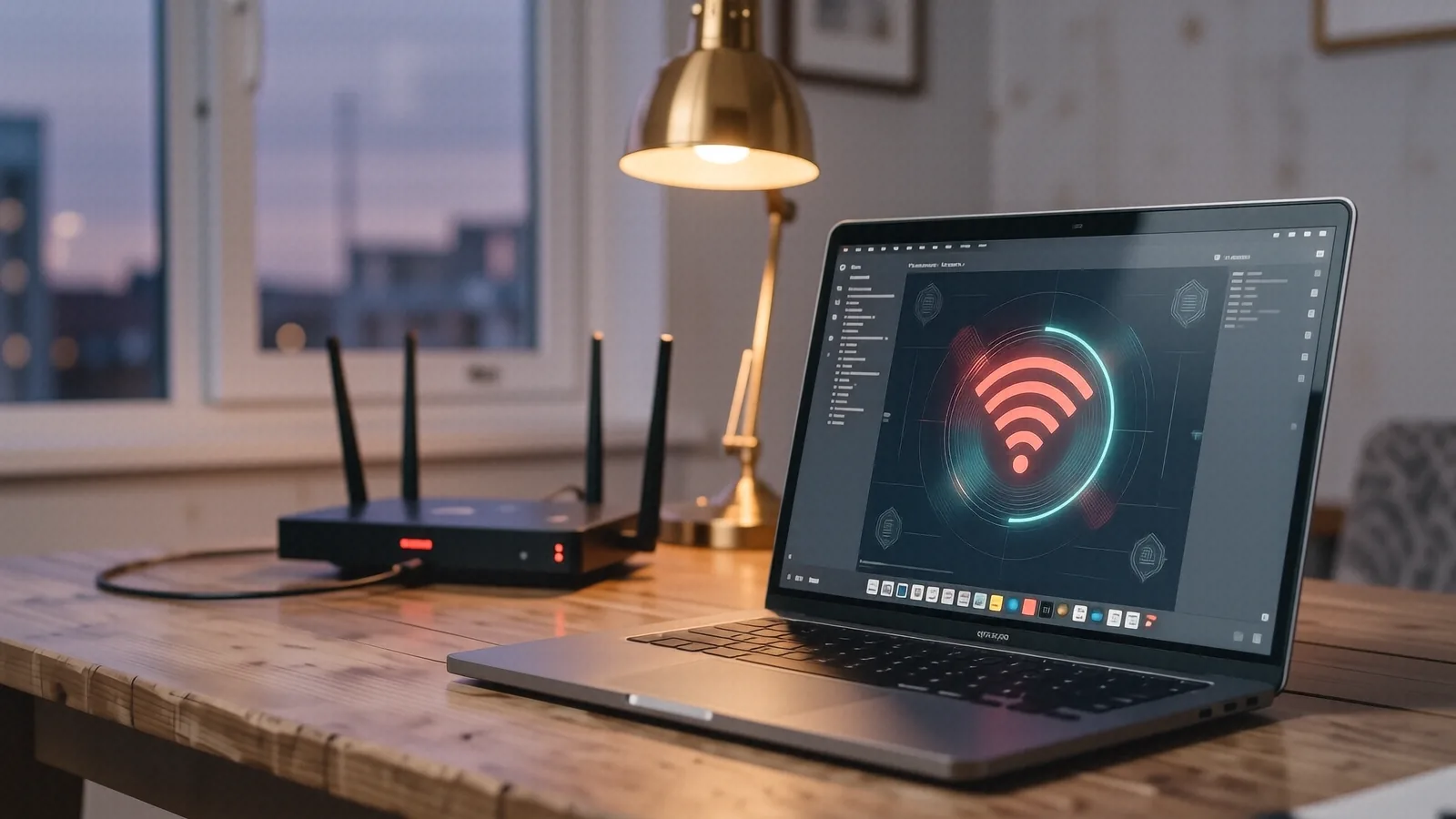
Struggling with a laptop that won't connect to the internet? This guide covers everything from driver updates to router settings to help you fix your Wi-Fi connection.
Stop the noise! Learn why your laptop fan is loud and how to fix it with these professional troubleshooting steps for Windows and Mac.
A comprehensive guide comparing Windows 11 and Windows 10, covering key differences in the Start menu, security, performance, and compatibility.
A laptop is called a laptop because it was built to sit on top of your lap — a direct contrast to the desktop. Here's the etymology, the notebook connection, and the manufacturers who shaped the name.