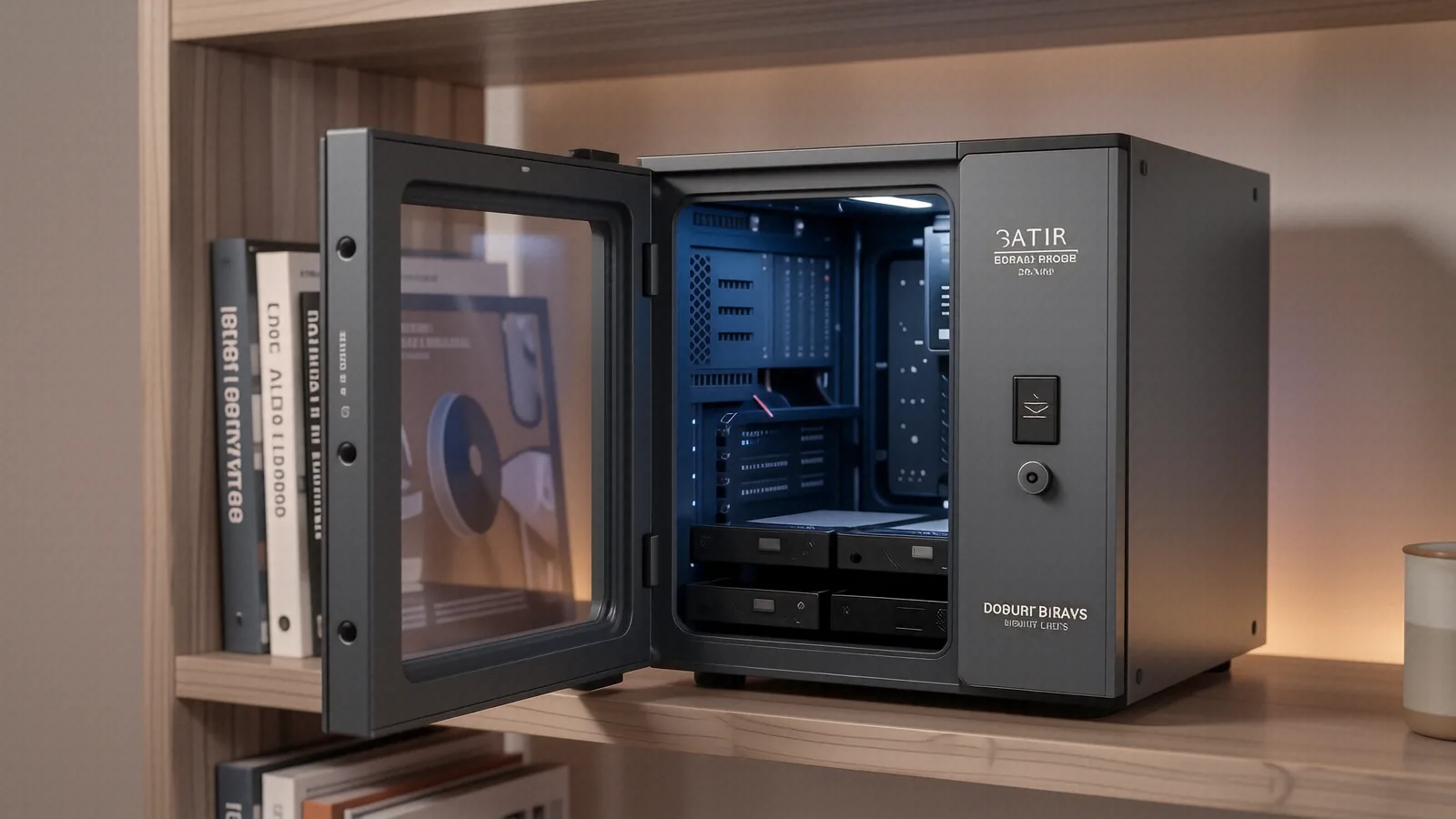
Reliable Server Support in Centerville
Your data needs a permanent home. While cloud storage works for small files, a dedicated physical server provides the speed and control that local networks require for heavy workloads. We help you manage everything from a single Synology NAS in a home office to a multi-user Dell PowerEdge rack in a commercial setting. If your hardware is failing or your configuration is messy, we can stabilize it.
We fix real problems. Because many small businesses rely on aging hardware, we often see Windows Server environments that haven’t been patched since the last decade. We specialize in restoring stability to these critical systems so that your employees can actually get work done without constant downtime.
Our shop is easy to find. You can pull right up near our Centerville location off OH-48, which makes dropping off heavy enterprise hardware much simpler than driving across the county.
Core Server Sub-Services
Network Attached Storage and File Servers
Data management is the foundation of any network. We configure high-speed NAS units like those from QNAP or Synology so that your team can access large media files or complex spreadsheets instantly. A properly configured file server prevents the “permission denied” errors that frustrate staff during a busy workday.
We optimize your storage. Although many people think a hard drive is just a hard drive, we know how to configure RAID arrays specifically to prevent data loss if a single disk fails. We can audit your current permissions on a Windows-based file server to ensure that sensitive payroll data stays away from the general staff folders.
Speed matters for productivity. When you are working with high-resolution assets on a MacBook Pro or a high-end workstation, you need a connection that doesn’t bottleneck at the storage controller. We help you select and install NVMe-based caching so that your most frequently used files load as fast as if they were sitting on your local machine.
Print and Mail Server Management
Managing hardware peripherals shouldn’t be a headache. We set up dedicated print servers that handle everything from basic inkjet setups to large-format industrial printers used in design studios. This setup ensures that every computer on your network can find the printer without needing a manual IP address entry every time the router reboots.
Email reliability is non-negotiable. While most small offices use Microsoft 365, many still run local mail servers for privacy or legacy application reasons. We troubleshoot SMTP errors and configuration mismatches that prevent your outgoing messages from reaching their destination.
We check the logs. If your mail server is flagging legitimate outgoing traffic as spam, we dive into the header configurations to find the specific error causing the bounce-back.
Robust Backup Strategies
A backup is only good if it actually works. We don’t just tell you to “save things to a drive,” because that approach fails the moment a ransomware attack hits your local network. We implement the 3-2-1 rule, which requires three copies of your data, two different media types, and one off-site copy.
We test your recovery. Since a backup that hasn’t been tested is just a collection of useless bits, we perform actual restoration drills to ensure your data can be brought back online within your required window. We look at everything from local snapshots on a Dell Precision workstation to encrypted cloud synchronization for your most critical business databases.
Your data is vulnerable. If you haven’t checked your SMART data or verified your backup integrity in the last 30 days, you are essentially gambling with your company’s future.
Hardware We Support and Repair
We don’t limit ourselves to one brand. Our technicians have spent over twelve years working on a massive variety of enterprise and prosumer hardware. Whether you have a ruggedized Lenovo ThinkStation or a sleek Apple Mac Studio acting as a local media hub, we have the tools to service it.
Enterprise-Grade Hardware
We handle heavy lifting. If your business runs on Dell PowerEdge servers or HP ProLiant racks, we can assist with component upgrades and hardware troubleshooting. We frequently replace failed power supplies, faulty RAID controllers, and dying SAS drives in these high-density environments.
Many systems need more life. Because enterprise hardware is built to last, it often makes sense to upgrade the RAM or swap out old mechanical drives for modern SSDs rather than buying an entirely new system. We can help you decide if a hardware refresh is actually worth your capital expenditure.
Prosumer and Small Office Gear
Home offices deserve professional standards too. We service high-end consumer gear like the Synology DiskStation series or custom-built PC servers that utilize consumer-grade components. If you are running a Plex media server on an older OptiPlex desktop, we can help you optimize it for better streaming performance.
Small setups need care. Even if you only have one or two users, having a centralized storage point prevents the chaos of everyone keeping different versions of the same document on their individual laptops.
The Dayton PC Repair Process
We keep things transparent. We know that server downtime costs money, so we follow a strict workflow to get you back online as quickly as possible. Our goal is to provide professional-grade service without the confusing corporate jargon.
Step 1: Drop-off and Initial Triage
First, bring your equipment to our Centerville shop at 264 N. Main Street. If you are dealing with a massive rack-mount server that you cannot move, call us first to discuss local logistics. We typically require the hardware to be physically present so we can run direct diagnostics on the motherboard and storage controllers.
We don’t guess. Once your gear is on our bench, we perform an initial assessment to see if the issue is software-based or a physical component failure. This stage usually takes about 24 hours to complete thoroughly.
Step 2: Detailed Diagnosis and Quote
After we identify the problem, we provide a clear, written quote. We will tell you exactly what parts are needed—whether it’s a new NVMe SSD or a replacement cooling fan—and how much the labor will cost. You will never see a surprise charge on your final bill because we require your approval before any work begins.
Honesty is our policy. If we look at your server and realize that the hardware is too old to be worth repairing, we will tell you directly rather than taking your money for a temporary fix. We would much rather help you plan a migration to a new system than sell you a repair that won’t last six months.
Step 3: The Repair and Testing Phase
Once you approve the quote, we begin the actual work. This phase typically takes between 1 and 3 business days depending on whether we need to order specific parts from our suppliers. We don’t just swap the part and hand it back; we stress-test the component to ensure it handles real-world loads.
We verify everything. After a drive replacement, for example, we check the RAID rebuild status and monitor the temperature of the new drive under load to make sure your cooling system is performing correctly.
Step 4: Pickup and Warranty
When the job is done, we contact you for pickup. You can swing by our suite during our standard business hours, which are Monday through Friday from 10am to 7pm. We recommend bringing your network diagram or any specific configuration notes if we are reintegrating the server into a complex environment.
We stand by our work. Every server repair we perform comes with a 90-day workmanship warranty to give you peace of mind that the fix is permanent. If the same issue recurs within that window, we will make it right at no additional cost to you.
When Not to Repair Your Server
Sometimes, walking away is the smartest move. If your server is more than seven or eight years old, the risk of cascading failures increases significantly every single month. We often see older machines where a single motherboard failure makes the entire unit a paperweight because replacement parts are no longer manufactured.
Newer technology is faster. If you are currently struggling with a slow, noisy server that consumes massive amounts of electricity, it might be more cost-effective to invest in a modern, energy-efficient unit rather than patching up an old one. We can assist with the data migration process to ensure your transition to new hardware is seamless and painless.
Don’t wait for a crash. If you notice strange clicking sounds from your drives or frequent blue screens on your management console, you should bring that equipment in immediately before a total failure occurs.
Local Support You Can Trust
We are not a giant, faceless corporation. We are a family-owned shop right here in the Centerville area, and we take pride in helping our neighbors keep their digital lives running smoothly. Whether you are a freelancer working from a home office or a local business owner managing a small team, we treat your data with the respect it deserves.
Our technicians have seen it all. From catastrophic drive failures to complex network configuration errors, we have twelve years of hands-on experience sitting at the bench solving these exact problems. We know the specific quirks of Dell, HP, and Apple hardware because we work on them every single day.
Stop by our shop on Main Street. If you aren’t sure what your problem is, just bring the machine in for a diagnostic session so we can give you a straight answer.