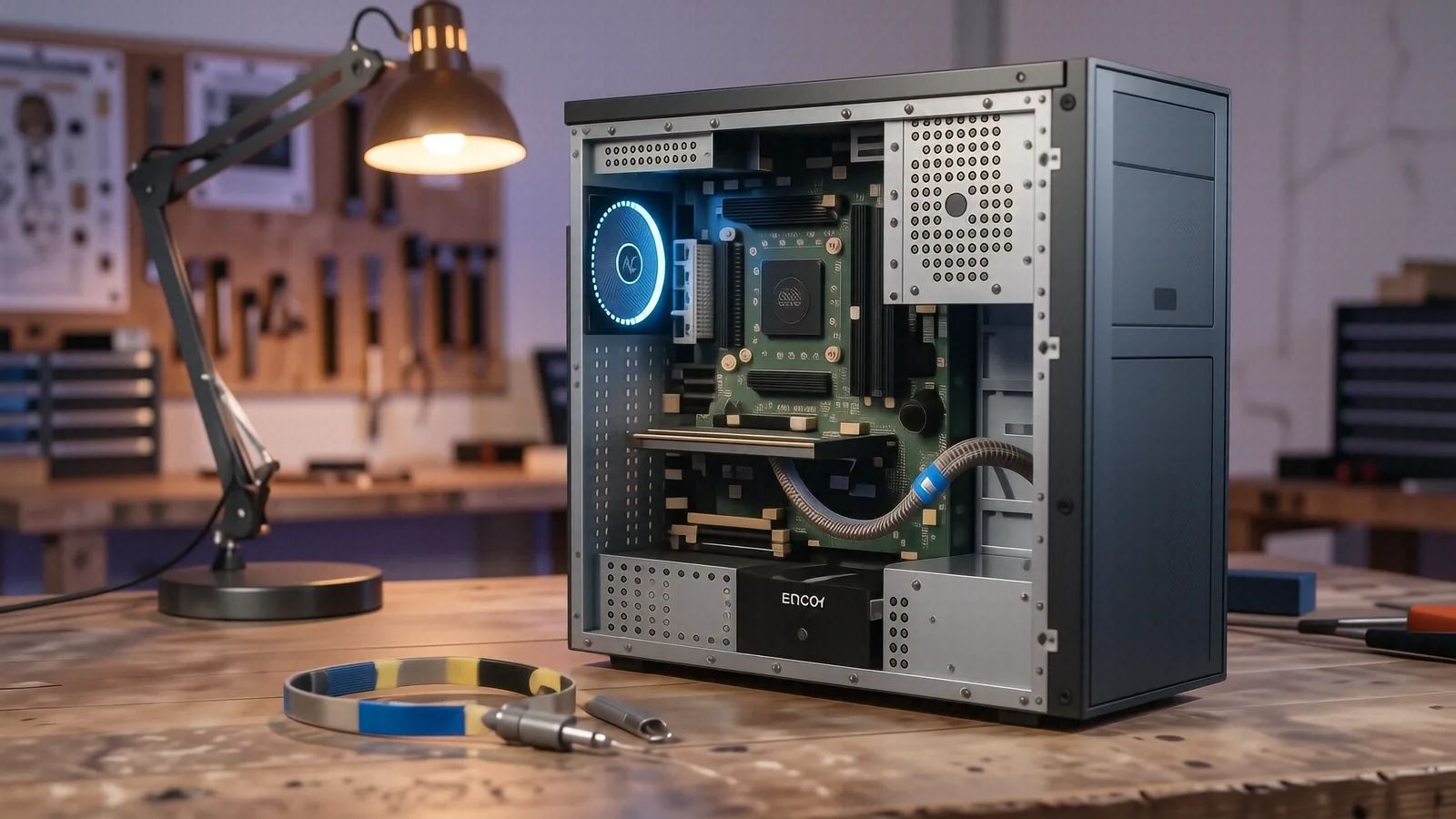
Reliable Desktop and PC Repair in Centerville
Your desktop computer is the backbone of your home office or gaming setup. When a custom-built rig or a pre-built Dell Inspiron starts throwing Blue Screen of Death (BSOD) errors, you need a technician who understands the hardware stack. We handle everything from basic power supply failures to complex motherboard diagnostics at our shop on N. Main Street. You can drive right off OH-48 and find us easily in our Centerville location.
Most desktop issues stem from a single failing component. While a software glitch might cause a temporary freeze, a hardware failure like a dying NVMe SSD or a bloated capacitor on a motherboard requires physical intervention. We don’t guess when it comes to your data. Our team uses professional-grade diagnostic tools to pinpoint exactly where the signal chain is breaking down.
We fix computers.
Whether you own an older HP Pavilion desktop or a high-end liquid-cooled gaming PC, we have the parts and the knowledge to get it running again. We focus on practical solutions that extend the life of your machine.
Comprehensive Hardware Diagnostics and Component Swaps
A computer is essentially a collection of specialized parts working in perfect synchronization. If one part fails, the entire system might refuse to POST (Power-On Self-Test). We start every repair with a deep dive into your system logs and hardware telemetry. Because we have twelve years of bench experience, we know how to differentiate between a corrupted Windows registry and a physically failing SATA drive.
We look at the small details. When you bring in a machine that won’t turn on, we check the voltage rails on the power supply before we ever touch your software. If your Lenovo Legion is overheating, we don’t just blow out the dust with compressed air. We inspect the thermal paste application and check if the vapor chamber or heat pipes have lost their vacuum seal.
Our diagnostic process includes:
- Testing RAM modules using MemTest86 to find bit-flip errors.
- Checking SMART data on all connected SSDs and HDDs.
- Verifying GPU stability under synthetic load to find VRAM issues.
- Inspecting the motherboard for physical damage or leaking capacitors.
We provide clear answers. After we run our initial tests, which typically takes about 24 hours, we will contact you with a specific breakdown of what is broken. You won’t receive a vague “it needs work” message because we believe in total transparency regarding your hardware.
Sometimes, a simple swap fixes everything. If your Dell XPS Desktop has a failing cooling fan, we replace it with an identical or improved spec model so that your temperatures stay within safe limits. We also handle more complex tasks like replacing a cracked motherboard or swapping out a faulty CMOS battery.
OS Reinstalls and Software Optimization
Software rot is a real phenomenon that slows down even the most powerful machines. Over time, registry bloat, conflicting drivers, and leftover junk files from uninstalled programs can make a Windows 11 machine feel like it’s running on hardware from a decade ago. We perform clean OS reinstalls when your system becomes too unstable for standard troubleshooting.
We do not just click “reset this PC.” A true professional reinstall involves wiping the drive, creating a fresh installation media via a bootable USB, and manually installing the correct chipset and graphics drivers. This process ensures that no residual malware or corrupted configuration files remain to haunt your future sessions.
Your data matters most. Before we wipe any drive for an operating system refresh, we verify your backup status so that your photos and documents stay safe during the transition. We recommend that you use an external drive or a cloud service for critical files before dropping your machine off at our Centerville shop.
Performance tuning is more than just deleting temp files. While many “optimization” tools online are actually bloatware, we use manual methods to optimize your boot sequence and background services. We can adjust your Windows power plans and disable unnecessary telemetry services which often hog CPU cycles on older Intel Core i5 or i7 systems.
If you are a Mac user with an iMac or a Mac Mini, we handle macOS troubleshooting as well. We use Activity Monitor to identify rogue processes that might be causing your fans to spin up constantly. Even though Apple’s ecosystem is more “closed” than Windows, we can still resolve most software-driven performance bottlenecks.
Strategic Hardware Upgrades for Longevity
You do not always need a new computer. Many people think they need to spend $1,200 on a new machine when their current desktop is simply bottlenecked by outdated components. We specialize in identifying the exact upgrade path that provides the most “bang for your buck” without wasting your money on unnecessary parts.
The single best upgrade you can make is moving from an old mechanical hard drive to a modern NVMe SSD. The difference in boot times and application loading speeds is staggering, often reducing a three-minute boot sequence to under fifteen seconds. We can migrate your existing data to the new drive so that your desktop feels brand new after the swap.
Memory (RAM) is another common upgrade path. If you find that your Chrome tabs are constantly refreshing or your video editing software is crashing, you likely need more headroom. We can upgrade your system from 8GB to 16GB or even 32GB of DDR4 or DDR5 memory, depending on what your motherboard’s chipset supports.
We also look at the GPU. For gamers using a custom PC or an Alienware desktop, upgrading a graphics card can breathe new life into modern titles. We check your power supply wattage and case dimensions first so that we don’t recommend a card that your system cannot actually power or house.
Upgrades include:
- Increasing RAM capacity for multitasking.
- Swapping HDDs for high-speed SSDs.
- Installing dedicated graphics cards for gaming or CAD.
- Adding secondary storage drives for large media libraries.
We give honest advice. If your computer is so old that an upgrade would cost more than the machine’s total value, we will tell you directly. We would rather lose a repair job than take your money for an upgrade that won’t actually solve your performance frustrations.
The Dayton PC Repair Process
We know that leaving your computer with a stranger can be stressful. That is why we have built a streamlined, predictable workflow at our 264 N. Main Street location. We want you to know exactly where your machine is in the repair lifecycle from the moment you walk through our door.
First, you drop off your desktop at our Centerville office. During this initial intake, we note any specific symptoms you have described, such as “it makes a clicking sound” or “it shuts down after twenty minutes of gaming.” We then move your machine to our diagnostic bench for a thorough inspection.
Our timeline is fast. Once we complete our diagnostics—which usually happens within one business day—we will call or email you with a detailed quote. This quote includes the cost of any necessary parts and our labor fee, so there are no surprises when you come to pick up your machine.
If you approve the quote, we begin the repair immediately. Most hardware swaps or OS reinstalls are completed within 1-3 business days, depending on whether we need to order specific components like a specialized motherboard or a high-end GPU. We keep you updated if any shipping delays occur with parts from our suppliers.
The final steps are:
- Verification of the fix under load.
- Cleaning of the interior dust and debris.
- Final software configuration and driver updates.
- Ready for pickup notification.
We stand by our work with a 90-day workmanship warranty. If the specific part we replaced fails or if the issue we addressed returns within that window, we will make it right at no additional labor cost to you. This guarantee covers our technical execution and ensures your peace of mind.
When We Recommend Not Repairing
A professional technician knows when a machine is a “total loss.” We do not believe in taking money for repairs that won’t provide a return on your investment. If we see a laptop or desktop with severe liquid damage to the logic board or a motherboard with widespread corrosion, we will suggest replacement instead of repair.
Sometimes, the cost of parts exceeds the value of the machine. For example, if you have an aging budget-tier HP desktop and it requires a new power supply and a new hard drive, the total bill might approach the price of a brand-new system. In these cases, we will provide you with a comparison so you can make an informed decision.
We also won’t attempt repairs on hardware that is fundamentally obsolete. If a machine cannot run modern security updates or essential software because its processor is too old, we will advise you to upgrade your entire platform. Our goal is to ensure you have a functional, secure, and reliable computer, not just a patched-up relic.
We value your time. We won’t keep a machine on our bench for weeks trying to revive something that is beyond saving; instead, we provide the diagnosis quickly so you can move forward with a new purchase. This honesty is what has kept us serving the Centerville community for over a decade.
Visit Our Centerville Shop
Getting your PC back in order is easier than you think. You can find us at 264 N. Main Street, Suite C, right near the heart of Centerville. We are open Monday through Friday from 10am to 7pm, which provides plenty of time for you to stop by after work or during your lunch break.
Parking is available conveniently near our entrance, so you won’t have to wander around looking for a spot. If you are coming from the I-675 area or traveling down OH-48, our location is easy to find and access. We recommend calling us at (937) 660-4819 before you head over if you want to confirm we have a technician available for an immediate intake.
Bring your power cables and any peripherals that might be part of the problem. If your computer won’t turn on, bring the power cord so we can test it alongside the desktop itself. We are ready to help you solve your technical headaches and get your digital life back on track.
To start the process, bring your desktop or PC to our shop at 264 N. Main Street in Centerville during our regular business hours.