Getting Reliable Computer Repair Near Miamisburg
If you are driving down from Miamisburg, our shop is an easy trip. You can take I-75 south and jump onto OH-725, which puts you right in the heart of Centerville in about 15 minutes. We are located at 264 N. Main Street, Suite C, just a short distance from the Centerville Library. Whether you live near the historic downtown Miamisburg area or closer to the parks near Shipwreck Village, getting your tech fixed shouldn’t feel like a cross-country trek.
Most people in Miamisburg realize that big-box retailers are often the first stop for broken hardware. You might see a Best Buy or a Staples nearby, but those places operate very differently than a dedicated repair bench. When you drop a laptop off at a massive retail chain, your device usually goes into a shipping box to be sent to a central warehouse somewhere in the country. This process adds days, sometimes weeks, to your wait time because the technician actually touching your machine isn’t even in the same state as you.
We do things differently here. We keep the repair work in-house so we can see the problem with our own eyes immediately. You aren’t just a ticket number in a massive corporate database. Instead, you are a neighbor who needs their MacBook Pro or Dell XPS 13 back in working order before Monday morning.
Common Hardware Failures We See on the Bench
I have spent twelve years looking at why machines fail. Most of the time, it isn’t some mysterious software ghost that causes the issue. It is usually a physical component reaching the end of its life or a mechanical failure caused by daily use.
Battery and Power Issues
A typical Dell Inspiron or HP Pavilion owner will notice their battery draining much faster than it did a year ago. Lithium-ion batteries have a finite number of charge cycles before they lose their ability to hold a steady voltage. You might see your laptop shutting down abruptly when it hits 20% because the battery can no longer provide the necessary peak power to the CPU. We can often swap these out for high-quality replacements that restore your mobile freedom.
Sometimes the problem isn’t the battery at all. If your Surface Laptop 5 won’t charge, the culprit might be a frayed USB-C cable or a failing charging port on the motherboard itself. We check the DC jack and the power rails to ensure we aren’t just replacing a battery that was already healthy.
Storage and Data Recovery
If your computer feels sluggish, the first thing I do is check the SMART data on your drive. If you are running an older machine with a mechanical hard drive, those spinning platters eventually fail. Even modern NVMe SSDs can wear out if they have been subjected to heavy write cycles or sudden power losses.
When a drive starts failing, you might hear clicking sounds or experience frequent Blue Screens of Death (BSOD). We prioritize data integrity above everything else. If your files are still accessible, we move them to a new, faster SSD before we even begin the OS reinstallation process. This ensures that your photos and documents stay safe while we upgrade your speed.
Screen and Keyboard Damage
Cracked screens are incredibly common, especially on thinner devices like the MacBook Pro Retina or the iPad Pro. A single drop can shatter the digitiser or the LCD panel underneath. While it might look like just a small crack, moisture can seep into those layers and cause permanent damage to the internal components.
Keyboards also take a beating. I see many ThinkPad T-series users who have spilled coffee or water into their chassis. Liquid causes immediate corrosion on the ribbon cables and the traces of the motherboard. If you spill something, turn the machine off immediately and bring it to us. We can often clean the board with isopropyl alcohol and ultrasonic cleaners to save the device before the corrosion becomes terminal.
Why Miamisburg Residents Choose Local Repair
Many families near the Miamisburg Country Club or the local school districts prefer working with a small shop because of the transparency we provide. When you go to a large retailer, they often suggest a “total replacement” if a repair costs more than a certain percentage of the device’s value. While that can be logical sometimes, it ignores the fact that many high-end machines are built to be serviced.
We look for ways to extend the life of your hardware. If your gaming PC is overheating, we don’t just tell you to buy a new one. We check the thermal paste on the GPU die and inspect the vapor chamber or heat pipes for blockages. Often, a thorough cleaning and a repaste can drop temperatures by 15 or 20 degrees Celsius. This saves you hundreds of dollars compared to buying a new system.
The Professional Diagnostic Process
We don’t guess when it comes to your expensive electronics. Our diagnostic process is methodical and data-driven. We start with the basics, like checking for loose connections or faulty peripherals. Then we move into deeper software analysis using tools like Windows Event Viewer or macOS Activity Monitor to find resource hogs.
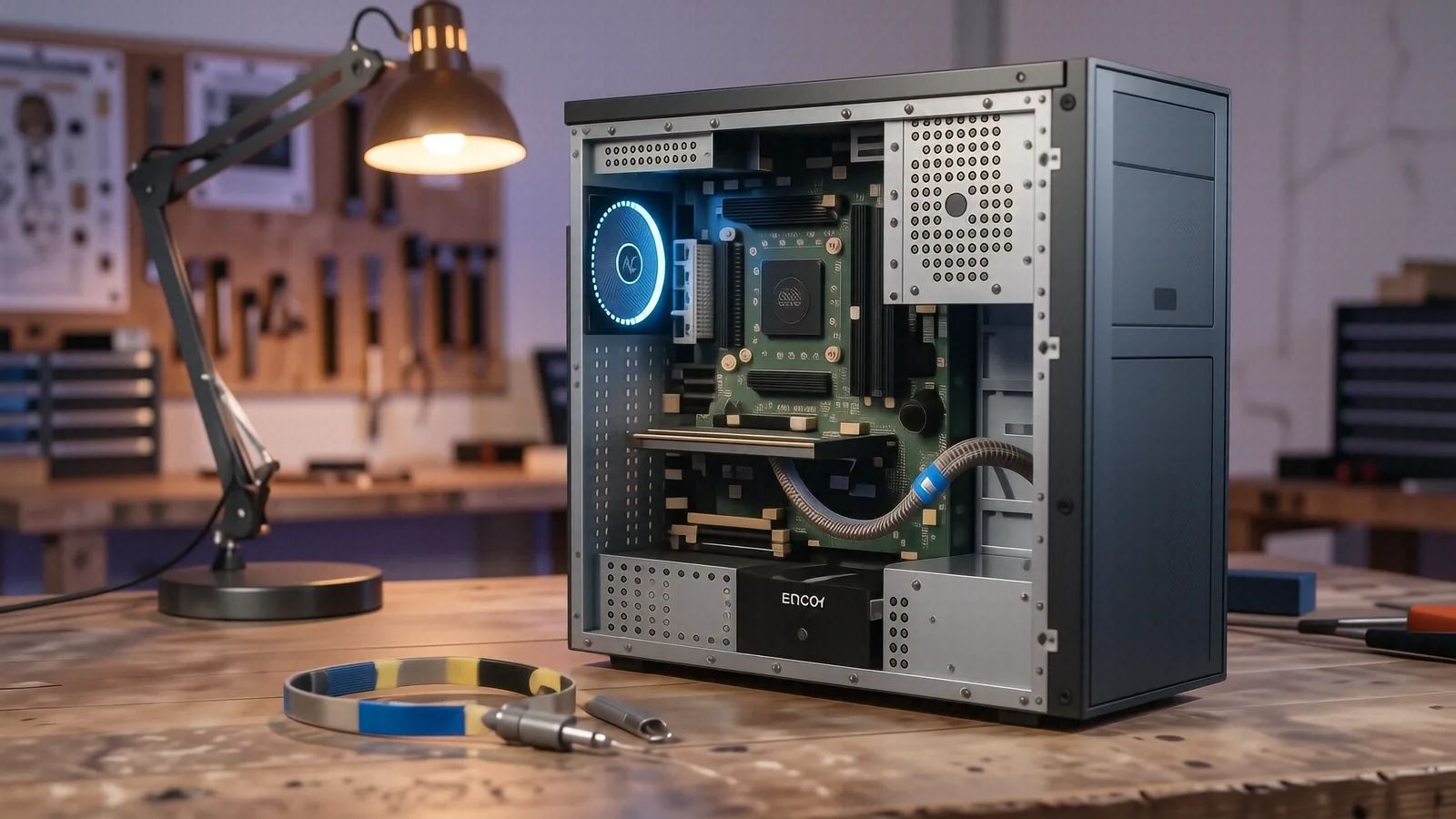
If the issue seems hardware-related, we open the chassis. We use multimeters to check voltage levels and specialized software to stress-test the RAM and the processor. This prevents a situation where we “fix” one thing only for another component to fail two days later. You deserve a repair that actually sticks.
Speed and Communication
Time is your most valuable asset. We know that if you are a professional working from home in Miamisburg, being without a computer is not an option. Because we handle our own repairs on-site, we can often provide a turnaround time of 1 to 3 business days for most common issues. A big-box store might take two weeks just to get your device through their intake system.
We also believe in plain English. You won’t hear us throwing around technical jargon just to sound smart. If your laptop needs a new cooling fan, we tell you that. If your motherboard has a short circuit that makes repair impossible, we will show you exactly why. We provide honest estimates before any work begins so there are no surprises when you come to pick up your device.
Specialized Support for Work and School
The demographic in our area is diverse, ranging from students at local colleges to engineers working near Wright-Patterson AFB. This means the computers we see vary wildly in complexity.
Student Tech Support
Students often struggle with laptops that have been shoved into backpacks without protection. We frequently see bent hinges on budget laptops or damaged charging ports from constant plugging and unplugging. If your school laptop is acting up, we can help diagnose whether it is a software conflict or a hardware failure. We can also assist with setting up reliable cloud backups so a single crash doesn’t ruin your semester.
Professional and AFB-Family Support
For those working in highly technical fields or supporting military operations near Fairborn, reliability is non-negotiable. You likely rely on secure connections and stable workstations. We understand the need for high-performance hardware that can handle heavy multitasking without thermal throttling. Whether you need a RAM upgrade for your workstation or a more robust NVMe SSD for faster data access, we have the parts and the expertise to help.
Visit Us in Centerville
If your computer is acting up, don’t let a small problem turn into a total system failure. A simple fan replacement today can prevent a melted GPU tomorrow. We are located at 264 N. Main Street, Suite C, Centerville, OH 45459. Our doors are open Monday through Friday from 10am to 7pm. You can drop by any time during those hours to leave your device with us for a professional diagnostic.