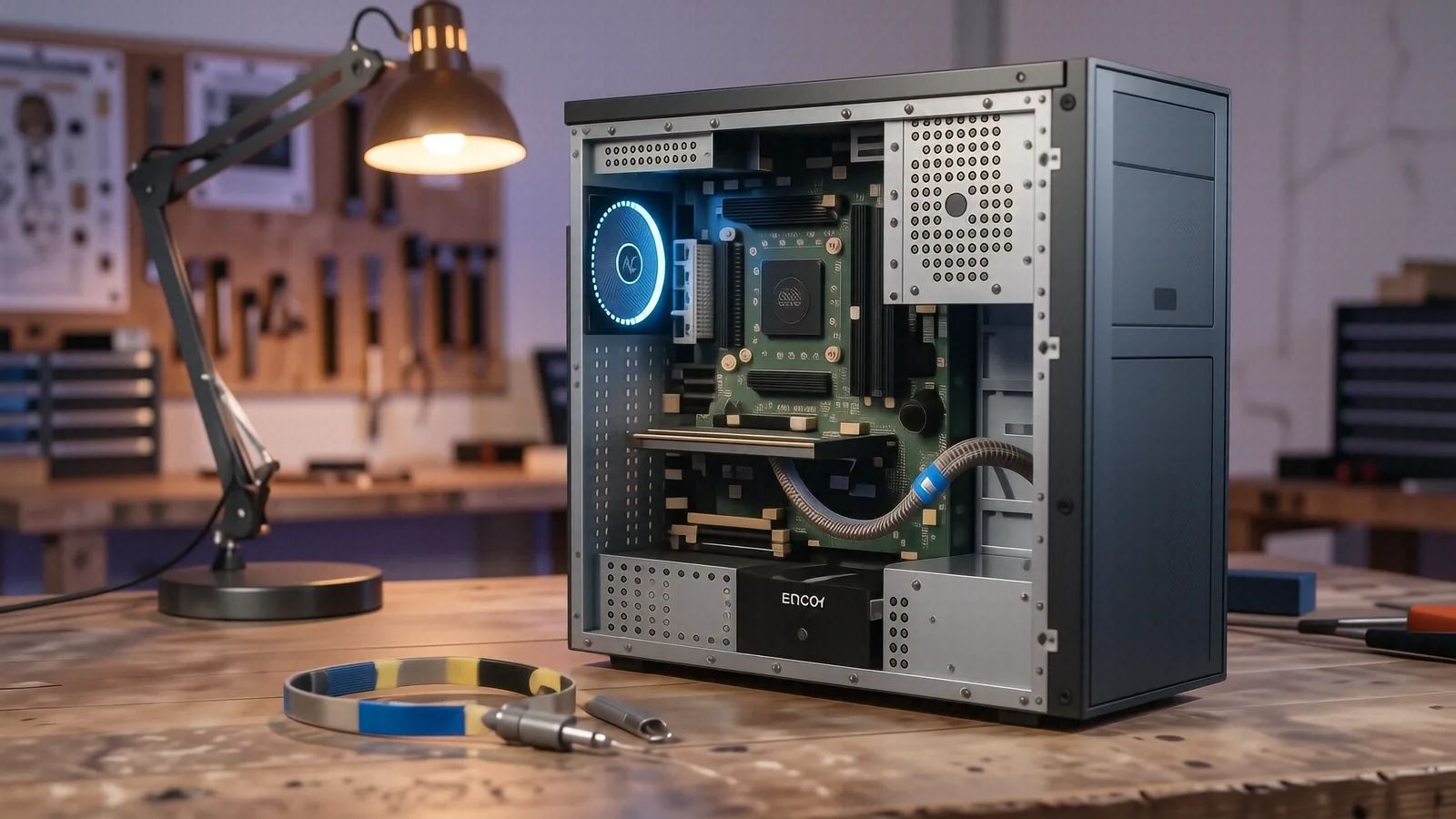
Reliable Computer Repair for Springboro Residents
If you are driving down OH-725 from Springboro toward Centerville, our shop is just a short fifteen-minute trip away. We are located right on North Main Street near the intersection with Far Hills Avenue. Many of our customers come to us from the Clearcreek School District area or neighborhoods near the Springboro Park complex. While you might see big-box retailers in the surrounding suburbs, they usually lack the specialized technical depth required for complex hardware failures.
You don’t have to settle for a generic technician who only knows how to run basic software installers. We handle the deep-level repairs that most retail chains avoid because those jobs require actual bench time and specialized tools.
Why Local Expertise Beats Big-Box Retailers
When your laptop dies, you want answers instead of a vague ticket number. Most national chains operate on a high-volume model where they send your device to a centralized repair depot. This process often adds 7 to 10 business days to your wait time because your machine has to travel across the state. We keep our repairs in-house at our Centerville facility so you can talk directly to the person actually touching your components.
A typical big-box employee might suggest a full system replacement if they see a slow hard drive. We take a different approach by checking your SMART data first to see if an NVMe SSD upgrade will actually solve your speed issues. If your MacBook Pro Retina has a failing battery, we replace the specific component rather than telling you to buy a whole new unit. This direct method saves you hundreds of dollars in unnecessary hardware costs.
The difference is clear when you look at the diagnostic process. A retail clerk often follows a rigid script that ignores the nuance of modern hardware architecture. We understand how a vapor chamber cooling system works on a high-end gaming laptop and why a clogged fan might be causing your CPU to throttle.
Specialized Hardware Diagnostics
We don’t guess when it comes to your data. Our technicians use professional-grade diagnostic tools to verify every component before we ever suggest a repair.
- Storage Analysis: We examine sector health on mechanical drives and wear-leveling stats on SSDs.
- Memory Testing: We run extensive stress tests to find intermittent faults in DDR4 or DDR5 RAM modules.
- Power Rail Inspection: We use multimeters to check if a charging port issue is a simple loose ribbon cable or a blown capacitor on the logic board.
If you bring us a Dell XPS 13 with a flickering screen, we won’t just tell you it’s broken. We will determine if the digitizer is cracked or if the video cable has simply unseated from the motherboard during transit. This level of precision prevents you from paying for parts you do not actually need.
Common Laptop and Desktop Issues We Solve
Your computer is likely more complex than it looks on the surface. A single speck of dust in a ThinkPad T-series fan can cause thermal throttling that makes your entire OS feel sluggish. We see these issues every day at our bench.
Liquid Damage and Spills
Spilling coffee near your keyboard is a nightmare scenario for any professional. While many people think they can just dry the device out with rice, that approach actually traps moisture and accelerates corrosion on the copper traces of the motherboard. When you bring a liquid-damaged device to us, we perform a thorough cleaning using high-purity isopropyl alcohol to neutralize the minerals left behind by the spill.
We often find that a single drop of liquid near a critical component can short out a voltage regulator. We use specialized microscopes to inspect every millimeter of the board for signs of oxidation or “green crust” that indicates active corrosion. If we catch it early, we can often save the machine without needing a total board replacement.
Slow Performance and Software Bloat
Sometimes the hardware is perfectly fine, but your software environment has become a mess. A typical Windows user might find their boot times have jumped from 15 seconds to two minutes because of background processes or corrupted registry entries. We don’t just run a “cleaner” app that promises to fix everything; we actually look at the Task Manager and Event Viewer to see what is hogging your CPU cycles.
If your system is struggling, we might perform a clean installation of Windows or macOS. This removes all the junk files and manufacturer bloatware that slows down your startup process. After the reinstall, we ensure all your drivers are current so your GPU and chipset communicate correctly with the OS.
Screen and Component Replacements
A cracked screen on a Surface Laptop 5 can make the device almost impossible to use for work. We stock a variety of replacement parts, including high-quality LCD panels and replacement hinges that feel as tight as they did when the machine was new. Replacing a screen is delicate work because modern displays are often glued directly to the chassis.
We also handle more granular repairs like:
- Replacing broken keyboard keys on MacBook models.
- Upgrading thermal paste on overheating gaming desktops.
- Fixing loose USB-C ports that no longer hold a connection.
- Installing larger capacity storage drives for extra space.
Serving the Springboro and Wright-Patterson Community
Because we are located so close to the I-675 corridor, we frequently assist families and professionals associated with Wright-Patterson AFB. We understand that many of our customers require high levels of reliability and data security for their work and personal lives. Whether you are a contractor needing a stable workstation or a student at a local college, we treat your hardware with the respect it deserves.
We know that your time is valuable, which is why we provide clear timelines for every repair. Most common repairs, like an SSD upgrade or a battery swap, can be completed within 1 to 3 business days. We will never start a repair that exceeds our initial estimate without getting your explicit permission first.
Data Integrity and Privacy
Your privacy is our highest priority during the repair process. We know that your computer contains sensitive documents, family photos, and private credentials. Our technicians follow strict protocols to ensure your data remains untouched unless the repair specifically requires data migration or OS reinstallation.
We recommend that you back up your most critical files to a cloud service or an external drive before dropping off your device. However, if your computer won’t boot at all, we can often perform data recovery by pulling the NVMe SSD and mounting it on a separate diagnostic station. This allows us to rescue your files even when the laptop itself is completely unresponsive.
Professional Solutions for Every Budget
We do not believe in “mystery pricing” where you get a bill at the end that you didn’t expect. Our $50 minimum diagnostic fee covers the time it takes for a trained technician to actually open your machine and find the root cause of the problem. Once we identify the issue, we provide a detailed breakdown of parts and labor costs.
If a repair is not cost-effective—for example, if a ten-year-old laptop has a failed motherboard—we will tell you honestly. We would rather help you find a reliable refurbished machine than take your money for a repair that won’t last another month. This honest approach is why we have built such strong relationships with our neighbors in the Dayton area.
Whether you are dealing with a broken hinge on an HP Pavilion 15 or a complex GPU failure on a custom gaming rig, we have the tools to help. You can drop your device off at our shop during our standard business hours.
Dayton PC Repair 264 N. Main Street, Suite C Centerville, OH 45459 Phone: (937) 660-4819 Mon-Fri 10am-7pm