Computer Repair Cost Guide
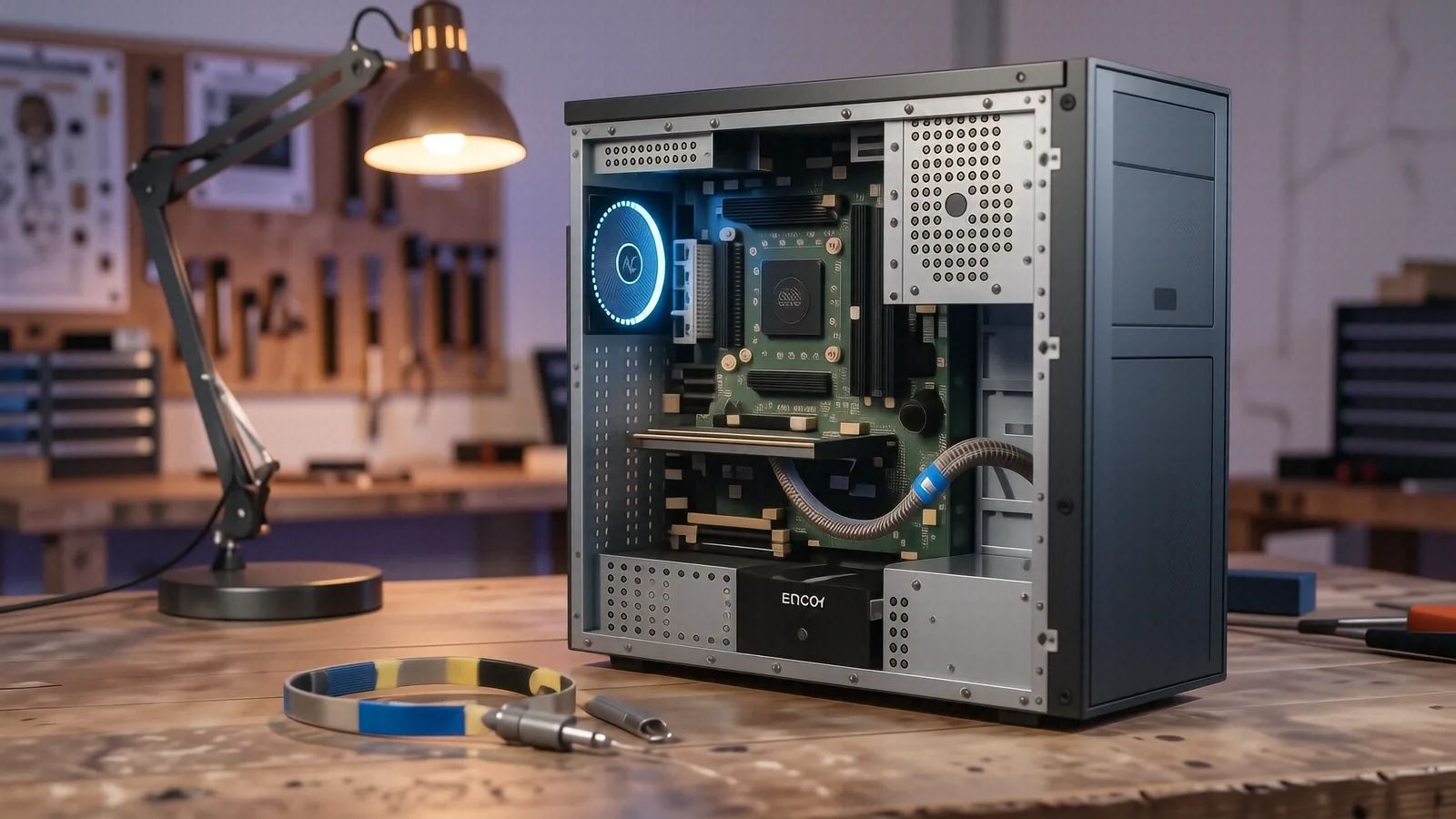
We don't publish shop-prices online because every job is different. Below: what affects the cost, plus what we charge to find out — nothing. Free diagnostic before any work begins.
Why computer repair costs vary
You probably want a single number when you search for “laptop repair near me.” If you were looking for a gallon of milk or a pair of socks, that would be easy. Computers don’t work like that because every device is a unique puzzle of proprietary parts and specialized software. A technician might spend ten minutes replacing a keyboard on an older Lenovo ThinkPad, while a MacBook Pro Retina repair could take two hours just to bypass a security chip.
We don’t publish a flat price list at our Centerville shop for a reason. If we told you a screen replacement was exactly $200, we would be lying to you before we even saw your machine. The cost changes based on what is actually broken inside the chassis.
Sometimes the repair is simple. Other times, the damage affects the entire motherboard.
The specific factors that drive your repair bill
When you bring a device to 264 N. Main Street, our first step is identifying exactly which component failed. We look at several technical variables that dictate how much time and money goes into the fix.
Component availability and sourcing
The part itself is often the largest variable in your quote. If you have a standard Dell Latitude or an HP Pavilion 15, we can usually source parts quickly because those models are mass-produced. However, if you own a high-end Surface Laptop 5 or a specialized gaming rig with a custom vapor chamber cooling system, those parts are harder to find. We have to decide between using an OEM (Original Equipment Manufacturer) part, which matches factory specs perfectly, or a high-quality aftermarket part that might be more affordable but carries different longevity expectations.
Complexity of the teardown
Not all laptops are built to be opened. Some manufacturers use heavy amounts of industrial adhesive to hold everything together, which makes accessing the internal components a nightmare for a technician. While a ThinkPad T-series is designed with modularity in mind so that a tech can swap a drive easily, many modern ultra-books require us to heat the chassis and carefully pry apart the digitiser just to reach a single ribbon cable. This extra labor time is a direct factor in your final estimate.
Diagnostic depth required
A “broken computer” is a symptom, not a diagnosis. You might think your SSD has died because your files won’t load, but the real issue could be a corrupted Windows registry or a failing SATA controller on the motherboard. We use tools like SMART data monitoring to check drive health and Event Viewer to track system crashes. This investigative work takes time. If we just swapped your NVMe SSD without checking the logic board first, we might have wasted your money on a part that wouldn’t have fixed the underlying problem.
Software vs. hardware conflicts
Hardware is physical, but software can be just as expensive to fix in terms of labor. A virus removal might be straightforward if it is a simple trojan, but a deep-seated ransomware infection requires a complete wipe and OS reinstallation. We also have to consider your data. If you need us to migrate 500GB of family photos from a dying mechanical drive to a new solid-state drive, that adds a layer of careful, time-consuming work to the ticket.
The age and “repairability score” of the device
Technology moves fast. A five-year-old laptop might use parts that are now obsolete or difficult to find in a reliable condition. We have to account for the fact that older components often require more delicate handling. When we work on a machine that is nearing its end-of-life, we have to be extra careful not to snap a brittle plastic clip or damage an aging solder joint during the repair process.
Labor specialized skill sets
Different repairs require different toolsets and expertise. Replacing a cracked screen is one level of difficulty. Soldering a tiny capacitor back onto a GPU die or repairing a liquid-damaged logic board requires a much higher level of precision and specialized equipment. You aren’t just paying for the part; you are paying for the twelve years of experience it took to know exactly how much heat that specific component can handle before it melts.
Shipping and logistics
If we cannot find a specific part in our local Ohio inventory, we have to order it. The cost of expedited shipping from a manufacturer or a specialized distributor gets added to the total. While we try to keep these costs minimal, certain niche components for high-end workstations simply aren’t sitting on a shelf nearby.
Why we quote per-job instead of using a menu
A menu of prices is a trap for both the customer and the technician. If a shop tells you a battery replacement is $99, they are assuming your battery is easy to access. What happens if, once we open your Dell XPS 13, we find that the battery has swollen and is currently crushing the trackpad? Now, you don’t just need a battery; you need a new trackpad and potentially a new chassis.
We prefer to provide an honest quote after a physical inspection. This approach protects you from “sticker shock” halfway through the repair. When we perform a diagnostic at our Centerville location, we look for secondary damage that isn’t visible from the outside. We check for corrosion, loose ribbon cables, and thermal issues that might cause the new part to fail immediately.
Our goal is to give you a number that covers everything needed to get your machine back to 100% functionality. This includes the part, the labor, and the testing required to ensure the fix actually worked. We don’t believe in hidden fees appearing on your receipt after you already agreed to the work.
Understanding market averages
If you look at national surveys or large-scale repair franchises, you might see wide ranges for common repairs. For example, a typical screen replacement across the United States often falls between $150 and $350. However, that range is massive because it doesn’t account for whether you have a standard LCD or a high-resolution OLED panel.
While those national averages provide some context, they don’t reflect your specific machine’s needs. A repair that costs $100 in one state might cost $250 in another due to local labor rates and parts availability. We focus on providing a fair, local price based on the actual reality of your hardware.
When the right answer is “not worth fixing”
There is an uncomfortable truth in the repair industry: sometimes, you shouldn’t fix your computer. As technicians, we have seen many situations where the cost of the repair exceeds the actual value of the machine. If you have a budget laptop from 2018 with a failing motherboard and a cracked screen, the combined cost of parts and labor might be $400. If a brand-new, much faster laptop costs $500, it makes no sense to spend your money on an old device.
We will tell you if a repair is a bad investment. We aren’t interested in taking your money for a fix that leaves you with a machine that is still slow, outdated, or prone to further failure. If we see that a motherboard replacement is the only way to save your laptop, but that motherboard costs nearly as much as a new machine, we will lay those numbers out clearly for you.
This honesty is part of being a family-owned business. We want you to come back to us in three years when you need a new computer or a software upgrade, not have you feel cheated by a repair that didn’t make sense.
The “Value vs. Cost” checklist
Before you commit to a repair, consider these three things:
- How much data is on the machine that you cannot lose?
- Is the hardware capable of running the software you need for work or school?
- Would the repair cost more than 50% of the price of a comparable replacement?
If you can answer “yes” to all three, the repair is likely a smart move. If the answers are no, it might be time to start shopping for something new.
How to get an accurate estimate from us
Getting a real number doesn’t have to be a guessing game. We don’t want you driving down Main Street without knowing if we can even help you. To get the most accurate information possible before you visit our shop in Centerville, please have your device’s specific model name ready.
You can usually find this on a sticker on the bottom of your laptop or by typing “System Information” into the Windows search bar. If you are using a Mac, click the Apple icon in the top left corner and select “About This Mac.” Knowing whether you have an HP Pavilion 15 or a MacBook Pro Retina allows us to look up part availability and labor complexity before you even walk through our door.
The most reliable way to get a firm price is to bring the device in for a diagnostic. We will perform a thorough check of your hardware and software, identify the root cause of the failure, and provide you with a written quote. This quote will include the cost of parts, the labor required, and an estimated timeline for completion.
If you are located near Centerville or the surrounding Dayton area, stop by our office at 264 N. Main Street, Suite C. We are open Monday through Friday from 10am to 7pm. You can also call us at (937) 660-4819 to ask any initial questions about your specific model or the types of repairs we handle.