MacBook Battery Replacement Cost Guide
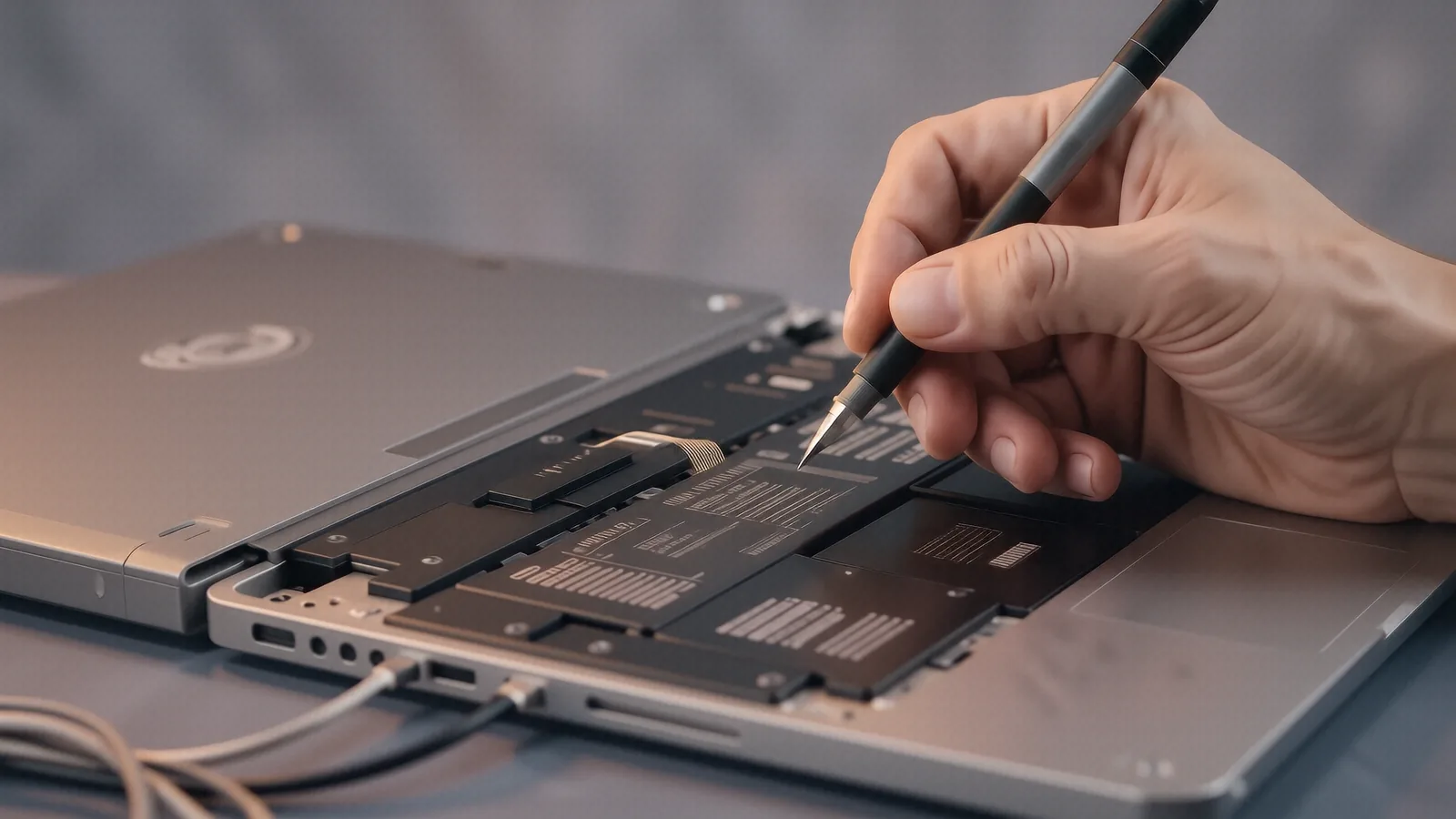
We don't publish shop-prices online because every job is different. Below: what affects the cost, plus what we charge to find out — nothing. Free diagnostic before any work begins.
Understanding MacBook Battery Replacement Variables
Your MacBook Pro or Air is likely showing the dreaded “Service Recommended” warning in your battery settings. While it feels like a simple part swap, replacing a battery in a modern Apple machine is rarely a straightforward task. The cost you pay depends on much more than just the price of the lithium-ion cells themselves.
The internal architecture of your device dictates how much labor we perform. On an older MacBook Pro from 2012, the battery is a separate module that clips into place with a few screws. If you own a newer MacBook Pro Retina or a M2/M3 MacBook Air, the battery is often glued directly to the top case or integrated into the chassis assembly. This requires significant time and precision to remove the old adhesive without damaging the sensitive components underneath.
We see a wide variety of hardware configurations every week at our Centerville shop. Because each model uses different fastening methods and adhesive strengths, we cannot give a single flat rate for all MacBooks. A technician might spend twenty minutes on an older unibody model, but a newer Surface-style integrated design could take over an hour to disassemble safely.
The complexity of the job is the primary driver of your final quote.
Key Factors That Influence Your Total Cost
Several technical and logistical variables determine whether your repair stays on the lower or higher end of the market spectrum. We look at these specific elements during our diagnostic process at 264 N. Main Street.
Battery Chemistry and Capacity
Not all batteries are created equal. High-capacity cells designed for the MacBook Pro 16-inch require different voltage regulation than the smaller cells found in a MacBook Air. While the raw materials cost is similar, the specialized manufacturing required to meet Apple’s original specifications can change the parts procurement cost.
The Integration Level of Your Model
This is perhaps the most significant factor for any technician. In older models, the battery was a distinct component that sat in its own bay. On modern MacBooks, Apple often uses heavy-duty structural adhesive to bond the battery cells to the aluminum housing. Removing this adhesive requires specialized solvents and heat tools so that we don’t puncture a cell or warp the logic board.
Component Damage During Removal
Sometimes, a battery doesn’t just die; it swells. A swollen battery—often called a “spicy pillow”—can put immense pressure on the trackpad or the chassis itself. If your trackpad has been lifted out of its housing or if the aluminum casing is slightly bowed, we have to account for those additional hardware repairs. We cannot simply stick a new battery into a warped frame because it won’t sit flush against the thermal pads.
Availability of OEM vs. High-Quality Aftermarket Parts
You will encounter many shops offering “cheap” replacements. These are often low-grade cells that may lack the precise firmware communication required for macOS to report accurate cycle counts. We prioritize parts that maintain the integrity of your System Report data, which ensures your Mac still knows exactly how much charge is left.
Labor Intensity and Disassembly Complexity
Modern Apple silicon machines (M1, M2, and M3 chips) are incredibly dense. To get to the battery, we often have to move several other components out of the way. This includes delicate ribbon cables for the keyboard, the logic board itself, or even the cooling fans. Every extra step increases the time a technician spends at the bench.
Shipping and Procurement Costs
Since we source parts specifically for your unique model number, shipping speeds can impact the timeline. If you need your MacBook Pro back in 2 business days, we may have to pay a premium to expedite the arrival of the specific battery pack required for your exact year and configuration.
The Condition of Surrounding Hardware
A battery replacement is a great time to check the health of your SSD or your cooling system. If we find that your fans are clogged with dust or your NVMe SSD is showing SMART errors, we will discuss those findings with you. It is often better to address these issues while the machine is already open than to have to take it apart again a month later.
Why We Quote Per-Job Instead of Posting Prices
You might find websites that claim a MacBook battery replacement costs exactly $149. These sites are often misleading because they don’t account for the specific nuances of your hardware. A MacBook Air with a standard battery is a very different project than a MacBook Pro with an integrated vapor chamber cooling system and a glued-in battery.
We provide a custom quote after our technician performs a physical diagnostic. This approach protects you from “sticker shock” where a shop quotes a low price for parts but then adds massive labor fees once they realize the battery is swollen and has damaged the trackpad. We prefer to be upfront about what your specific machine needs before we ever touch a screwdriver.
Every MacBook is a unique ecosystem of parts. Even two machines that look identical on the outside might have different internal revisions based on the month they were manufactured. By inspecting your device in person, we can verify the exact part number and the physical state of the internals.
Our goal is to provide an honest assessment rather than a generic estimate.
When a Repair Might Not Be Worth the Investment
There is a point where repairing a machine becomes a poor financial decision. We believe in being direct with our customers, even if it means telling them not to spend money with us. If your MacBook Pro is over seven or eight years old, the cost of a premium battery might represent a large percentage of the device’s total remaining value.
We look at several indicators to help you make this choice:
- The age of the processor (Intel vs. Apple Silicon).
- The current health of the logic board.
- The physical integrity of the screen and chassis.
If your MacBook has a cracked Retina display and a failing battery, the combined cost of those repairs might be better spent toward a new machine. We will walk you through the math during your diagnostic so you can decide if it makes sense to keep your current device or upgrade to something newer.
A repair is only a good value if it extends the useful life of your computer by several years. If we see signs of liquid damage or significant corrosion on the logic board, we will tell you immediately. Replacing a battery in a machine that is about to fail due to a short circuit is simply throwing money away.
How to Get an Accurate Quote for Your MacBook
If you are ready to get your MacBook back to peak performance, the process is simple. We don’t believe in long wait times or complicated phone menus. You can bring your device directly to our shop at 264 N. Main Street, Suite C, in Centerville.
Our diagnostic process typically takes between 1 and 3 business days depending on how busy the bench is. During this time, we will:
- Run a battery health test using macOS internal tools.
- Inspect the physical state of the battery for swelling or leakage.
- Check the logic board for any signs of heat damage or electrical issues.
- Verify that the charging port and MagSafe/USB-C connection are functioning correctly.
Once we have completed these steps, we will contact you with a firm, all-inclusive price. This price covers the part, the labor, and the testing required to ensure everything is working perfectly before you leave the shop. We do not hide extra fees in the fine print.
If you prefer to start the process remotely, give us a call at (937) 660-4819. While we cannot give you a final price over the phone without seeing the machine, we can certainly discuss your model and give you a general idea of what to expect based on our experience with similar devices.
Stop by during our regular hours, Monday through Friday from 10am to 7pm, to get your MacBook evaluated. We are located right near the heart of Centerville, and we look forward to helping you get your computer running like new again.