Virus Removal Cost Guide
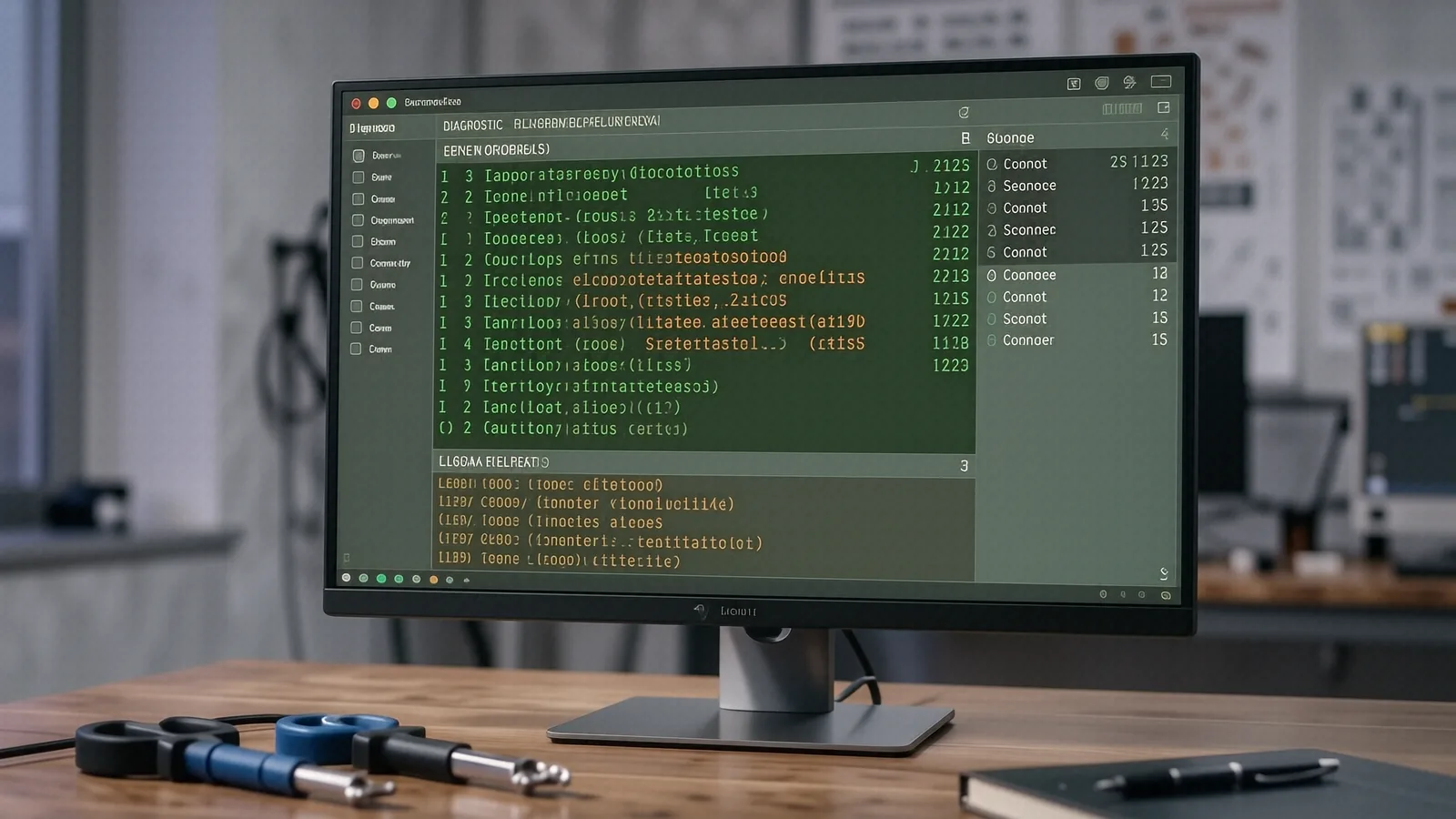
We don't publish shop-prices online because every job is different. Below: what affects the cost, plus what we charge to find out — nothing. Free diagnostic before any work begins.
Why virus removal isn’t a flat rate
You probably want a single number. When your MacBook Pro Retina starts throwing strange pop-ups or your Dell XPS 13 begins running incredibly slow, you want to know exactly what it will cost to fix. Unfortunately, computer repair doesn’t work like buying a gallon of milk because every infection is unique. A simple browser hijacker that redirects your searches is a vastly different beast than a sophisticated ransomware strain that has encrypted your entire NVMe SSD.
We don’t charge a flat fee for “virus removal” at our Centerville shop. Instead, we look at the specific damage done to your operating system and your files. If a piece of malware has simply embedded itself in your Chrome extensions, the fix is relatively quick. However, if a Trojan has gained administrative privileges and started modifying your Windows Registry or system kernel, the labor required increases significantly.
The complexity of the cleanup determines your final bill.
The specific factors that drive your repair cost
When we pull your machine onto our bench at 264 N. Main Street, we aren’t just looking for a single file to delete. We are performing a deep forensic sweep of your entire digital environment. Several technical variables dictate how much time we spend working on your device.
The type and depth of the infection
Not all malware is created equal. A basic adware infection might only require us to clear your browser cache and remove a few malicious extensions. This is a relatively straightforward task that usually takes less than an hour.
Ransomware is a different story entirely. If you find a note on your screen demanding Bitcoin to unlock your photos, we have to determine if the encryption can be reversed or if we need to rebuild your entire OS from a clean backup. While some decryption tools exist for specific older strains, many modern attacks are nearly impossible to “undo” without a prior backup. This requires much more intensive labor than just deleting a suspicious .exe file.
Operating system integrity and corruption
Malware often targets core system files to ensure it can restart even after you reboot your computer. On a Windows 11 machine, a virus might corrupt the Boot Configuration Data (BCD) or damage the Windows Update service so that you can no longer patch security holes. If the infection has compromised the very foundation of the OS, we cannot simply “clean” it. In those cases, we have to perform a clean installation of Windows, which involves wiping the drive and reinstalling everything from scratch.
Mac users face different hurdles. While macOS is generally more resilient, certain types of malware can still target your Keychain or modify your LaunchAgents to maintain persistence. If the malware has bypassed Apple’s Gatekeeper settings, we have to spend extra time verifying that every single background process is legitimate before we hand the laptop back to you.
The sheer volume of data to scan and verify
Your hardware specs play a role in how long the diagnostic takes. A high-end gaming rig with a massive 4TB NVMe SSD will take significantly longer to scan thoroughly than an older laptop with a 256GB drive. We don’t just run one quick scan and call it a day. We check SMART data for hardware health, inspect running processes in Task Manager or Activity Monitor, and verify the integrity of your file system.
If you have hundreds of thousands of small files—like a massive photo library or a complex coding project—the scanning process slows down. Every single file must be checked to ensure no dormant scripts are hiding inside legitimate-looking documents. This deep dive is necessary so that we don’t return your machine only for it to get re-infected twenty minutes later.
Presence of secondary infections
It is very common for one “entry point” to lead to multiple different problems. You might think you just have a popup problem, but once we dig into the Event Viewer or the system logs, we find that a keylogger was also installed to steal your passwords. We also look for “backdoors” that allow hackers to re-enter your system remotely. Cleaning up three different types of malware is obviously more labor-intensive than cleaning up one.
The state of your backups
Your backup situation changes the entire trajectory of the repair. If you have a recent, uncorrupted Time Machine backup on an external drive or a clean cloud backup in OneDrive, we can often restore your system to a known good state very quickly. This is much faster than trying to surgically remove every single infected file from a live, messy system.
If you don’t have backups, the job becomes much more delicate. We have to spend extra time attempting to salvage your personal documents, photos, and tax returns while ensuring we aren’t accidentally saving the virus along with them. This manual data recovery process is highly skilled work that requires a cautious approach.
Hardware-level interference
In rare, extreme cases, malware can attempt to flash malicious firmware to your BIOS or UEFI. While this is uncommon for standard home users, it is a nightmare scenario for a technician. If the infection has moved from your software into your hardware’s permanent memory, the repair becomes an incredibly complex task that most standard software tools cannot solve.
Why we quote per-job instead of using a menu
You might see websites online claiming they can fix any virus for exactly $99. These sites are often misleading or rely on automated software that doesn’t actually solve the underlying problem. At our shop, we believe in transparency through diagnostics rather than false promises through flat rates.
Every machine that comes into Suite C is different. A ThinkPad T-series with a broken fan and a virus requires a different approach than a Surface Laptop 5 that has been hit by a phishing attack. We need to see the “patient” before we can prescribe the cure. If we gave you a flat rate, we would either have to overcharge everyone to cover the difficult cases or undercharge and go out of business when we hit a complex ransomware job.
We perform a comprehensive diagnostic first. During this time, we look at:
- The specific malware signatures found in your system logs.
- Whether your hardware (like your SSD or RAM) is failing and contributing to the “symptoms.”
- The level of damage to your user profile and registry settings.
Once we have those answers, we provide a clear estimate. This allows you to make an informed decision before we ever touch your data.
National surveys often suggest that professional malware removal services range anywhere from $100 to $300 depending on the severity. While these numbers provide a general idea of the market, they don’t account for the specific nuances of your hardware or the depth of the infection. We prefer to give you a real number based on real evidence.
Knowing when it is not worth fixing
There is an honest truth in this industry that many shops won’t tell you: sometimes, the right answer is “not worth fixing.”
If you have a ten-year-old laptop with a failing hard drive and a deep-seated infection, the cost of the labor to clean it might be close to the actual value of the machine. If we spend three hours cleaning an old HP Pavilion only for the motherboard to fail a week later, you will feel like you wasted your money.
We will always tell you if we think a repair is a bad investment. If the cost of professional removal and OS rebuilding exceeds the replacement value of your computer, we will suggest looking at a new device instead. Our goal is to help you maintain a working computer, not just to collect a repair fee. We want you to walk out of our Centerville location feeling like your tech is reliable again.
If your machine is relatively new—like a recent MacBook Pro or a high-end Dell XPS—the investment in a professional cleaning is almost always worth it to protect your data and your hardware.
Get a real number for your repair
Stop guessing how much your computer problem will cost. If your device is acting strange, behaving erratically, or showing signs of a breach, bring it to us for a professional assessment. We can provide a concrete quote after we have performed a thorough diagnostic on your specific system.
You can visit us at 264 N. Main Street, Suite C, Centerville, OH 45459. We are open Monday through Friday from 10am to 7pm. If you want to get a head start, give us a call at (937) 660-4819 to ask about our current diagnostic turnaround times.