Local Data Recovery for Centerville Residents
If you are driving down towards the historic district near the Centerville Library or passing through the shops near Shipley Way, you are likely only a few minutes from our front door. We are located at 264 N. Main Street, Suite C, right in the heart of the city. Because we sit just off the main corridors like OH-725 and near the intersection of Far Hills Avenue, getting your failing drive to us is easy. Most neighbors from the Fraze Pavilion area or those living near the Centerville High School campus can reach our shop in under ten minutes.
Losing files feels like a physical weight in your chest.
You might be staring at a MacBook Pro Retina that won’t boot, or perhaps your Windows laptop is stuck in a “Repairing Disk Errors” loop. When these things happen, the instinct is to run to a big-box retailer like Best Buy or Staples because they are familiar. While those stores offer some basic troubleshooting, they rarely perform actual deep-sector data recovery in-house. They usually just take your device, ship it to a massive third-party lab, and charge you a premium for the middleman service. At Dayton PC Repair, we handle the diagnostic work right here on our bench.
The Reality of Failing Storage Media
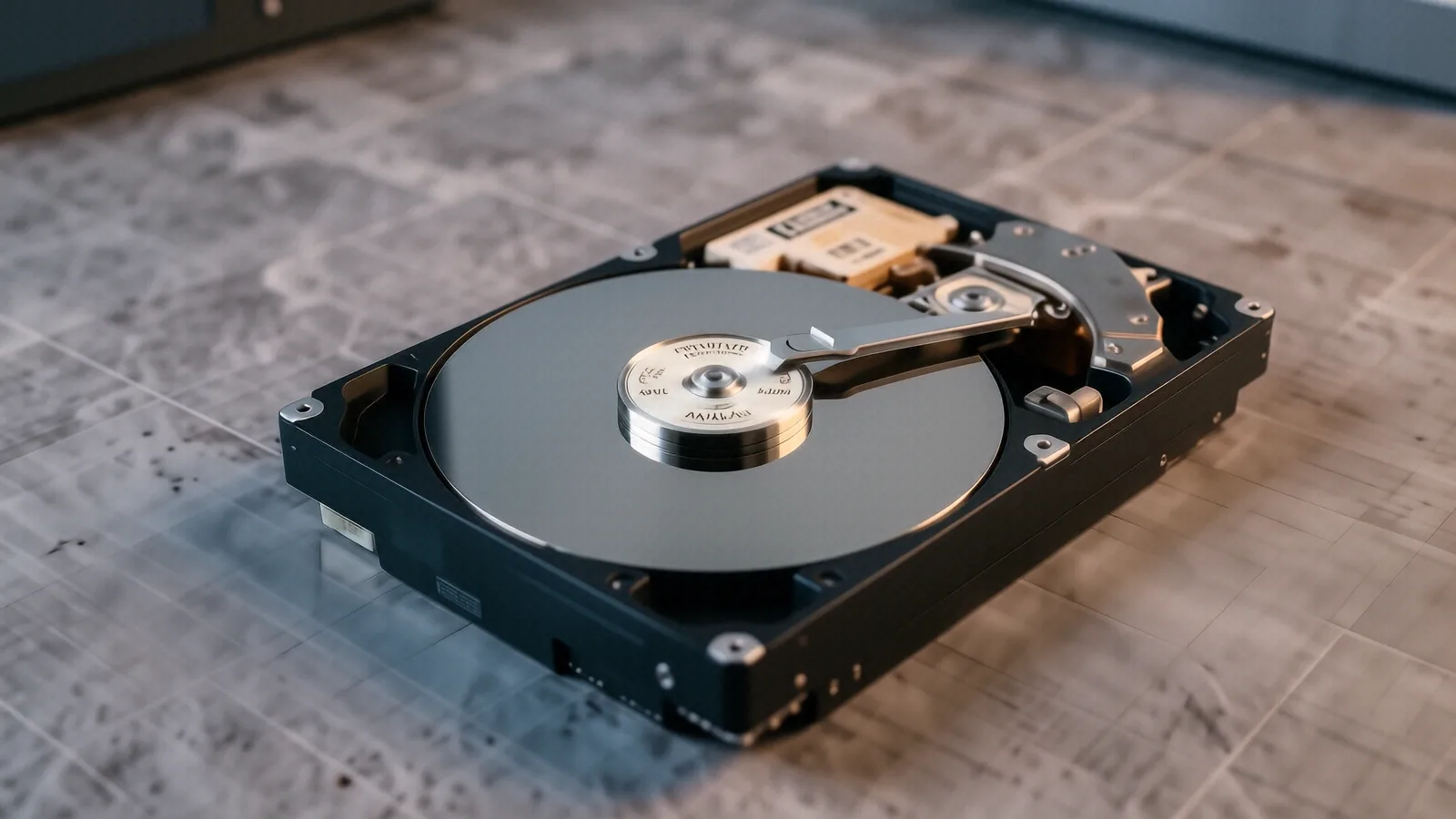
Not all data loss is created equal. Some problems are software-based, while others involve physical hardware failure that requires a cleanroom environment or specialized tools. If your NVMe SSD suddenly disappears from the BIOS, you might be looking at a controller failure. This is different from a traditional spinning hard drive where the mechanical heads have crashed against the platters.
When a mechanical drive makes a clicking or grinding sound, stop using it immediately. Every time that drive spins, the damaged head could be scraping the magnetic coating off your actual data, which turns a recoverable situation into a permanent loss. We see this often with older external drives used for family photo backups. If you hear that rhythmic clicking, bring it to us before the damage becomes irreversible.
SSD vs. HDD Recovery Challenges
Recovering data from an NVMe SSD or a SATA SSD is fundamentally different than working with an old-school spinning disk. Modern Solid State Drives use a process called TRIM, which tells the drive to proactively wipe deleted data blocks to maintain high write speeds. If you accidentally delete a folder and then keep using the laptop, the operating system might tell the SSD to permanently erase those sectors within minutes. This makes “undelete” software much less effective on modern machines like a Dell XPS 13 or a Surface Laptop 5 compared to the hard drives of ten years ago.
We use professional-grade forensic tools to attempt to bypass the controller and read the NAND flash chips directly when possible. Although this is a complex process, it provides a much higher success rate than running consumer-grade recovery apps that often just create more file system corruption. You need a technician who understands how wear leveling and garbage collection work on a hardware level.
Common Symptoms of Impending Failure
You can often spot a failing drive before it completely dies. Watch for these specific red flags:
- Frequent Blue Screen of Death (BSOD) errors with “Critical Process Died” messages.
- Files or folders suddenly appearing as “corrupt” or refusing to open in applications.
- Extremely slow file transfer speeds when moving data to an external drive.
- The computer freezing for several seconds whenever you try to access a specific directory.
If your ThinkPad T-series is behaving this way, the SMART (Self-Monitoring, Analysis, and Reporting Technology) data will likely show an increasing count of reallocated sectors. We check this data first during our diagnostic phase. If the error count is rising, we know we have a limited window to get your files off that drive safely.
Why Centerville Professionals Choose Our Bench
Many of our clients are professionals working near the Wright-Patterson AFB area or local business owners who cannot afford a single day of downtime. When a local accountant loses a client spreadsheet, they don’t want a generic “we will call you in a week” response from a retail chain. They need to know exactly what the hardware status is. We provide a clear, honest assessment after our initial bench diagnostic.
We do not use high-pressure sales tactics to convince you that your entire computer needs replacing. If we can recover your data by repairing a damaged ribbon cable or re-seating a connection, that is what we will suggest. Our goal is to get your files back first, and then discuss whether the hardware itself is worth saving.
The Cost of DIY Recovery Software
It is tempting to download a “free” recovery tool from the internet to try and fix the problem yourself. While some tools work for simple accidental deletions, they can be disastrous for a physically failing drive. Most consumer software works by writing new data to the disk while trying to read old data. This “write” action can overwrite the very files you are trying to save.
A typical recovery project involves several stages:
- Initial physical inspection of the device and ports.
- Software-based imaging to create a bit-for-bit clone of the drive.
- Deep scanning of the clone using forensic hardware.
- File reconstruction and verification for integrity.
By working on a clone rather than the original failing drive, we minimize the risk of total data loss during the recovery process. This is a standard professional practice that most big-box stores simply do not follow. We treat your data with the same level of caution we would use for our own family photos.
Dealing with Encrypted Drives
Encryption adds a significant layer of difficulty to the recovery process. If you use BitLocker on Windows or FileVault on a MacBook, the data is scrambled at a fundamental level. Without the original recovery key or the correct user credentials, even the most advanced hardware tools cannot read the files. We often see customers who have lost their encryption keys after a motherboard failure.
If your laptop’s logic board fails, the encryption keys stored in the TPM (Trusted Platform Module) chip may become inaccessible. This is a specialized situation that requires deep technical knowledge of how modern security chips interact with the CPU. We will tell you upfront if encryption makes your data unrecoverable so you aren’t left waiting for a miracle that isn’t coming.
Our Diagnostic Process and Timeline
When you drop off your device at our Centerville shop, we start by documenting the exact symptoms you described. We don’t just “try things” until it works; we follow a structured protocol to ensure we don’t make the problem worse. This starts with checking the power rails and ensuring the drive is actually receiving stable voltage.
After the initial hardware check, we move into the imaging phase. For drives that are physically struggling, we use specialized controllers that can handle read errors more gracefully than a standard USB adapter. This process can take anywhere from 24 to 72 hours depending on the size of the drive and the severity of the damage. We aim to provide an update within 1-3 business days for most standard recovery tasks.
If we encounter a mechanical failure that requires opening the drive casing, we will contact you before proceeding with any high-risk steps. We believe in transparency because you deserve to know exactly what is happening with your digital life. We provide clear pricing based on the complexity of the recovery rather than hidden fees.
Getting Your Data Back Today
Don’t wait until a drive becomes completely unresponsive to think about data recovery. If your computer has been acting sluggish or throwing errors, the damage might already be progressing. Taking proactive steps like backing up your most important files to a cloud service or an external NVMe SSD can save you hundreds of dollars in the long run.
If it is already too late for a simple backup, bring your device to us. We are located at 264 N. Main Street, Suite C, Centerville, OH 45459. You can find us easily near the center of town, and we are open Monday through Friday from 10am to 7pm.