Local Data Recovery Services for Dayton Residents
If you are driving from downtown Dayton toward Centerville via I-75 or OH-48, you are only about 15 miles away from our repair bench. Our shop sits just off Far Hills Avenue in the heart of Centerville. Many of our customers travel to us from near Oregon District or the Wright-Stillwater area because they need specialized technical attention. While big-box retailers like Best Buy or Staples offer basic tech support, they rarely handle actual data recovery. They usually just tell you to buy a new drive or refer you to an expensive national lab that charges thousands of dollars before they even start working.
We do things differently here at Dayton PC Repair. We don’t treat your lost files like a retail transaction. When a mechanical hard drive fails or an NVMe SSD becomes unreadable, we look at the hardware directly.
Why Your Drive Stopped Working
Data loss rarely happens without a warning sign. You might have noticed your Dell XPS 13 slowing down significantly over the last month, or perhaps your MacBook Pro Retina began making a rhythmic clicking sound. That clicking is often the sound of a physical actuator arm struggling to find its track on a spinning platter. If you ignore those signs, the drive can suffer permanent head crashes that make recovery much harder.
There are several ways files disappear from your life. A sudden power surge can fry the controller chip on a Samsung or Western Digital SSD. You might accidentally drop your Surface Laptop 5, which snaps a delicate ribbon cable or cracks the internal storage mounting. Sometimes, it is just a software glitch where a Windows update corrupts the file system table.
Mechanical Hard Drive Failure
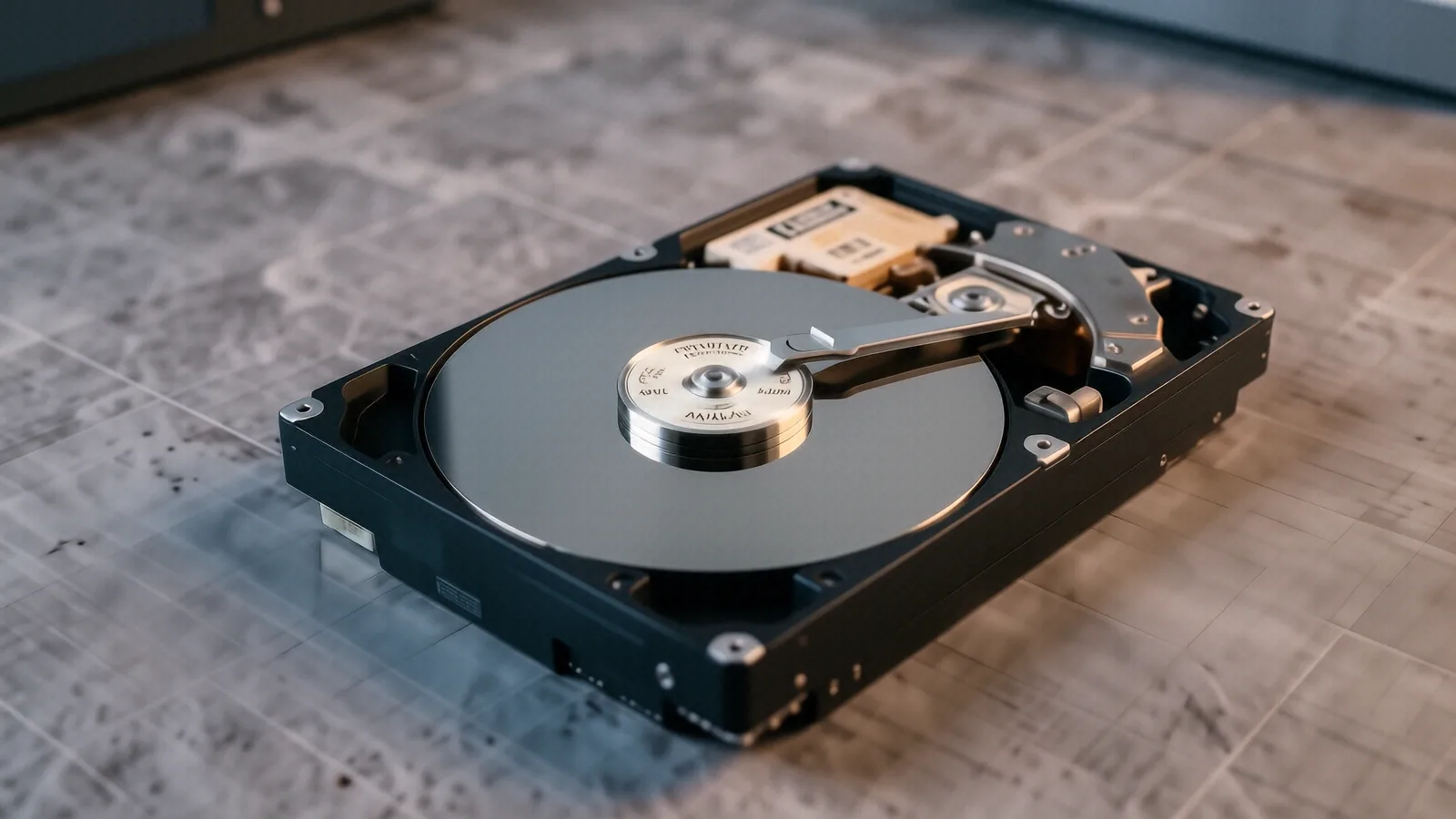
Traditional hard drives use spinning magnetic platters and moving read/write heads. Because these parts move at thousands of RPMs, any physical shock can cause the head to touch the platter. This creates “media damage,” which is essentially microscopic scratches on your data. If you suspect a mechanical failure, stop using the drive immediately. Every second the motor spins, it could be scraping more data into dust.
SSD and NVMe Issues
Solid State Drives work differently because they have no moving parts. Instead of magnetic platters, they use NAND flash memory cells to store your bits. When an SSD fails, it is often due to a controller failure or “cell exhaustion” where the drive can no longer hold a charge. This makes recovery much more complex than traditional drives because we cannot simply swap a motor or a head assembly. We have to bypass the controller to talk directly to the memory chips.
Logical Errors and Corruption
Not every data loss problem is physical. Sometimes your hardware is perfectly healthy, but the “map” that tells the computer where files live is broken. This happens during interrupted file transfers or failed OS reinstalls. You might see errors like “File Not Found” or “Drive must be formatted before use.” While these look scary, they are often the easiest problems for a technician to solve using specialized forensic software.
The Difference Between Local Repair and National Labs
When you walk into a massive retail chain in Dayton, you aren’t talking to a technician. You are talking to a salesperson who follows a rigid script. If your ThinkPad T-series laptop has a dead drive, they will likely suggest a factory reset or a replacement part. They aren’t equipped to handle the delicate, microscopic work required to extract data from a damaged chip.
National recovery labs often charge a “diagnostic fee” that can exceed $100 just to tell you what is wrong. Many of these companies operate out of massive cleanrooms in other states, which means your drive might be shipped across the country multiple times. This adds risk and increases the turnaround time significantly. We prefer a hands-on approach where you know exactly who is working on your device.
We focus on several specific recovery scenarios:
- Recovering deleted photos from an SD card after a formatting error.
- Salvaging documents from a failed Western Digital external drive.
- Extracting files from a laptop that won’t boot due to a corrupted Windows registry.
Our goal is to provide a realistic assessment within 1-3 business days. We don’t make empty promises about “100% recovery” because physics and hardware damage sometimes make that impossible. Instead, we give you the honest truth about your SMART data and the likelihood of a successful extraction.
Serving the Wright-Patterson AFB Community
We see a lot of military families from the Beavercreek and Fairborn areas who rely on us for critical data recovery. If you are working with sensitive research or family archives, you need a technician who understands the stakes. We know that losing a decade of digital photos is a different kind of crisis than losing a single spreadsheet.
Many of our customers are professionals who use high-end workstations for engineering or data analysis. Whether you have a custom-built desktop with a RAID array or a high-end workstation, we understand how to navigate complex file systems. We treat your privacy with the same seriousness that you do.
Common Scenarios We Handle Daily
A typical day at our Centerville shop involves a wide variety of hardware. One hour we might be looking at a cracked iPhone screen, and the next we are performing bit-level imaging on a failing Seagate drive.
- Ransomware Recovery: If your files have been encrypted by malware, we can analyze the infection to see if a decryption tool exists.
- Accidental Deletion: We use forensic tools to find files that were “deleted” but haven’t been overwritten by new data yet.
- Water Damage: If you spilled coffee on your laptop, we can attempt to clean the logic board and stabilize the components for data extraction.
Preparing Your Device for Recovery
If you realize your data is missing, please follow these steps to increase your chances of success. First, power down the device immediately. Do not try to “reboot it a few times” to see if it works. Every time the operating system runs, it writes new temporary files to the drive, which can overwrite the very data you are trying to save.
If the drive is an external USB device, unplug it from the computer. If it is an internal drive, leave the laptop turned off. If you have a backup routine like OneDrive or Dropbox, check those cloud services first. Sometimes your most important files are already synced to the cloud, which saves you a trip to our shop.
What We Need From You
When you bring your device to 264 N. Main Street, Suite C, please provide as much context as possible. Tell us exactly what happened right before the failure occurred. Did the computer freeze? Did it make a loud pop? Did you see a Blue Screen of Death (BSOD)? These small details help us narrow down whether we are dealing with a software conflict or a hardware catastrophe.
We also ask that you bring any necessary power adapters. A faulty charger can sometimes mimic the symptoms of a failing motherboard, and having the original equipment helps us rule out simple power issues during our diagnostic phase.
Our Process and Pricing
We don’t believe in hidden fees or surprise bills. We start with a $50 minimum diagnostic fee to cover the labor of opening the device and testing the components. After we run our initial tests—checking SMART attributes, voltage rails, and sector counts—we will give you a clear quote.
If the recovery is straightforward, like a logical file restoration, we can often get it back to you quickly. If the job requires physical component replacement or specialized chip-off procedures, we will discuss the costs before we proceed with any invasive work. We want you to be in control of the decision-making process at every stage.
Stop by our Centerville location to discuss your data loss. We are located at 264 N. Main Street, Suite C, Centerville, OH 45459. You can find us Monday through Friday from 10am to 7pm.