Local Data Recovery for Fairborn Residents
If you are driving out of Fairborn toward our shop in Centerville, you are looking at about a 20-minute trip. Most of our customers coming from near Wright-Patterson AFB or the residential areas around Greene County Park follow I-675 south to reach us via Far Hills Avenue. We sit right on N. Main Street, just a short distance from the Centerville commercial center. While you might find some basic tech help near the Fairborn retail corridors, specialized data recovery requires a different level of hardware and cleanroom-adjacent precision.
We handle the heavy lifting for your lost files.
Why Your Drive Failed in the First Place
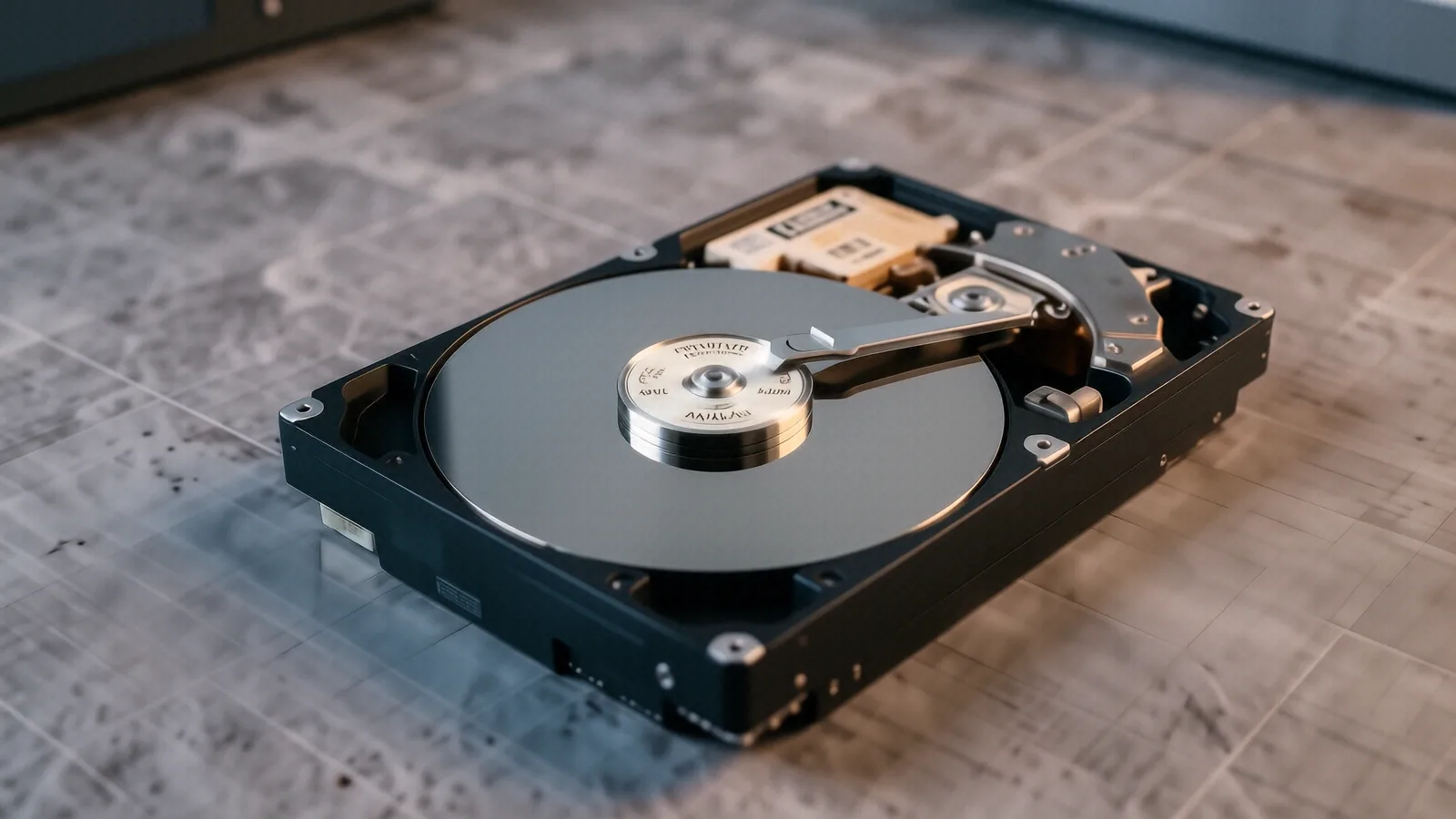
When a hard drive or an NVMe SSD stops responding, it rarely happens without a reason. You might notice your Windows boot screen freezing during a recent update, or perhaps your MacBook Pro Retina suddenly shows a flashing folder icon instead of your desktop. These symptoms often point to failing sectors on a mechanical platter or a controller failure on a solid-state drive. If you hear a rhythmic clicking sound coming from your laptop, stop using it immediately because every second the platters spin, the read/write head could be physically scraping your data into dust.
Most people assume a software glitch is the culprit when things go wrong. While a corrupted file system or a bad driver can make files disappear, true hardware failure is much more destructive. You might try running a CHKDSK command or using a third-party recovery tool you found online, but these methods often stress a dying drive even further. If the firmware on your Samsung or Western Digital SSD has locked itself into a read-only state, software alone won’t fix it. We use specialized hardware interfaces to bypass standard OS limitations so that we can stabilize the drive before attempting a bit-for-bit clone.
A sudden power surge can also fry a logic board. This is common in older homes near the Fairborn city center where electrical grids might fluctuate during heavy storms. When the voltage spikes, it can jump the protection diodes and hit the delicate NAND flash chips directly. We look for these specific points of failure during our initial diagnostic phase.
Beyond the Big-Box Retail Experience
You have probably considered driving to a Best Buy or a Staples to see if their Geek Squad can help you. While those big-box stores are fine for replacing a cracked screen on an HP Pavilion 15 or installing more RAM, they are not data recovery specialists. Most of those technicians are generalists who follow a strict script provided by a corporate manual. If their basic software tools don’t find your files within the first twenty minutes, they will likely tell you the drive is unrecoverable and suggest you buy a new one.
We do things differently at our Centerville bench. We don’t just run a generic scan and hope for the best. Our process involves deep-level diagnostics where we check SMART data to see exactly how many reallocated sectors your drive has accumulated. Because we are a family-owned shop, we don’t have a corporate manager breathing down our necks to upsell you on unnecessary repairs or a new laptop. We focus entirely on whether the data can actually be pulled from the physical medium.
If you live near the Fairborn airport or work at the base, you know that precision matters. You wouldn’t want a general mechanic trying to fix a jet engine, so why trust a retail clerk with your family photos or business spreadsheets? We provide a transparent assessment of what is possible before you commit to a full recovery service.
The Technical Reality of Modern Storage
Recovering data from an old-school mechanical HDD is very different from recovering data from a modern NVMe SSD found in a Dell XPS 13. Mechanical drives rely on physical movement, which means we have to worry about motor seizure and head crashes. If the spindle motor fails, we have to physically swap the drive into a donor unit that matches your exact model number and firmware version. This is a high-stakes operation that requires extreme patience and steady hands.
Solid-state technology has introduced its own set of headaches for technicians. Because SSDs use “wear leveling” to spread data across different cells, the files aren’t stored in one continuous physical location like they were on an old spinning disk. When a controller chip dies on a Surface Laptop 5, the data is essentially trapped behind a locked gate. We use specialized tools to attempt to communicate directly with the NAND chips if the main controller is no longer responding to standard commands.
Understanding File System Corruption
Sometimes the hardware is perfectly healthy, but the “map” of your data is gone. This happens during an improper shutdown or a failed Windows Update. The NTFS or APFS file system becomes scrambled, leaving the computer unable to find where one file ends and another begins. In these cases, we reconstruct the directory structure by scanning the raw hex code on the drive.
It is a tedious process. We look for “magic bytes” that identify specific file headers, such as the signature for a JPEG or a PDF. Once we find those patterns, we can piece the files back together even if the master file table is completely wiped out.
The Importance of Physical Stability
If your device was dropped or suffered liquid damage, the recovery priority shifts immediately. Liquid causes electrolysis, which eats away at the copper traces on a logic board in a matter of hours. If you spilled coffee on your ThinkPad T-series, do not try to turn it on to “see if it still works.” Turning it on sends electricity through those damp circuits and can cause a permanent short that destroys the storage chip forever.
We prioritize cleaning the boards with ultrasonic baths or high-grade isopropyl alcohol to stop the corrosion process. After the hardware is stabilized, we move on to the data extraction phase. This staged approach ensures that we don’t lose data due to preventable electrical shorts during the recovery attempt.
What to Expect During Our Process
When you bring your device to us, we start with a formal intake and a physical inspection. We check for signs of impact, liquid ingress, or thermal damage from an overheating GPU die. After the initial look, we perform a non-invasive diagnostic to see if the drive is even communicating with the system. We will give you a clear explanation of what we found, whether it is a simple partition error or a catastrophic hardware failure.
Our turnaround time for most standard recoveries is typically 1 to 3 business days, though complex physical repairs can take longer. We don’t charge a fee just to tell you the news; our goal is to provide a path forward. If we determine that the data is physically unrecoverable due to extreme platter damage, we will tell you that straight up. We value your time and your trust more than a quick sale.
You will receive regular updates on the status of your files. We know how stressful it is to lose access to important documents or years of digital memories. Our technicians work with a sense of urgency, but we never sacrifice accuracy for speed because a mistake during recovery can be permanent.
Preparing Your Device for Drop-Off
If you are coming from Fairborn, please try to back up anything you can access before you leave. If the computer is still booting, copy your most critical files to a USB thumb drive or a cloud service like OneDrive immediately. Once the device becomes unresponsive, that window of opportunity closes.
When you arrive at our shop, please bring any necessary power adapters or external enclosures that came with the device. For laptops, having the original charger is helpful because we need to test how the device handles different power loads during our diagnostics. If you are dropping off an external drive, tell us exactly what happened—did it fall, did it get wet, or did it just stop appearing in Windows Explorer?
We are located at 264 N. Main Street, Suite C, Centerville, OH 45459. Our doors are open Monday through Friday from 10am to 7pm. Bring your device by the shop whenever you are ready for a professional assessment.