Getting Your Files Back in Kettering
If you are driving from the Oakwood area or near the Kettering Valley School District, you are only about 10 to 12 miles away from our shop in Centerville. Most of our customers coming from Kettering take OH-48 south or hop on I-75 to reach us quickly. We sit right on N. Main Street, just a short trip past the usual retail clusters. While you might find a big-box store near the Kettering Galleria that offers basic tech support, they rarely handle true data recovery.
Most national chains will simply tell you that your drive is dead and suggest buying a new laptop. They do not have the specialized tools or the cleanroom environment required to pull data from a failing NVMe SSD or a clicking mechanical hard drive. We focus on the actual hardware failure because we know how much those family photos or tax documents matter.
You can drop off your device at our Centerville location whenever it fits your schedule.
Why Big-Box Stores Fail at Data Recovery
When you walk into a place like Best Buy or Staples, you are talking to a generalist. These technicians follow a strict script that prioritizes hardware replacement over data salvage. If your MacBook Pro Retina has a logic board issue that prevents the drive from mounting, they will likely suggest a factory reset. A factory reset is the worst thing you can do when you are trying to save files because it overwrites the very sectors where your data lives.
We take a different approach by looking at the physical and logical state of your storage media. We use professional-grade diagnostic software to check SMART data for signs of imminent failure before we even attempt a file extraction. If the drive is physically damaged, we stop immediately so that we do not cause further damage to the platters or the NAND flash chips. This level of caution is something you won’t find at a retail kiosk.
Our lab setup allows us to handle several different types of storage failures:
- Mechanical hard drives with seized spindle motors.
- Solid State Drives (SSDs) with corrupted controller firmware.
- USB flash drives and SD cards with broken connectors.
We don’t guess. We diagnose.
Common Scenarios for Data Loss in Kettering
Many of our customers are professionals working near Wright-Patterson AFB or families living near Neff Park who have experienced sudden device failure. You might be working on a critical project on your Dell XPS 13 when the screen freezes and refuses to reboot. This often happens because an NVMe SSD has reached its write endurance limit or the file system has become corrupted during an improper shutdown.
Sometimes the problem is much simpler, like a spilled cup of coffee near your ThinkPad T-series keyboard. Liquid damage creates tiny electrical shorts that can bridge connections on the motherboard, which eventually destroys the storage controller. If you spill something on your laptop, turn it off immediately and do not try to power it back on to “see if it still works.” Every second that electricity flows through a wet circuit increases the chance of permanent data loss.
We see these specific hardware issues frequently:
- Corrupted partition tables that make your drive appear “unallocated” in Disk Management.
- Failed SATA cables or loose ribbon cables inside older laptop models.
- Sudden death of a boot drive due to a failed firmware update.
A sudden crash is terrifying. We help you navigate the aftermath without making the situation worse through improper DIY attempts.
The Technical Process of Professional Recovery
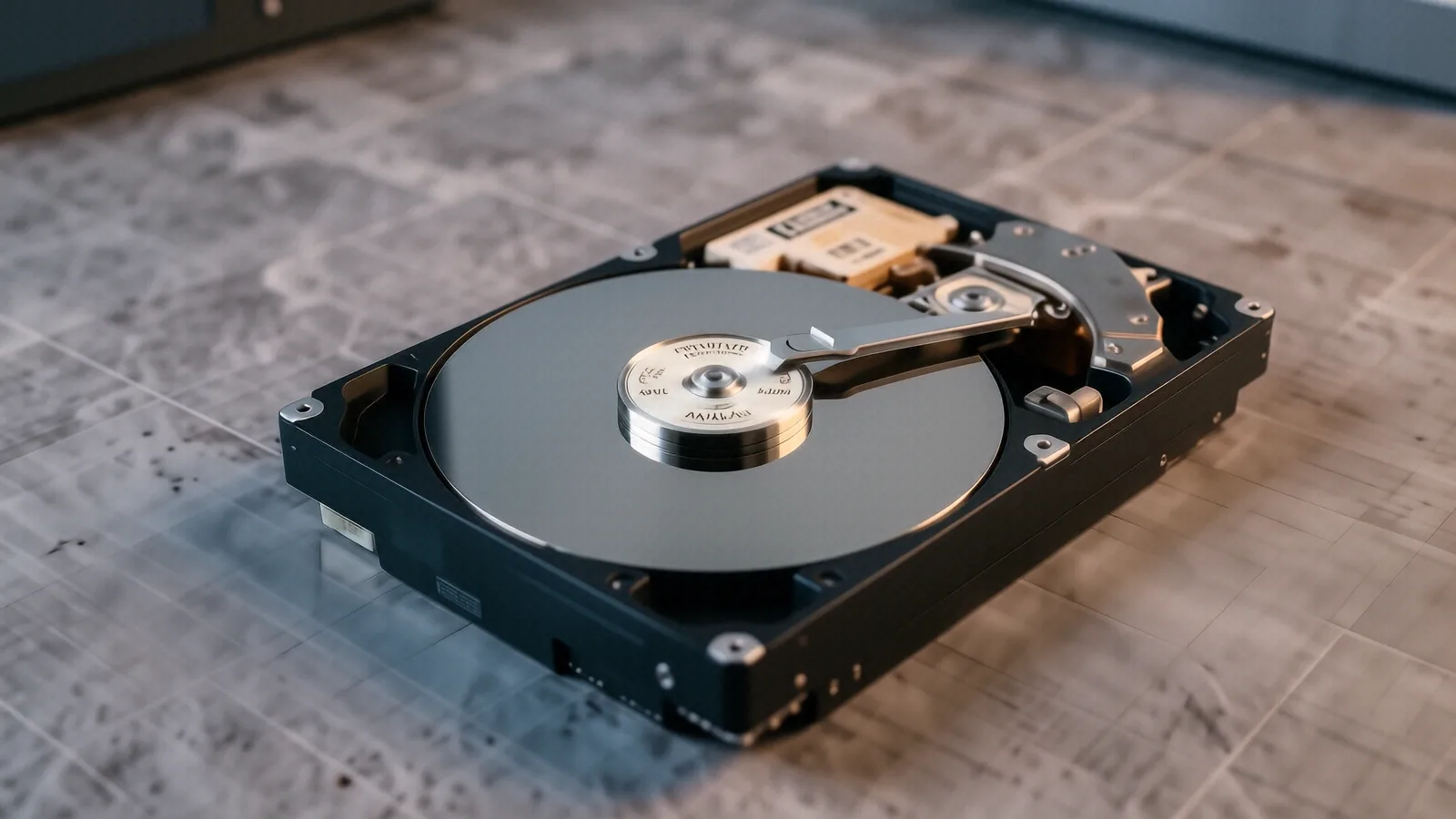
When you bring a device to us at 264 N. Main Street, we start with a deep dive into the hardware. We don’t just plug your drive into a standard Windows machine and hope for the best. For mechanical drives, we check the actuator arm movement and listen for any rhythmic clicking that indicates a head crash. If the heads have touched the platters, the recovery requires a controlled environment to prevent dust particles from scratching the magnetic surface.
For modern SSDs found in a Surface Laptop 5 or newer MacBooks, the process is entirely different. Since there are no moving parts, we focus on the controller and the voltage levels reaching the NAND chips. If the controller has failed, we may need to perform a chip-off recovery where we physically remove the memory chips and read them using specialized hardware. This is highly technical work that requires years of bench experience.
We follow a strict workflow to ensure your data stays safe:
- Initial assessment to determine if the failure is logical or physical.
- Bit-for-bit imaging of the drive to create a working copy for recovery attempts.
- File system reconstruction to pull specific folders, photos, or documents.
We work on the clone, not your original device. This ensures that even if our recovery attempt fails, your original data remains in its current state.
Recovering Data from Mobile Devices and Tablets
Data loss isn’t limited to desktop computers or laptops. We frequently assist customers with data retrieval from iPhones, iPads, and Android tablets. If your phone won’t turn on after a drop or a water encounter, the data might still be sitting intact on the internal storage chip. However, modern mobile encryption makes this much harder than recovering files from an old external hard drive.
We use specialized tools to bypass certain software locks or to stabilize a device enough to pull a backup. If your iPad’s digitizer is broken but the logic board is healthy, we can often interface with the device to extract your media. We treat every mobile device with the same level of care as a high-end workstation.
Your privacy is our priority during this process. We do not keep copies of your personal files once the recovery is complete and you have verified the data.
Avoiding Future Data Loss in Centerville and Kettering
The best way to deal with data recovery is to never need it in the first place. While we are happy to help when things go wrong, a solid backup strategy is your best defense. We recommend using the 3-2-1 rule for all important files. This means you should have three copies of your data, stored on two different types of media, with one copy located off-site.
You can use an external SSD for local backups, but you should also utilize a cloud service like OneDrive, iCloud, or Google Drive. If your house suffers a fire or a flood, a local backup sitting on your desk won’t help you. Having an encrypted cloud backup ensures that even if your hardware is destroyed, your memories and work documents remain accessible from any new device.
If you are using a Windows machine, make sure you check your “File History” settings regularly. For Mac users, Time Machine is a powerful tool that many people forget to actually run. We can help you set up an automated backup system so you never have to worry about a failing drive again.
Visit Our Centerville Repair Shop
If your computer has stopped responding or your external drive is showing as “not initialized,” bring it to us. We are located at 264 N. Main Street, Suite C, Centerville, OH 45459. We are open Monday through Friday from 10am to 7pm to assist you with your hardware and data needs.
Stop by our shop on Main Street to start the diagnostic process.