Recovering Lost Files Near Oakwood
If you are driving from Oakwood toward our shop in Centerville, you will likely take Far Hills Avenue or head south via the local connector roads. We are located just about 10 miles away from the Oakwood city limits. Our shop sits at 264 N. Main Street, Suite C, right in the heart of Centerville near the intersection of Main and West thanet. While you might find a big-box retailer like Best Buy or Staples near the Kettering border, those stores rarely offer true, deep-level data recovery services. They usually just act as a middleman that ships your drive to a third party in another state. We keep our technicians on-site so we can actually look at your hardware immediately.
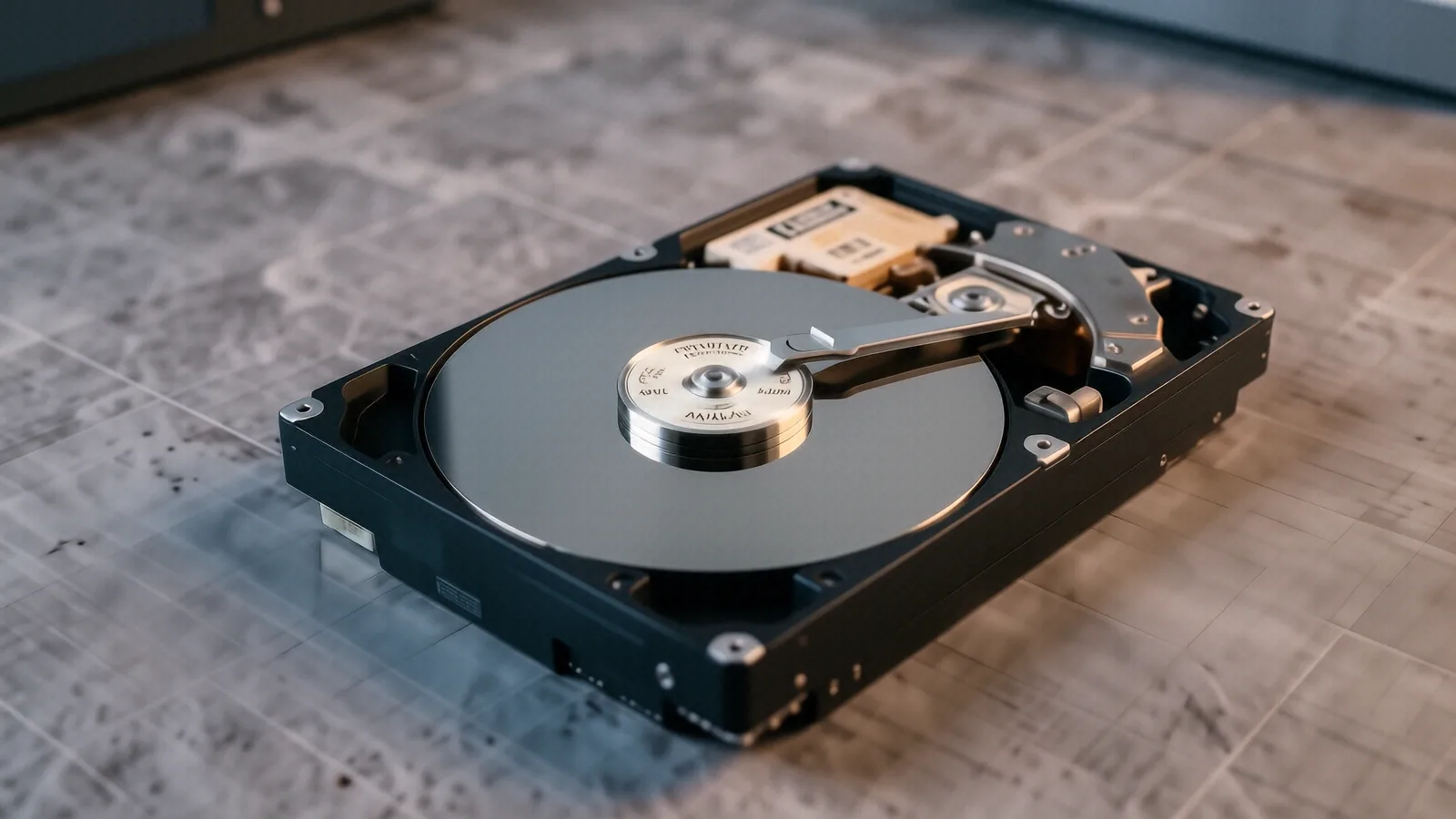
Losing access to family photos or critical business spreadsheets is a nightmare. You might have been working near the Oakwood School District or relaxing near Arden Terrace when your laptop suddenly refused to boot. When a drive fails, the clock starts ticking. Every time you try to restart a failing device, you risk further mechanical damage to the platters inside a traditional hard drive.
We specialize in getting your digital life back.
Why Your Drive Stopped Working
Hardware failure rarely happens without a warning sign. You might have noticed your MacBook Pro Retina slowing down significantly over the last month, or perhaps your Dell XPS 13 started making a rhythmic clicking sound. This clicking is often a physical sign that the actuator arm is struggling to find its position on the disk. If you have an NVMe SSD in a newer Surface Laptop 5, the failure might be silent because there are no moving parts to make noise.
Data loss typically falls into two categories: logical and physical. Logical failure happens when your file system becomes corrupted or when a virus wipes your directory structure. This is often the result of an interrupted Windows update or a sudden power surge while you were working near the Oakwood area. Physical failure is much more serious because it involves actual hardware breakage.
Common causes for these issues include:
- Sudden power loss during a write operation.
- Mechanical failure of the spindle motor or read/write heads.
- Severe corruption within the partition table.
If your drive has suffered a physical head crash, you should stop using it immediately. Plugging a damaged drive into a USB dock to “see if it works” can scrape the magnetic coating right off the platters. Once that material is gone, the data is gone forever. We use specialized tools to stabilize these drives before attempting any file extraction.
Professional Recovery vs. Big-Box Retailers
Many residents in Oakwood might consider dropping a device off at a generic electronics chain because it feels convenient. However, those large retailers are built for high-volume consumer repairs like screen replacements or battery swaps. They are not equipped to handle a failed Western Digital Blue drive or a corrupted RAID array from a home office setup. When you hand your device to a clerk at a big-box store, they often follow a rigid script that doesn’t account for the nuances of data forensics.
We take a different approach because we actually perform the diagnostics ourselves. A typical technician at a large chain will simply tell you that the drive is dead and offer to sell you a new one. While a new SSD is a great way to restore functionality, it does nothing to help you recover the tax documents or wedding photos stored on the old one. We focus on the recovery first, then we talk about replacement options.
Our process involves several technical layers:
- We analyze SMART data to check the health of the internal components.
- We use bit-level imaging to create a perfect clone of your drive.
- We run deep scans on that clone so the original hardware stays safe.
This method ensures that we are working on a digital copy rather than the dying original. If the clone fails, we still have the original drive in its initial state for a second attempt. This level of caution is something you won’t find at a standard retail kiosk. We understand that your data has immense sentimental or professional value, which is why we prioritize stability over speed.
Specialized Services for Different Devices
The type of device you own dictates how we approach the recovery. A ThinkPad T-series laptop with an encrypted BitLocker drive requires a much different strategy than an older desktop with a standard SATA connection. If you are a professional working from home in Oakwood, you might be dealing with complex encryption that makes simple file carving impossible without the original recovery keys. We work through these layers of security to ensure we are accessing the actual data bits rather than just encrypted gibberish.
Mac users face their own set of challenges due to Apple’s tight integration of hardware and software. On a MacBook Pro Retina, the storage is often soldered directly to the logic board. This means we cannot simply pull out a drive and plug it into a reader. We have to perform much more delicate work on the board itself to stabilize the power rails so the data can be pulled through the existing interface.
We handle a wide variety of storage media:
- Internal NVMe and SATA SSDs.
- External portable hard drives.
- MicroSD cards from cameras or phones.
Each of these requires specific hardware interfaces and software environments. For example, recovering data from a damaged SD card used in a professional camera requires different voltage settings than a standard laptop drive. We maintain an inventory of various adapters and specialized controllers to handle these diverse scenarios. Whether you are a student or a retiree, we treat every byte with the same level of technical scrutiny.
The Importance of Immediate Action
When your computer begins acting erratically, your first instinct might be to run a “disk repair” utility. While tools like chkdsk on Windows or First Aid on macOS can fix minor file system errors, they can also be dangerous if the drive is physically failing. These utilities write new data to the drive, which can overwrite the very files you are trying to save. If you suspect a hardware issue, the safest move is to power down the machine immediately.
We often see customers who have spent days trying to “fix” the problem themselves before coming to us. This delay often makes the eventual recovery much more difficult and expensive. A drive that could have been imaged easily on day one might become unreadable by day five because of repeated failed boot attempts. We recommend a “hands-off” approach until a professional can evaluate the hardware.
If you are experiencing any of these symptoms, contact us:
- Constant Blue Screen of Death (BSOD) errors.
- Files appearing as strange symbols or gibberish.
- The drive not showing up in Disk Management or Activity Monitor.
Once you bring your device to our Centerville location, we perform an initial assessment. We will tell you exactly what we see and what the realistic chances of recovery are. We do not believe in making empty promises just to take a deposit. If a drive is physically shredded beyond repair, we will tell you that upfront.
Local Expertise You Can Trust
Our shop is owned and operated by a family that understands the importance of local service. We aren’t a faceless corporation with a call center in another time zone. When you walk into our suite on N. Main Street, you are talking to the person who will actually be working on your machine. This direct line of communication helps us understand exactly what happened right before the failure, which is a vital piece of the diagnostic puzzle.
We serve many families near the Oakwood area and those connected to Wright-Patterson AFB. We know that for many of our clients, their data isn’t just “files”—it is their livelihood or their history. We maintain a clean, organized workspace designed specifically for sensitive electronic repair. This environment allows us to minimize the risk of static discharge or physical contamination during the recovery process.
If you need to drop off a device, we are located at 264 N. Main Street, Suite C, Centerville, OH 45459. You can find us Monday through Friday from 10am to 7pm. Please call (937) 660-4819 before coming in so we can ensure a technician is ready to assist you with your specific storage issue.