Recovering Lost Files Near Springboro
If you are driving down OH-725 from Springboro toward Centerville, you are only about 15 to 20 minutes away from our repair bench at 264 N. Main Street. Most of our customers come to us from the Clearcreek Metropolitan Park area or near the historic downtown Springboro district when their hardware fails. While you might find a big-box retailer like Best Buy or Staples in the surrounding suburbs, those stores rarely handle true data recovery. They typically act as a middleman that ships your drive to a massive, anonymous facility where you lose all personal contact with the technician. We work directly on the components right here in our Centerville shop so you can talk to the person actually touching your hardware.
Losing your digital life is stressful. You might realize your files are gone after a sudden blue screen or a loud clicking sound coming from your laptop.
Why Drives Fail and How We Diagnose Them
Data loss doesn’t always happen because of a virus or a software glitch. Often, the physical hardware simply reaches the end of its lifespan. If you own a MacBook Pro Retina or a high-end Dell XPS 13, you are likely using an NVMe SSD. These drives are incredibly fast, but they can fail silently without any warning signs. A typical user might notice their computer taking longer to boot up, which is often the first sign of failing NAND flash cells.
We use professional-grade tools to look at the SMART data on your drive before we even attempt a recovery. This diagnostic step tells us if the drive is physically dying or if the file system is just corrupted. If the drive is healthy but the partition table is messed up, we can usually fix it quickly. However, if the controller chip has failed, the situation becomes much more technical.
Mechanical Hard Drive Failures
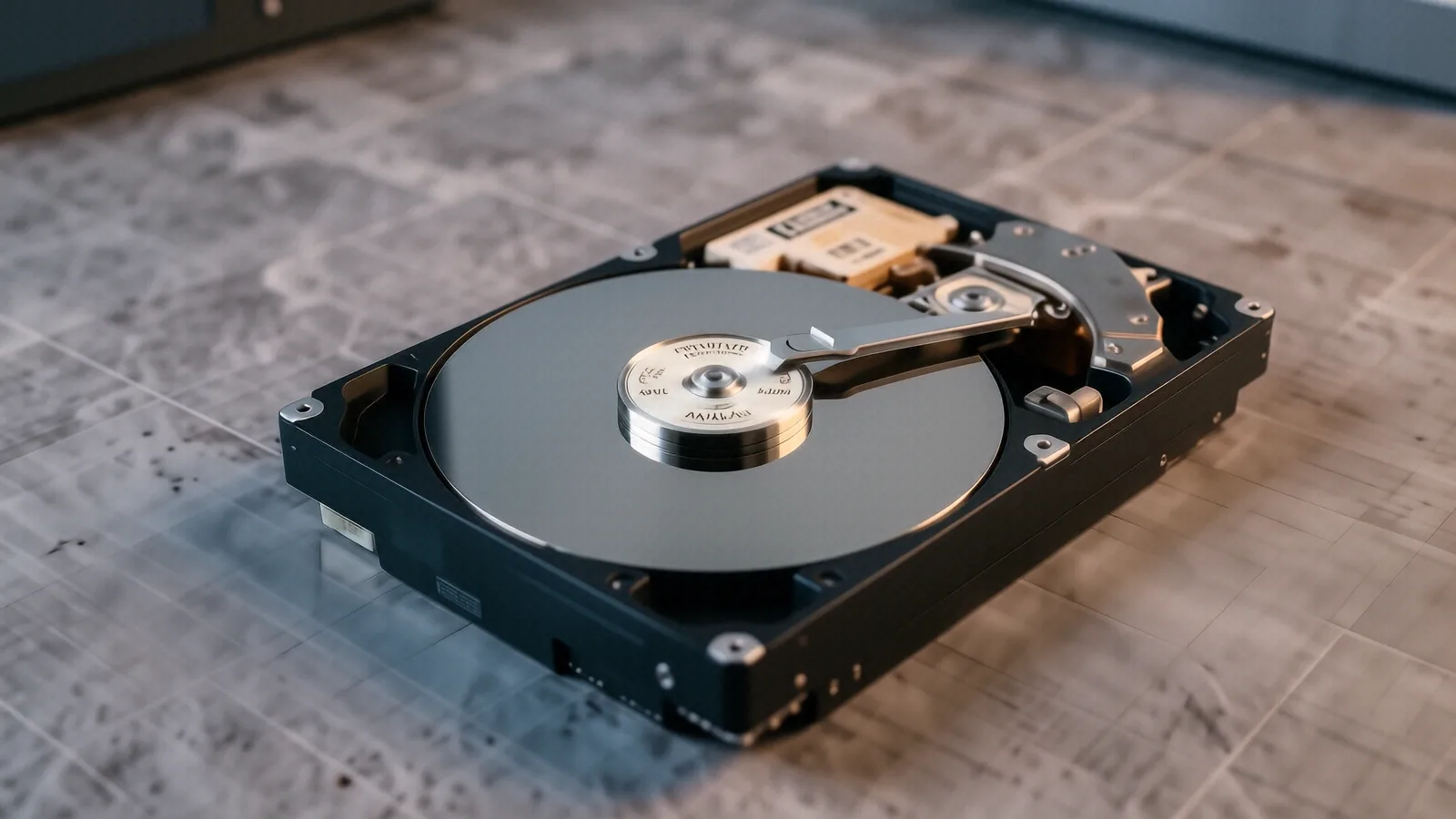
Older desktop computers and some external portable drives still use spinning platters. These mechanical drives are extremely fragile because they rely on a tiny read/write head hovering microns above a spinning disk. If you drop an external Seagate or Western Digital drive while it is running, the head can crash into the platter. This physical contact creates “head crashes” that physically scrape the magnetic coating off the disk.
When we hear a rhythmic clicking or grinding sound, we know the mechanical components are failing. We have to work in highly controlled environments to prevent dust from ruining the platters. While some software might claim to fix these issues, running a standard recovery program on a clicking drive often makes the damage much worse. You should stop using the device immediately if you hear any unusual noises.
Solid State and Flash Memory Issues
Modern laptops like the Surface Laptop 5 or various HP Pavilion models rely on flash memory. These devices have no moving parts, which makes them much more resistant to physical drops. Even so, they are not invincible. A sudden power surge can fry the controller chip that manages where data is stored on the chips. When the controller dies, the data remains on the NAND chips, but the computer can no longer “see” it.
We also see issues caused by “bit rot” or firmware corruption. This happens when the internal software of the SSD becomes unstable, causing the drive to report itself as empty or uninitialized. Because these drives use complex wear-leveling algorithms, recovering data from a dead controller requires specialized hardware that can communicate directly with the memory chips. It is a much different process than fixing an old spinning hard drive.
Local Service vs. Big-Box Retailers
You might be tempted to take your broken device to a large retail chain because they have a recognizable name. Most of these big-box stores do not actually perform data recovery in-house. Instead, they take your device, charge you a premium fee, and then ship it to a third-party lab. This process can take weeks, and you will have zero visibility into what is happening with your files during that time.
At Dayton PC Repair, we provide a much more direct experience for our Springboro neighbors. We are a family-owned shop where the technician who answers the phone is often the same person working on your machine. We don’t hide behind a corporate call center or a generic ticketing system. If you bring in a ThinkPad T-series that won’t boot, we look at it, diagnose the problem, and give you an honest assessment of what can be saved.
Transparent Pricing and Realistic Expectations
We believe in being upfront about what is possible. Data recovery is not magic, and no technician can guarantee 100% recovery on a physically destroyed drive. If a drive has been submerged in water or has suffered extreme heat damage, the success rate drops significantly. We provide a clear estimate after our initial diagnostic phase so you aren’t surprised by the bill later.
Our $50 minimum covers the initial labor and diagnostic time required to assess your hardware. We won’t promise you can get your wedding photos back if the drive is physically pulverized. Instead, we tell you exactly what we see in the Event Viewer or through our hardware probes. This honesty builds trust with our customers from Beavercreek to Springboro.
The Importance of Professional Tools
A hobbyist might try to use free recovery software to fix a failing drive. While that works for a deleted folder on a healthy drive, it is dangerous for a failing one. Every time you run a scan on a dying drive, you are putting more stress on the components. If the drive is struggling to read a specific sector, repeated attempts can cause the hardware to fail completely.
We use professional hardware imagers that can bypass certain errors and pull data bit-by-bit. These tools allow us to create a “clone” of your drive first. Once we have a perfect digital copy, we perform all our recovery work on the clone rather than the original hardware. This protects your original device from further damage while we hunt for your lost files.
Protecting Your Data for the Future
Once we successfully recover your files, the most important step is making sure it doesn’t happen again. A single backup is not a strategy. If you only have your files on your laptop, you are one spilled cup of coffee away from another crisis. We recommend a “3-2-1” approach to data management.
This means you should have three copies of your data: the original version, a local backup, and an offsite backup. You can use an external NVMe SSD for your local copy because it is fast and reliable. For your offsite copy, a cloud service or a drive kept at a different physical location works best. We can help you set up an automated backup routine that runs in the background while you work.
Common Data Loss Scenarios
Many of our customers come to us after accidental deletions. You might have been cleaning up your folders and accidentally hit “Shift + Delete” on a critical directory. While Windows and macOS try to prevent this, it happens more often than you would think. If the space hasn’t been overwritten by new files yet, we can usually pull those files back from the drive.
We also see a lot of loss due to sudden power outages or improper shutdowns. When a computer loses power while writing data, the file system can become “dirty” or corrupted. This can lead to “RAW” partitions where the computer sees the drive but doesn’t recognize any files. We use specialized software to rebuild these file systems and map the data back to its original structure.
Hardware Upgrades After Recovery
If your drive failed due to age, we usually recommend replacing it with a much newer, more reliable model. If you are still running an old mechanical drive in a desktop, upgrading to a modern SATA SSD will make the machine feel brand new. The speed difference is massive because of how quickly an SSD can access data compared to a spinning platter.
For laptop users, we often replace failing drives with high-capacity NVMe SSDs that offer better endurance and much faster boot times. We can handle the entire migration process for you. After we recover your old data, we install the new drive and move everything over so your computer is ready to go immediately. This ensures that your “new” setup is actually more stable than your old one.
If you are located in Springboro and need professional help with a failing drive, come see us at our shop. We are located at 264 N. Main Street, Suite C, Centerville, OH 45459. You can find us just off the main thoroughfares, making it an easy trip from the Springboro area.