Recovering Lost Files Near West Carrollton
If you are driving out of West Carrollton toward our shop on N. Main Street in Centerville, you will likely take OH-48 North for about 12 minutes. We are located just a short trip away from the West Carrollton school district and the busy shopping areas near the intersection of Taylors Street and US-48. While many residents look for quick fixes near the Dixie Drive corridor, serious data loss usually requires a specialized workbench rather than a retail counter.
Most people realize they have a problem when a drive suddenly disappears from File Explorer or when a MacBook Pro Retina throws a kernel panic during a critical project. You might be sitting in your home near the Great Miami River or working near the West Carrollton City Hall when your laptop screen freezes permanently. This is the moment when panic sets in because you realize those family photos or tax documents aren’t appearing where they should be.
Big-box retailers like Best Buy or Staples offer basic troubleshooting, but they are not data recovery specialists. They often follow a rigid script that involves wiping your drive to “reset” the software, which is the absolute worst thing you can do if your hardware is failing. We don’t use scripts. We use diagnostic tools and physical disassembly to find out exactly why your NVMe SSD or mechanical hard drive stopped responding.
Identifying the Type of Failure
Data loss rarely happens for just one reason. Sometimes a software update corrupts your file system, while other times a physical component simply gives up the ghost. If you hear a rhythmic clicking sound coming from your Dell XPS 13 or your ThinkPad T-series, stop using the device immediately. That clicking is often the sound of a mechanical head striking the platter, which can physically scrape the magnetic coating off your data-bearing surface within seconds.
You might encounter several different failure scenarios:
- Logical errors caused by accidental formatting or virus infections.
- Physical hardware damage from liquid spills or dropped devices.
- Firmware corruption that prevents the drive from being recognized by the BIOS.
When a file system becomes “RAW,” it means the operating system can no longer read the partition table that tells it where files begin and end. This often happens after an improper shutdown or if a laptop battery dies while the drive is writing critical metadata. We use specialized imaging software to create a bit-for-bit clone of your drive before we attempt any repairs. Working on a clone ensures that we never put additional stress on your original, failing hardware during the recovery process.
Why Hardware Matters in Recovery
The specific components inside your machine dictate how we approach the recovery. For example, if you have a modern Surface Laptop 5, your storage is likely an integrated NVMe SSD soldered directly to the motherboard. This makes traditional “plug-and-play” recovery impossible because we cannot simply pull the drive out and put it into a USB enclosure. We have to perform advanced chip-level diagnostics to see if the controller can still communicate with the NAND flash memory chips.
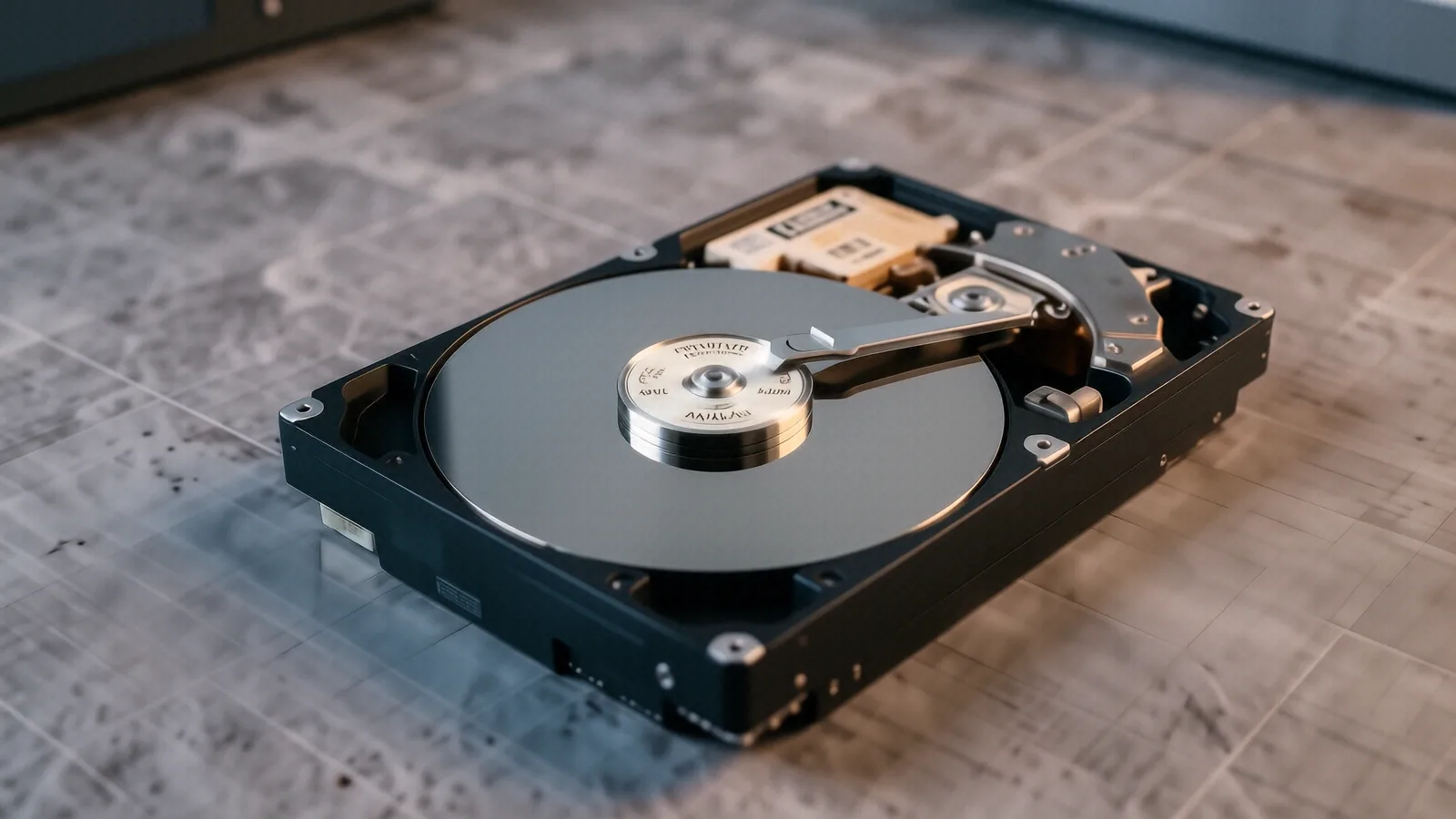
Older laptops often use 2.5-inch SATA hard drives which are much more forgiving. These mechanical drives rely on spinning platters and moving actuator arms to read data. If the motor fails or the spindle seizes, we have to move the platters into a cleanroom environment to prevent dust from ruining the surface. Even a single microscopic speck of dust can act like a boulder when it lands on a platter spinning at 7200 RPM.
Your recovery success depends heavily on how you handle the device after the failure occurs. If you keep trying to reboot a failing machine, you are essentially running a marathon on a broken ankle. Every second that power is running through a damaged circuit board increases the risk of an electrical short that could fry the GPU die or the CPU itself.
Beyond the Big-Box Retailers
When you visit a massive retail chain in the Dayton area, you are often dealing with a generalist technician who has perhaps a few weeks of training. They see hundreds of different devices and rarely have the specialized tools required for deep-level data extraction. If they cannot fix it using a standard software utility, they will simply tell you that the data is gone and suggest you buy a new computer.
We take a different approach at our Centerville shop. We treat every drive as a unique puzzle that requires a specific diagnostic path. Whether you are an engineer near Wright-Patterson AFB needing recovered CAD files or a parent trying to find videos from a graduation, we apply the same level of technical rigor. We don’t guess about your data; we use SMART data analysis and hex editors to see exactly what is left on the silicon.
We also understand the privacy concerns that come with handing over a personal device. When you drop off your computer at 264 N. Main Street, your data stays in our hands and nowhere else. We don’t have a rotating staff of seasonal employees looking through your files. You are dealing with a small, family-owned business where accountability is part of our DNA.
Common Scenarios We Handle Daily
We see a wide variety of hardware issues every week at the bench. A common one involves “ghost” drives where the computer sees the device name in Device Manager but cannot access any files. This is often a sign of a failing controller or a corrupted partition table that requires manual reconstruction. It can be frustrating, but it is usually solvable if caught early enough.
Another frequent issue involves liquid damage. If you spill coffee on your HP Pavilion 15, the liquid doesn’t just sit there; it travels through the chassis via capillary action. It can reach the ribbon cables for the keyboard or, worse, seep under the BGA chips on the motherboard. We use ultrasonic cleaning and specialized drying techniques to mitigate corrosion before attempting to power the device back up for testing.
- Sudden “Blue Screen of Death” (BSOD) loops during boot.
- Corrupted external USB drives used for backups.
- Lost files after a failed Windows or macOS update.
Preparing Your Device for Recovery
If you suspect your data is at risk, there are a few things you can do right now to help us help you. First, power the device down completely. Do not use “Sleep” or “Hibernate” modes, as these still keep the RAM and certain components powered, which can cause further data degradation. If it is a desktop, unplug the power cable from the wall entirely.
Second, try to remember exactly when the problem started. Did you hear a strange noise? Did you install a new piece of software or a driver update? Did the device get hot to the touch before it shut down? Having this timeline helps us narrow down whether we are looking for a software glitch or a thermal failure in the vapor chamber or cooling system.
Third, do not attempt any “DIY” recovery software you find online. Many of these programs claim to be magic bullets, but they often write new data to the drive while trying to “fix” it. This process, known as overwriting, is the primary reason why many people lose their data forever. Once a bit of information is overwritten by a recovery program’s temporary files, that original data is physically gone.
The Cost of Professional Recovery
We believe in being upfront about the reality of data recovery. It is not a cheap service because it requires expensive hardware, specialized software licenses, and many hours of manual labor. However, we try to avoid the “mystery pricing” that some high-end labs use. We provide a clear assessment after our initial diagnostics so you know exactly what we are looking at before we commit to a deep recovery.
A typical diagnostic session allows us to determine if the failure is logical or physical. If it is a simple file system error, we can often resolve it within 1-3 business days. Physical failures involving mechanical drives or soldered SSDs take longer because they require more delicate handling and potentially more intensive imaging processes. We will always communicate with you regarding the timeline and any potential hurdles we encounter.
Our goal is to get your files back so you can get back to your life in West Carrollton or Centerville. We don’t care about selling you a new laptop; we care about saving the information that matters to you. Whether it is a single spreadsheet or an entire library of high-resolution photos, we treat every byte with the same level of professional respect.
If you are ready to start the process, bring your device to us at 264 N. Main Street, Suite C, Centerville, OH 45459. We are open Monday through Friday from 10am to 7pm.