Common Dell Battery Failure Signs
You might notice your Dell XPS 13 suddenly shuts down when you unplug the power adapter. This sudden loss of power usually means the internal cells have reached their end of life. While some users think a slow drain is normal, it often indicates a failing chemical component within the lithium-ion pack. If your laptop stays on only when connected to a wall outlet, the battery is no longer holding a stable charge.
We see these symptoms frequently during our laptop repair diagnostic process. Your Dell Inspiron might show a “Plugged in, not charging” warning in the Windows taskbar even when the AC adapter is functioning perfectly. This error often stems from a communication failure between the battery’s internal controller and the motherboard. Sometimes the issue is as simple as a worn charging port, but most of the time, you just need a fresh power cell.
Check your BIOS settings to see the actual health of your hardware. You can restart your Dell and tap the F2 key repeatedly to enter the system diagnostics menu. This screen will give you a specific health rating, such as “Excellent,” “Fair,” or “Replace.” If it says “Communication Error,” the battery’s logic board has likely failed.
Your laptop might also start feeling unusually hot near the bottom casing. Heat is the enemy of lithium-ion chemistry. When cells degrade, they can create internal resistance that generates excess thermal energy during charging cycles.
Dell Models We Service in Centerville
Our technicians work on a wide variety of Dell hardware every week at our shop on N. Main Street. We see everything from high-end workstations to budget-friendly student laptops. Because Dell uses different battery architectures across their product lines, we maintain specific knowledge for each series.
The XPS line is one of the most common models brought into our Centerville office. The Dell XPS 13 and XPS 15 use highly integrated, slimline batteries that require careful disassembly to avoid damaging the delicate ribbon cables. These machines are built with tight tolerances, so we use precision tools to ensure the casing clips snap back together without gaps.
We also handle a high volume of Dell Inspiron models. The Inspiron 14 and 15 series are popular for home and school use, but they often suffer from battery swelling after two or three years of heavy use. If you notice your trackpad is harder to click or the keyboard looks slightly bowed, stop using the device immediately. This physical swelling can crack the motherboard or shatter the glass on the display if left unaddressed.
Business professionals frequently bring us their Dell Latitude and Precision models. The Latitude 5000 and 7000 series are workhorses that often require replacement parts to stay operational in the field. These laptops are generally easier to service because Dell designs them with more modular components. We also see many Dell Precision mobile workstations that need high-capacity batteries to support their power-hungry GPU dies.
Whether you own a rugged Latitude or a sleek XPS, we know the internal layout of your specific machine.
Understanding Battery Degradation and Swelling
Lithium-ion batteries do not last forever. Most Dell batteries are rated for a specific number of charge cycles before their capacity drops below 80% of the original factory spec. You might notice that a full charge used to last six hours, but now it barely lasts ninety minutes. This is a natural chemical progression that occurs as the lithium ions move between the anode and cathode.
Swelling is a much more serious issue than simple capacity loss. When a battery undergoes excessive heat or deep discharge cycles, gas can build up inside the sealed pouch. This creates internal pressure that physically distorts the laptop chassis. Although it might look like a minor cosmetic issue, a swollen battery is a fire hazard.
We recommend replacing your battery immediately if you see any of these signs:
- The bottom cover of your Dell feels bloated or uneven.
- Your trackpad is lifting away from the palm rest.
- You hear a faint clicking or popping sound near the battery area.
- The laptop shuts down instantly when the power cord is pulled.
We take these cases very seriously at our 264 N. Main Street location. If your battery is swollen, we store it in a fire-safe container until it can be disposed of according to local environmental regulations. We never attempt to “recharge” a swollen battery to fix the problem.
Parts Availability and Installation Process
We know that being without a computer is a major disruption to your work or studies. When you bring your Dell to us, we perform a full diagnostic to confirm the battery is the culprit. We check the SMART data and run stress tests to ensure the charging circuit on your motherboard is still healthy. If the motherboard is damaged, a new battery won’t fix the underlying problem.
We do not keep every single Dell model’s battery in our immediate stock. Because there are hundreds of different Dell part numbers, we typically order specific batteries based on your exact model and serial number. Most replacement parts arrive within 1 to 3 business days. We prefer ordering the exact OEM-spec component rather than using cheap, unbranded third-party cells that might fail after a month.
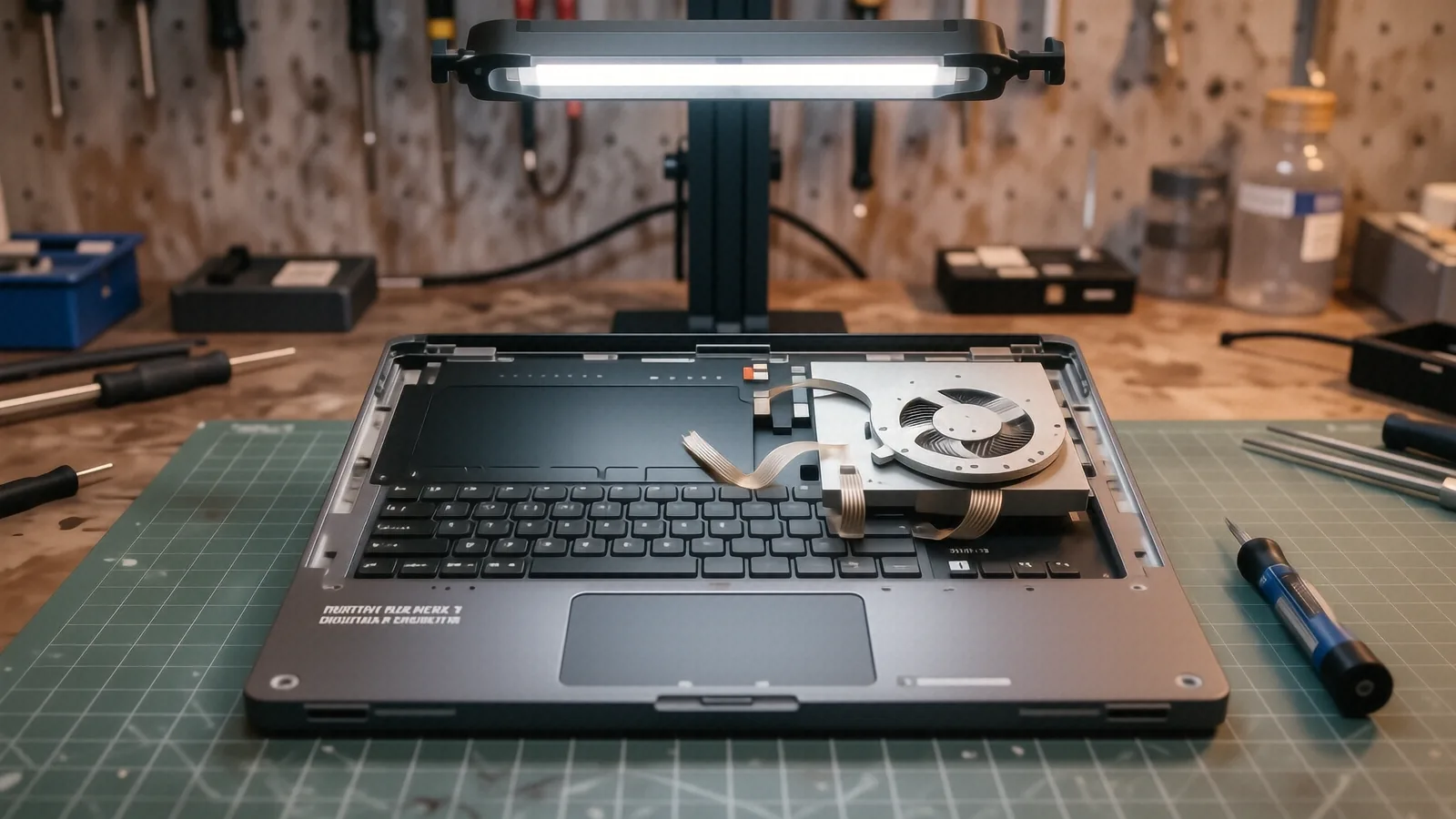
The installation process involves more than just swapping a part. We carefully disconnect the internal battery connector, remove the mounting screws, and clean any dust from the cooling fans while the machine is open. For models like the XPS 15, we must be extremely careful with the vapor chamber and heat pipes to ensure we don’t disrupt the thermal management system. Once the new battery is seated, we run a full charge cycle to calibrate the new cells.
Our goal is to get you back to work as quickly as possible. While most repairs are completed within 48 hours of the part arriving, we will give you an exact timeline during your initial consultation.
Our Warranty and Local Service Guarantee
We stand behind our technical work with a 90-day workmanship warranty. This means if the battery fails due to a faulty installation or if our technician makes an error, we will fix it at no additional cost to you. We want you to feel confident that your Dell is running as well as it did the day you bought it.
Please note that this warranty covers the labor and the part itself. It does not cover damage caused by liquid spills, dropped machines, or using non-certified third-party power adapters. Using a cheap, off-brand charger from an online marketplace can actually kill a brand-new Dell battery very quickly by providing inconsistent voltage.
We are a family-owned business located right here in Centerville, OH. We don’t use high-pressure sales tactics or try to upsell you on services your laptop doesn’t need. If your Dell just needs a new battery, we tell you that. If your motherboard has a short circuit that is killing your batteries, we explain exactly what that means for your repair options.
You can find us at 264 N. Main Street, Suite C, near the intersection of OH-48 and local landmarks. We are open Monday through Friday from 10am to 7pm to accommodate your schedule.
Bring your Dell laptop to our shop during business hours so we can run a formal diagnostic and provide you with an accurate repair estimate.