Common Dell Display Issues
Cracked glass or bleeding pixels happen to the best of us. You might have dropped your Dell XPS 13 while rushing to a meeting, or perhaps a heavy textbook fell on your lid during a move. Even without physical impact, you can see vertical lines or flickering colors appearing across the panel. This usually means the LCD itself has failed or the delicate ribbon cable connecting the display to the motherboard has become loose.
We see these issues every single day at our shop. While some damage is obviously caused by an impact, other failures stem from internal hardware fatigue. For example, a Dell Inspiron 15 might develop backlight bleeding because the bezel pressure isn’t seated correctly after a previous repair. If your screen stays black but you can still hear the fans spinning, the issue could be as simple as a blown backlight fuse on the motherboard.
Your specific model dictates how we approach the fix. We frequently work on high-end machines like the Dell XPS 15 and the premium Latitude series used by local businesses. We also handle consumer-grade repairs for the Inspiron 14 and the rugged Precision workstations. If you own a budget-friendly Dell Vostro, the repair process is often more straightforward due to standardized part layouts.
Most Dell screen failures fall into two categories: physical damage or component failure. Physical damage involves a shattered digitiser or a cracked LCD panel. Component failure happens when the video cable (often called an EDP cable) wears out from opening and closing the lid thousands of times.
Identifying Your Dell Model and Damage Type
Before you bring your machine to our Centerville location, try to identify exactly what is happening. A dark spot in the corner often indicates a “bruise” on the liquid crystal layer. If you see lines that change color when you move the lid, you are likely looking at a failing video cable rather than a dead panel.
XPS and Precision Series Nuances
The Dell XPS series uses incredibly thin bezels which makes them beautiful but also very fragile. Because these screens are often bonded directly to the glass in modern iterations, we cannot always replace just the LCD layer. You will likely need a full assembly replacement for an XPS 13 or XPS 15 to ensure the slim profile remains intact.
Precision workstations are built differently. These machines are heavy-duty tools that use thicker panels and more robust hinge mechanisms. While they are harder to disassemble, the parts are often more modular than the XPS line. If you are a designer using a Precision, we know you need color accuracy, so we prioritize high-fidelity panels during our laptop repair process.
Inspiron and Latitude Hardware Realities
The Inspiron line is our most common visitor for screen replacements. These laptops are designed for home and student use, meaning they don’t always have the reinforced chassis found in business machines. A sudden drop can easily snap the plastic mounting points where the hinges meet the screen assembly. We often find that a “broken screen” is actually a broken hinge that has punched through the LCD from the inside.
Latitude models are the backbone of many offices near the OH-48 corridor. These laptops are built for longevity, but even a Latitude 5000 or 7000 series will eventually suffer from a failing backlight. If your screen is visible only when you shine a flashlight directly against the glass, the backlight circuit has failed. We can often fix this by replacing the entire top assembly to ensure long-term reliability for your work.
Parts Availability and Repair Timelines
We do not believe in keeping hundreds of different screens sitting on our shelves gathering dust. Instead, we maintain a streamlined ordering system that allows us to source the exact part your specific Dell model requires. This approach ensures you get a fresh component rather than a used part that might have existing micro-fractures.
Most standard Dell Inspiron or Latitude screens can be ordered and arrive at our shop within 1 to 3 business days. High-end specialty parts, such as the 4K OLED panels found in newer XPS models, might take slightly longer depending on current manufacturer stock. We will always give you a concrete estimate before we order anything so there are no surprises on your final bill.
The Importance of OEM vs. Aftermarket
You might see cheap screens advertised online for a fraction of the cost. While these can work, they often have lower brightness levels or poor color reproduction compared to the original Dell spec. We prioritize high-quality components because a cheap screen will only lead you back to our shop in three months when the backlight dies.
We test every panel before the final installation is complete. After we seat the new display and reconnect the ribbon cables, we run several diagnostic passes. We check for dead pixels, backlight uniformity, and touch sensitivity if your model has a digitiser. This ensures that when you pick up your laptop from our Main Street suite, it works exactly as it did the day you bought it.
Our 90-Day Workmanship Guarantee
We stand behind every screw we turn and every cable we seat. Every screen replacement performed at Dayton PC Repair comes with a 90-day workmanship warranty. This covers us if the part fails due to a manufacturing defect or if our installation has an issue.
If a component fails within that window, we will make it right without charging you extra for the labor. We want you to feel confident leaving your professional tools in our hands. While we cannot cover accidental damage like a new drop or a spilled drink, we take full responsibility for the integrity of our repair work.
The Repair Process at Dayton PC Repair
When you walk into our shop at 264 N. Main Street, we start with a thorough diagnostic. We don’t just look at the crack; we check the internal connections and the battery health to ensure the machine is stable. If your laptop has been dropped, we also inspect the motherboard for hairline fractures that might have occurred during the impact.
Once we confirm the issue, we provide you with a clear breakdown of the costs. This includes the price of the replacement panel and the labor required to disassemble the chassis. We do not use “hidden fees” or surprise add-ons at the end of the service. You will know exactly what to expect before we even open your laptop’s casing.
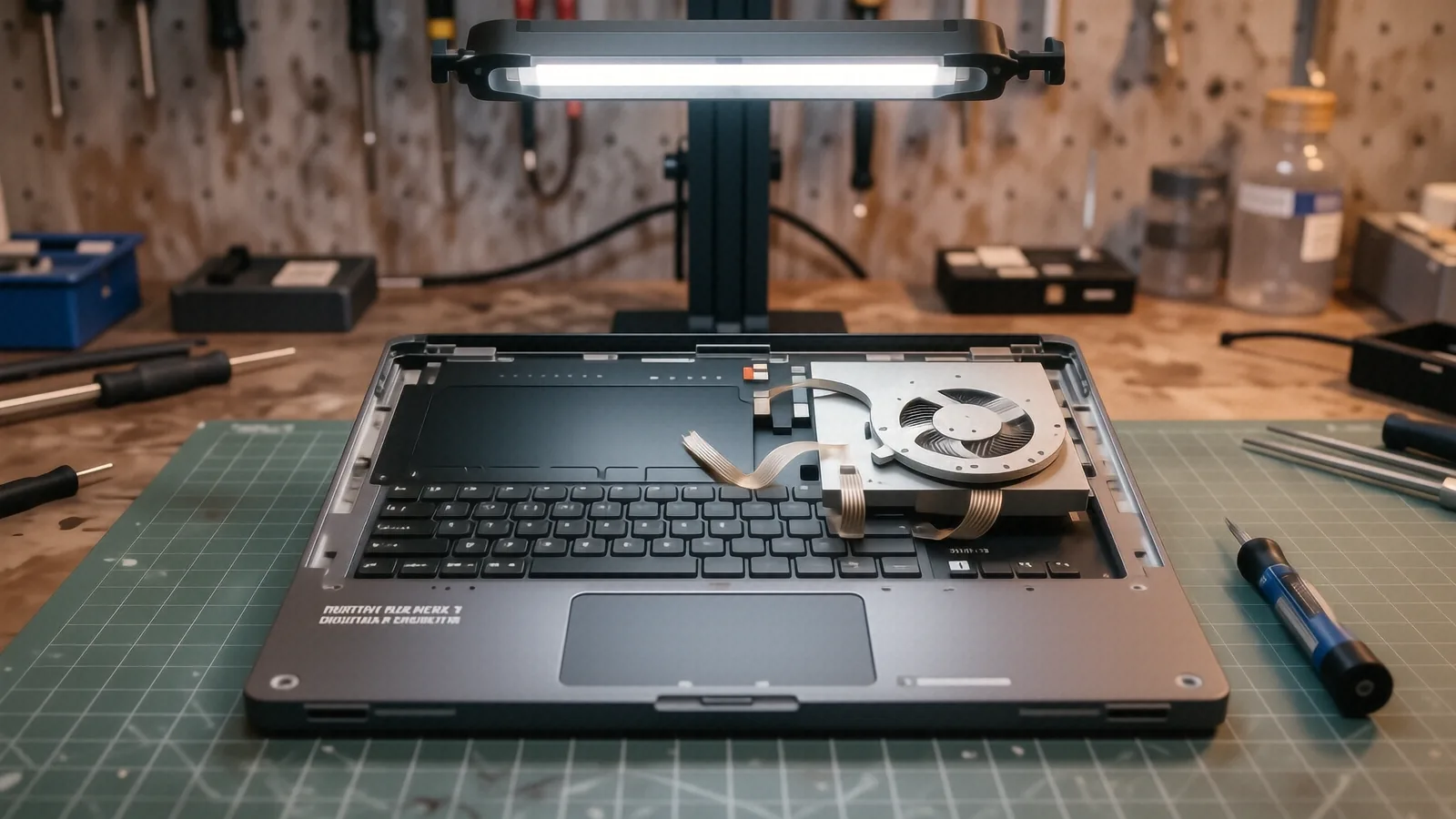
The disassembly of a modern Dell is a delicate operation. Many models use tiny Torx screws and extremely fragile plastic clips that can snap if handled incorrectly. Our technicians have twelve years of experience managing these specific hardware challenges. We use specialized tools to ensure that the internal ribbon cables are not pinched or torn during the reassembly process.
After the new screen is installed, we perform a software check. We make sure the brightness controls work through Windows and that the lid sensor correctly triggers sleep mode when you close the laptop. This step is vital because many technicians forget to reconnect the small sensor wires that tell the computer the lid has moved.
If you are ready to get your Dell back in working order, bring it by our Centerville office. We are located in Suite C and are open Monday through Friday from 10am to 7pm. You can drop off your device at the counter, and we will begin the diagnostic process immediately.