Common HP Display Failures
When you bring an HP laptop into our shop on N. Main Street, the screen is usually the primary culprit. You might notice vertical colored lines running from top to bottom, or perhaps the entire panel has gone black while the keyboard backlight still glows. These issues often stem from physical impact, but internal component failure happens too. A cracked digitizer on a touchscreen model is a common sight because even slight pressure in a backpack can snap the glass layers.
We see these problems frequently on the HP Pavilion 15 series. Because these models are built for students and home users, they lack the reinforced chassis found in enterprise machines. You might find that the ribbon cable connecting the LCD to the motherboard has become pinched or frayed inside the hinge mechanism. This happens after several hundred cycles of opening and closing the lid.
Other common HP lines we service include:
- HP Envy 13 (often suffers from backlight bleeding)
- HP Spectre x360 (frequent digitizer or hinge-related cracks)
- HP ProBook 450 (standard matte panels that can suffer internal bleeding)
- HP EliteBook 840 (high-end displays with sensitive mounting brackets)
Sometimes the issue isn’t the glass at all. A failing GPU die can cause visual artifacts that look exactly like a broken screen, even though the panel itself is perfect. We use specific diagnostic tools to rule out motherboard issues before we ever suggest a hardware replacement. It saves you money if the problem is actually a driver conflict or a loose connection rather than a shattered LCD.
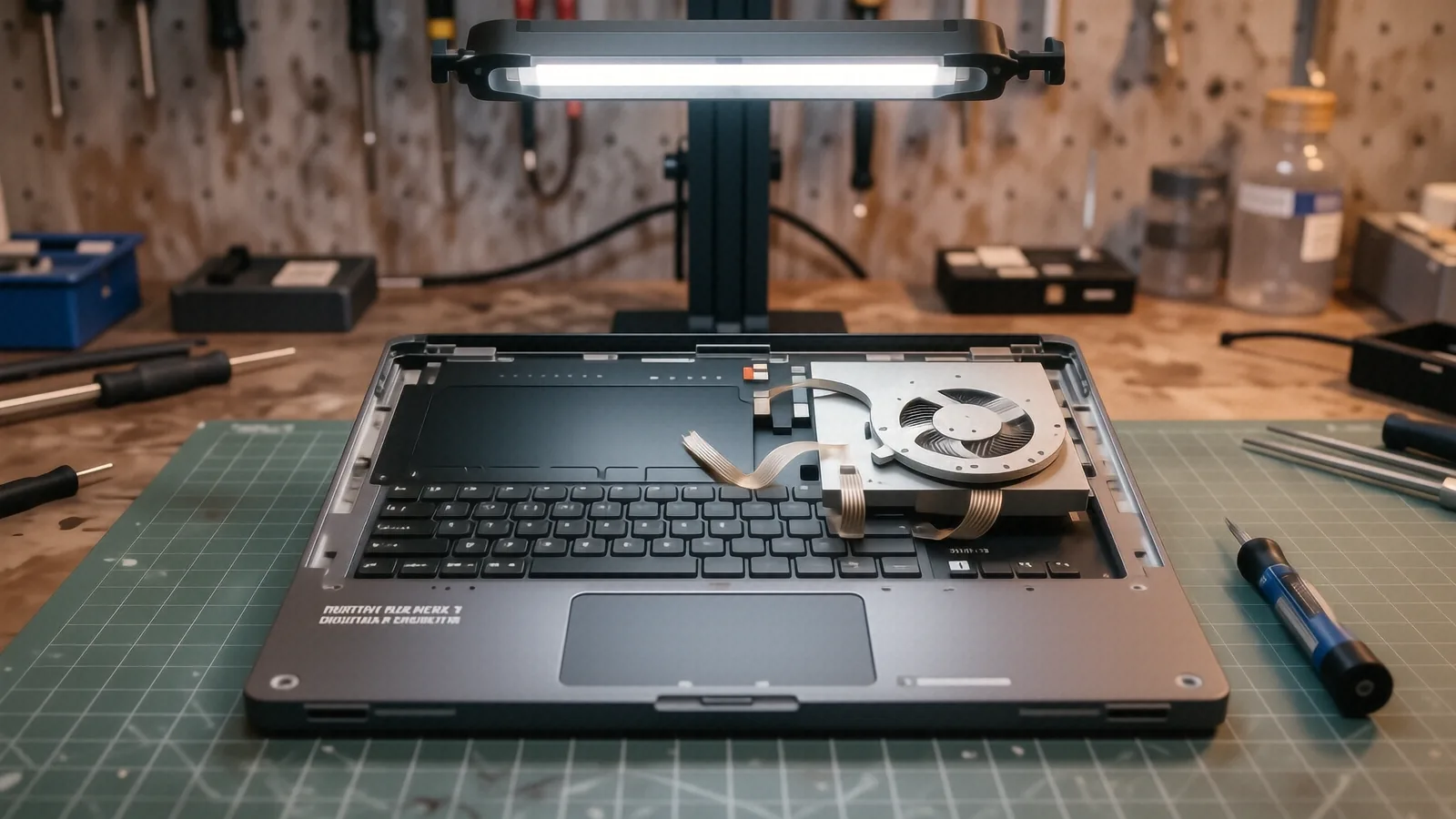
Your screen might also fail due to heat. If your HP laptop runs hot because the fans are clogged with dust, the thermal stress can eventually damage the thin layers of the display assembly.
Understanding Your Specific HP Model Needs
Not every HP screen is created equal. A standard non-touch panel for a Pavilion is significantly different from the high-resolution, touch-enabled digitizer found on a Spectre x360. If you try to swap these parts yourself, you will likely run into compatibility errors or physical fitment issues. The mounting points and the position of the LVDS or eDP connector must match your specific sub-model perfectly.
We categorize repairs based on the complexity of the assembly. A simple non-touch panel replacement is a relatively straightforward job. However, if your HP Envy has a fused glass unit where the touch layer and the LCD are one single piece, the part cost increases. We always check the exact manufacturer part number before ordering anything. This ensures that the color gamut and brightness levels match what you had originally.
The repair process involves several technical steps:
- Disassembling the bezel without snapping the plastic clips.
- Testing the new panel for dead pixels before final installation.
- Inspecting the video cable for any signs of heat damage or fraying.
- Reassembling the chassis to ensure no pressure points exist on the new glass.
We handle all laptop repair tasks with precision. Even a tiny speck of dust trapped under the bezel during reassembly can become a permanent annoyance for you. We work in a clean environment to prevent this.
Parts Availability and Lead Times
We do not keep every single HP screen in stock at our Centerville location. Because HP produces dozens of different panel variations every year, keeping every specific resolution and connector type on a shelf is impossible. Most specialty panels, especially for the premium Spectre or Envy lines, are ordered specifically for your repair.
Typically, we can have your replacement part arrive within 1 to 3 business days. If you are using a very rare or older ProBook model, it might take slightly longer to source an OEM-grade component. We will always give you a firm estimate on the arrival date before we start the work. This way, you aren’t left wondering when your computer will be ready.
For our local customers near the OH-48 corridor, this turnaround is usually much faster than shipping a laptop to a national mail-in repair center. You can drop it off and pick it up locally once the part arrives. We prioritize getting you back to work or school as quickly as possible.
The Repair Process at Dayton PC Repair
When you hand us your HP, we don’t just swap parts and hope for the best. Our technicians perform a full diagnostic check first. We look at the SMART data on your NVMe SSD and check the Event Viewer in Windows to see if there were any power surges or thermal events recorded before the screen died. This step is vital because it prevents us from installing a brand-new screen on a machine that has a failing motherboard.
If we determine the screen is truly broken, we provide a clear breakdown of the costs. The price depends on whether you have a standard matte display or a high-end touchscreen assembly. We do not use hidden fees or surprise surcharges. You will know exactly what the part and labor will cost before we order anything.
Once the new panel is installed, we run a series of stress tests. We check for backlight uniformity and ensure the brightness controls work through the Windows interface. We also verify that the hinge tension is sufficient to hold the new screen in place. A screen that wobbles or falls backward is a sign of a poor installation.
We stand behind our technical work with a 90-day workmanship warranty. This covers us if the installation itself fails, such as a loose connector or a faulty bezel clip. We want you to feel confident that your HP laptop is in good hands when it leaves our bench.
Why Professional Installation Matters
Many people attempt “budget” repairs by ordering cheap panels from unverified online marketplaces. These parts often arrive with lower brightness levels or incorrect color profiles that make your screen look washed out. Even worse, some of these third-party panels have poorly manufactured ribbon cables that can short out the backlight fuse on your motherboard.
A single mistake during a DIY repair can turn a $150 screen replacement into a $500 motherboard repair. We use professional-grade tools to avoid stripping screws or cracking the plastic casing. Our experience with the delicate internals of an HP EliteBook means we know exactly how much pressure to apply to the clips.
You should consider the following when choosing a repair shop:
- Do they offer a warranty on their labor?
- Can they identify the specific sub-model of your HP?
- Do they use high-quality replacement components?
We provide all three of these things at our Centerville shop. We aren’t a big-box retailer that treats you like a ticket number. You are a neighbor, and we treat your hardware with respect.
Preparing Your Device for Repair
Before you bring your HP laptop to 264 N. Main Street, there are a few things you should do to protect your data. While a screen replacement shouldn’t touch your files, accidents can happen during any hardware service. We always recommend that you back up your important documents to a cloud service or an external drive first.
You should also disable any BIOS passwords or BitLocker encryption if possible. If the laptop is encrypted, it can make certain diagnostic steps much more difficult for us. If you cannot log in because the screen is black, just let us know during the drop-off process. We will work with you to find a solution.
Please follow these simple steps:
- Back up your files to Google Drive or an external USB drive.
- Plug your laptop into a power outlet if it still has some battery life.
- Note your exact HP model number, usually found on the bottom of the case.
If you are unsure about your model number, don’t worry. We can find it using the serial number printed on the underside of the device. Our team is ready to help you navigate the process from start to finish.
Bring your HP laptop to our suite in Centerville during our standard business hours, Monday through Friday from 10am to 7pm. You can find us easily located right off N. Main Street.