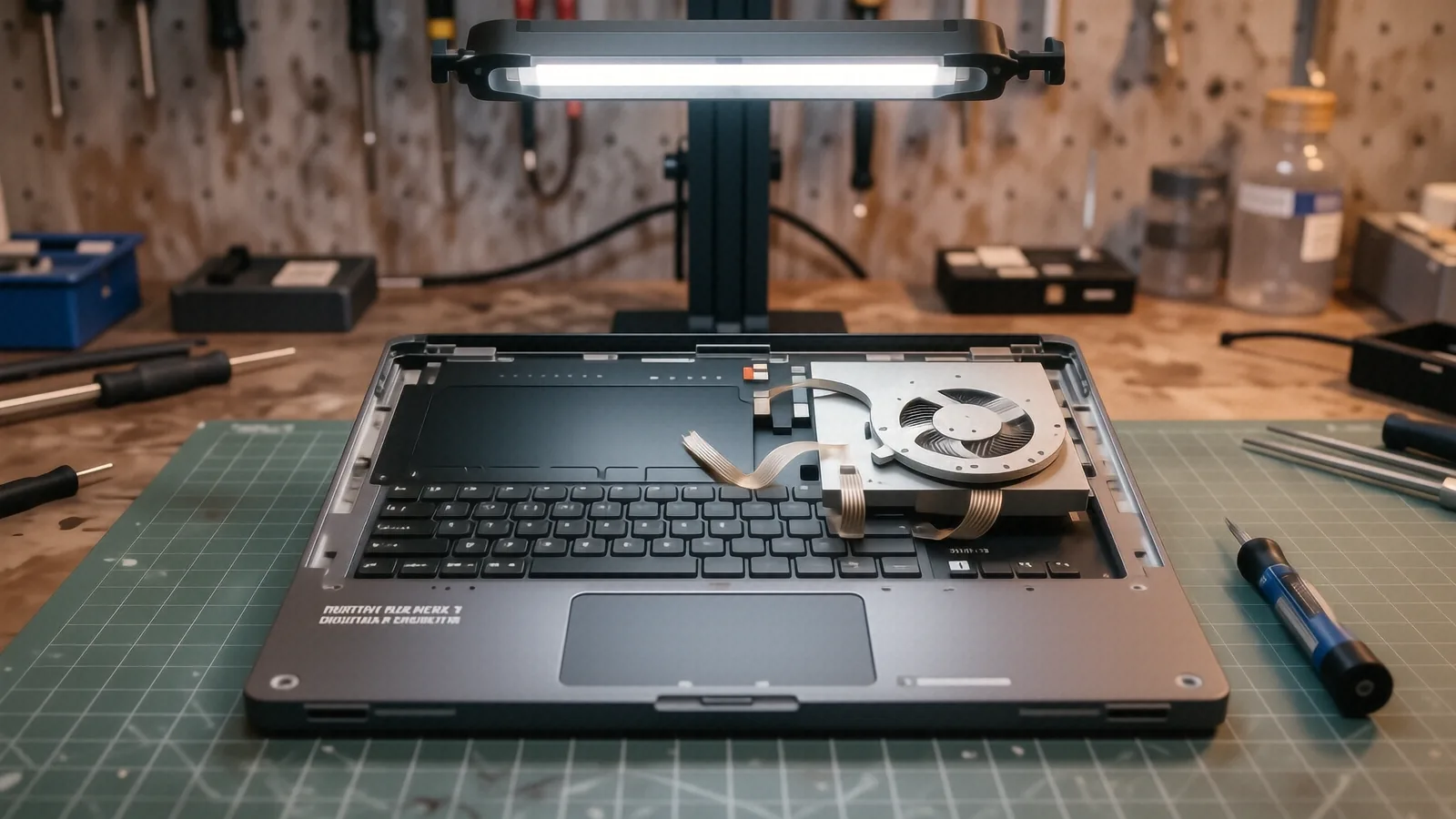
Identifying Lenovo Hinge Failure
You might notice your laptop screen wobbling when you type. This physical instability often signals that the internal metal hinges are beginning to separate from the plastic chassis or the display assembly. While it seems like a small annoyance at first, ignoring a loose hinge usually leads to much more expensive damage later on. When the hinge becomes too tight or the mounting points fail, the tension transfers directly to the delicate ribbon cables or the LCD panel itself.
We see this most frequently with consumer-grade lines like the Lenovo IdeaPad 3 and IdeaPad 5 series. These machines are great for students, but their plastic housings aren’t always designed to withstand years of heavy lid movement. If you own a more robust ThinkPad T14 or a T480, you might experience different failure modes related to the mounting screws stripping out of the magnesium or reinforced plastic frames. Even high-end Yoga models, which rely on a 360-degree rotation mechanism, can suffer from worn-out friction components that prevent the screen from staying upright.
A broken hinge is rarely just a metal problem. Because the hinges are anchored into the laptop’s casing, a snapping hinge often pulls chunks of plastic out with it. This creates a situation where simply replacing the metal part won’t fix the machine because the mounting holes no longer exist.
Your laptop needs professional attention before the screen cracks.
Common Failure Modes in Lenovo Laptops
The way a Lenovo laptop fails depends heavily on its specific build quality and how you use it. On an IdeaPad Slim series, we often find that the brass standoffs—the small threaded inserts that hold the hinge screws—have completely snapped off from the plastic base. This happens because the metal hinge is significantly harder than the surrounding plastic shell. When you open the lid, the force concentrates on those tiny points until they crumble.
We also see significant issues with the Lenovo Legion gaming laptops. These machines are heavier due to their advanced cooling systems and larger GPU dies. The sheer weight of a 15-inch or 17-inch Legion display puts massive leverage on the hinge assembly every time you lift the lid. If you notice a “popping” sound when opening your laptop, stop immediately. That sound is often the sound of plastic structural supports fracturing under the pressure of a seized hinge.
Sometimes the problem isn’t the metal itself but the internal tension. Over several years, the grease inside the hinge can dry out or collect dust, which increases the resistance required to move the lid. This increased resistance puts extra stress on the display bezel and the delicate digitiser if you are using a touchscreen model.
Typical issues include:
- Stripped brass inserts in the palm rest assembly.
- Cracked plastic mounting tabs on the back cover.
- Seized hinge mechanisms causing screen wobble.
- Damaged video cables due to excessive lid movement.
If you are driving near the OH-48 corridor or coming from downtown Centerville, you can bring these machines directly to our shop for a physical inspection. We don’t just guess if the part is broken; we take the chassis apart to see exactly where the structural failure occurred.
Parts Availability and Repair Process
We handle every repair with a focus on long-term durability rather than a quick, cheap fix. When you bring your Lenovo in for laptop repair, our first step is a full diagnostic of the surrounding components. We need to know if the hinge failure has already compromised the LCD or if the internal video cable is still intact. If the mounting points are destroyed, we may need to replace the entire top cover or the bottom base assembly rather than just the hinge itself.
Regarding parts, we maintain a rotating stock of common components for popular Lenovo models. However, because there are so many variations in screen types and chassis materials, we frequently order specific parts from our specialized distributors. If we have to order a custom assembly for your specific ThinkPad or Yoga model, it typically takes 1-3 business days to arrive at our Centerville location. We do not use cheap, unbranded third-party parts that might fail after a month of use.
We prioritize using OEM-spec or high-quality equivalent hardware so the hinge tension feels exactly like it did when the laptop was brand new. A common mistake in many repair shops is simply using more glue to hold a broken plastic tab in place. Glue is a temporary solution that eventually fails under the heat and movement of daily use. We focus on mechanical repairs that restore the structural integrity of your device.
Every hinge repair we perform comes with our 90-day workmanship warranty. This covers us if the specific repair we performed fails due to our installation or part quality. While we cannot cover accidental damage caused by dropping the laptop again, we stand behind the stability of our mechanical work.
Why DIY Hinge Repair is Risky
You might be tempted to watch a YouTube video and attempt this repair yourself with a small screwdriver. While it looks simple on camera, Lenovo laptops are packed with extremely thin ribbon cables that sit directly in the path of the hinge movement. One slip of a metal tool or one slightly misplaced screw can slice through a cable that controls your keyboard, trackpad, or even the backlight for your screen.
Replacing a hinge often requires removing the entire motherboard to access the mounting screws from underneath. This is an intimidating process for anyone who hasn’t spent years working on a bench. You have to manage delicate ESD (electrostatic discharge) risks while navigating tiny, fragile connectors that are easily bent or snapped.
If you break a connector during a DIY attempt, the repair cost will jump from a simple hinge replacement to a full motherboard or screen assembly replacement. We have seen many customers come in after a failed DIY attempt where the laptop was functional until they tried to “fix” the hinge. At that point, the job becomes much more complex and expensive.
Instead of risking your hardware, let us handle the heavy lifting.
Professional Diagnostics for Lenovo Users
When you drop off your device at 264 N. Main Street, Suite C, we don’t just look at the broken part. We run a full system check to ensure that the mechanical stress hasn’t caused electrical issues. For example, we check the SMART data on your NVMe SSD to make sure no physical shocks have threatened your data integrity. We also inspect the battery for any swelling, which can sometimes put extra pressure on the chassis and exacerbate hinge problems.
If you are using a Lenovo Yoga or a touchscreen-enabled IdeaPad, we pay special attention to the digitiser. The tension in the hinge is directly related to how the screen sits against the frame. If the hinge is misaligned, it can cause “ghost touches” or dead zones on your touch interface. We verify that the screen remains perfectly flush with the bezel after the repair is complete.
Our goal is to return a machine that feels solid and reliable. We don’t want you to feel like you are holding a fragile piece of plastic every time you go to work or school. Whether it is a rugged ThinkPad used in an office or a flashy Legion used for gaming, we treat the mechanical repair with the same precision.
Bring your Lenovo laptop to our Centerville shop at 264 N. Main Street, Suite C, Centerville, OH 45459. You can walk in during our business hours, which are Monday through Friday from 10am to 7pm.