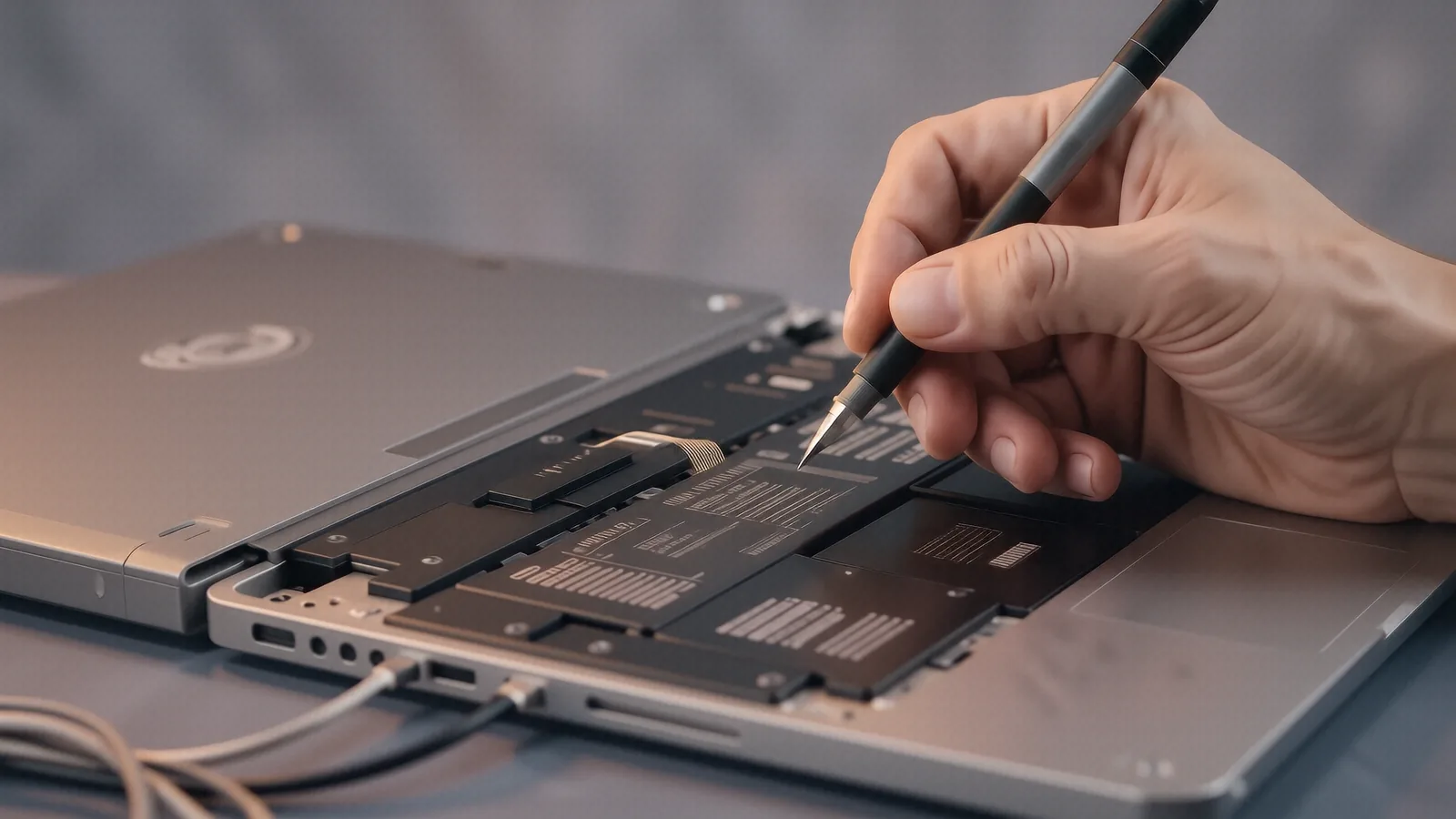
Reliable Mac Repair for Beavercreek Residents
If you are driving down from Beavercreek, you will find our shop about 15 minutes away via I-675 South. Most of our customers come from near the Mall at Fairfield Commons or the residential areas around Beavercreek Station. We sit right on N. Main Street in Centerville, which makes us a quick trip for anyone living near the intersection of OH-48 and I-675. While you might see big-box retailers in the Beavercreek area that offer basic tech support, they rarely have the specialized tools required for deep Apple hardware repairs.
You deserve better than a generic technician who only knows how to run software updates.
A typical MacBook Pro user needs more than just a factory reset when their device starts behaving strangely. When your screen flickers or your fans spin up to maximum speed while you are just browsing the web, it usually indicates a hardware conflict. We see these issues constantly on the bench. Whether it is a failing NVMe SSD in a newer model or a swollen battery in an older MacBook Air, the fix requires precision.
Why Big-Box Stores Fall Short on Apple Hardware
The local big-box stores near Beavercreek often treat your Mac like a generic PC. They follow a rigid script that usually ends with them telling you to mail your device to a central repair depot. This process can take two weeks or longer, leaving you without your primary computer for an extended period. We prefer a hands-on approach because we actually keep parts in stock and perform the diagnostics right here in our Centerville shop.
You don’t have to wait weeks for a shipping label.
When you drop off a device at a massive retail chain, it often goes through a dozen different hands before a technician even looks at it. At Dayton PC Repair, your Mac stays on my bench where I can track the repair progress personally. We focus on specific component-level repairs rather than just suggesting expensive whole-unit replacements. If your MacBook Retina has a faulty digitiser or a cracked glass layer, we look for the most cost-effective way to restore functionality.
Common macOS and Hardware Issues We Solve
We see a wide variety of problems every week, ranging from simple software glitches to catastrophic liquid damage. A common issue involves the logic board on older MacBook Pro models where heat dissipation becomes an issue over time. If your laptop feels hot enough to cook an egg, the thermal paste has likely dried out or the vapor chamber is clogged with dust. We can perform a full internal cleaning and re-paste the GPU die to bring those temperatures back down to a safe range.
Software problems can be just as frustrating as hardware failures.
Sometimes your Mac boots up fine, but certain applications crash immediately upon launch. This might be a corrupted plist file or a deeper issue within the macOS file system that requires running First Aid in Disk Utility. We use professional-grade tools to check your SMART data, which tells us if your internal drive is physically dying. If we see an increasing number of reallocated sectors on your SSD, we will recommend an immediate data backup and a drive replacement before you lose everything.
Specialized Service for the WPAFB Community
Being so close to Wright-Patterson Air Force Base, we serve many military families who need their tech working perfectly for work or school. We understand that your MacBook is often your lifeline for communicating with family or completing mission-critical tasks. Because many of our clients deal with strict schedules and high-security requirements, we prioritize clear communication regarding repair timelines. We won’t guess at a price; we provide an honest estimate after the initial diagnostic phase is complete.
We respect your time and your data.
If you are working on a MacBook Pro 16-inch with the M-series chip, you know how much you rely on that performance. When those high-performance machines encounter a kernel panic, it can feel like the end of the world. We have spent twelve years learning the nuances of these architectures so we can troubleshoot effectively. We don’t just swap parts blindly; we use Event Viewer logs and system reports to find the actual root cause of the crash.
Liquid Damage and Screen Replacements
Spilling coffee on a keyboard is a nightmare scenario for any Mac owner. When liquid hits the logic board, it starts a process of corrosion that can destroy traces in a matter of hours. If this happens to you, turn the device off immediately and do not attempt to charge it. Bring it to us as soon as possible so we can open the chassis and clean the components with high-grade isopropyl alcohol.
We have seen everything from soda spills to full saltwater immersion.
Screen issues are another major reason customers drive from Beavercreek to see us. A MacBook Air might have a backlight issue where the image is visible only under a flashlight, or your MacBook Pro could have a completely dead LCD panel. Replacing these displays requires specialized adhesive removal and extreme care with delicate ribbon cables. One wrong move can snap a connection that is nearly impossible to repair without a full logic board replacement.
Data Recovery and SSD Upgrades
If your Mac won’t turn on at all, you might be worried about your family photos or important work documents. While modern MacBooks have soldered storage, we still have many methods for attempting data retrieval from damaged boards. For older models that use removable NVMe SSDs, we can often pull the drive and mount it on another machine to grab your files. We take every precaution to ensure your privacy remains intact throughout the entire recovery process.
Your digital life is precious.
For those who feel their Mac is getting sluggish, an upgrade might be the answer. While you cannot easily upgrade the RAM on newer Apple Silicon models, we can often help optimize your existing storage or replace a failing drive in older Intel-based machines. A fresh installation of macOS and a clean drive can make a five-year-old MacBook feel like it just came out of the box. We check every component for health to ensure that once you leave our shop, your computer stays reliable for a long time.
The Dayton PC Repair Difference
We are a family-owned business, which means we care about our reputation in the Centerville and Beavercreek communities. You aren’t just a ticket number in a database here; you are a neighbor. We maintain a $50 minimum diagnostic fee to ensure we can dedicate the necessary time to every single device that hits our bench. This allows us to be thorough, checking everything from your battery cycle count to your Wi-Fi antenna connections.
We don’t hide behind technical jargon.
If a repair is not worth the cost, we will tell you plainly. We would rather lose a job than take your money for a repair that won’t last another month. This honesty is why we have been able to serve this area for over a decade. Whether you have a brand new MacBook Air or a decade-old iMac that still holds sentimental value, we treat the repair with the same level of professional scrutiny.
Stop by our shop to get your Mac back in working order. We are located at 264 N. Main Street, Suite C, Centerville, OH 45459. You can find us open Monday through Friday from 10am to 7pm.