Direct Mac Service Near Bellbrook
If you are driving down OH-48 from Bellbrook toward Centerville, you are only about 15 minutes away from our repair bench. Most of our customers come to us from near the Bellbrook Schools or the shops around Sugarcreek State Park because they need a technician who actually knows macOS inside and out. While you might find a generic electronics store in the Kettering or Beavercreek area, those big-box retailers usually just act as a middleman for a massive corporate repair queue. We don’t do that here at Dayton PC Repair.
When your MacBook Pro Retina won’t boot or your iMac starts making a clicking sound, you want an answer immediately. Big-box stores often take your device, put it in a box, and ship it to a central facility where it sits for two weeks. We handle the diagnostics right here on our bench at 264 N. Main Street. You get to talk to the person actually turning the screwdriver.
Getting a professional repair shouldn’t feel like a mystery.
Common MacBook Hardware Failures
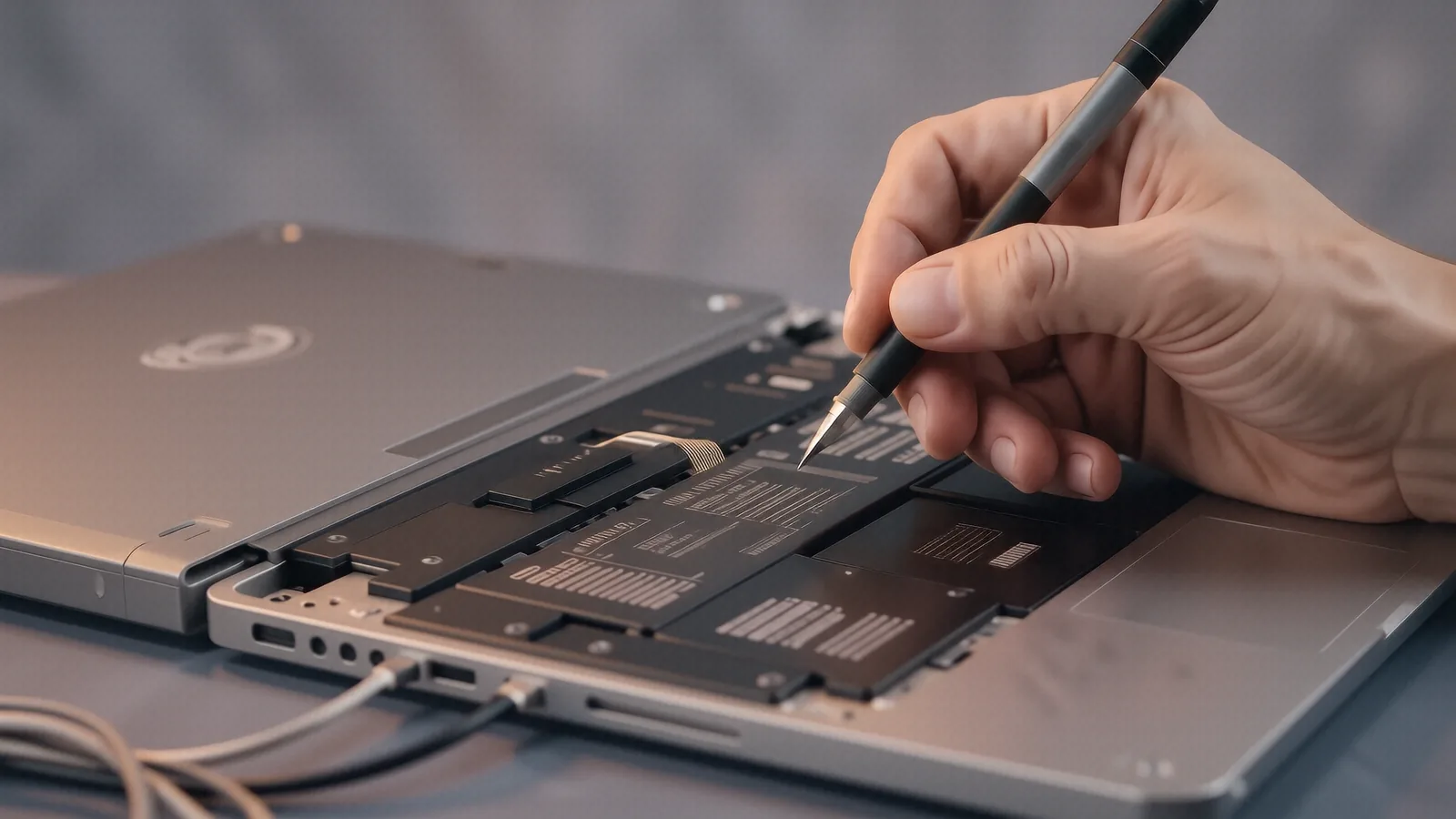
MacBook users deal with a specific set of hardware headaches that differ from Windows laptops. For example, if you own a newer MacBook Air with an integrated M2 or M3 chip, your RAM is soldered directly to the logic board. This means we cannot simply swap out a stick of memory if your system is running slow; we have to look at deeper software optimizations or board-level repairs. Many customers bring in older MacBook Pro models that suffer from failing battery cycles. A swelling battery can actually push against the underside of your trackpad, which ruins the digitiser or cracks the glass.
We see these specific issues frequently:
- Liquid Damage: Even a small spill on a MacBook keyboard can cause a short circuit on the logic board within minutes.
- Display Issues: Flickering screens or “stage light” effects usually indicate a failing backlight circuit or a damaged flex cable.
- Storage Failures: While older Macs used proprietary SSDs, newer models use highly integrated NVMe storage that requires precise handling.
If your screen is black but you can hear the fans spinning, it might just be a backlight failure. We use specialized diagnostic tools to check if the GPU die is receiving power or if a ribbon cable has simply wiggled loose from its socket. Because Apple’s hardware is so tightly integrated, you cannot just grab parts from a generic website and expect them to work. You need components that match the exact revision of your specific logic board.
Sometimes the problem is much simpler than a dead motherboard. A dusty fan can cause your CPU to thermal throttle, which makes the whole computer feel sluggish during basic tasks like browsing Safari or using Zoom. We perform deep cleanings that include removing the old, crusty thermal paste and applying fresh compound to keep your temperatures in check.
Software Troubleshooting and macOS Optimization
Not every trip to our shop requires a screwdriver. Many Bellbrook residents come to us because their Mac has become incredibly slow or is stuck in a constant boot loop. We start by checking the macOS Console and Event Viewer logs to see exactly what process is crashing your system. If you are seeing a “kernel panic” error, it usually means there is a conflict between your hardware drivers and the operating system.
We can help when:
- Your iCloud syncing is stuck and eating up all your bandwidth.
- Disk Utility shows errors in your APFS container that prevent booting.
- Third-party software is hogging 90% of your CPU resources in Activity Monitor.
A typical Mac user might try to fix these issues by reinstalling the OS, but that often wipes out precious data if you haven’t set up a Time Machine backup recently. We prioritize data integrity above everything else. Before we run any invasive repair scripts or format a drive, we attempt to mount your files through an external enclosure so your photos and documents stay safe.
If you are running an older Intel-based iMac, you might notice it struggles with the latest macOS updates. This isn’t always because the hardware is “bad,” but rather because the software requirements have increased. We can advise you on whether an SSD upgrade will breathe new life into that machine or if it is time to move to Apple Silicon.
Why Local Expertise Matters More Than Big-Box Convenience
You might be tempted to visit a large retailer in the Dayton area because they have a recognizable name. However, those technicians are often generalists who follow a rigid script provided by a corporate office. If your repair isn’t covered under a standard AppleCare+ plan, they will likely tell you to just buy a new machine instead of fixing the one you have. We take a different approach by looking for the specific point of failure.
When you bring a device to us, we look at the actual components. We check the SMART data on your SSD to see if the drive is nearing its end-of-life. We inspect the charging port for debris or bent pins that prevent the USB-C cable from making a solid connection. This granular level of detail is what separates a professional technician from a retail clerk.
We understand the value of your time. If you live near the Bellbrook/Xenia border, driving all the way to a massive mall just to be told “we have to ship it away” is a waste of your afternoon. We provide clear estimates and honest timelines so you aren’t left wondering where your computer is for the next ten business days.
Our shop is built on transparency. If a repair costs more than the device is worth, we will tell you that upfront. We would rather lose a service call than take $400 from a neighbor for a machine that will be obsolete in six months. This philosophy has kept us in business for twelve years.
Specialized Repairs for iMac and Mac Mini
Desktop Macs present their own set of challenges compared to portable laptops. An iMac, especially the thinner models, is a tightly packed ecosystem of glass, aluminum, and delicate ribbon cables. Opening one requires specific suction tools and heat guns to soften the adhesive holding the screen in place. If you attempt this yourself without experience, you risk cracking the panel or severing the connection to the logic board.
For Mac Mini users, the issues are often related to thermal management or external connectivity. Since these units are often tucked away in corners or behind monitors, they can collect a significant amount of dust. We can open the chassis, clear out the cooling fins, and ensure your unit isn’t overheating during heavy workloads.
We also handle peripheral issues that affect your entire workstation. If your Magic Mouse won’t pair or your external monitors are flickering, the problem might be a corrupted Bluetooth module or a faulty Thunderbolt port. We test these connections thoroughly to ensure your desktop setup remains stable for work or creative projects.
Whether you use a MacBook for school, an iMac for your home office, or a Mac Mini for a media server, we have the tools to service them. We keep a stock of common replacement parts so we can often complete repairs much faster than a manufacturer-authorized center would.
Visit Us in Centerville
If your Mac is acting up, don’t wait until it fails to boot entirely. A small issue like a failing fan or a slow hard drive can quickly turn into a catastrophic motherboard failure if left unaddressed. We are located at 264 N. Main Street, Suite C, Centerville, OH 45459. You can find us right off the main thoroughfare, making it easy to swing by on your way home from Bellbrook.
We are open Monday through Friday from 10am to 7pm. Bring your device in for a diagnostic check so we can get you back to work as quickly as possible.