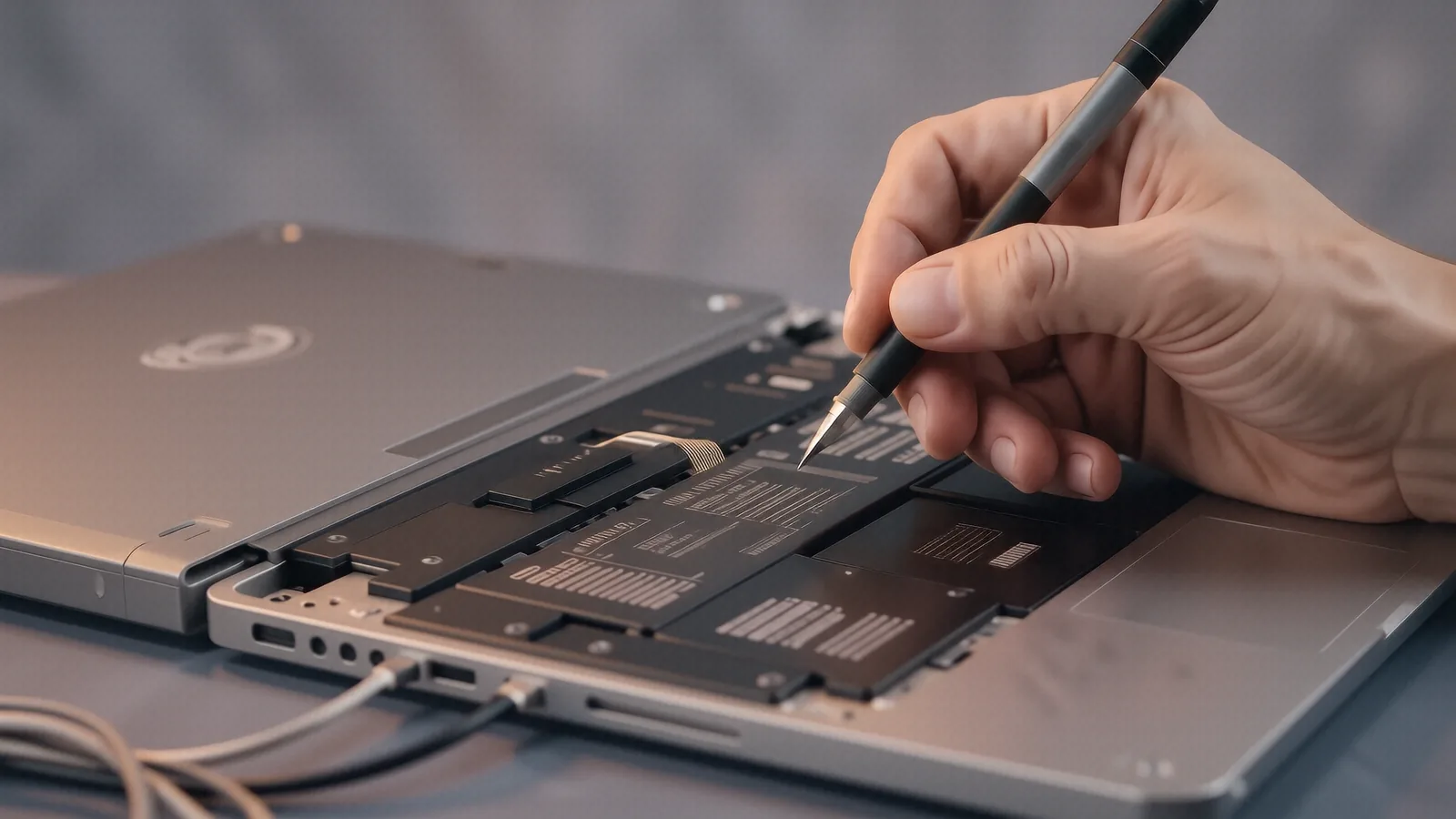
Reliable Mac Repair in Centerville
If you are driving down from the Huntsman Village area or coming from near the Centerville Library, getting your MacBook to our shop is a quick trip. We are located right on North Main Street, just a few minutes away from the intersection of OH-725. You won’t have to navigate heavy traffic on I-675 just to get a professional opinion on a broken screen or a failing battery. While some people think they need to drive into Beavercreek or head toward Dayton to find specialized Apple service, our technicians handle high-end Mac hardware right here in the 45459 ZIP code.
We know your time is valuable.
Most big-box retailers like Best Buy or Staples offer basic troubleshooting, but they rarely perform deep component-level repairs. When you drop a device off at a massive retail chain, it often gets shipped away to a centralized depot, which can add a week of waiting to your repair timeline. We keep our tools on the bench and our eyes on your hardware so that we can provide faster turnaround times for our neighbors.
Common MacBook Hardware Failures
MacBooks are incredible machines, but they are not indestructible. A Dell XPS 13 or a ThinkPad T-series might handle a bump differently than a MacBook Pro Retina, which uses much tighter tolerances and more delicate internal connections. I have seen dozens of cases where a single spilled latte on a MacBook Air causes the liquid to seep directly under the keyboard, shorting out the logic board before the user even realizes there is a problem.
Liquid damage is a serious issue.
When liquid hits a logic board, it starts a process of corrosion that eats away at the tiny copper traces and solder joints. If you notice your Mac acting erratic after a spill, do not try to turn it on to “see if it still works.” You should power it down immediately and bring it to us for an ultrasonic cleaning or a component-level repair. We use specialized tools to clean those traces so that we can save the board instead of just telling you to buy a new one.
Other common issues involve the physical components:
- Swollen lithium-ion batteries that push against the trackpad.
- Failing SSDs in older models that won’t boot into macOS.
- Broken hinges on the 13-inch and 15-inch chassis.
- Backlight failure on the Retina displays.
The battery is often the first thing to go. A swollen battery can actually crack your aluminum casing or snap the delicate ribbon cable that connects your trackpad to the logic board. If you notice your laptop case bulging or your trackpad feeling “stiff” when you click, you need to replace that cell before it causes permanent structural damage to your machine.
Software and Logic Board Diagnostics
Not every problem is a physical break. Sometimes your Mac simply refuses to cooperate because of a corrupted file system or a kernel panic that keeps crashing the OS. When a customer brings in a MacBook Pro that won’t boot, I start by checking the NVRAM and resetting the SMC if the model allows for it. If those steps fail, I move into deeper diagnostics using macOS Recovery or external boot drives to see if the issue is software-based or hardware-rooted.
We look at the data.
I check the SMART data on your internal NVMe SSD to see if the drive is reaching its end-of-life cycle. If the drive shows a high number of reallocated sectors, I know that a simple macOS reinstall won’t fix the problem because the hardware itself is dying. In those cases, we focus on data recovery first so that you don’t lose your family photos or important work documents before we attempt to stabilize the system.
Software issues can also stem from:
- Incompatible third-party drivers causing system hangs.
- Corrupted macOS updates that leave the system in a boot loop.
- Malware that consumes 90% of your CPU resources.
- Full disk partitions that prevent the OS from creating swap files.
A full disk is a common culprit for slow performance. When your SSD has less than 10% free space, macOS struggles to manage virtual memory, which makes even a powerful M2 chip feel sluggish. We can help you clean up those bloated system logs and cache files so that your machine runs smoothly again without needing a complete wipe.
Why Local Repair Beats the Big-Box Experience
The biggest frustration with large-scale repair centers is the lack of transparency. They often provide a generic “repair or replace” estimate because their technicians aren’t trained to fix individual components on a circuit board. If your MacBook has a single blown capacitor, a big-box store will tell you that you need a whole new logic board, which can cost upwards of $600. We prefer to look at the board under a microscope and see if we can replace that specific part for a fraction of the price.
You get direct communication here.
When you work with a local shop in Centerville, you aren’t just a ticket number in a massive database. You can talk directly to the person who is actually holding your screwdriver. We explain exactly what we found, whether it was a loose ribbon cable or a failed GPU die, so that you understand why the repair costs what it does. This level of honesty is why many families near West Side or the Centerville Shopping Center trust us with their expensive electronics.
We also value your privacy.
When you send a laptop to a distant repair depot, you are handing over your entire digital life to strangers. We keep all devices secure in our shop at 264 N. Main Street, and we never access your personal files unless it is strictly necessary for the diagnostic process. Whether you are a student at a local college or a professional working from home near Smith Fen Park, your data security is our top priority during every repair session.
Specialized Mac Service Capabilities
Our bench is equipped to handle the specific nuances of Apple’s ecosystem. We understand that a MacBook Pro with an Apple Silicon chip requires a different approach than an older Intel-based model. The integration between the unified memory and the SoC (System on a Chip) means that many things that used to be upgradable are now soldered directly to the board. This makes professional diagnostic skills even more critical because one wrong move can render the entire machine useless.
We handle various specific repairs:
- Display assembly replacements for cracked Retina screens.
- Keyboard and trackpad repairs for liquid-damaged units.
- Logic board micro-soldering for power rail issues.
- Data recovery from non-booting or damaged SSDs.
The complexity of modern MacBooks is high. Because Apple uses proprietary screws and extremely thin internal components, you cannot simply use a standard toolkit to fix them without risking damage to the chassis. We maintain a stock of precision drivers and specialized prying tools designed specifically for these tight enclosures. This ensures that when we open your MacBook, we aren’t stripping screws or marring the aluminum finish.
Getting Your Mac Back in Action
The repair process is straightforward once you bring your device to us. We start with an initial assessment to identify the core problem, which usually takes about 1-3 business days depending on part availability. If we find that a specific part like a replacement digitizer or a new battery needs to be ordered, we will contact you immediately with a clear quote before we proceed with any work. There are no hidden fees or surprise charges once we have agreed on the repair plan.
We aim for efficiency.
If your Mac is under warranty, we can help you navigate those options, although most accidental damage isn’t covered by AppleCare+. If you are out of warranty, our goal is to provide a cost-effective alternative to buying a brand-new machine. Many times, a $150 repair can extend the life of your MacBook by another three or four years, which is much better for your wallet and the environment than contributing to e-waste.
Bring your Mac to Dayton PC Repair. We are located at 264 N. Main Street, Suite C, Centerville, OH 45459. You can drop off your device Monday through Friday between 10am and 7pm.