Reliable Mac Repair Near Fairborn
If you are driving out from Fairborn toward Centerville, you will likely take I-675 South for about 20 minutes. Our shop sits just a short trip away from the Wright-Patterson AFB area, located right off Far Hills Avenue in the heart of Centerville. Whether you live near Greene County Correctional Institution or spend your afternoons around the historic downtown Fairborn district, getting your Apple hardware fixed shouldn’t feel like a massive chore. You might consider driving to a big-box retailer in Beavercreek or heading toward a mall, but those places often lack the specialized bench tools we use every day.
We know that many of our customers are connected to Wright-Patterson AFB through military service or civilian contracting. When your MacBook Pro Retina won’t boot up before a briefing, you need a technician who understands the urgency of professional hardware. We don’t just run automated scripts like a retail chain might do. Instead, we look at the actual components.
Big-box stores like Best Buy or Staples often act as middle-men for Apple. They take your device, put it in a box, and ship it off to a central depot where it might sit for two weeks. We handle the repair ourselves right here on our workbench.
Common MacBook and iMac Hardware Issues
Mac hardware is beautiful, but it can be incredibly finicky when a component starts to fail. I have spent twelve years seeing the same patterns emerge on my bench. A MacBook Air might suffer from a failing battery that causes the trackpad to bulge upward. This physical pressure can actually crack the glass or damage the logic board if you ignore it for too long.
We see a lot of liquid damage in this area. It usually happens because someone was working near a drink while studying at a local cafe. When coffee hits a MacBook Pro, it doesn’t just sit on the surface. The liquid seeps under the keyboard and travels along the ribbon cables toward the GPU die or the CPU. We use ultrasonic cleaners and specialized isopropyl alcohol to scrub those traces before corrosion sets in.
Dealing with Display and Logic Board Failures
The Retina displays on newer MacBook Pros are stunning, but they are also fragile. If you see vertical lines or a flickering image, it is rarely a software glitch. Often, the flex cable that connects the screen to the logic board has worn out from being opened and closed too many times. This is a known issue with certain model years of the 13-inch MacBook Pro.
We also encounter significant issues with NVMe SSD failures in older models. While some Macs have soldered storage, others allow for modular upgrades or repairs. If your Mac is stuck on a loading bar or shows a flashing folder icon, we run SMART data diagnostics to see if the drive is physically dying. We can often migrate your data to a new drive so you don’t lose your family photos or work files.
Sometimes the problem is much simpler than a dead motherboard. A faulty charging port or a blown capacitor on the power rail can make a machine appear completely dead. We test the voltage at every stage of the power circuit to find exactly where the electricity stops flowing.
Software and macOS Troubleshooting
Not every problem requires a screwdriver. Sometimes your Mac is perfectly healthy, but the operating system has become corrupted. You might notice that your Activity Monitor shows a specific process consuming 90% of your CPU resources. This can cause the fans to spin at maximum speed even when you aren’t doing anything intensive.
We help customers resolve these issues by checking the macOS logs and cleaning up system extensions that are causing kernel panics. If your Mac is running slow, we look for bloated startup items or failing file permissions. We also assist with iCloud synchronization errors that prevent your files from appearing across your devices.
It takes patience to find a software bug. We don’t just suggest a factory reset as the first option because losing your data is a terrible experience. We try to repair the existing installation so you can keep your settings and applications intact.
Why Local Expertise Beats Big-Box Retailers
When you walk into a massive retail chain, you are often talking to a generalist. They might know how to reset a password, but they likely won’t know how to troubleshoot a failing vapor chamber on a high-end MacBook Pro. At Dayton PC Repair, we specialize in the intricate details of computer architecture. We understand the difference between a standard SATA drive and a high-speed NVMe SSD.
The “ship-in” model used by many large companies is frustrating for anyone on a deadline. They take your device, charge a diagnostic fee, and then tell you it will be 7 to 14 business days before they even have an estimate. We aim for a much faster turnaround. Most common repairs can be diagnosed and quoted within 1-3 business days once we have the machine in our hands.
Transparent Pricing and Honest Diagnostics
We believe in being direct about what your repair will cost. There is no “mystery fee” that appears on your bill at the end of the week. We provide a clear estimate after our initial diagnostic phase so you can decide if the repair makes sense for your budget. If we find that a MacBook is too far gone to be worth fixing, we will tell you that straight up.
We don’t push unnecessary upgrades. If your iMac just needs a new cooling fan to stop the overheating, we won’t try to convince you that you need a whole new computer. Our goal is to keep your current machine running reliably for as long as possible. This approach has helped us build a loyal customer base in Centerville and the surrounding Dayton area.
Professional Tools and Clean Workspaces
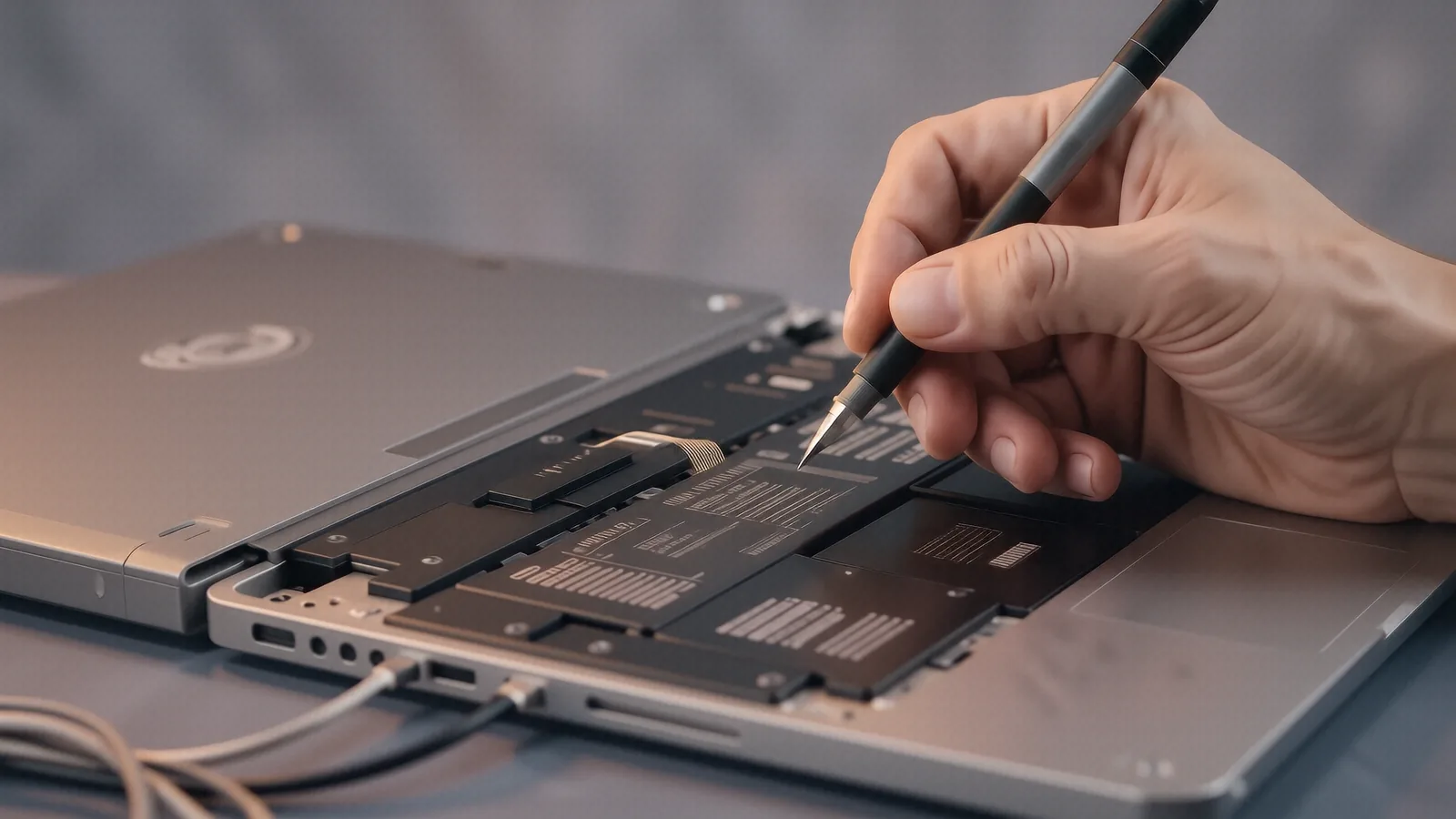
Repairing a modern Mac requires more than just a screwdriver. We use precision tools designed specifically for Apple’s tiny Pentalobe and Torx screws. Using the wrong tool can strip a screw head, making an easy repair much more difficult and expensive. We maintain a clean, static-free environment to protect sensitive components like the digitiser or the logic board from electrostatic discharge.
When we open a device, we document every step. We keep track of where every screw goes because Apple uses different lengths for different parts of the chassis. If you put a long screw into a short hole, you can pierce the motherboard and cause a permanent short circuit. This level of attention to detail is what separates a professional shop from a hobbyist.
Serving the Fairborn and Wright-Patterson Community
Our shop is a convenient destination for anyone living near the Fairfield Commons area or those commuting through Beavercreek. We understand that many residents in Fairborn work in highly technical fields due to the proximity of the Air Force Base. You expect your technology to work as hard as you do, and we aim to meet that standard.
Whether you are a student needing a quick fix for a laptop used for coursework or a professional relying on an iMac for graphic design, we have the experience to help. We handle everything from simple battery replacements to complex component-level logic board repairs. We don’t turn away jobs just because they look difficult.
If your Mac is acting up, don’t wait until it stops working entirely. A small issue like a clicking fan or a slow hard drive can quickly escalate into a total system failure. Bringing it in early can often save you hundreds of dollars in replacement costs.
Drop your device off at our Centerville location to get started. We are located at 264 N. Main Street, Suite C, Centerville, OH 45459. You can find us open Monday through Friday from 10am to 7pm.