Getting Your Mac Fixed Near Kettering
If you are driving out from the Oakwood area or near the Kettering Galleria, you aren’t far from our shop. We are located about 12 miles southeast of Kettering, just a quick trip down OH-48 or via I-675. While you might find big-box retailers in your immediate neighborhood, our Centerville location provides a level of technical depth that most retail chains simply cannot match. We specialize specifically in Apple hardware and macOS software troubleshooting.
Your MacBook Pro shouldn’t sit in a massive warehouse for two weeks while a technician follows a generic script. Most large retailers rely on mail-in services where your device is shipped to a central hub, which often leads to long wait times and unnecessary shipping risks. We keep our tools on the bench right here at 264 N. Main Street. This means you talk directly to the person actually turning the screws inside your machine.
Local residents near Levittock or the hills around Kettering often prefer us because we offer transparency. When you bring in a MacBook Air with a failing battery, I can show you exactly what is happening with the hardware. We don’t hide behind vague “diagnostic fees” that lead nowhere.
Common macOS and Hardware Issues We Solve
Mac users face a unique set of problems compared to Windows users. While a PC might struggle with driver conflicts, a Mac often deals with specific hardware integration issues like the T2 security chip or complex logic board failures. I have spent twelve years seeing how these machines age.
Display and Retina Screen Failures
The Retina displays on newer MacBook Pro models are beautiful, but they are incredibly delicate. You might notice flickering lines across your screen or a complete loss of backlight while you are working in a coffee shop. This is often caused by a failing flex cable or a damaged digitizer. If you see “stage lighting” effects at the bottom of your screen, it usually indicates a hardware failure in the display assembly itself. We can replace these entire modules so your color accuracy remains perfect.
Battery and Power Management
If your MacBook Air won’t hold a charge for more than an hour, your battery is likely reaching its cycle limit. macOS provides some data on this in the System Report, but physical swelling is a much more urgent problem. A swollen battery can actually push against the underside of your trackpad, causing it to click incorrectly or stop responding altogether. We replace these cells using high-quality components so you don’t have to worry about another failure in six months.
Storage and SSD Upgrades
Many older MacBook models used proprietary SSDs that were difficult to upgrade. While newer models have the NVMe storage soldered directly to the logic board, we still work on many machines where a drive replacement is possible. If your Mac is running slow or throwing “disk not found” errors during startup, your storage module might be dying. We check SMART data to see if the drive is physically failing before we recommend any expensive replacements.
Liquid Damage Recovery
Spilling coffee near your keyboard is a nightmare for anyone using a MacBook. Because these machines are built so tightly, liquid can seep past the keys and hit the logic board almost instantly. If this happens, you must power the device down immediately to prevent a short circuit. We perform ultrasonic cleaning and component-level repair on many boards that other shops would simply tell you to replace entirely.
Why Local Expertise Beats Big-Box Retailers
You have likely considered dropping your Mac off at a major electronics chain near Kettering. They might seem convenient, but their business model is built on volume rather than precision. A typical technician at a big-box store is trained to perform basic swaps like keyboards or batteries. If they encounter a problem with a GPU die or a micro-short on a capacitor, they will simply tell you that the machine is unrepairable and suggest you buy a new one.
We take a different approach to every repair. We look at the actual circuitry because we want to save your data and your hardware whenever possible. When you bring a ThinkPad or a MacBook to us, we treat it as a precision instrument rather than a disposable consumer good.
The Problem with Mail-In Repairs
Many people choose the official Apple route because they think it is the only way to get “authorized” service. However, that often means your laptop spends 7 to 14 business days in transit and at a repair center. During that time, you are left without your primary workstation. We offer a much faster turnaround for most common repairs. Most of our diagnostic work is completed within 1-3 business days, provided we have the necessary parts in stock.
Direct Communication and Accountability
When you call us at (937) 660-4819, you aren’t navigating a phone tree designed to frustrate you. You reach someone who knows exactly what an NVMe SSD is or how to use Activity Monitor to find a runaway process. We explain the problem in plain English so you can make an informed decision about your budget. If we find that a repair isn’t cost-effective, we tell you that upfront instead of running up a massive bill for parts you don’t need.
Specialized Tools for Apple Hardware
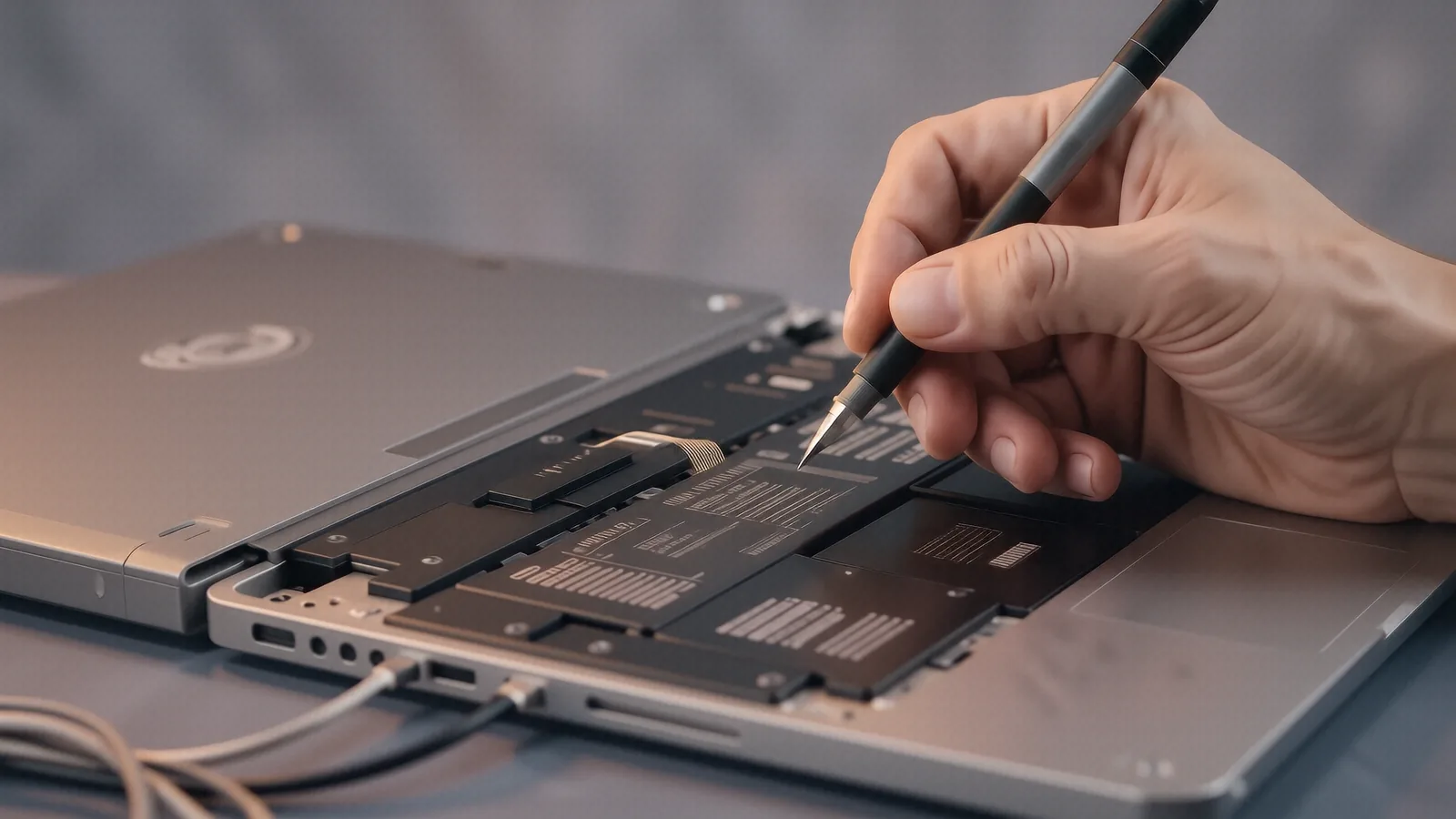
Repairing modern Macs requires more than just a standard screwdriver set. We use specialized Pentalobe and Torx drivers to ensure we don’t strip your casing screws. We also utilize precision heating elements for loosening adhesives on screens and battery compartments. Using the wrong tools on a MacBook is a fast way to turn a simple repair into a permanent disaster.
Professional Diagnostics for Every Model
Whether you own a high-end iMac or a student-model MacBook Air, we use the same rigorous diagnostic process. We don’t guess; we test.
First, we check the software environment. We look through the macOS Console and Event Viewer logs to see if a specific kernel panic is causing your crashes. If the hardware seems stable, we move into physical testing. This includes checking voltage rails on the logic board and testing the integrity of the ribbon cables connecting the components.
For machines that won’t power on at all, we use multimeters to trace where the power is being interrupted. Sometimes a simple blown fuse or a faulty charging port is the only thing standing between you and a working computer. We also check the thermal performance by monitoring how the vapor chamber or heat sink manages temperatures under load. If your fans are screaming but the Mac is still slow, you likely have a thermal paste issue or a failing cooling system.
We serve many families in the Kettering and Centerville areas who rely on their computers for school, remote work, or small business management. We understand that a broken Mac isn’t just a gadget problem; it is a productivity problem. Our goal is to get you back online without the stress of dealing with a massive corporate repair department.
If you are ready to get your device inspected, bring it by our shop. We are located at 264 N. Main Street, Suite C, Centerville, OH 45459. You can drop off your Mac any time during our regular business hours, Monday through Friday from 10am to 7pm.