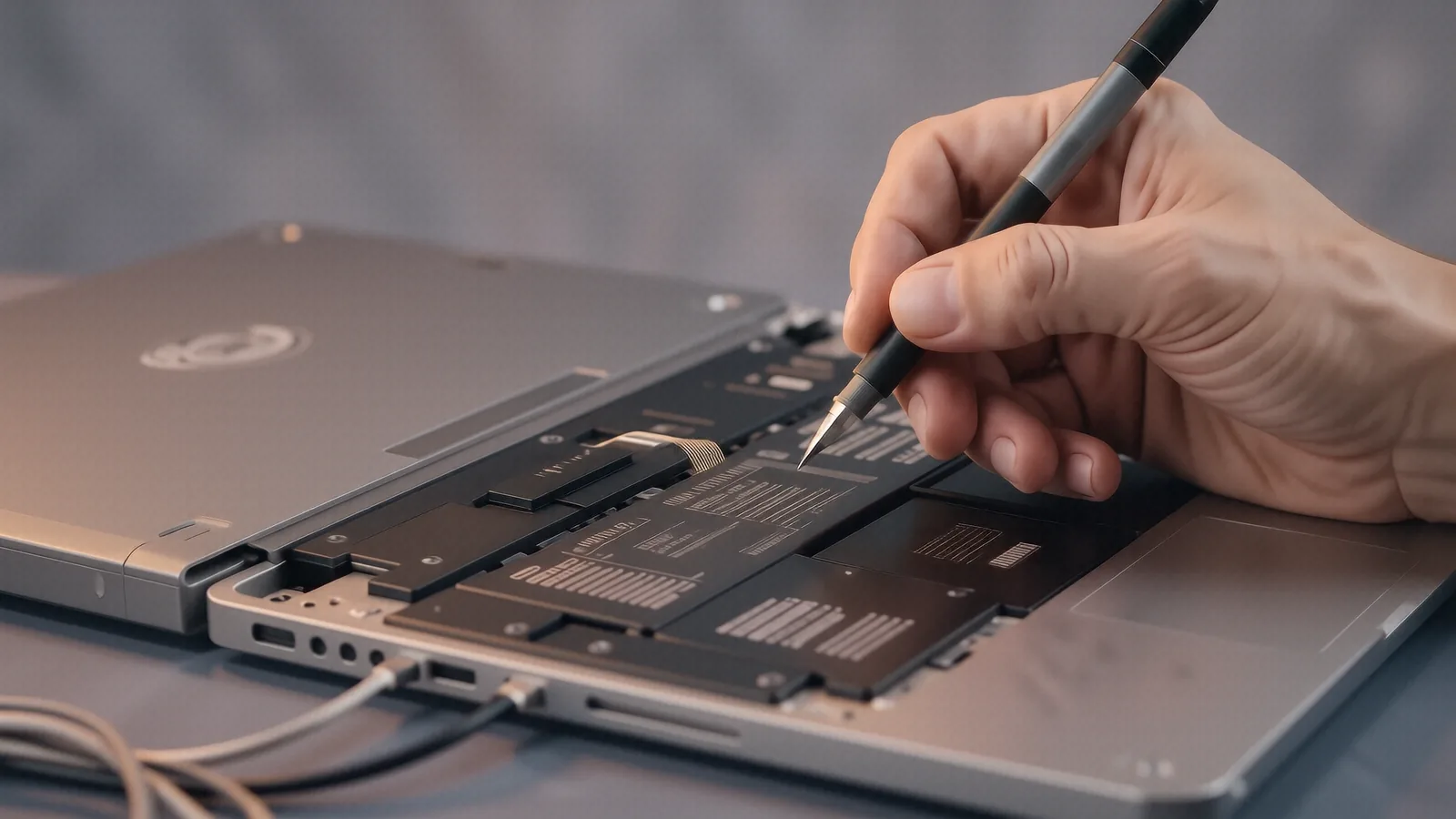
Getting Your MacBook Fixed Near West Carrollton
If you are driving down from the West Carrollton area, you are only about 12 miles away from our shop in Centerville. Most of our customers coming from your side of town take US-35 East to reach us, or they cut through toward anything near the Great Miami River. Whether you live near the historic downtown district or closer to the shopping areas along Taylors Road, getting a specialized technician to look at your Mac is worth the short trip. We see many residents from the Northview neighborhood and families living near the local parks who need reliable hardware support.
Big-box retailers like Best Buy or Staples offer generic tech help that often feels impersonal. While those stores might be closer to some West Carrollton residential streets, they usually function as middle-men for manufacturer mail-in programs. When you drop off a MacBook Pro Retina at a massive retail chain, your device often spends weeks in a shipping queue before a real technician even touches it. We do things differently because we keep the repair process local and immediate.
You get direct access to a bench tech.
Why Specialized Mac Repair Beats Big-Box Retailers
The biggest frustration with large retail chains is the lack of transparency regarding your data and hardware. When you hand over a MacBook Air or an iMac to a generalist, they often follow a rigid script that doesn’t account for the nuance of macOS or Apple’s proprietary silicon. If your logic board has a short due to liquid damage, a big-box employee might simply tell you it is unfixable and suggest a total replacement. We prefer to look at the actual components, such as the individual capacitors or the charging circuitry, to see if we can save your machine.
Our shop focuses on precision diagnostics rather than just selling you a new device. A typical MacBook owner might be facing a failing NVMe SSD or perhaps a degraded battery that won’t hold a charge past 20%. While a retail clerk might suggest a whole-unit exchange, we can often perform a component-level repair that costs a fraction of the price. This approach saves you money and keeps your existing files safe on your original drive. We understand that your Mac contains years of photos, tax documents, and work projects that cannot be easily replaced.
We treat every device with professional care.
Common Hardware Issues We See on the Bench
MacBooks are beautiful machines, but they have specific failure points that we see constantly in our Centerville workshop. The most common issue involves the display assembly, specifically when a ribbon cable becomes pinched or worn out from years of opening and closing the lid. You might notice flickering lines across your Retina display or a complete loss of brightness even though you can hear the system running. We can often replace these delicate cables without needing to swap out the entire expensive screen housing.
Another frequent visitor to our bench is the MacBook with “kernel panic” errors caused by failing hardware. When your Mac suddenly restarts while you are working, it might be a sign that your RAM is failing or that the GPU die is overheating due to dried-out thermal paste. We use specialized tools to check SMART data on your storage drives to see if they are nearing the end of their lifespan. If we find a drive is failing, we prioritize data recovery before attempting any other repairs so that you don’t lose a single byte.
Battery swelling is another serious concern for MacBook Pro owners. Because these batteries are packed tightly against the trackpad and logic board, a swollen cell can actually crack your casing or damage the digitizer on your screen. If you notice your trackpad feeling “stiff” or if your laptop doesn’t sit flat on a desk anymore, you need to bring it in immediately. We replace these batteries using high-quality parts that meet the specific voltage requirements of your model year.
Software and macOS Troubleshooting
Not every problem requires a screwdriver and a soldering iron. Sometimes, your Mac is perfectly healthy hardware-wise, but the software has become a tangled mess of conflicting permissions and corrupted system files. You might experience extreme slowdowns where even moving the cursor feels sluggish, or perhaps certain applications crash every time you try to open them. We use Activity Monitor to identify rogue processes that are hogging your CPU cycles and draining your battery life.
If your Mac won’t boot into macOS at all, we can often resolve the issue through Recovery Mode or by rebuilding the NVMe file system. We also help customers who are struggling with iCloud synchronization issues or those who find themselves locked out of their own keychain. While many people try to fix these things by downloading random “cleaning” software from the internet, that often makes the problem worse by adding more bloatware. A clean install of macOS is usually a much faster and more stable solution for a sluggish machine.
We handle complex software environments too.
Serving the West Carrollton and Wright-Patterson Community
Because we are located just a short drive from the Dayton area, we serve a very specific demographic of professionals. We see many customers who work at or with Wright-Patterson Air Force Base, including contractors and military families who rely heavily on their MacBooks for secure, high-performance work. These users cannot afford to have their machines sit in a repair center for three weeks while a manufacturer processes a claim. They need a technician who understands the urgency of a broken workstation and provides a clear timeline for the fix.
Our reputation is built on being the reliable alternative to the massive, faceless corporations. When you call us at (937) 660-4819, you aren’t talking to a call center in another state; you are talking to the people who will actually be working on your computer. We provide honest estimates, which means we tell you what the repair will cost before we ever start the work. If we find that a repair is not cost-effective—for example, if a 2012 MacBook Pro has a cracked logic board and a dead screen—we will tell you plainly rather than trying to squeeze money out of you.
We value your time and your hardware.
The Diagnostic Process at Dayton PC Repair
When you bring your Mac into our shop at 264 N. Main Street, we don’t just guess what is wrong. We start with a comprehensive diagnostic phase that examines both the physical hardware and the software environment. This includes checking the power rails on the logic board to ensure your charger is actually delivering the correct wattage through the USB-C or MagSafe port. We also look for signs of corrosion, which is common if you have ever spilled even a tiny amount of liquid near the keyboard.
Once we identify the culprit, we provide you with a detailed breakdown of the necessary parts and labor. If your MacBook needs a new vapor chamber to help with cooling, or if a single fan has seized up, we will explain exactly why that part is necessary. We aim to keep our turnaround times as short as possible, often completing minor repairs within 1-3 business days depending on part availability. We never want you to feel like your computer has been lost in a black hole of “pending” status updates.
We believe in clear communication throughout the entire process.
Professional Solutions for Every Apple Product
While we specialize in MacBooks, our expertise extends to the entire Apple ecosystem found in your home or office. If you have an iMac that refuses to turn on, or a Mac Mini that is making a loud grinding noise, those are problems we can solve. We also work on Apple peripherals and accessories if they are causing issues with your primary workstation. Whether it is a desktop setup for a creative professional or a portable laptop for a student, we apply the same level of technical rigor to every device.
We know that many West Carrollton residents use Macs for high-end tasks like video editing, graphic design, or software development. These tasks put a unique kind of stress on your hardware, especially regarding thermal management and memory usage. If you are running out of space on your internal drive, we can often discuss upgrading your storage to a larger NVMe SSD to give your machine a new lease on life. This is much more efficient than trying to manage a dozen external dongles and drives every time you want to save a file.
Your Mac deserves expert attention.
Stop by our Centerville location to get your device back in working order. We are located at 264 N. Main Street, Suite C, Centerville, OH 45459, just a quick trip from West Carrollton via US-35. You can drop your device off with us anytime during our business hours, which are Monday through Friday from 10am to 7pm.