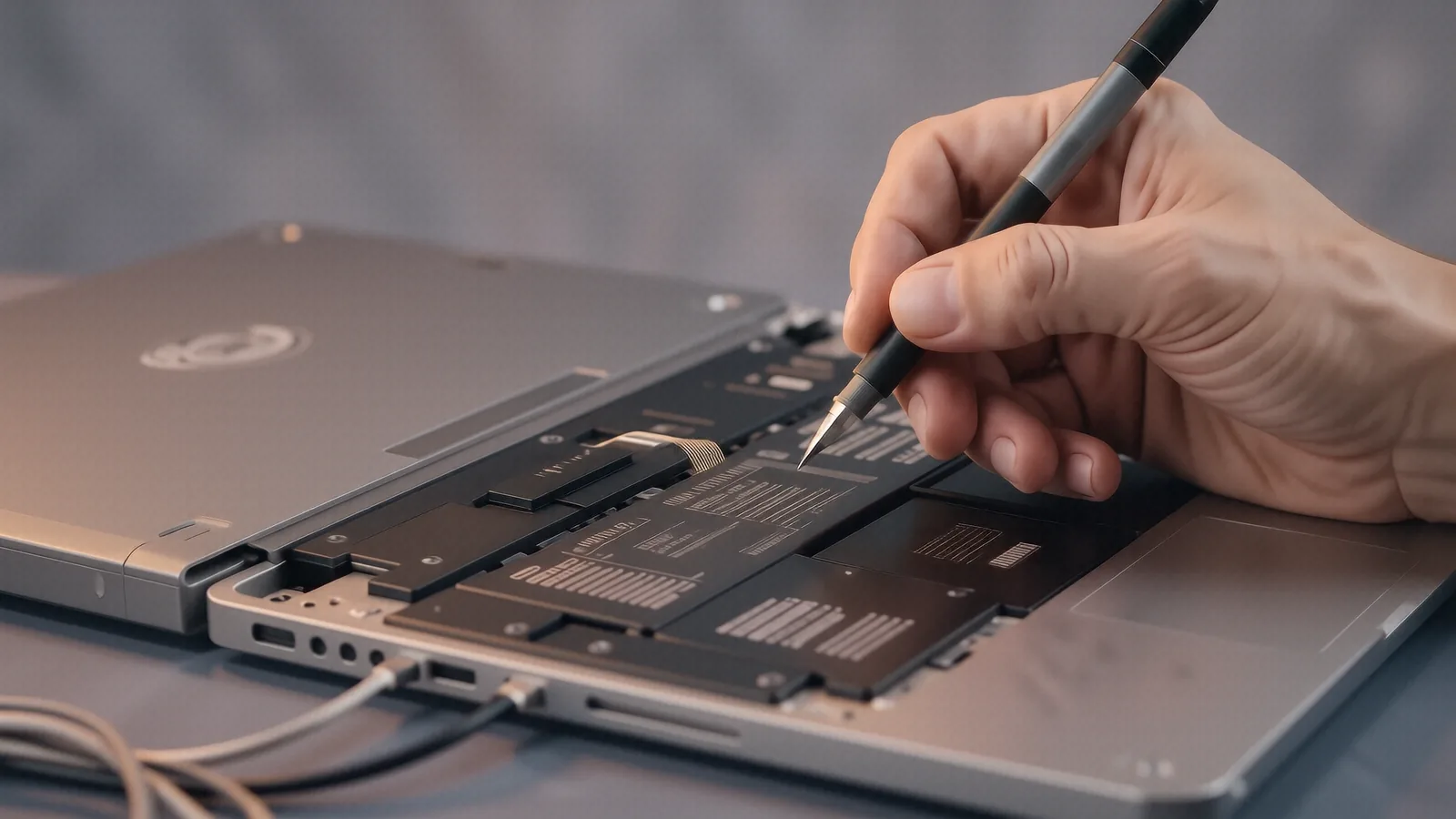
Recognizing MacBook Battery Failure
Your MacBook Pro or Air might suddenly shut down when you unplug the power adapter. This is a classic symptom of a battery that can no longer maintain a steady voltage under load. While some users think a slow charge is the only sign of trouble, you might also notice your trackpad feeling stiff or “floating.” This happens because the lithium-ion cells inside the battery pack begin to swell, which physically pushes against the internal components from underneath.
If you see a slight bulge in your laptop’s chassis, stop using it immediately. A swollen battery is a fire hazard and can permanently crack your logic board or shatter your display assembly. We see this frequently with older MacBook Pro Retina models that have been sitting on a desk for several years without a replacement.
Your battery health is more than just a percentage in macOS. You can check the “Cycle Count” in your System Report to see exactly how much wear the cells have taken. Once you pass a certain threshold, the chemical stability of the battery drops significantly.
Common Apple Models We Service
We work on almost every portable Apple machine released in the last decade. Our technicians regularly handle repairs for the MacBook Air (M1 and M2 models) because they are incredibly popular for students and commuters. The MacBook Pro 13-inch and 14-inch models also come through our Centerville shop quite often. We frequently see older MacBook Pro 15-inch units that require more intensive teardowns due to their complex internal layouts.
The MacBook Pro 16-inch (2019) is another common visitor on our bench. These machines use high-capacity cells that can be tricky to replace without proper specialized tools. We also service the MacBook Air Retina models which transitioned from the older wedge shapes to the modern, flatter designs.
Each of these models requires a different approach to the repair process. Some batteries are glued directly to the aluminum top case, while others use small screws to hold them in place. Because the glue can be incredibly stubborn, we use specific heat tools to soften the adhesive so we don’t damage the surrounding hardware.
Why Apple Batteries Fail
Lithium-ion technology has a finite lifespan regardless of how well you treat your device. Heat is the primary enemy of these chemical cells. If you frequently use your MacBook on a soft surface like a bed or a pillow, you are likely blocking the ventilation paths that keep the internal temperature stable. This heat accelerates the degradation of the electrolyte inside the battery.
Another common failure mode involves the charging circuitry on the logic board itself. Sometimes the battery is actually fine, but a faulty USB-C controller prevents it from pulling a charge from the wall. We use specialized diagnostic software to differentiate between a dead cell and a communication error with the macOS power management system.
We also see issues related to deep discharge cycles. If you leave your MacBook at 0% charge for several weeks, the battery may enter a “sleep” state that is chemically impossible to wake up. This often results in a device that won’t turn on even when plugged into a genuine Apple power adapter.
Our mac repair team performs a full diagnostic before we ever suggest a replacement. We check the SMART data to see if the battery controller is reporting internal errors. This ensures you aren’t paying for a new part when a simple software reset or a different charger would solve the problem.
Parts, Availability, and Lead Times
We do not believe in using cheap, unbranded batteries from generic marketplaces. Those low-quality cells often lack the necessary thermal sensors required by macOS to manage charging speeds safely. Using an inferior part can lead to “Service Recommended” warnings that won’t go away even after the install. Instead, we source high-quality replacement cells that meet or exceed the original manufacturer specifications.
Because Apple changes their internal architecture so frequently, we do not keep every single battery model in stock at our 264 N. Main Street location. We typically keep a small inventory of the most common MacBook Air and MacBook Pro batteries for immediate service. If your specific model requires a specialized part, we can usually have it delivered to our shop within 1 to 3 business days.
We will always give you an accurate timeline before we start the work. You won’t be left wondering where your computer is because we communicate throughout the entire diagnostic and repair process. Most standard battery swaps take about two hours once the part is physically in our hands.
The Repair Process at Dayton PC Repair
When you bring your MacBook to us, we start by documenting the physical condition of the device. We check for any existing cracks in the screen or dents in the aluminum casing so that both you and our technicians are on the same page. After the initial intake, we run a series of stress tests to see how the current battery handles high CPU loads.
The actual replacement is a delicate procedure. On many modern MacBooks, the battery is an integral part of the top case assembly or is heavily bonded with industrial-strength adhesive. We use precision drivers and ESD-safe tools to ensure that static electricity doesn’t fry your logic board during the swap.
After we install the new cells, we perform a calibration cycle. This involves charging the battery to 100% and then discharging it to a specific level so the macOS power management system can learn the new capacity limits. We don’t just put the screws back in and call it a day.
We stand behind our work with a 90-day workmanship warranty. If the battery fails to hold a charge or if a connection comes loose within those three months, we will fix it at no additional cost to you. We want your MacBook to feel like new the moment you walk out our door.
Avoiding Future Battery Issues
You can extend the life of your new battery by following a few simple habits. Avoid letting your charge drop below 20% whenever possible. While modern macOS has “Optimized Battery Charging” features that learn your routine, physical deep discharges still put unnecessary stress on the cells.
Keep your workspace clean and well-ventilated. If you are doing heavy video editing or compiling code, try to use a hard surface like a desk rather than your lap. This allows the heat to dissipate through the bottom case more effectively.
If you live near the OH-48 corridor or in the Centerville area, it is much easier to drop by in person than to deal with the risks of shipping a fragile laptop through the mail. We can provide immediate answers to your questions while you wait.
Our shop is located at 264 N. Main Street, Suite C, Centerville, OH 45459. If you are ready to get your MacBook back to full capacity, bring it by our service desk between 10am and 7pm, Monday through Friday.