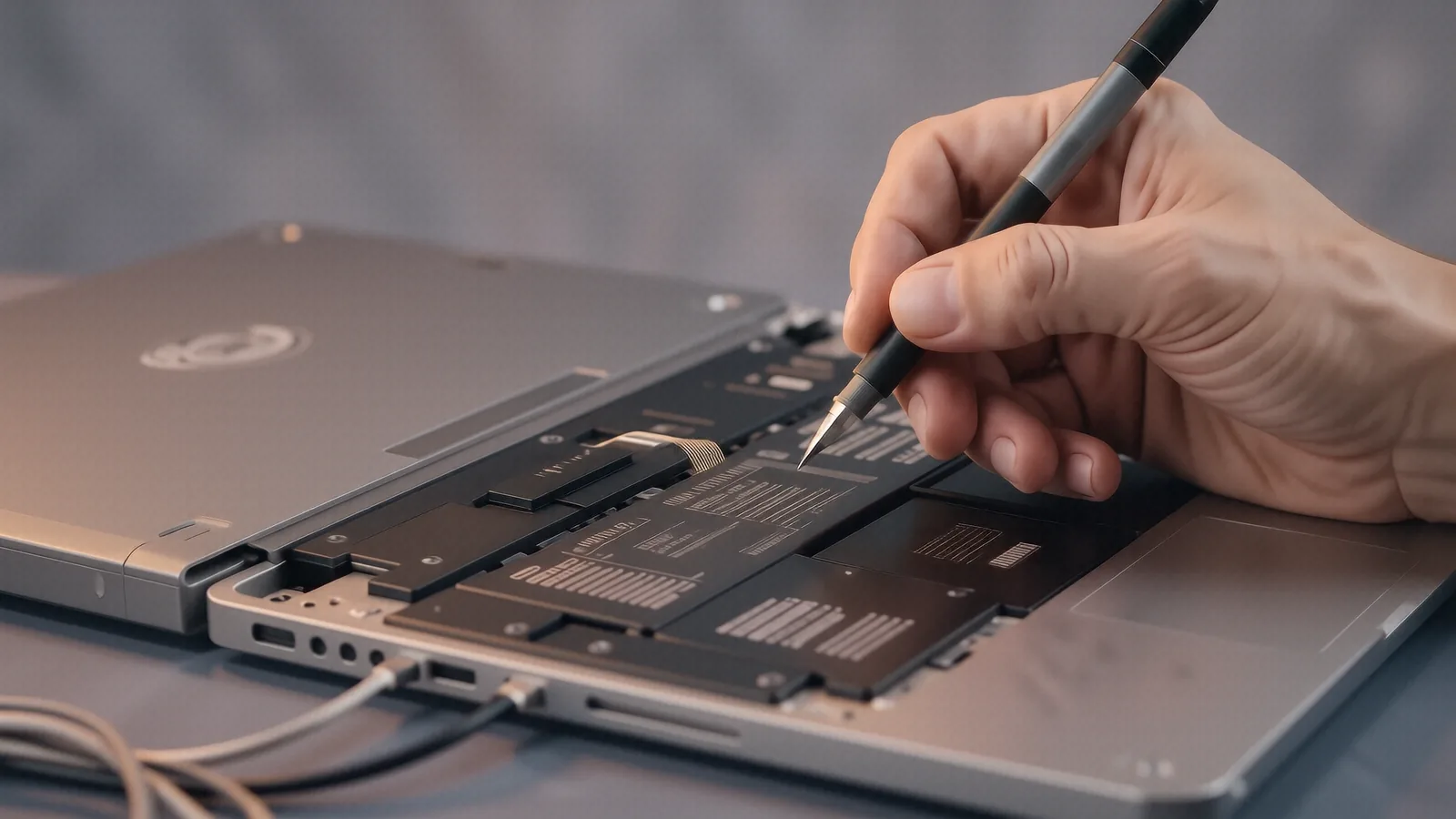
Common MacBook Display Failures
Cracked glass or bleeding LCDs happen for many reasons. You might have dropped your MacBook Pro Retina while rushing to a meeting, or perhaps a heavy textbook sat on the lid inside your backpack. We see physical impact damage most frequently in our Centerville shop. While a cracked digitizer is usually the result of a hard fall, some issues are much more subtle and frustrating.
Sometimes the screen looks perfect but remains completely black. This often points to a failure in the backlight circuit or a damaged flex cable rather than the glass itself. We call this “flexgate” in certain older models because the delicate ribbon cable eventually wears out from being opened and closed thousands of times. If your MacBook Pro 13-inch shows strange lines or flickering colors, the GPU die might be struggling, though a failing display cable is a much more common culprit for these specific visual artifacts.
A damaged screen can prevent you from doing any work. You cannot troubleshoot software if you cannot see the desktop.
Models We Service Regularly
Our technicians have spent over a decade working on the Apple ecosystem. Because Apple changes their internal architecture so often, we focus our training on the specific hardware configurations that most customers bring to us. We frequently handle repairs for the MacBook Pro 14-inch and 16-inch models which feature the newer Liquid Retina XDR displays. These high-end panels are beautiful, but they require specialized tools to disassemble without damaging the surrounding chassis.
We also see a high volume of older hardware coming through our doors. The MacBook Air series remains a staple in our shop because these machines are built like tanks. Even so, the thinner profile of an Air makes the screen more susceptible to pressure damage if you carry it in a tight sleeve. We regularly replace displays on the following models:
- MacBook Pro 13-inch (Retina and M1/M2 variants)
- MacBook Pro 14-inch and 16-inch (Liquid Retina XDR)
- MacBook Air (M1, M2, and Intel-based models)
- MacBook Pro 15-inch (older Unibody designs)
- MacBook Pro 16-inch (2019 Intel models)
Each of these machines uses a different mounting system. A MacBook Air repair is significantly different from a MacBook Pro 16-inch repair because the internal component density varies wildly between them. We make sure our bench is stocked with the specific drivers and suction tools required for each unique chassis design.
Parts availability depends on your specific model year.
Understanding Part Availability and Lead Times
We do not believe in keeping hundreds of expensive, fragile LCD panels sitting on a shelf where they can get damaged by humidity or static. Instead, we maintain a streamlined ordering system that allows us to get the exact part for your specific serial number. When you bring your MacBook to our 264 N. Main Street location, we first verify your model and screen specifications. If we have your specific panel in our local inventory, we can often begin the repair immediately.
Most specialized Apple displays are ordered through our professional distributors. This process typically takes between 1 to 3 business days for the part to arrive at our Centerville office. While waiting for a part might feel like a setback, it ensures that we aren’t installing a generic, low-quality component that lacks the correct brightness or color accuracy. Apple displays are notoriously difficult to replicate with third-party “knock-offs.” We prioritize using high-quality components so that your Retina display looks exactly as it did the day you bought it.
Once the part arrives, the actual installation process is efficient. We don’t leave your machine on the bench for a week after the parts are in hand. Most screen replacements are completed within a single afternoon once we have the necessary hardware.
The Complexity of Modern MacBook Displays
Repairing a modern MacBook is not as simple as unscrewing a few bolts and swapping a panel. On newer MacBook Pro models, the display assembly is often integrated with the entire top lid, including the webcam, ambient light sensors, and the aluminum housing. This makes the part more expensive, but it also makes the repair much cleaner. When we replace a full assembly, we avoid the risks associated with trying to separate glass from an LCD panel in a dusty environment.
We also have to be extremely careful with the delicate ribbon cables that connect the display to the logic board. These cables are often thinner than a human hair and can tear easily if handled without precision. If we encounter a situation where the issue isn’t just the screen but involves a damaged logic board connector, we will tell you immediately. We prefer to give you an honest assessment of the hardware before we ever touch a screwdriver.
A typical MacBook owner might notice that their brightness controls have stopped working or the FaceTime camera is dark. These symptoms often overlap with display issues, which is why our diagnostic step is so vital. We check the internal connections and run software diagnostics to ensure the problem isn’t a simple firmware glitch.
Our Repair Process and Warranty
We treat every machine like it belongs to a family member. When you drop off your MacBook for mac repair, we document the physical condition of the device and perform a full functional test. We check the keyboard, trackpad, and battery health so that we don’t miss any secondary issues. Our goal is to return your laptop in better condition than when you arrived.
We stand behind our technical work with a 90-day workmanship warranty. This means if the new screen develops a defect or a connection comes loose due to our installation, we will fix it at no additional cost to you. This warranty covers the labor and the integrity of the installation itself. We want you to feel confident that your investment is protected long after you leave our shop near the OH-48 corridor.
We do not charge for the initial diagnostic if you choose to proceed with the repair. Our pricing depends on the specific model and the type of display technology used in your machine. A MacBook Air screen will always be more affordable than a high-end MacBook Pro XDR panel because the raw component costs are different.
Precision matters when working with Apple hardware.
Avoiding Future Screen Damage
Once your repair is complete, you likely want to know how to keep the new glass safe. The most common cause of failure is “keyboard imprinting.” This happens when small debris or even crumbs get caught between the keys and the screen when you close the lid. Over time, that pressure creates permanent marks or even cracks the LCD. We recommend using a thin microfiber cloth between the keyboard and the screen if you travel frequently with your laptop.
You should also avoid using heavy objects to secure your MacBook in a bag. A laptop sleeve provides much better protection than just sliding the device into a backpack pocket next to a heavy charger or a water bottle. If you notice any unusual heat coming from the chassis, check your vents. While heat doesn’t directly crack glass, extreme thermal expansion can put stress on the adhesives holding the display in place.
If you are ready to get your MacBook back in working order, bring it to our shop at 264 N. Main Street, Suite C, Centerville, OH 45459. We are open Monday through Friday from 10am to 7pm. You can walk in during those hours or call us at (937) 660-4819 to schedule a specific time for your diagnostic.