Common Surface Battery Failure Signs
Your Surface Pro might stay plugged in constantly because the internal lithium-ion cells can no longer hold a meaningful charge. We see this frequently when a device reaches the three or four-year mark of regular use. You might notice the tablet suddenly shutting down when you hit 30% battery life, which indicates a failing cell within the pack. Sometimes the chassis itself looks slightly swollen near the screen edges. This swelling happens because gas buildsers up inside a degraded battery, and it can actually put pressure on your digitiser or crack the glass if left unaddressed.
Don’t ignore the heat. If your Surface Laptop 4 feels unusually hot while performing basic tasks like web browsing, the battery might be struggling with high internal resistance. This heat can eventually damage the motherboard or the NVMe SSD sitting right underneath the battery compartment. We recommend bringing your device into our Centerville shop if you see these symptoms.
A failing battery is a hardware problem. Software resets rarely fix a physical chemical breakdown.
Surface Models We Service Regularly
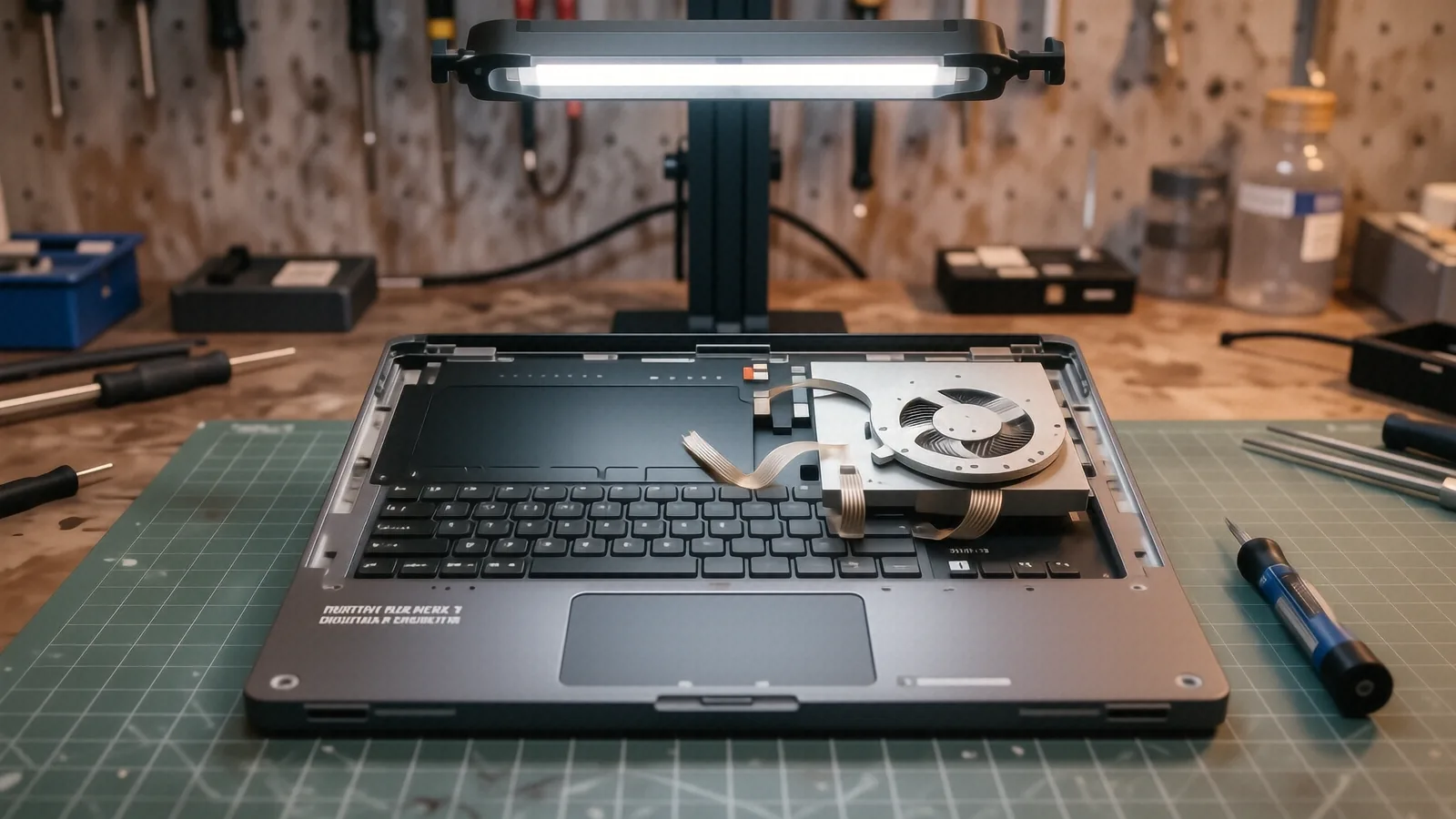
Microsoft builds their devices with highly integrated components that make DIY repairs nearly impossible for most people. While we perform many types of laptop repair, the Surface line requires specialized tools to avoid damaging the delicate internal ribbon cables. We regularly work on the Surface Pro 7, Surface Pro 8, and the newer Surface Pro 9 models. These tablets are incredibly thin, so every screw and adhesive strip must be handled with extreme precision.
We also see a lot of Surface Laptop 5 and Surface Laptop Studio units coming through our doors for power issues. The Surface Book series presents a unique challenge because the battery is often split between the tablet portion and the keyboard base. If your Surface Book 3 won’t charge while docked, the issue could be in the base or the main unit itself. We test both components to find the exact source of the failure before we order any parts.
Each model has a different internal layout.
The Surface Go series is also on our bench quite often. Because these are smaller, more compact devices, the battery is tucked tightly against the logic board. We have the specific heating elements and suction tools required to lift the screen without snapping the display assembly. Whether you own a ruggedized business model or a sleek consumer tablet, we understand the specific internal architecture of your device.
Why Surface Batteries Fail Prematurely
Lithium-ion batteries have a finite number of charge cycles before they lose their ability to hold voltage. You might find that your Surface Pro 6 was perfect for two years, but now it dies in twenty minutes. This isn’t necessarily because you used it poorly. Heat is the primary enemy of these small, high-density cells. If you frequently use your Surface on a soft surface like a bed or a pillow, the heat from the processor gets trapped against the back of the casing.
This trapped heat accelerates the chemical aging of the battery. We often see “battery swelling” in devices that have been kept at high temperatures for long periods. Once the battery begins to expand, it can push against the screen assembly. This creates “white spots” or pressure marks on your LCD because the digitiser is being squeezed from behind. If you notice your screen looks discolored near the bottom, stop using the device immediately.
The charging port can also be a culprit. On many Surface models, the USB-C or Surface Connect port solder joints can crack over time. This causes intermittent charging that looks like a battery problem but is actually a power delivery issue. We use specialized multimeters to check the voltage at the port before we ever recommend a full battery replacement.
Parts Availability and Repair Process
We do not keep every single specific Surface battery in our Centerville stockroom. Because Microsoft uses so many different internal configurations, we typically order your specific part once we confirm the exact model number of your device. Most of our specialized batteries arrive within 3 to 5 business days after we verify your hardware requirements. We prefer this method because it ensures you get a fresh, high-quality cell rather than an old unit that has been sitting on a shelf for a year.
Once the part arrives, the actual installation is a precision task. We have to carefully heat the adhesive around the edges of the screen to prevent cracking during the opening process. After the new battery is seated, we perform a full charging cycle test. This allows us to verify that the new cell communicates correctly with the Surface firmware and the power management chip on the motherboard.
We stand behind our work with a 90-day workmanship warranty. This covers us if the installation itself fails or if the part shows immediate defects. We want your Surface to feel like new again when you pick it up from our shop near the OH-48 access point.
The Risks of DIY Surface Repair
You might be tempted to try a YouTube tutorial for a Surface battery swap. Please understand that Microsoft does not use traditional screws for most of their enclosures. They rely heavily on strong, industrial-grade adhesives to keep the devices thin and light. If you do not have a professional heat station and specialized pry tools, you will likely crack your screen or tear a delicate ribbon cable.
A single mistake can turn a $150 battery replacement into a $600 screen replacement. We see many “DIY” projects end up on our bench after the owner accidentally severed the Wi-Fi antenna or the audio driver cables. Our technicians have twelve years of experience handling these high-density, tightly packed components. We use the right equipment to ensure the structural integrity of your device remains intact.
Precision matters in micro-electronics.
How to Prepare Your Device for Repair
Before you drive down to 264 N. Main Street, Suite C, please back up your important files. While a battery replacement is a hardware-focused task that shouldn’t touch your data, we always recommend a full backup just in case. If you use OneDrive or Google Drive, make sure your latest documents have finished syncing to the cloud.
You should also disable “Find My Device” if you have it enabled in your Microsoft account settings. This makes it much easier for us to run diagnostic software and verify the battery’s health through the OS without being locked out by security protocols. If your device has a passcode or Windows Hello facial recognition, let us know so we can access the system for testing.
We are open Monday through Friday from 10am to 7pm. You can drop your Surface off at our Centerville location anytime during these hours. We will perform an initial diagnostic and give you a firm estimate before we start any work.