Cracked or Flickering Surface Displays
You probably noticed the hairline fracture across your display before you even realized how much it would cost to fix. Microsoft Surface devices are beautiful pieces of engineering, but their slim profiles make them incredibly vulnerable to impact damage. When a Surface Pro or a Surface Laptop hits a hard corner on a desk, the glass often shatters because the digitiser is fused directly to the LCD panel. This means you cannot simply swap out a piece of glass like you might on an older smartphone.
We see these repairs every single week at our Centerville shop. Most customers walk in with a Surface Pro 7 or an 8 that has a spiderweb pattern spreading from the corner of the frame. While some users think they can just live with a small crack, those fissures eventually compromise the touch sensitivity or cause the LCD to bleed ink-like black spots across the screen.
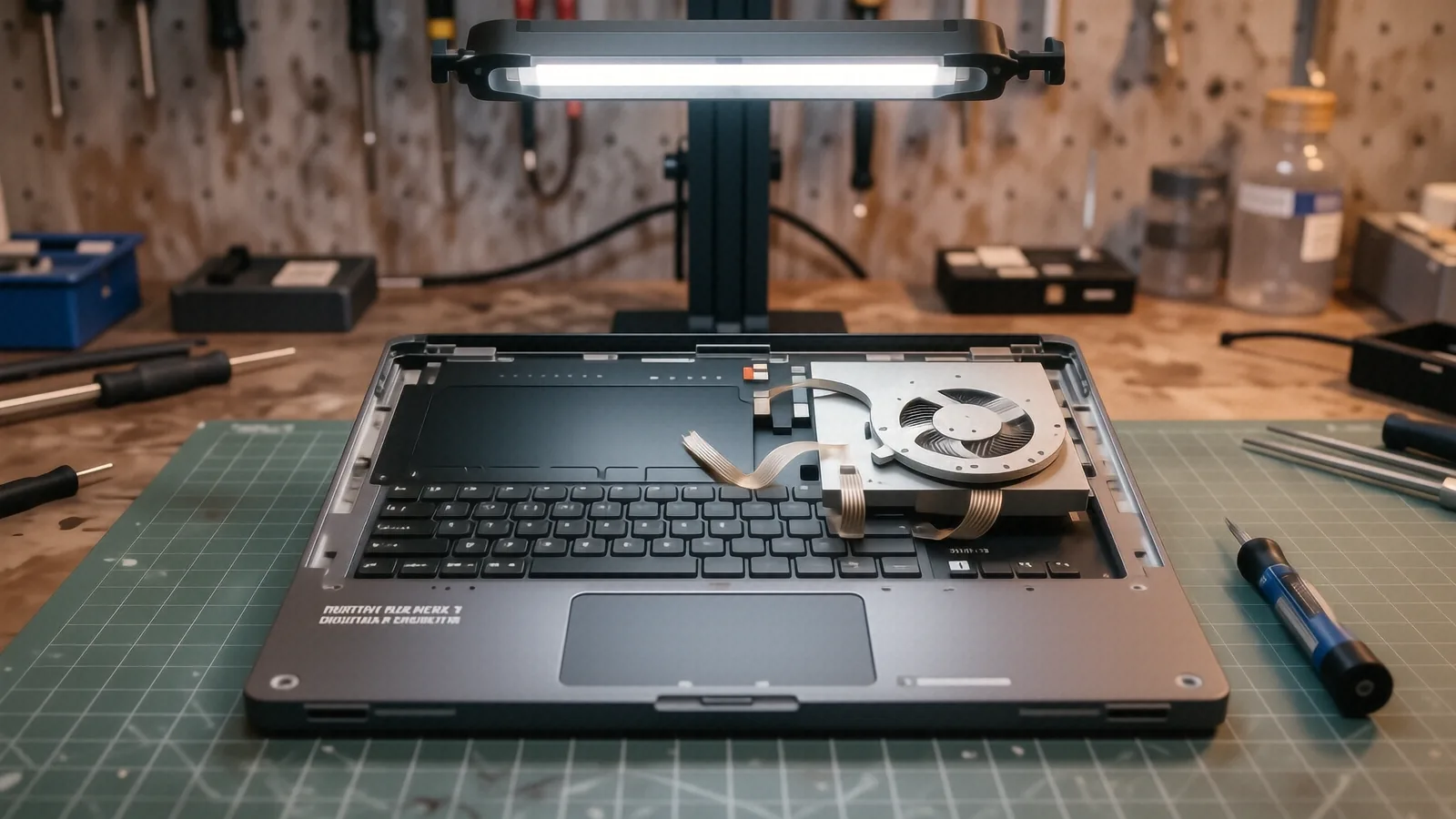
Repairing these units requires extreme precision. Because the internal components are packed so tightly, we have to be careful not to damage the delicate ribbon cables that connect the display to the motherboard. If you have a Surface Laptop 4 or a newer Surface Laptop 5, the assembly process is even more complex due to the way the chassis is bonded together.
Your device deserves professional handling.
Common Surface Model Failures
Different models in the Microsoft lineup exhibit different types of screen issues. We frequently work on the Surface Pro series, specifically the Pro 6 through the Pro 9, which often suffer from sudden digitiser failure or “ghost touching.” Ghost touching is when your screen starts clicking buttons on its own because the touch layer has been compromised by pressure or a microscopic crack.
The Surface Laptop line, including the Surface Laptop 3 and 4, often presents different problems. While the Pro models are tablets with attached keyboards, the Laptops have a traditional clamshell design that can lead to hinge tension issues. If a hinge becomes too stiff, it puts uneven pressure on the display panel every time you open or close the lid. This stress can cause the LCD to delaminate or develop vertical lines that run from top to bottom.
We also see a lot of Surface Book units coming through our doors. The Surface Book has a unique detachable hinge mechanism that adds another layer of complexity to any screen repair. If you own a Surface Book 2 or 3, a screen replacement might involve more than just swapping the panel; it may require addressing the connection pins that allow the tablet to talk to the keyboard base.
Each model requires a specific approach.
Understanding Touch vs. Non-Touch Repairs
Not every cracked screen is a total loss. If your Surface Pro has a crack in the glass but the image underneath looks perfect, we can sometimes determine if the LCD is still healthy. However, since Microsoft integrates these components into a single assembly for most models, we typically replace the entire top module to ensure long-term reliability.
For users with the Surface Go series, the screens are smaller and slightly more resilient, but they are still prone to digitiser failure. If you use your Surface Go as a handheld tablet frequently, the constant flexing of the chassis can eventually wear down the internal connections. We check the SMART data on the connected storage and run hardware diagnostics to ensure that no underlying motherboard issues contributed to the display failure.
Part Availability and Lead Times
We do not keep every single Surface screen sitting on a shelf in our Centerville office. Because Microsoft produces so many different iterations of these devices, stocking every specific part for every Pro, Laptop, and Go model would be impossible. Instead, we maintain a network of reliable suppliers who provide high-quality replacement modules.
Most common parts for the Surface Pro series can be ordered and arrive within 2 to 4 business days. If you have a more obscure model or a specialized Surface Laptop configuration, it might take closer to 5 to 7 business days to get the part into our hands. We always give you an exact timeline after we perform the initial diagnostic on your device.
We never guess on pricing or timelines.
The Repair Process at Dayton PC Repair
When you bring your Microsoft Surface to us, we start by documenting the exact state of the machine. Our technicians use specialized tools to carefully pry the adhesive seals away from the frame without bending the magnesium alloy chassis. This is a high-stakes step because if the frame warps even slightly, the new screen will not sit flush against the housing.
After we verify that the internal ribbon cables are intact, we install the new display assembly. We don’t just slap it in and call it a day. We perform a full calibration of the touch digitiser to ensure that your stylus or finger input is accurate across the entire surface. This prevents the “dead zones” that often plague cheap, third-party screen replacements found on discount websites.
We also take this time to clean out any dust or debris that may have migrated into the chassis during the opening process. If you noticed your fans were running loud before the screen broke, we can check if the cooling system is being obstructed by buildup. Our goal is to return your Surface to you in a condition that feels like it just came out of the box.
Quality is our primary metric.
Our Workmanship Guarantee
We stand behind every repair we perform at our 264 N. Main Street location. Every screen replacement comes with a 90-day workmanship warranty. This means if the new display develops a defect or the touch functionality fails due to our installation, we will fix it at no additional cost to you.
This warranty covers the integrity of our labor and the functionality of the part itself. It does not cover accidental damage that occurs after you leave the shop, such as dropping the device again or spilling liquid on the keyboard. We want you to feel confident that your investment is protected by a local team that actually knows these machines inside and out.
Why Professional Repair Matters
You might be tempted to try a DIY repair using a video tutorial and a cheap kit from an online marketplace. While it looks simple on screen, Surface devices are among the most difficult consumer electronics to open. The amount of industrial-grade adhesive used by Microsoft makes it very easy to accidentally slice a ribbon cable or crack the motherboard if you do not use the correct heat application.
A botched DIY attempt can turn a simple screen swap into a total device replacement. If you puncture the battery while prying the screen, you risk a thermal event that can destroy the entire laptop. By choosing professional laptop repair, you are paying for the expertise and the specialized tools required to navigate these tight tolerances safely.
We handle the risks so you don’t have to.
Getting Your Surface Fixed
If your screen is currently unusable, do not keep trying to force it to work. Constant pressure on a cracked digitiser can cause electrical shorts that might damage the GPU die or other critical components on the logic board. It is better to power the device down and bring it to a professional as soon as possible.
You can find us easily near the intersection of OH-48 and Main Street in Centerville. We are located at 264 N. Main Street, Suite C, which is easy to access whether you are coming from North Dayton or traveling from the south. We recommend calling ahead at (937) 660-4819 so we can check our current part inventory for your specific Surface model before you make the trip.
Bring your device into our shop during our standard business hours, which are Monday through Friday from 10am to 7pm. We will perform a diagnostic, provide you with a clear estimate, and get your Surface back in working order.