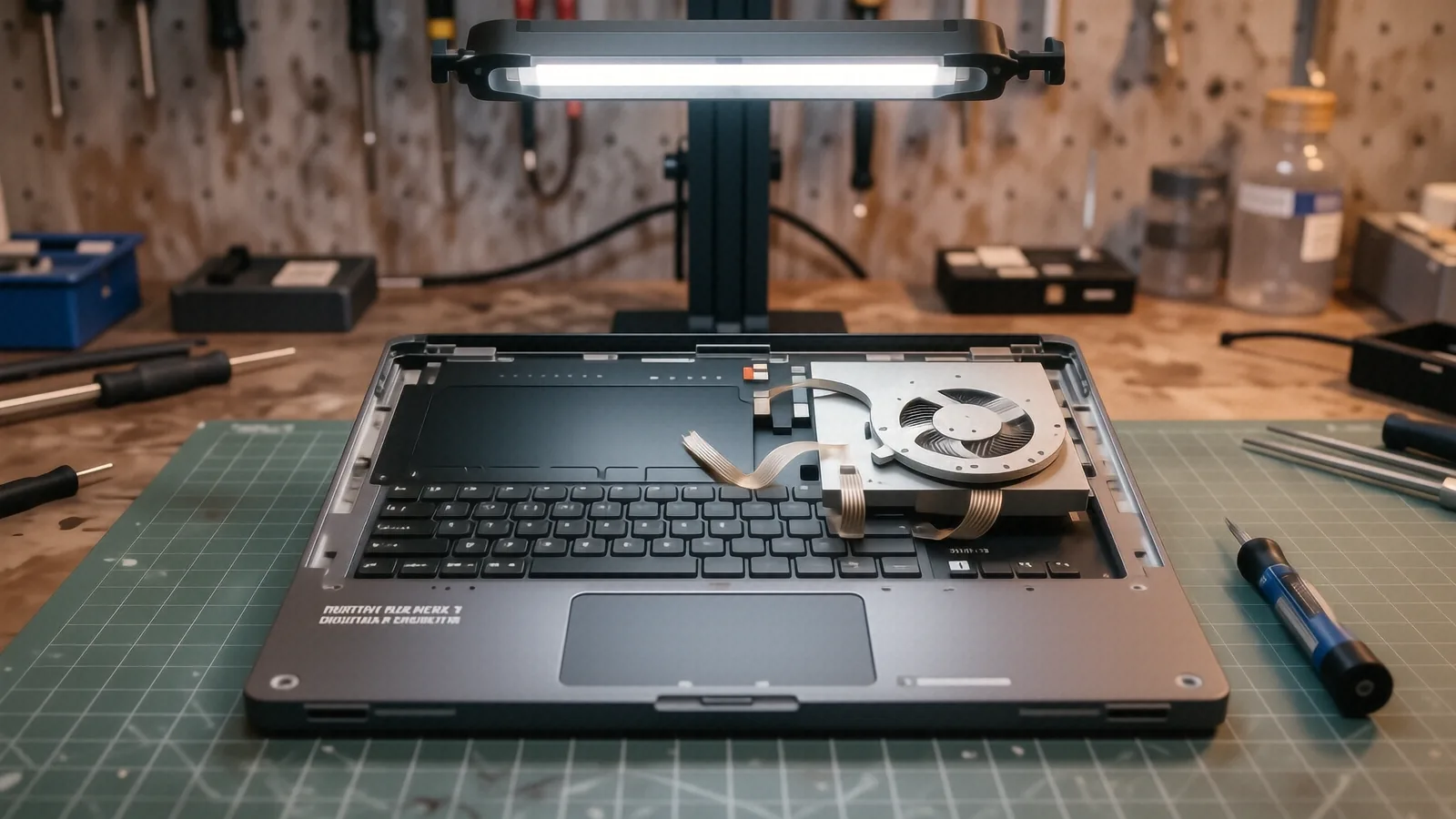
Specialized Support for MSI Gaming Laptops
MSI builds machines that push hardware to the absolute limit. When you are running a high-refresh rate display alongside a heavy GPU load, the thermal and electrical stress on the internal components is much higher than what you see in a standard office laptop. We see these machines frequently at our shop near the intersection of OH-48 and Main Street because gamers need their rigs back quickly. If your MSI laptop is stuttering, overheating, or refusing to post, you likely have a hardware issue that requires more than just a software reinstall.
Your gaming experience depends on stable voltages and efficient cooling. A single failing fan or a cracked solder joint on a dedicated GPU can turn a premium machine into an expensive paperweight. We specialize in deep-level laptop repair for high-performance builds that require precision handling.
Common MSI Model Lines We Service
We have spent years on the bench working through the specific architecture of MSI’s various product tiers. While every chassis is different, we recognize the distinct build patterns used in their most popular series.
Raider and Stealth Series
The Raider series is a powerhouse, but its aggressive cooling requirements mean the fans are constantly spinning at high RPMs. Because these fans move so much air, the bearings can wear down or collect thick dust mats that choke the intake vents. We often see Stealth models coming in with thermal throttling issues because the thinner chassis makes heat dissipation a constant battle for the vapor chamber. If your Stealth model is getting hot to the touch during a session, the thermal paste has likely dried out or the heat pipes are no longer transferring energy effectively.
Katana and Pulse Series
The Katana and Pulse lines are incredibly popular for mid-range gaming builds. These models are workhorses, but they often face issues with the hinge assemblies or the keyboard deck over time. You might notice the plastic around the screen bezel starting to separate when you open the lid. This usually happens because the mounting points for the hinges have become brittle after months of repeated stress. We can replace these reinforced hinges and rebuild the chassis housing so your screen stays secure.
Titan and GE Series
The Titan series represents the absolute top of the MSI lineup. These machines are massive, which gives us more room to work, but the complexity of the motherboard is much higher. When a Titan fails, it is often due to a power delivery issue on the mainboard or a failure in the high-wattage power brick. We treat these flagship machines with extra care because the component density is so high that one wrong move can damage adjacent traces.
Typical MSI Hardware Failure Modes
Repairing a gaming laptop is not the same as repairing a MacBook or a Dell Latitude. The sheer amount of power flowing through an MSI motherboard creates specific failure patterns that we look for during our initial diagnostic phase.
One of the most frequent issues we encounter involves the charging port or the USB-C power delivery system. On many newer MSI models, the solder joints connecting the DC jack to the motherboard can crack under the weight of a heavy power brick. This causes the laptop to only charge when the cord is held at a specific angle. We don’t just recommend a new charger; we actually perform the micro-soldering required to fix the connection on the board itself.
Thermal management failure is another major category for MSI owners. Because these laptops use high-TDP processors, the thermal interface material (TIM) is under constant heat cycling. After about 18 to 24 months of heavy use, that paste can turn into a dry, non-conductive crust. When this happens, your CPU or GPU will hit its thermal limit almost instantly, causing the system to shut down to prevent permanent silicon damage. We perform full teardowns to clean out the fins and apply high-quality thermal pads and paste to restore your frame rates.
We also see issues with the NVMe SSD slots and RAM modules. Gaming workloads involve constant data throughput, which can occasionally lead to a failure in the M.2 slot or a corrupted memory controller. If your MSI laptop is stuck in a boot loop or throwing Blue Screen of Death (BSOD) errors, we use specialized tools to check the SMART data on your drives and run stress tests on your memory modules. This allows us to pinpoint whether you need a new drive or if the motherboard’s controller is failing.
Sometimes the issue is as simple as a failed ribbon cable. The cables connecting your keyboard, trackpad, or even the display digitizer can become pinched or frayed within the tight confines of an MSI chassis. We meticulously inspect these connections during our teardown process to ensure that a “dead” keyboard isn’t actually just a loose connection.
Parts Availability and Repair Timelines
We know that every day your gaming laptop is in the shop is a day you aren’t playing or working. However, because MSI uses specialized components like high-wattage power supplies and specific cooling assemblies, we cannot always guarantee that every part is sitting on our shelf at this exact moment.
Most common items, such as standard replacement fans, generic NVMe SSDs, or common keyboard replacements, are usually in stock. If we have the part on hand, we can often complete your repair within 1 to 3 business days. For more specialized components like a specific Raider series vapor chamber or a proprietary MSI motherboard, we may need to order them from our suppliers.
When we have to order a specific part, it typically adds another few business days to the timeline. We will always give you a clear estimate of the total turnaround time before we begin any work. You will never be left wondering where your machine is or how much longer it will take to get back to your games.
Our Commitment to Quality
We are a family-owned shop, and our reputation in Centerville depends on doing things right the first time. We do not believe in “quick fixes” that only last a week. Every repair we perform at Dayton PC Repair is backed by a 90-day workmanship warranty. This means if the specific component we replaced fails due to our installation, we will make it right without charging you again.
Our technicians use professional-grade tools and ESD-safe environments to ensure that static electricity never touches your sensitive GPU die or memory chips. We treat your MSI machine with the same respect we would give our own personal rigs. Whether it is a simple fan cleaning or a complex motherboard repair, we follow a strict diagnostic protocol to ensure we are solving the root cause of the problem rather than just treating a symptom.
We take pride in being direct with you about what is possible. If a repair is going to cost more than the machine is worth, we will tell you that upfront so you can make an informed decision about upgrading. Our goal is to provide honest, high-level technical service to the Dayton gaming community.
If your MSI laptop is acting up, bring it by our shop at 264 N. Main Street, Suite C. We are open Monday through Friday from 10am to 7pm. You can drop your machine off at the front desk, and we will begin the diagnostic process immediately.