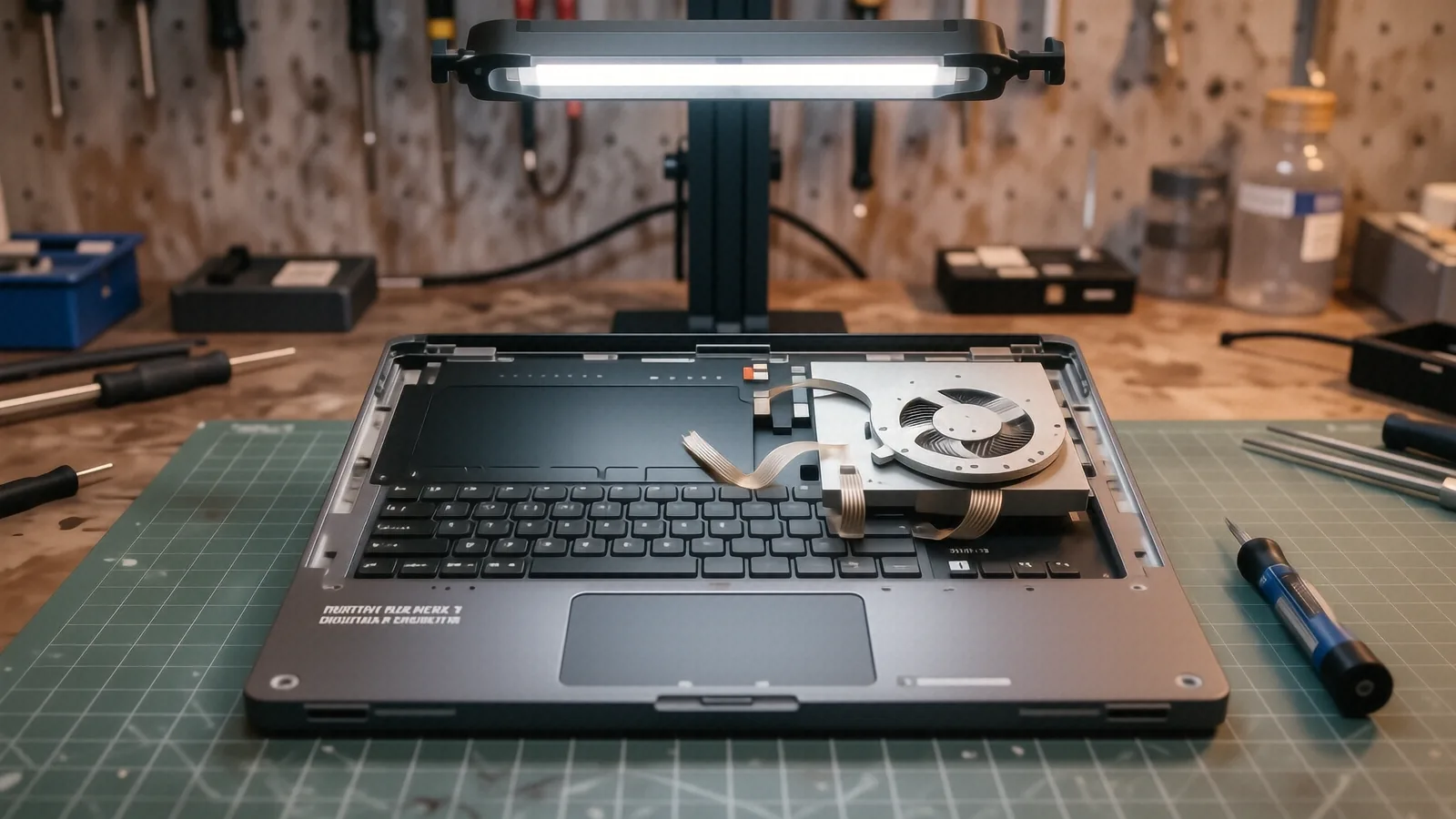
Why MSI Laptops Overheat
MSI builds high-performance machines that push hardware to the limit. When you run a heavy game or render a video on a Raider GE78 or a Stealth 15, those fans are working overtime to move heat away from the GPU die and CPU. Because these components generate massive amounts of thermal energy, the cooling system cannot afford even a small failure. If you hear a grinding noise or notice your frame rates dropping suddenly, your cooling system is likely struggling.
A failing fan causes more than just loud noise. While it might seem like a minor annoyance, heat buildup can permanently damage your motherboard or cause the silicon inside your processor to degrade over time. You might see your laptop throttle its performance because the internal sensors detect temperatures exceeding 95°C. This thermal throttling is a protective measure, but it ruins your experience during intensive tasks.
Most MSI users face this issue after twelve to eighteen months of heavy use. Dust buildup is a common culprit, but mechanical failure is often the real reason for a sudden shutdown.
Common MSI Models We Service
Our technicians see a wide variety of MSI hardware on our workbench here in Centerville. We specialize in both the thin-and-light professional lines and the heavy-duty gaming rigs. If you own an MSI GS66 Stealth, you likely deal with very compact cooling channels that clog easily. The smaller fans in these models have to spin at much higher RPMs to keep up with the heat.
We frequently repair the following model series:
- MSI Raider GE Series
- MSI Stealth GS Series
- MSI Katana GF Series
- MSI Pulse GL Series
- MSI Titan GT Series
- MSI Prestige Series
The Katana and Pulse models are popular, but they often suffer from bearing wear due to their high-speed fan designs. When the lubricant in the fan bearing dries out or gets contaminated by dust, the fan starts to wobble. This wobble creates a vibration that can eventually damage the plastic housing or the delicate ribbon cables nearby. If you own a Titan GT, the cooling system is massive, but it still requires precise maintenance to function correctly.
We don’t just swap parts; we perform a full laptop repair assessment to ensure the thermal paste has not dried out during the overheating event. Replacing a fan without reapplying high-quality thermal compound often leads to the same overheating problems within a few weeks.
Identifying Fan Failure Modes
You can usually tell something is wrong before your laptop completely shuts down. A common sign is a high-pitched whining sound that changes pitch when you launch a demanding application. This usually indicates that the fan bearings are failing or that the fan blades are hitting a piece of debris. If your laptop feels hot to the touch near the exhaust vents but you hear no airflow, the motor has likely died entirely.
Sometimes the issue isn’t mechanical, but electrical. We often find that the fan controller on the motherboard is sending incorrect voltage, which prevents the fan from spinning up at the correct speeds. This is much more difficult to diagnose than a simple broken blade. We use specialized diagnostic tools to check the tachometer signal from the fan to see if it is communicating properly with the system BIOS.
Other symptoms include:
- Random shutdowns during gaming sessions.
- The laptop staying on even when the lid is closed.
- A “fan error” message appearing during the initial boot sequence.
- Excessive heat radiating from the underside of the chassis.
If you notice your MSI laptop getting hot while it is just sitting on the desktop, stop using it immediately. Continued operation under high thermal stress can lead to a cracked solder joint or a failed GPU. It is much cheaper to replace a $40 fan than it is to replace a $600 motherboard.
Parts Availability and Lead Times
We know that being without your gaming rig is frustrating. We keep a selection of common cooling components in our Centerville shop, but MSI parts are highly specific to each individual model. A fan for an MSI GF63 will not fit an MSI GP76, even if they look similar to the naked eye. Because of this specificity, we cannot guarantee that every exact part is sitting on our shelf the moment you walk in.
For most standard Katana or Bravo models, we can typically source the correct replacement fan within 1 to 3 business days. If you have a high-end Titan or a specialized Stealth model, we might need to order the component from our specialized distributors. This process usually adds a few extra days to the repair window. We will always give you a clear estimate of the turnaround time before we begin any work on your machine.
Our goal is to get you back online as fast as possible without using cheap, generic parts. We only use fans that meet or exceed the original manufacturer’s specifications for RPM and airflow. Using a low-quality third-party fan can lead to uneven cooling and premature failure of the new part.
Our Repair Process and Warranty
When you bring your MSI laptop to us, we don’t just slap in a new part and hand it back. We start by opening the chassis and performing a thorough internal cleaning to remove any accumulated dust or pet hair. This step is vital because a new fan will struggle if it is immediately choked by old debris. We also inspect the heat pipes and the vapor chamber to ensure there are no leaks in the liquid cooling loop.
After we install the new fan, we run a stress test using software that pushes the CPU and GPU to their limits. This allows us to monitor the thermal curves and verify that the temperatures stay within safe operating ranges. We check the SMART data on your NVMe SSD as well, because extreme heat can sometimes affect storage drive longevity.
We stand behind our work with a 90-day workmanship warranty. If the fan fails or if the laptop continues to overheat due to our installation, we will fix it at no additional cost to you. This warranty covers the labor and the integrity of the repair itself. We want you to feel confident that your MSI machine is running exactly as it should.
Whether you are located near the OH-48 corridor or driving in from downtown Dayton, our shop is easy to find. We are located at 264 N. Main Street, Suite C, in Centerville. You can drop your laptop off anytime during our regular business hours, which are Monday through Friday from 10am to 7pm.
Bring your MSI laptop to our service desk and we will provide a formal diagnostic report before any work begins.