Stop Malware Infections Near Bellbrook
If you live near Sugarcreek State Park or the historic downtown area of Bellbrook, your drive to our Centerville shop is a quick 15-minute trip down OH-48. While many neighbors look for immediate help in local retail strips, finding a specialized technician who understands deep system infection is difficult. You might see big-box stores like Best Buy or Staples offering basic software help, but they often rely on scripted checklists that miss persistent rootkits. We provide a level of scrutiny that these high-volume chains simply cannot match because we work on one machine at a time.
Your computer feels slow. It might be more than just an old hard drive or a cluttered desktop.
When your Dell XPS 13 starts throwing unexpected pop-ups or your MacBook Pro Retina begins running fans at full speed while idle, you are likely dealing with malicious software. A typical virus removal process involves much more than just running a consumer-grade scanner and clicking “fix all.” We dive into the registry, check your startup items in Task Manager, and inspect active processes to find exactly where the malware is hiding. If a trojan has compromised your system files, a simple scan won’t fix the underlying corruption.
Why Standard Scans Often Fail
Most people try to fix a virus by downloading a free tool they saw in a web advertisement. This often leads to “fakeAV” scenarios where the software itself is the problem. You might think you are cleaning your system, but you are actually installing more junkware that slows down your NVMe SSD or eats up your RAM. We see this constantly on our workbench at 264 N. Main Street.
A real infection often hides in places a standard user cannot reach.
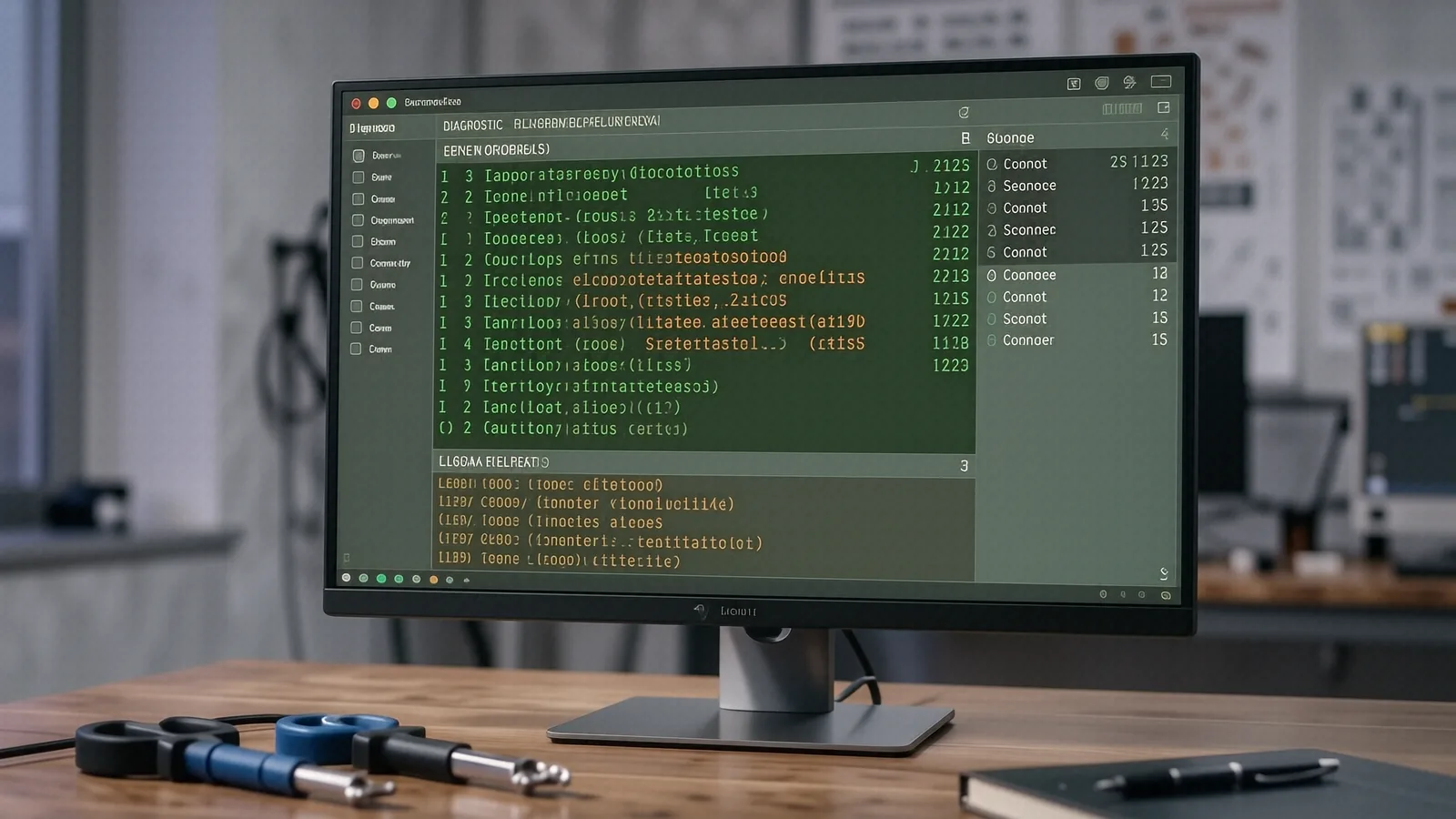
Modern malware is incredibly sophisticated. Some strains target the BIOS/UEFI to maintain persistence even after you wipe your operating system and reinstall Windows. Others hide within legitimate-looking background processes or use “fileless” techniques to live entirely in your computer’s memory. Because these threats don’t always leave a footprint on your physical disk, they can bypass basic antivirus software that only looks for known file signatures. When you bring a machine to us, we use professional-grade diagnostic tools to look at the behavior of the system rather than just its files.
We check several layers of your OS. We examine:
- The Windows Registry for unauthorized entries.
- Task Scheduler for hidden recurring tasks.
- Network traffic via command line tools like
netstatto see if your data is being sent to a remote server.
If we find that a virus has compromised your browser, we don’t just delete the extension. We perform a full cleanup of your browser profile and check your DNS settings to ensure no one is redirecting your traffic through a malicious proxy. This level of detail ensures that once you get your laptop back, the problem stays solved.
The Difference Between Cleaning and Rebuilding
Sometimes, a virus is too deeply embedded to safely remove. If a piece of ransomware has begun encrypting your files, or if a rootkit has altered your kernel, “cleaning” the infection might leave your system unstable. In these cases, we recommend a clean installation of the operating system. This is the only way to be 100% certain that every trace of the malicious code is gone.
We take your data seriously during this process.
A fresh install sounds scary because you worry about your photos, tax documents, and work files. We prioritize data recovery before we ever touch the operating system. We use specialized hardware to clone your drive or pull your files into a secure environment so that nothing is lost during the rebuild. While a big-box store might tell you “it’s all gone” if the software is corrupted, our twelve years of experience allow us to find ways to salvage your important documents.
Identifying the Symptoms
You should not wait until your computer refuses to boot before seeking help. Early detection can save your hardware and your data. Watch for these specific red flags on your HP Pavilion or Lenovo ThinkPad:
- Sudden Performance Drops: If your CPU usage stays at 90% even when you aren’t doing anything, a hidden process is likely mining cryptocurrency in the background.
- The “Ghost” Mouse: If your cursor moves on its own or windows open and close without your input, someone may have remote access to your machine.
- Disabled Security: Many viruses are programmed to immediately turn off Windows Defender or your third-party antivirus software so they can operate without interference.
- Extreme Heat: If your laptop feels hot to the touch while sitting idle, the malware is likely running heavy computational tasks that strain your GPU die or processor.
When you notice these things, stop using the machine immediately. Powering it down prevents the malware from potentially encrypting more files or transmitting more of your personal data over your home Wi-Fi.
Local Service for the Wright-Patterson Community
Many of our customers come to us from the areas surrounding Wright-Patterson AFB, including Beavercreek and Fairborn. We understand that for many families in this region, a computer isn’t just a toy; it is a vital tool for work, military communications, and staying connected with relatives. When your device is compromised, it isn’t just an inconvenience—it is a security risk to your entire household network.
We treat your privacy as a priority.
Unlike the massive retail chains where your computer might sit in a massive warehouse for two weeks, we provide a much faster turnaround. Most virus removal jobs are completed within 1-3 business days depending on the complexity of the infection and whether we need to perform a full system rebuild. We don’t use “technicians” who were trained last week; you get someone with over a decade of bench experience who knows how to handle sensitive hardware like a Surface Laptop 5 or a high-end gaming rig.
Beyond Just Viruses
While malware is our primary focus here, we also look at the general health of your machine while it is on the bench. If your computer was running slow due to a virus, it might also be struggling because of dust buildup in the cooling vents or an aging battery. We can check your SMART data to see if your hard drive is about to fail, which is often a coincidental issue that causes similar symptoms to malware.
If we find a hardware issue, we tell you plainly. We don’t try to upsell you on parts you do not need just to increase our ticket average. Our goal is to get your machine back to its original factory performance so you can work or play without fear of the next pop-up window appearing.
Why Choose a Local Shop in Centerville?
The convenience of a big-box store is an illusion if they cannot actually fix the problem. You might save ten minutes driving to a mall, but you will lose days waiting for a call back from a corporate help desk that doesn’t know your name. At our shop on North Main Street, you speak directly to the person working on your device. We can explain exactly what happened, which website or email likely caused the breach, and how you can prevent it from happening again.
Knowledge is your best defense.
After we clear the infection, we provide tips tailored to your specific habits. If you use a lot of third-party software, we might suggest better permission settings. If you frequently visit niche forums, we can show you how to harden your browser security. We want to empower you rather than just fixing a symptom and sending you on your way.
If you are in Bellbrook and your computer is acting strange, don’t let it sit there getting worse. Bring it to us for a professional diagnostic.
We are located at 264 N. Main Street, Suite C, Centerville, OH 45459. We are open Monday through Friday from 10am to 7pm.