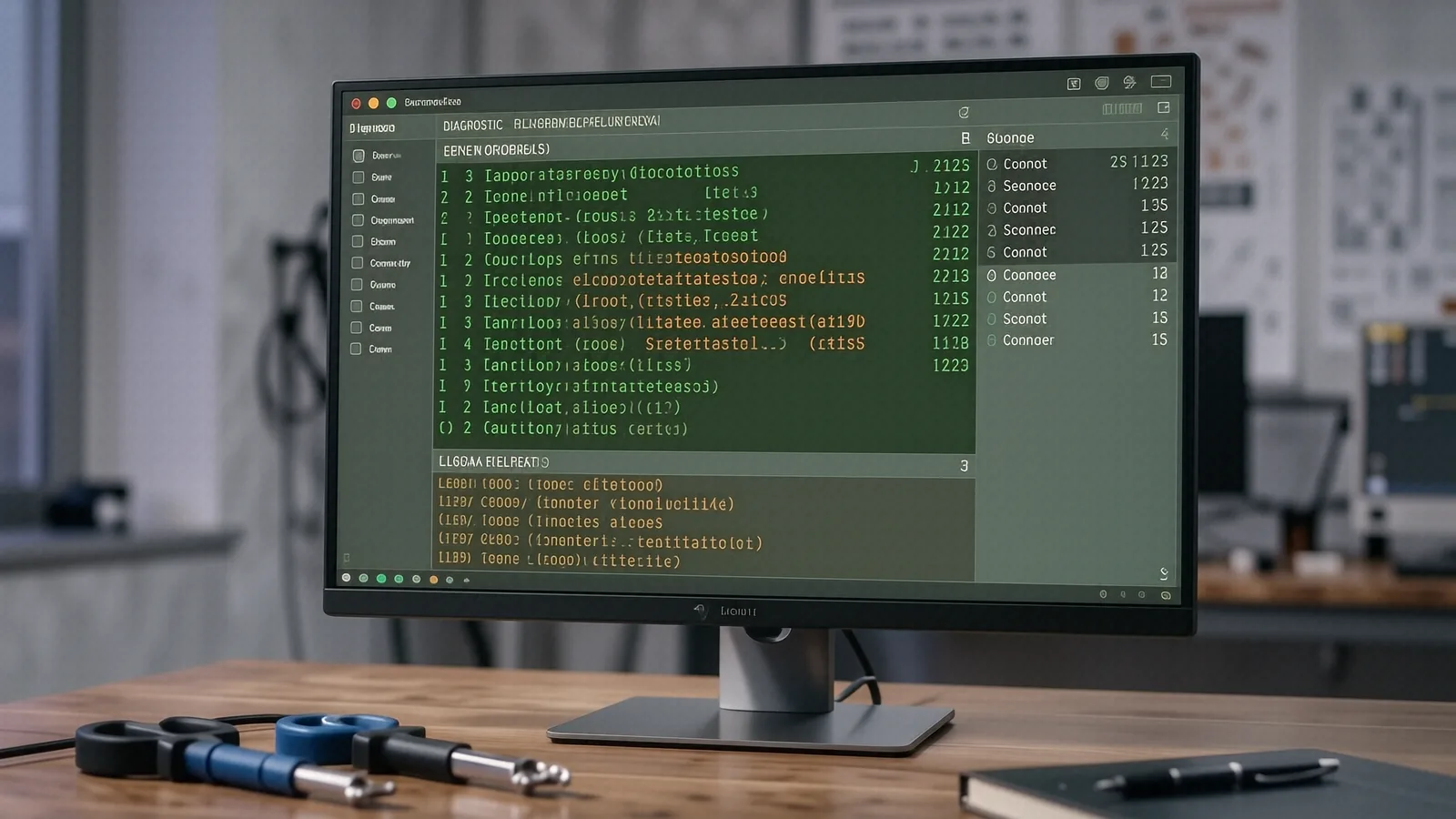
Local Virus Removal for Centerville Residents
If you are driving down Far Hills Avenue or coming off anything near the Centerville Public Library, you are only about five minutes away from our shop on North Main Street. We are located right in the heart of town at 264 N. Main Street, Suite C. Most people realize they have a malware problem only after their MacBook Pro Retina starts running incredibly hot or their Windows task manager shows 100% disk usage for no reason. When that happens, you need a technician who understands how to scrub a system clean without just deleting your important family photos or work documents.
You might consider driving toward Miamisburg or heading over to a big-box retailer like Best Buy if you want a generic solution. Those large chains often rely on scripted troubleshooting steps that rarely address deep-seated rootkits or sophisticated spyware. We provide a direct line to a technician with twelve years of bench experience. While the Geek Squad might run a standard scan and call it a day, we dig into the registry and check your startup items to ensure the infection doesn’t just crawl back after you reboot.
Your computer deserves better than a one-size-fits-all approach.
Identifying the Infection on Your Device
Not every slow computer is actually infected with a virus. Sometimes a failing NVMe SSD or a bloated Windows Update process can mimic the symptoms of malware. When you bring a Dell XPS 13 into our Centerville shop, we start by checking your SMART data to ensure the hardware isn’t the primary culprit. If the drive is healthy, we move on to analyzing active processes in the Task Manager or Activity Monitor on macOS.
Malware often hides in plain sight. You might see a strange process consuming 40% of your CPU cycles while you are just trying to browse a news site. Some modern threats, like cryptojackers, specifically target your GPU die to mine cryptocurrency in the background. This causes your laptop fans to spin at maximum speed even when you aren’t doing anything intensive. Because these programs are designed to look like legitimate system services, a basic consumer-grade antivirus often misses them entirely.
We look for specific red flags during our diagnostic phase:
- Unexpected pop-ups that appear even when your browser is closed.
- Sudden changes to your browser’s default search engine or homepage.
- Files appearing or disappearing from your desktop without your permission.
If you notice these signs, stop using the device immediately. Continuing to use an infected machine can allow a Trojan to exfiltrate your banking credentials or personal data while you are distracted. We recommend disconnecting from your Wi-Fi right away so the malware cannot communicate with its command-and-control server. Once you bring the device to us on North Main Street, we can safely isolate it in our lab environment.
Why Big-Box Stores Fail at Deep Cleaning
The business model for large retail chains is built on volume rather than specialized technical skill. When you drop off a Surface Laptop 5 at a massive service center, your device often goes through a series of automated diagnostic tools before a human even looks at it. These tools are great for replacing a broken screen or a dead battery, but they are notoriously bad at identifying polymorphic malware that changes its signature to avoid detection.
We do things differently because we are a family-owned shop. We don’t have a manager breathing down our necks to meet a “tickets closed per hour” quota that forces us to rush through your repair. A technician here actually looks at your Event Viewer logs to see exactly when the malicious executable first triggered a system error. This level of forensic detail allows us to find the source of the infection, which is much more effective than simply deleting a few suspicious .exe files.
Most big-box employees are trained to suggest a full OS reinstall as the only fix for a virus. While a clean install is sometimes necessary, it is often an overkill solution that wipes out your local user profiles and installed software. We try to save your data whenever possible by cleaning the existing environment. If we can remove the threat while keeping your custom settings intact, we will always choose that path.
It takes time to do this right.
Protecting Your Data and Privacy During Repair
Privacy is a major concern when you hand over your laptop to a stranger. You might worry about a technician snooping through your private documents or looking at your browser history. At Dayton PC Repair, we treat your data with the same respect we would want for our own families. We focus entirely on the technical aspects of the infection, such as repairing corrupted system files or removing malicious registry keys.
We utilize professional-grade tools to ensure the cleaning process is thorough. After we identify the malware, we perform a deep scan of your entire file system. This includes checking hidden directories and temporary folders where many viruses like to hide. We also check your browser extensions because many modern “viruses” are actually just malicious scripts living inside a Chrome or Edge extension.
If we find that the infection has compromised your core operating system files, we will discuss the next steps with you clearly. We provide a transparent breakdown of what happened and how we plan to fix it before we start any paid work. You will never find hidden fees or “surprise” charges on your invoice once you walk through our door in Centerville.
Our process includes several layers of verification:
- Initial hardware health check to ensure the drive is stable.
- Deep malware scan using multiple specialized engines.
- System file integrity check via Command Prompt tools.
- Post-removal stability testing under a simulated workload.
Preventing Future Infections in Your Home or Office
Once we get your ThinkPad T-series or MacBook back to peak performance, you don’t want to be right back in our shop next month. Prevention is much cheaper than a professional repair service. The first step is always ensuring your operating system and all third-party software are fully updated. Most hackers exploit known vulnerabilities in outdated versions of Windows or macOS that have already been patched by the developers.
You should also be cautious about what you click on in your email inbox. Phishing attacks have become incredibly sophisticated, often mimicking legitimate notifications from Amazon, FedEx, or even your own bank. If an email looks slightly off, or if it creates a sense of extreme urgency, treat it as a threat. We recommend using a reputable, paid antivirus solution rather than relying solely on the free versions that come pre-installed on most consumer devices.
Managing your passwords is another critical part of digital hygiene. Using a dedicated password manager allows you to have unique, complex passwords for every single site without needing to memorize them all. This prevents a “domino effect” where a single data breach at a minor website gives a hacker the keys to your primary email and bank accounts.
We can help you set up these protections when you pick up your device. We often walk customers through setting up multi-factor authentication (MFA) because it provides a massive security boost for very little effort. It is much easier to spend ten minutes setting up a security key or an authenticator app now than to deal with identity theft later.
Professional Service Near You
Whether you are located near the Centerville High School area or live in a neighborhood closer to the intersection of OH-725 and I-675, we are your local resource for technical help. We take pride in serving our neighbors with honest advice and expert repair work. You don’t have to drive all the way into downtown Dayton or wait weeks for a mail-in service to handle your computer problems.
Stop by our shop to get your system checked out. We are located at 264 N. Main Street, Suite C, Centerville, OH 45459. You can find us open Monday through Friday from 10am to 7pm.