Reliable Virus Removal for Fairborn Residents
If you are driving from Fairborn toward our shop in Centerville, you will likely take I-675 South for about 15 to 20 minutes. We are located just off Far Hills Avenue at 264 N. Main Street, Suite C, which is a quick trip for anyone living near the Wright-Patterson Air Force Base or near the historic downtown Fairborn area. While you might see big-box retailers in the Kettering or Beavercreek areas that offer basic tech support, those places often treat your computer like a number in a queue. We provide a level of diagnostic depth that a retail clerk at a Staples or a Geek Squad agent simply cannot match because they are trained to follow scripts rather than investigate actual hardware and software conflicts.
Your computer might be acting strange. You could see unexpected pop-ups, or perhaps your CPU usage is spiking in the Activity Monitor while you aren’t even running any programs.
Identifying Malicious Software on Your Device
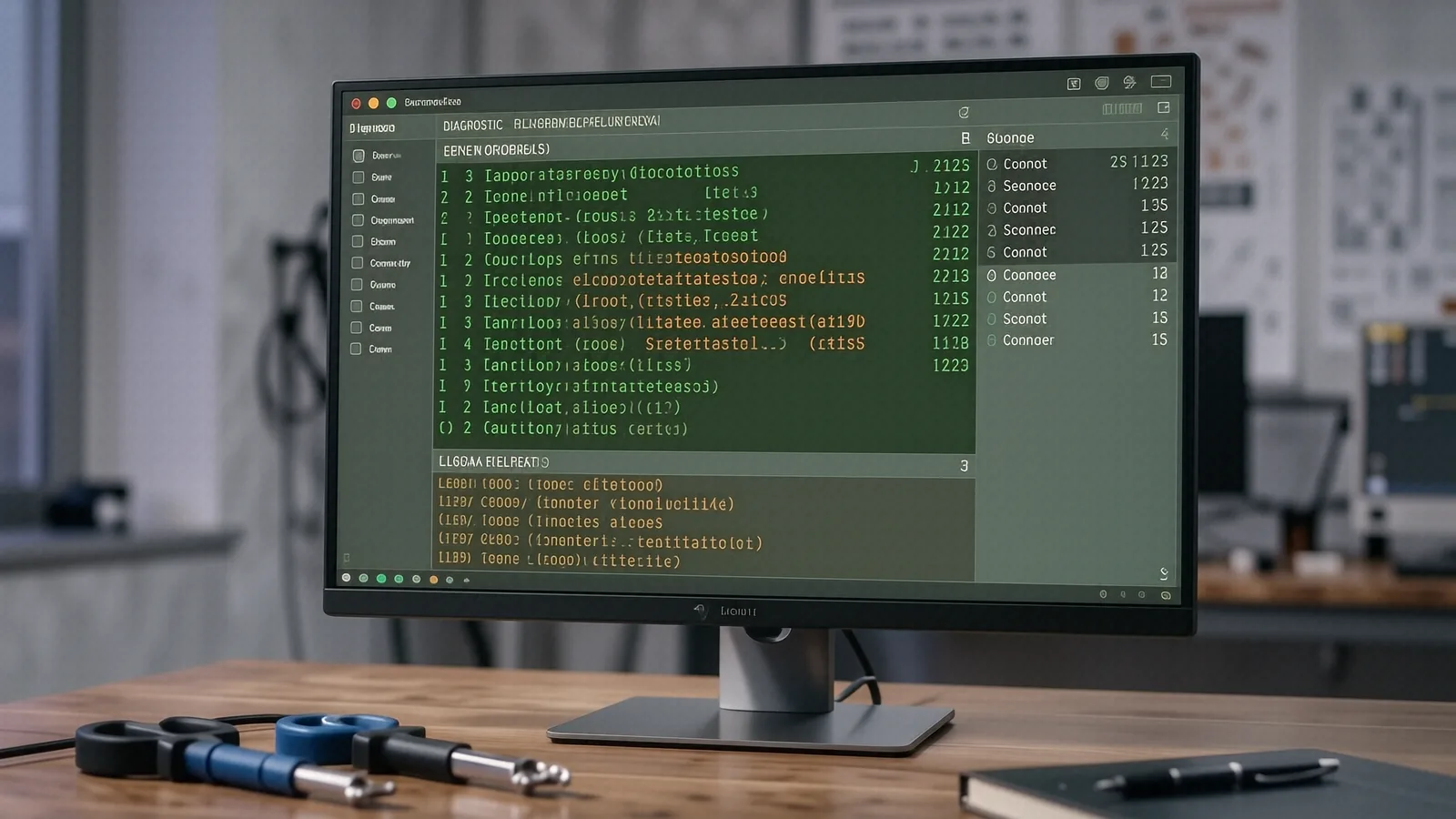
Malware does not always look like a flashing red warning sign. Sometimes, a virus hides within a legitimate-looking process that consumes all your RAM or slows down your NVMe SSD performance. You might notice that your Dell XPS 13 starts overheating even when you are only browsing a single webpage. This happens because many modern Trojans use your system resources to mine cryptocurrency in the background. We use professional tools to check your SMART data and examine your running services to find exactly where the infection is hiding.
A typical infection might manifest as a slow browser or a sudden loss of files. Because these threats can spread through your local network, we don’t just clean the machine and hand it back to you. We look for the entry point so that the same vulnerability doesn’t let the virus back in tomorrow.
Common Signs of Infection
You should watch for specific red flags on your laptop or desktop. If your Windows Event Viewer is flooded with error logs regarding unauthorized access attempts, your security has likely been breached. Another common symptom is a sudden change in your browser’s home page or search engine settings. While some of these issues are just annoying, others can lead to identity theft if a keylogger is recording your keystrokes.
We see many different types of threats during our daily bench work. These include:
- Ransomware that encrypts your personal photos and documents.
- Adware that forces constant redirects to suspicious websites.
- Spyware designed to steal login credentials from your saved browser data.
Why Big-Box Stores Often Fail at Deep Cleaning
When you take a MacBook Pro Retina or a ThinkPad T-series to a large retail chain, they often perform a superficial scan using basic consumer software. If that scan doesn’t find a specific file signature, they will tell you your computer is clean. This is a dangerous assumption because sophisticated malware can reside in the BIOS/UEFI or within hidden system partitions that standard antivirus tools ignore. We perform a much more granular investigation by analyzing registry changes and suspicious outbound network traffic.
We don’t just run a scan and hope for the best. Our technicians spend time verifying that every single malicious script has been purged from your operating system before we consider the job done.
Specialized Care for Air Force Families and Professionals
Many of our customers come to us from the Fairborn area because they work at Wright-Patterson AFB or live in the surrounding neighborhoods like Shipyard or near the Greene County border. We understand that for many of you, your computer is not just a toy; it is a vital tool for managing military benefits, sensitive work documents, or household finances. If your family laptop is compromised, the stakes are much higher than just losing a few saved games.
We treat every device with the professional discretion that our local community expects. Because we are a family-owned shop in Centerville, we don’t have to answer to distant corporate headquarters that prioritize turnover speed over technical accuracy. We take the time to ensure your data is backed up safely before we begin any intrusive cleaning processes.
Protecting Your Data During the Repair Process
The biggest fear most people have when bringing a device in for repair is losing their precious files. If a virus has corrupted your file system, simply running an antivirus might not be enough to recover what you lost. We prioritize data integrity by attempting to mirror your drive or secure your most important directories before we start the deep cleaning.
Your privacy is our primary concern throughout the entire diagnostic process. While we need to access certain system files to clear a virus, we do not browse your personal photos or private documents. We focus strictly on the technical aspects of the infection and the health of your hardware components.
Hardware vs. Software: When a Virus Isn’t the Problem
Sometimes, what looks like a virus is actually a failing component. A laptop that randomly shuts down might be suffering from a dried-out thermal paste application or a failing vapor chamber rather than a piece of malicious code. If your screen is flickering, it could be a loose ribbon cable rather than a driver-based malware attack. We don’t want to charge you for virus removal if the real issue is a hardware component that needs replacing.
We perform a full system audit to distinguish between these two problems. This includes checking your battery health, testing your RAM for errors, and ensuring your cooling fans are spinning at the correct RPM.
The Importance of a Clean Operating System
In some extreme cases, a virus has buried itself so deeply into the Windows registry or the macOS system files that a simple cleaning isn’t possible. When this happens, we recommend a clean installation of the operating system. This is the only way to be 100% certain that every trace of the malware is gone.
A clean install is a drastic step, but it is often the most cost-effective solution in the long run. It wipes away the digital clutter and gives your computer a fresh start, which can actually improve your overall system speed. We help you navigate this process by ensuring your essential files are moved to an external drive or cloud storage first.
Local Service You Can Trust
We know that driving from Fairborn to Centerville is a commitment of your time. That is why we aim to provide clear, honest timelines for every repair we take on. Most virus removal jobs can be completed within 1-3 business days, depending on the severity of the infection and whether we need to perform a full OS reinstall. We will never guess at a price or give you a vague estimate that changes halfway through the process.
Our shop is built on transparency. If we find that your hard drive is physically failing due to bad sectors, we will tell you immediately so you can decide how to proceed with a replacement. We prefer to fix things correctly the first time rather than applying a temporary patch that fails a week later.
Preventative Steps for the Future
Once we have your device back in top shape, we want to help you keep it that way. This involves more than just buying the most expensive antivirus software on the market. You can protect your HP Pavilion or Surface Laptop 5 by practicing good digital hygiene and being cautious about what you download.
We recommend these basic habits:
- Always keep your operating system and all applications updated to the latest versions.
- Use a reputable password manager to avoid using the same password across multiple sites.
- Avoid clicking on links in unexpected emails, even if they look like they come from a known source.
We can also help you set up automated backups so that even if a virus does strike, your data remains safe and recoverable. A solid backup strategy is your best defense against ransomware.
If you are seeing strange behavior on your computer, don’t wait for it to get worse. Bring your device down to see us at 264 N. Main Street, Suite C, Centerville, OH 45459. We are open Monday through Friday from 10am to 7pm to help you get your technology back under control.