Getting Malware Relief in Huber Heights
If you are sitting in your home near Fairfield or the Northridge area and your computer starts acting possessed, you don’t have to stay stuck there. We are located about 15 miles south of Huber Heights, which is a quick drive down I-70 and then taking OH-48 toward our shop in Centerville. While you could try to find a local kiosk at a big-box retailer near Smith Township, those places usually just run a generic scan and hand your machine back to you. We do actual forensic cleanup because we want to make sure the infection doesn’t come crawling back through a hidden registry key or a compromised driver.
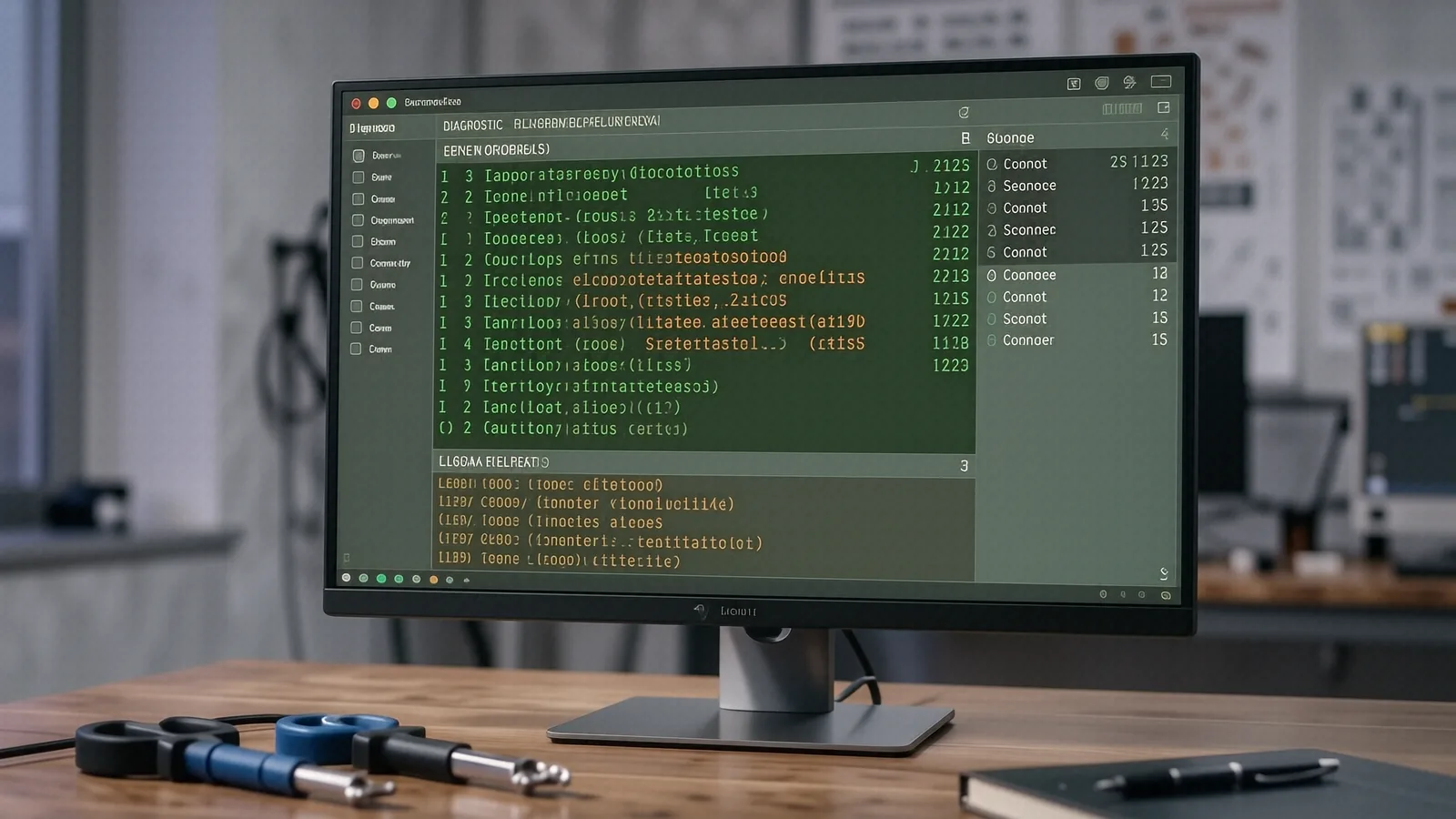
You might be tempted to head to a massive retail chain for a quick fix. Most of those big-box stores use scripted technicians who follow a checklist rather than using their own eyes and ears. They often suggest expensive software subscriptions that don’t actually solve the underlying problem. At Dayton PC Repair, we look at the actual Event Viewer logs to see exactly when the malicious process started running. We find the root cause so you aren’t paying for the same service twice.
Your time is valuable.
Why Your Computer Feels Slow or Strange
Malware doesn’t always look like a flashing red warning sign on your desktop. Sometimes, it just manifests as a subtle change in how your Windows 11 or macOS environment behaves. You might notice that your Dell XPS 13 fans are spinning at maximum speed while you are just looking at a blank desktop. This usually happens because a background process is hogging the CPU cycles to mine cryptocurrency or send out spam packets.
Common Symptoms of Infection
When a virus hits a system, it often targets specific resources to stay hidden. You might experience these issues:
- Unexpected pop-ups appearing even when your browser is closed.
- The Task Manager showing high disk usage on an NVMe SSD that should be idle.
- Your web browser redirecting you from Google to a strange, unknown search engine.
- Files suddenly disappearing or changing their extensions to something unrecognizable.
If you see these signs, stop clicking on anything suspicious immediately. A single wrong click on a fake “Update your Flash Player” prompt can trigger a script that downloads a payload directly into your temporary folders. We have seen everything from simple adware that slows down your browsing to nasty ransomware that encrypts your entire family photo library.
The Difference Between Adware and Rootkits
Not all infections are created equal. Most people deal with adware, which is essentially annoying software that forces advertisements onto your screen. While this is frustrating, it is usually easy to scrub out by cleaning your browser extensions and checking your installed programs list. It feels like a nuisance, but it rarely destroys your hardware or steals your identity.
Rootkits are much more dangerous. A rootkit embeds itself deep within the operating system, often hiding its presence from the very antivirus software you think is protecting you. Because these tools operate at a high privilege level, they can intercept system calls and lie to your computer about what is actually running. Cleaning a rootkit often requires us to boot into a specialized environment or, in some extreme cases, perform a complete wipe and reinstall of the OS to ensure the integrity of the kernel.
Our Deep-Clean Diagnostic Process
When you drop off your laptop or desktop at our Centerville location, we don’t just click “scan” and hope for the best. We start by isolating the machine from your home network so the infection cannot spread to your other devices or smart home tech. This is a critical step because many modern worms are designed to scan your local subnet for vulnerable NAS drives or unprotected printers.
First, we perform a manual inspection of your startup items and scheduled tasks. Many viruses hide in the Windows Task Scheduler so they can re-infect your machine every time you log in. We check the registry hives for suspicious entries that point to executable files located in odd places like AppData/Local/Temp. If we find a malicious string, we don’t just delete it; we trace its origin.
Next, we analyze your network traffic patterns. If your computer is trying to communicate with a known Command and Control (C2) server in a foreign country, we need to know why. We use specialized tools to see if any background service is attempting to exfiltrate your data. This level of scrutiny is something you simply won’t get at a standard retail repair desk where the goal is high turnover rather than total security.
We also check your hardware health during this process. Sometimes, what looks like a virus is actually a failing drive or a thermal issue. We look at the SMART data for your SSD to ensure that the “slowness” isn’t just your drive reaching its end-of-life. If your cooling system is clogged with dust, your CPU will throttle, making it feel exactly like a malware infection is dragging down your performance.
Protecting Your Data During Repair
We know how much your data matters to you. Whether it is tax documents or years of digital memories, losing files is the worst part of any computer issue. While we aim to perform all virus removals without touching your personal files, we always recommend having a current backup. If a virus has corrupted your file system, sometimes the only way to truly clean the machine is to format the drive and start fresh.
If you don’t have a backup, ask us about our data recovery options before we begin the cleaning process. We can often pull your important documents off the drive using a Linux-based boot environment that ignores the Windows-based malware. This allows us to save your photos and spreadsheets even if the operating system is completely compromised.
Beyond the Virus: Hardening Your System
Once we have successfully removed the threat, our job isn’t finished. We want to make sure you don’t end up back in our shop for the same problem three weeks from now. A clean computer is a great start, but it needs the right defenses to stay that way. We help you set up a realistic security posture that doesn’t involve you clicking “Allow” on every single pop-up window you see.
We recommend a multi-layered approach to security. This includes using a reputable, lightweight antivirus that doesn’t eat up all your RAM, but also practicing good digital hygiene. We can show you how to use browser protections, how to identify phishing emails, and why you should never use the same password for your banking and your social media accounts.
Building a Better Defense
A few small changes can make a massive difference in your security. You should consider these steps:
- Enable Multi-Factor Authentication (MFA) on every sensitive account you own.
- Keep your operating system and all third-party software updated to the latest versions.
- Use a dedicated password manager so you aren’t reusing “Password123” across ten different sites.
We can help you implement these tools during your service appointment. If you are using an older machine, like a Windows 7 laptop that hasn’t seen an update in years, we can discuss whether it is time for an upgrade. Running unsupported software is one of the easiest ways to invite malware into your home.
Why Local Matters for Your Tech
Choosing a local shop over a giant corporation means you get a technician who actually remembers your name. When you bring your device to 264 N. Main Street, Suite C, you are talking to people who live and work in this community. We aren’t trying to hit a quarterly quota set by a corporate office in another state; we are just trying to fix your computer correctly.
Big-box stores often have “diagnostic fees” that are non-refundable and don’t even cover the actual repair work. We provide clear, upfront communication about what we find and what it will cost to fix it. If we can’t solve the problem, we tell you honestly rather than trying to upsell you on unnecessary parts.
Our shop is designed for efficiency and precision. We have the specialized tools required to handle everything from a broken MacBook Pro Retina screen to a heavily infected gaming desktop. Whether you are a student at a local college or a professional working from home near the Centerville Square, we provide the technical expertise you need to get back online.
If your computer is acting up, don’t wait for it to get worse. Malware can spread through your network or encrypt your files faster than you can react. Bring your device to us at 264 N. Main Street, Suite C, Centerville, OH 45459. We are open Monday through Friday from 10am to 7pm to help you get your digital life back in order.