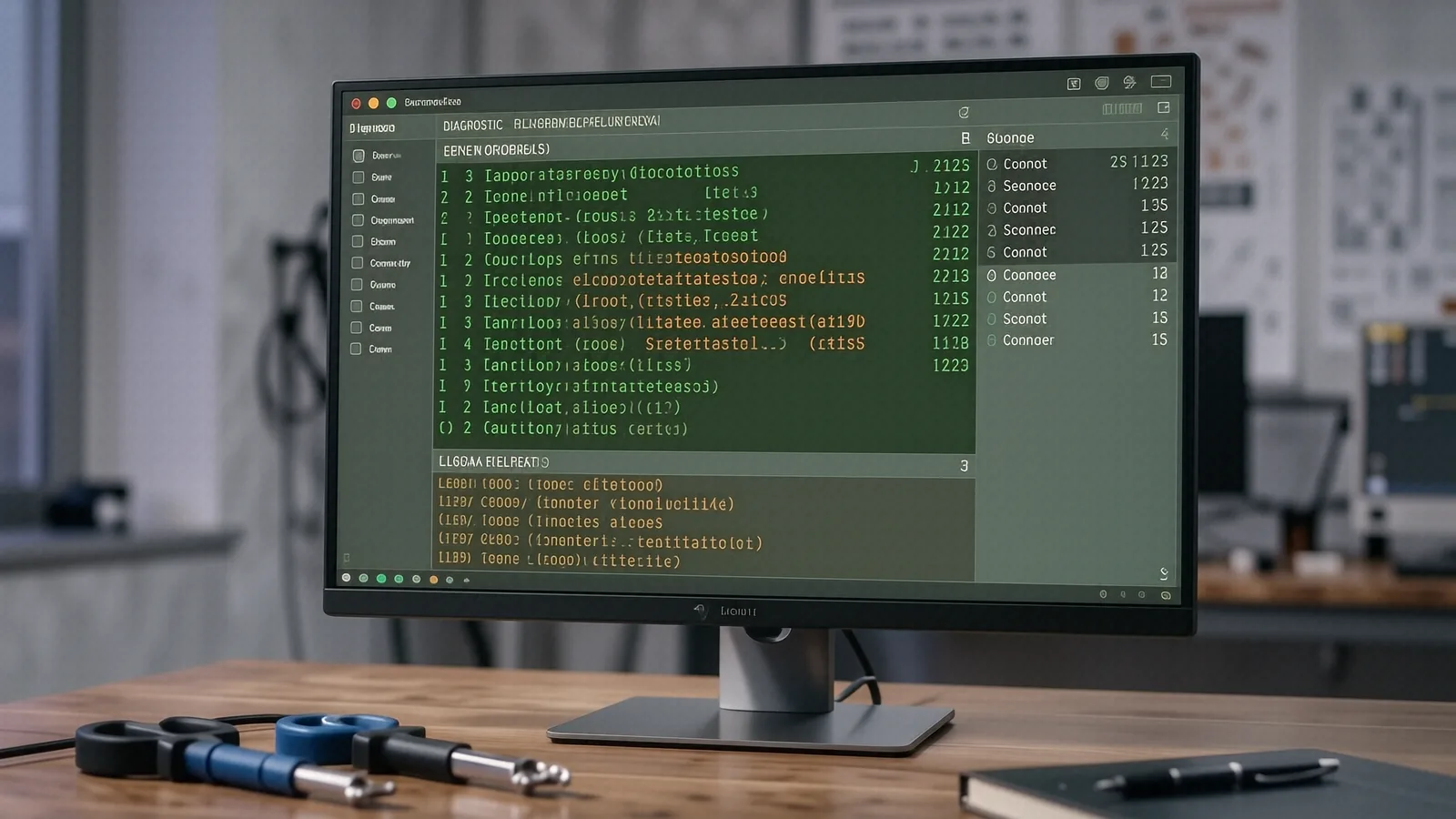
Local Support for Malware and Virus Infections
If you are driving down from the Oakwood area or coming from near Kettering High School, our shop is an easy trip away. We are located just about 10 miles southeast of central Kettering via OH-48. While many residents look for immediate help near the Valley Shops or around the Stroop Road corridor, our Centerville location offers a specialized level of service that big-box retailers simply cannot match. You can find us at 264 N. Main Street, Suite C, right off the main thoroughfare.
Most people realize they have a virus when their computer starts acting strange. Maybe your MacBook Pro Retina is suddenly running hot while you are just browsing Chrome, or perhaps your Dell XPS 13 is displaying constant pop-ups that won’t go away even after a restart. These symptoms often indicate that malicious software is consuming your CPU cycles in the background.
We do not just run a generic scanner and hand the machine back to you. A real infection often hides in deep system directories or modifies your registry settings so that it can reinstall itself after a simple reboot. Our technicians spend time looking at actual process trees and checking for unauthorized scheduled tasks. We want to make sure the threat is actually gone before we charge you for the repair.
Why Big-Box Stores Often Fail at Virus Removal
You might be tempted to head to a Staples or a Best Buy in the Kettering area because they seem convenient. However, those large chains often operate on a “wipe and reload” model. This means that if they detect a virus on your HP Pavilion 15, their first instinct is to format your NVMe SSD and reinstall Windows from scratch. While this technically removes the virus, it also deletes every single one of your family photos, tax documents, and saved browser passwords.
We take a much more surgical approach to malware. We attempt to identify the specific strain of Trojan, spyware, or adware that has compromised your system so that we can preserve your data. If we see that a piece of ransomware has encrypted your files, we immediately stop our standard scanning process to assess if any recovery tools can salvage your documents. This level of care requires a technician who actually understands how file systems work, rather than a retail clerk following a script.
The Geek Squad or similar services often have long wait times and limited diagnostic depth. You might drop off your laptop on a Tuesday and not hear anything until Friday, only to find out they couldn’t even identify the core issue. At our shop, we provide clear communication about what we found during our initial triage. We use tools like Event Viewer and specialized bootable environments to see what is happening at the kernel level.
Our bench experience matters. I have spent twelve years looking at everything from broken ribbon cables to sophisticated rootkits that try to hide from standard antivirus software. When you bring a device to us, you are talking to the person who will actually be working on it. We do not pass your expensive ThinkPad T-series off to an entry-level trainee who is just learning how to use a screwdriver.
Identifying the Signs of a Compromised System
Not every slow computer has a virus. Sometimes a laptop is just struggling because too many background processes are eating up the RAM, or perhaps your thermal paste has dried out and the GPU die is throttling due to heat. However, certain red flags should make you suspicious of a security breach. If your web browser keeps redirecting you to strange search engines or if your computer’s fans spin at maximum speed while the device is idle, you likely have an infection.
Common Malware Symptoms
You should watch for these specific indicators:
- Sudden, unexplained spikes in network traffic that suggest your machine is part of a botnet.
- Frequent “Blue Screen of Death” errors that occur when you try to open specific applications.
- Browser extensions appearing that you never installed yourself.
- Files disappearing or changing their file extensions without your permission.
If you notice these issues, do not keep using the computer. Every minute you stay connected to the internet gives a piece of malware more time to exfiltrate your personal data or spread to other devices on your home Wi-Fi network. It is much safer to shut the machine down and bring it to us for a professional assessment.
The Difference Between Adware and Ransomware
Adware is generally an annoyance that floods your screen with advertisements, but ransomware is a genuine emergency. A typical victim of ransomware will see a window demanding payment in cryptocurrency to unlock their files. If this happens, you must disconnect from the internet immediately so the malware cannot communicate with its command-and-control server. We have seen many cases where people tried to pay the ransom, only to find that the attackers never actually released the decryption keys.
We also deal with “Potentially Unwanted Programs” (PUPs) quite often. These are not always strictly viruses, but they act like them by slowing down your system and tracking your browsing habits. Even if a program isn’t technically malicious, it can still compromise your privacy and make your Surface Laptop 5 feel sluggish and unresponsive.
Our Professional Diagnostic and Cleaning Process
When you drop off your device at our Centerville shop, we start with a full hardware diagnostic. We need to ensure that the “virus” isn’t actually a failing hard drive or a corrupt SSD controller. We check SMART data for your storage drives to see if there are any unrecoverable sectors that might be causing system instability. Once we confirm the hardware is healthy, we move into the deep software cleaning phase.
We do not rely on just one piece of software. A single antivirus program can often be bypassed by modern malware that is specifically designed to disable that exact brand of security tool. Instead, we use a combination of multiple scanning engines and manual inspection of system files. We check your hosts file to see if it has been hijacked and run commands like ipconfig /flushdns to clear out any malicious redirects cached in your network settings.
Protecting Your Data During Repair
Data integrity is our highest priority during the cleaning process. While we always recommend that you keep regular backups on an external drive or a cloud service, we know that many people realize they need a backup only after their computer crashes. If your files are still accessible, we will work to secure them before we perform any aggressive cleaning or system repairs.
We also look at your security habits as part of our service. Once the immediate threat is removed, we can help you set up a more robust defense. This might include configuring a more secure DNS, setting up a password manager, or teaching you how to spot phishing emails that look like they came from a legitimate bank or shipping company.
Hardware Health and Long-Term Stability
A clean operating system is only half the battle if your hardware is failing. If your laptop is running hot, we will check if the internal fans are clogged with dust or if the vapor chamber has lost its effectiveness. A computer that overheats can cause software errors that look like malware but are actually just hardware-induced crashes. We provide an honest assessment of whether your machine needs a simple cleaning or a more significant component replacement.
We handle all types of devices, including desktops and high-end gaming rigs. If you have a custom-built PC with a powerful GPU, we can ensure that your drivers are updated and that no “miner” malware is hijacking your graphics card to mine cryptocurrency for someone else. This type of specialized attention is why families and small business owners in the Kettering area trust us over the big-box stores.
Visit Us in Centerville
If your computer is behaving erratically, do not wait until it fails to boot entirely. Most malware issues are much easier and cheaper to fix when they are caught early. We are located at 264 N. Main Street, Suite C, Centerville, OH 45459. Our doors are open Monday through Friday from 10am to 7pm. You can drive straight here from Kettering using OH-48 or take I-675 to reach us quickly.
Stop by and let us take a look at your machine.