Get Your Computer Cleaned in Miamisburg
If you are driving out from Miamisburg toward our shop in Centerville, it is a quick trip. You can head east on OH-725 for about 15 minutes to reach us at 264 N. Main Street. Most of our customers come from near the Miamisburg Moonlit Drive area or closer to the historic downtown district. We see plenty of families from neighborhoods near Shipwreck Village who need their home computers running smoothly again. While you might find a big-box retailer in the Miamisburg area, they rarely offer the deep-dive technical expertise required for stubborn malware.
Your computer is likely acting strange right now. Maybe your Dell XPS 13 is suddenly sluggish, or perhaps your MacBook Pro Retina keeps popping up windows for software you never installed. These aren’t just annoyances. They are signs that something is eating your system resources in the background. We handle these issues every day at our Centerville bench.
Big-box stores like Geek Squad often use automated scanners to “clean” a drive. This approach frequently misses deeply embedded rootkits or malicious browser extensions that hide in your user profile. We do things differently because we look at the actual behavior of the OS. We check your Task Manager and Activity Monitor to see exactly which processes are spiking your CPU usage.
Identifying Real Malware vs. Simple Sluggishness
Not every slow computer has a virus. Sometimes your NVMe SSD is simply reaching its end-of-life, or a Windows Update has become corrupted in the background. We start by looking at the SMART data for your drive to ensure the hardware isn’t failing. If the hardware is healthy, we move into a deep scan of your file system.
Malware comes in many shapes and sizes. You might be dealing with a simple adware infection that hijacks your browser settings. This often happens when you download a “free” utility that bundles extra junk in the installation package. Other times, the problem is much more severe, such as a trojan that has compromised your login credentials.
Common Symptoms of Infection
You should watch for these specific red flags on your device:
- Unexpected pop-ups appearing even when your browser is closed.
- Your cooling fans spinning at maximum speed while you are doing nothing.
- Significant slowdowns during simple tasks like opening a PDF or a web page.
- Files being renamed or encrypted by an unknown process.
If you notice these things, stop clicking on any links in your email immediately. A single wrong click can allow a script to execute in the background while you are still reading the message. We have seen many HP Pavilion 15 owners lose their entire photo library because they clicked a fake “system update” notification.
The Danger of Ransomware
Ransomware is the most aggressive type of malware we encounter on the bench. It works by encrypting your personal files and demanding a payment to unlock them. Because these attackers use sophisticated encryption, there is no magic button to undo the damage once it happens. This is why we always recommend that you maintain an offline backup of your important documents.
We can help mitigate some risks if you catch the infection early. If your files are still accessible but look “off,” bring the machine in right away. We use specialized tools to isolate the infected sectors and attempt to salvage what remains of your data.
Our Deep-Clean Diagnostic Process
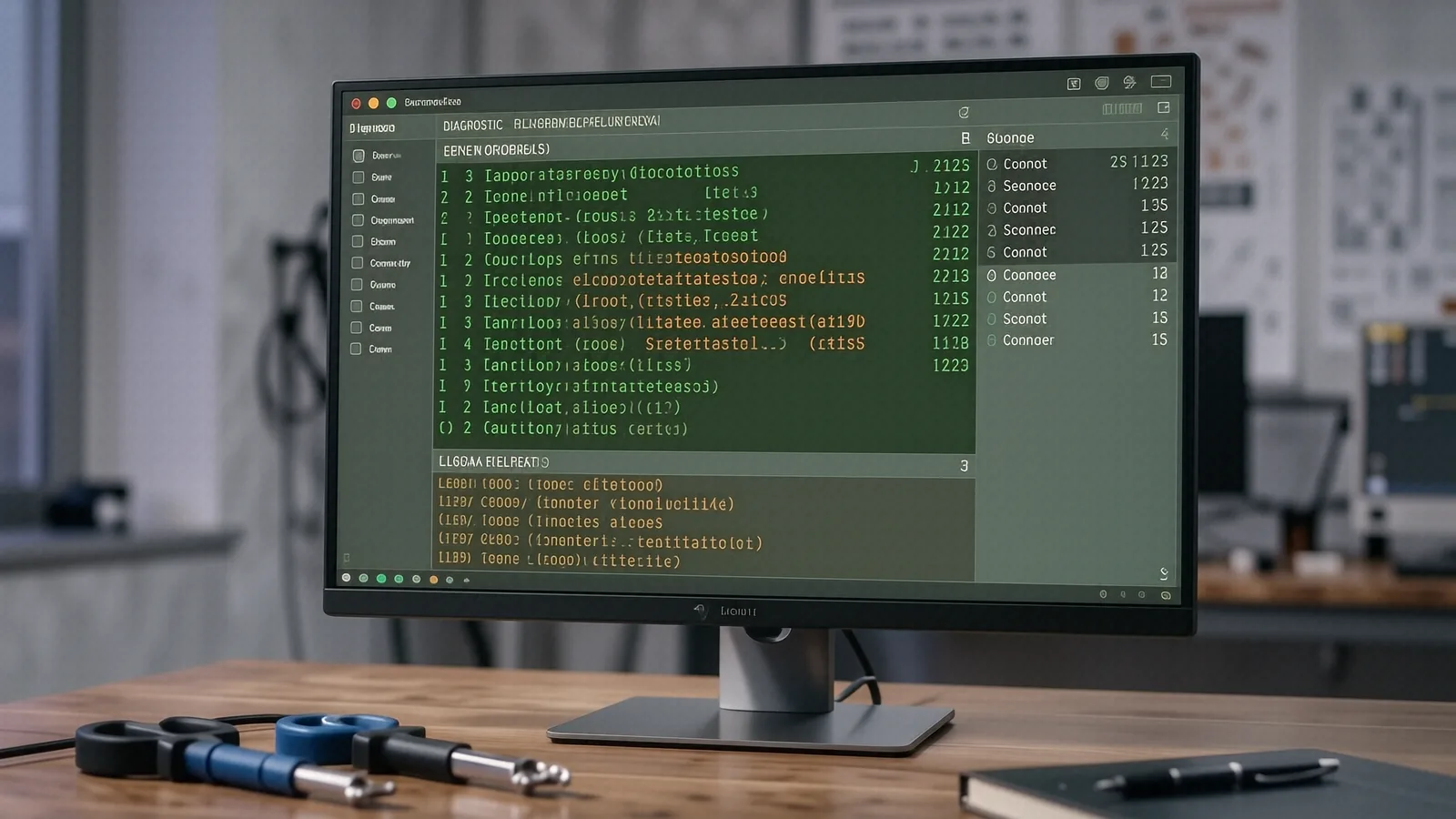
When you drop off a laptop at our Centerville shop, we don’t just run one program and call it a day. A professional virus removal requires a multi-layered approach that addresses every entry point on your machine. We start by booting into a safe environment to prevent the malware from running its defensive scripts while we work.
First, we check your network configuration using commands like ipconfig /flushdns to clear out any malicious redirects. Next, we audit your startup programs to see what is launching as soon as you log in. We look for unrecognized entries in the Windows Registry or hidden launch agents on macOS. This allows us to find the source of the problem rather than just treating the symptoms.
After we identify the primary infection, we perform a manual sweep of your temporary folders and system directories. Many modern viruses hide their payload in the AppData folder or within deep subdirectories that standard antivirus software might overlook. We also check your browser’s extension list because many “viruses” today are actually just malicious plugins.
Hardware Health Check
While we are cleaning the software, we also look at the physical state of your machine. A laptop that runs hot can often be mistaken for a virus-infected device. If your vapor chamber is clogged with dust or your thermal paste has dried out, your CPU will throttle its speed to prevent melting. This throttling makes the computer feel slow and “laggy,” much like malware does.
We check the following components:
- Battery health and cycle counts.
- Internal dust buildup in the cooling fins.
- Connection stability of the Wi-Fi card.
- Physical integrity of the keyboard and trackpad.
If we find that a hardware issue is causing your performance problems, we will tell you upfront. We don’t believe in charging for virus removal if the real problem is a failing hard drive or a dying battery. Our goal is to get your device back to its original factory speed.
Why Local Expertise Matters More Than Big-Box Convenience
You might be tempted to drive to a large retail chain because they have a recognizable name. However, those technicians are often trained on scripts rather than deep system architecture. They follow a checklist, and if your problem isn’t on that checklist, they will likely tell you they can’t help. At our shop near the corner of Far Hills Ave and Main Street, we actually understand how these operating systems work under the hood.
We offer a level of personal accountability that a massive corporation cannot match. When you leave your ThinkPad T-series or Surface Laptop 5 with us, you aren’t just another ticket number in a global database. You are a neighbor from Miamisburg or Centerville who needs their tool back. We provide a clear, itemized breakdown of what we found and how we fixed it.
The Value of a Specialized Technician
A specialized tech knows the difference between a legitimate system process and a disguised piece of malware. For example, many people see svchost.exe in their Task Manager and panic because they think it is a virus. We know that svchost.exe is a vital Windows service, but we also know how to spot when a malicious file has named itself something similar to trick you.
This level of nuance saves you time and money in the long run. If you go to a big-box store, they might suggest a complete OS reinstall as their first option. While that works, it is incredibly inconvenient because you have to reinstall every single one of your apps and reconfigure your settings. We prefer to clean the existing installation so you can get back to work without the headache of a total setup.
Protecting Your Privacy
Data privacy is a major concern when you hand over your computer to a stranger. When you use a massive retail chain, your data might be handled by dozens of different employees through various automated systems. At Dayton PC Repair, we maintain strict privacy protocols. We focus on the technical aspects of the repair and do not browse through your personal files unless it is strictly necessary for the recovery process.
We understand that your laptop contains your banking information, your private photos, and your work documents. We treat every device as if it were our own family member’s computer. This commitment to privacy is why we have served the Dayton area for over twelve years.
Preparing Your Device for Repair
If you decide to bring your machine in, there are a few things you can do to make the process faster. If your computer is still able to boot into Windows or macOS, try to back up your most critical files to an external drive or a cloud service first. While we take every precaution to protect your data, any repair involving system-level changes carries a small amount of risk.
If your screen is black or the machine won’t turn on at all, don’t worry. We can often perform data recovery even on devices that appear to be completely dead. Just bring the power adapter with you so we can test the charging circuitry. Knowing the exact model number of your device also helps us prepare the right tools before you even arrive.
Our shop is located at 264 N. Main Street, Suite C, Centerville, OH 45459. We are open Monday through Friday from 10am to 7pm. Please stop by or call us at (937) 660-4819 to schedule a drop-off.