Local Support for Oakwood Malware Infections
If you are driving down Far Hills Avenue from the Oakwood area, you are only about 10 to 12 minutes away from our shop in Centerville. We are located right off the main corridor near the intersection of OH-48, making it a quick trip for anyone living near Del Amo Park or the Oakwood High School campus. While you might see big-box retailers like Best Buy or Staples closer to the Kettering border, those places operate on a different model than we do. They often send your device to a centralized warehouse where it sits in a bin for weeks while technicians you have never met run generic scripts. At Dayton PC Repair, you bring your MacBook Pro or Dell XPS 13 directly to our bench at 264 N. Main Street. We handle the actual cleaning ourselves because we believe you deserve to see the work being done on your hardware.
Most malware isn’t just a pop-up window that disappears when you click “X.” Modern threats like ransomware or persistent trojans hide deep within your system files or even inside your browser extensions. You might notice your fan spinning at maximum speed while you are just idling on a webpage, which often indicates a background process is hijacking your CPU. This type of resource drain can shorten the lifespan of your laptop’s components over time.
How We Identify and Neutralize Threats
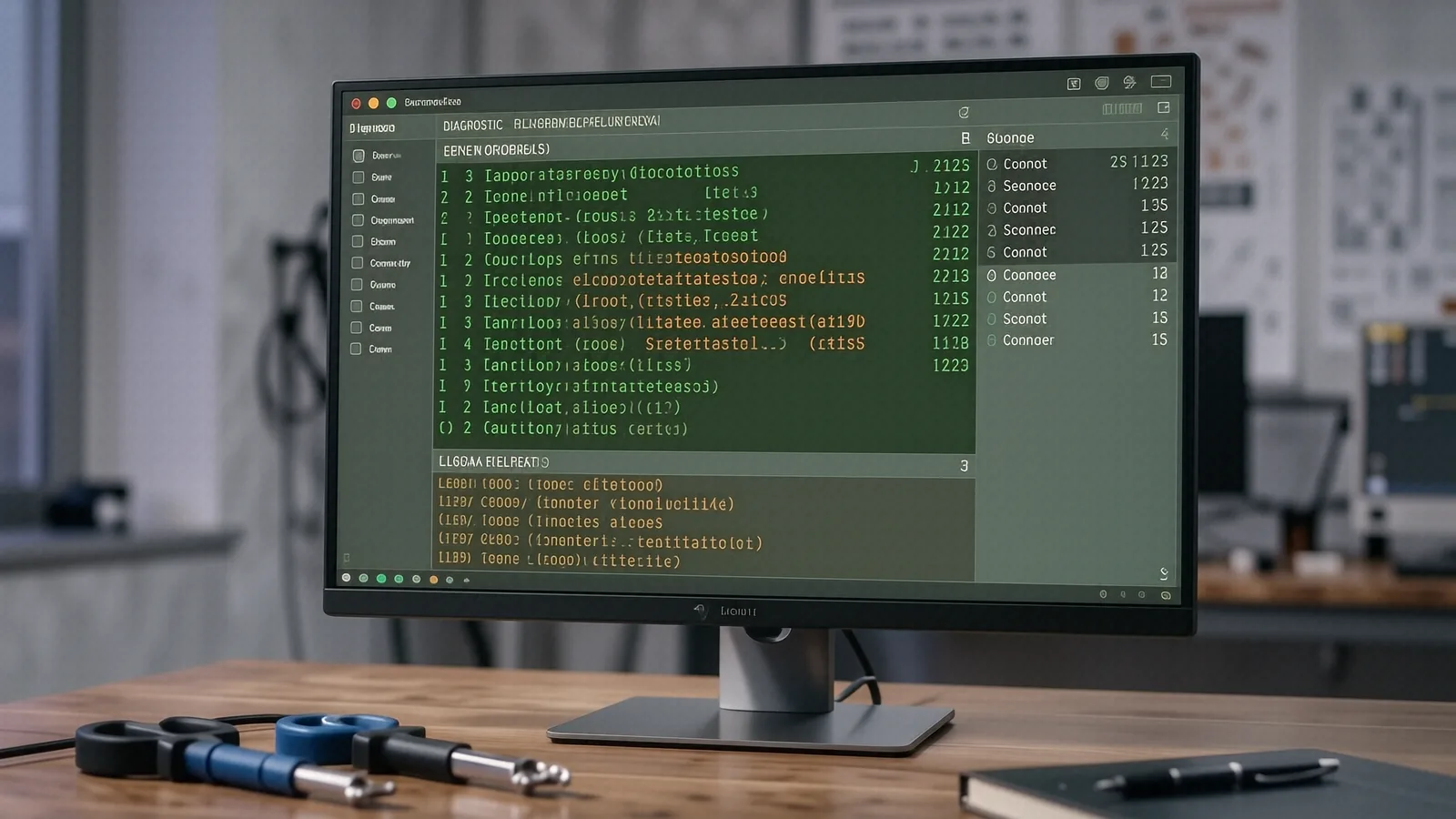
When you drop off a device, our first step isn’t just running a single scan and calling it a day. A real technician looks at the actual behavior of the operating system to see what is actually happening under the hood. We start by checking the Task Manager on Windows or Activity Monitor on macOS to identify suspicious processes that are consuming high amounts of RAM or disk I/O. If we see an unknown process eating up 40% of your CPU, that is a massive red flag.
We also dive into the deeper layers of your software environment. For Windows users, we examine the Event Viewer to find error logs that might indicate a driver is being tampered with by malicious code. We check your startup registry keys and scheduled tasks because that is where most viruses hide so they can reload every time you reboot. If you have a Surface Laptop 5 or a high-end ThinkPad T-series, the infection might even be attempting to exploit specific hardware vulnerabilities.
Scanning the Hardware and Software Layers
A thorough cleanup involves several distinct phases of investigation:
- We perform an offline scan using a bootable environment so the virus cannot hide while the operating system is running.
- We audit your installed applications to remove “bloatware” or PUPs (Potentially Unwanted Programs) that often act as gateways for real malware.
- We verify the integrity of your system files by running commands like
sfc /scannowto repair any damage the virus caused to your OS.
Sometimes, a virus isn’t just a file on your hard drive. It can live in your network settings or your router’s DNS configuration. If your browser keeps redirecting you to strange search engines even after a wipe, we need to look at your network stack. We use tools like ipconfig /flushdns and check your hosts file to ensure your internet traffic isn’t being rerouted through a malicious server in another country.
The Difference Between a Scan and a Clean
Many people try to fix this themselves using free software they found on a random website. While those tools can sometimes help, they rarely catch everything. A sophisticated piece of malware might remain dormant in your recovery partition or hide within a legitimate-looking DLL file. This is why we take the time to perform a deep forensic audit of your NVMe SSD or mechanical drive. We want to ensure that when you pick up your machine, the threat is truly gone and not just temporarily suppressed.
Protecting Your Data and Privacy
One of the biggest fears during a virus infection is losing your family photos, tax documents, or work files. If you are running an older HP Pavilion 15 with a mechanical hard drive, a virus could potentially cause significant file system corruption. We prioritize data integrity during every single repair session. Before we begin any aggressive cleaning or OS reinstallation, we attempt to secure your most important files on a separate, clean drive.
We don’t just care about the software; we care about your identity. If you have been hit by a keylogger, it means someone may have captured your passwords or banking information. After we clean the machine, we recommend that you change all your sensitive passwords from a different, known-secure device. This is a step that big-box stores rarely emphasize because they are focused on the hardware rather than your personal security.
Common Symptoms of an Infected Device
You should bring your computer to us if you notice any of these specific behaviors:
- Your web browser displays constant “Your PC is infected” warnings that look like official Windows notifications.
- Files or folders suddenly have strange extensions like .crypt or .locked, which is a hallmark of ransomware.
- The laptop feels significantly hotter than usual even when you are not running heavy applications.
- You see new toolbars or icons on your desktop that you do not remember installing.
If your computer is behaving erratically, it is better to turn it off and bring it to a professional rather than trying to “power through” the problem. Every minute a compromised machine stays connected to the internet is another minute it could be sending your data to a remote server.
Why Oakwood Residents Choose Our Centerville Shop
We know that many of our customers in Oakwood are professionals, educators, or members of the Wright-Patterson AFB community who rely heavily on their technology for work and communication. You cannot afford to have a laptop that is unreliable or, worse, compromised. When you go to a massive retail chain, you are just another ticket number in a global queue. At our shop on N. Main Street, we treat your computer like it belongs to a neighbor.
We offer a transparent approach to repair that the big guys simply cannot match. We provide a clear estimate before any work begins, and we explain exactly what we found during our diagnostics. If we find that your SSD is failing and contributing to system instability, we tell you. If the virus was caused by a simple accidental click on a bad link, we show you how to prevent it next time. Our goal is to build trust through technical competence and honest communication.
Our Repair Process Standards
We maintain a strict workflow to ensure every device leaves our bench in peak condition:
- Every device undergoes a multi-stage diagnostic check to confirm the source of the infection.
- We use professional-grade, licensed security tools rather than relying on consumer-level “free” versions.
- We verify that all system drivers are up to date so that your hardware performs at its intended speed.
We also understand that downtime is expensive. We work efficiently to get you back online as quickly as possible, usually within 1-3 business days depending on the complexity of the infection. If we need to perform a clean installation of Windows or macOS to ensure total removal, we will walk you through exactly what that entails and how it affects your software.
Long-Term Digital Health
Once we have removed the immediate threat, we can help you set up a defense strategy that actually works. This might mean setting up a robust, managed antivirus solution or configuring your firewall settings more effectively. We can also look at your backup habits. A computer that is properly backed up to an external drive or a secure cloud service is much easier to recover if a future infection occurs.
Preventing the next virus is just as important as removing the current one. We often see people who have been clicking “Allow” on every pop-up window they encounter while browsing. We can teach you how to recognize those phishing attempts and how to use browser security extensions that act as a first line of defense. It is about giving you the tools to manage your own digital environment with confidence.
If your laptop is acting strange or you suspect your privacy has been compromised, don’t wait for the problem to get worse. Stop by our Centerville location to get a professional assessment.
Dayton PC Repair 264 N. Main Street, Suite C Centerville, OH 45459 (937) 660-4819