Fast Virus Removal for Springboro Residents
If you live near Armstrong Park or the historic downtown area of Springboro, your computer is likely just a 15-minute drive away from our repair bench. We are located just south on OH-725, making it easy to swing by our Centerville shop after work or while running errands near the Fairfield Commons area. While you might find big-box retailers like Best Buy or Staples in the surrounding suburbs, they often rely on scripted troubleshooting that misses deep-seated malware issues. We provide a level of technical scrutiny that these high-volume stores simply cannot match because we actually look at the individual files and registry entries causing your trouble.
Your computer is compromised.
When you notice sudden slowdowns or strange pop-ups, it is easy to assume your hardware is failing. Most Springboro customers come to us after trying free software scanners that failed to clear the infection. A real virus often hides inside legitimate system processes or hides within a hijacked browser extension. We don’t just run a scan and hand the machine back to you. Our technicians perform a deep dive into your operating system to ensure no persistent backdoors remain active in your startup sequence.
Why Standard Antivirus Software Often Fails
Most people believe that having a subscription to Norton or McAfee makes them invincible. This is a dangerous misconception because modern malware is designed specifically to bypass those exact signature-based detection methods. If you have downloaded a file from an unverified source or clicked a suspicious link in a phishing email, the damage might already be done. A sophisticated Trojan can sit quietly on your Dell XPS 13 for weeks while it harvests your login credentials or monitors your keystrokes.
You need more than a scan.
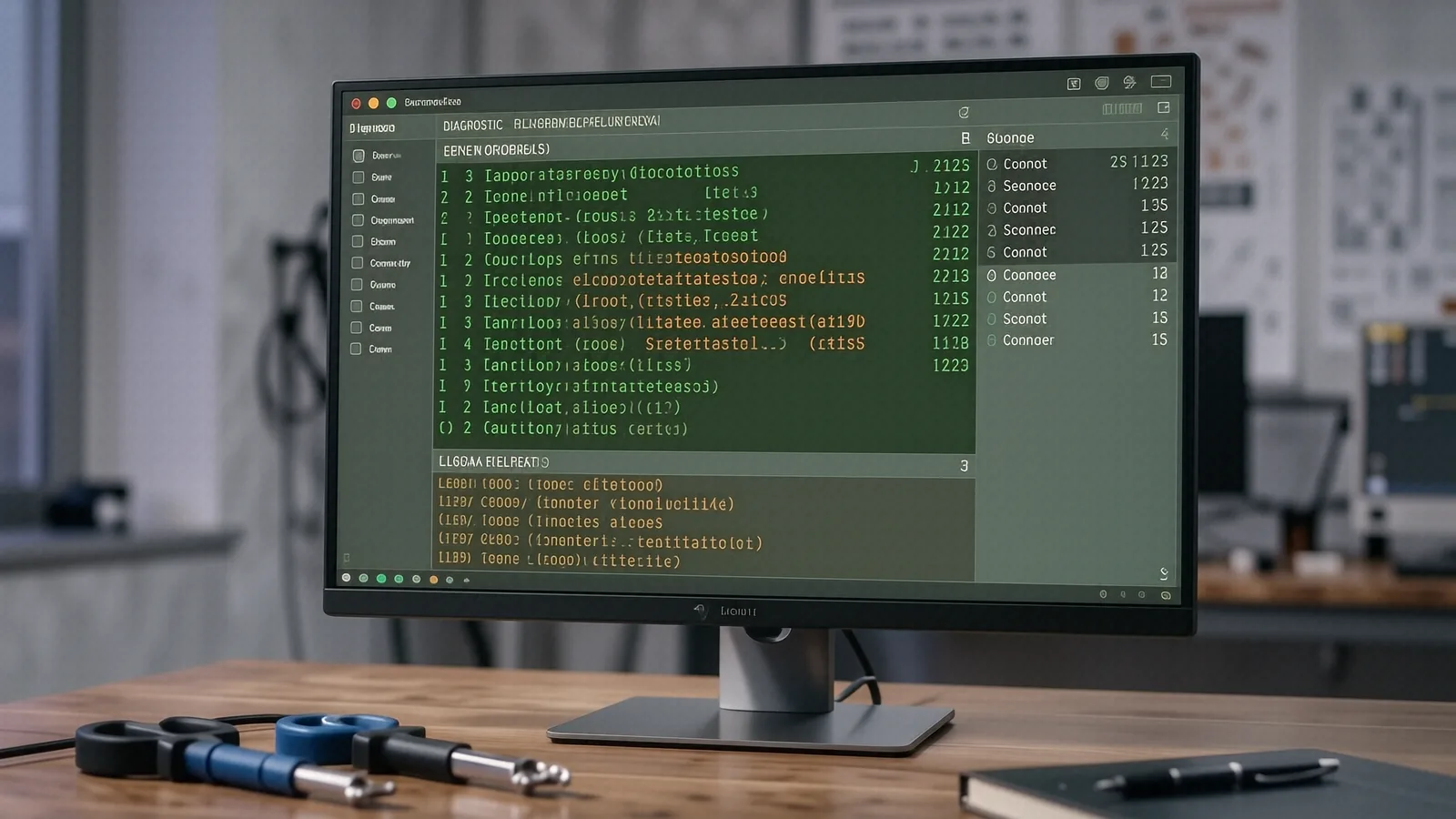
We use professional-grade diagnostic tools to identify exactly how the infection entered your system. Sometimes the issue isn’t a traditional virus, but rather a piece of “grayware” that slows down your NVMe SSD performance by constantly writing junk data to the drive. We check your Windows Event Viewer logs and monitor real-time CPU spikes to find the culprit. This process takes time, which is why we prefer hands-on repair over the automated “quick fixes” offered at the mall.
Identifying the Symptoms of Infection
You might notice several red flags if your machine is struggling with malicious software. For example, your fans might spin at maximum speed even when you aren’t doing anything intensive. This usually means a hidden process is taxing your GPU die or CPU cycles in the background. You may also see your browser redirecting you to strange search engines that you never installed.
Common signs include:
- Unexpected system crashes or Blue Screens of Death (BSOD).
- Files disappearing or becoming renamed with strange extensions.
- Your webcam light turning on without your permission.
- Massive increases in data usage on your home network.
If any of these occur, stop using the device immediately to prevent further data exfiltration.
The Danger of “Quick Fix” Retailers
Big-box stores often treat virus removal as a flat-fee service where they run one program and call it a day. This approach is risky because if the malware has embedded itself into your BIOS or a system recovery partition, a simple scan won’t find it. We take a much more granular approach at our Centerville location. We examine your running services, check for unauthorized scheduled tasks, and verify the integrity of your core system files.
We value your privacy.
When you drop off a laptop at a massive retail chain, you are often just another ticket number in a massive queue. At Dayton PC Repair, we treat your data with the respect it deserves. We understand that your MacBook Pro or ThinkPad contains years of family photos, tax documents, and sensitive work files. Our technicians work directly on your machine to ensure we don’t accidentally wipe your personal data while trying to clean the infection.
Deep Cleaning Your Operating System
Once we identify the specific strain of malware, we begin the isolation process. We disconnect the machine from all networks so the virus cannot communicate with its command-and-control server. This is a critical step that many home users skip when they try to “fix it themselves” using online tutorials. After we isolate the threat, we can safely remove the malicious binaries and repair any registry damage caused by the infection.
Sometimes a full OS reinstall is necessary.
If the infection has compromised the core kernel of your Windows or macOS installation, we may recommend a clean install. While this sounds intimidating, it is often the only way to guarantee 100% cleanliness. We can help you back up your essential files to an external drive before we wipe the drive, ensuring that your documents and photos remain safe even after the system is refreshed. This process usually takes 1-3 business days depending on the volume of data we need to move.
Hardware vs. Software Confusion
A common headache for our customers is distinguishing between a dying component and a virus. A failing hard drive can mimic the symptoms of malware by causing extreme system lag or file corruption. We use SMART data diagnostics to check the physical health of your storage drives before we assume it is a software issue. If your SSD is reporting high reallocated sector counts, no amount of virus removal will fix your speed problems.
We provide honest answers.
If your HP Pavilion is slow because the thermal paste has dried out and the vapor chamber is no longer dissipating heat, we will tell you that directly. We won’t try to sell you a software subscription if what you actually need is a physical cleaning and a hardware upgrade. This transparency is why families from Springboro and the surrounding areas have trusted us for over twelve years.
Protecting Your Devices Long-Term
Cleaning the virus is only half the battle; the other half is preventing it from coming back. Once your device is clean, we sit down with you to discuss better digital hygiene. This might include setting up a robust DNS filter or teaching you how to spot the subtle signs of a spoofed URL in an email. We also look at your backup strategy to ensure that if something does go wrong in the future, you won’t lose a single byte of data.
A good backup is your safety net.
We can help you configure automated cloud backups or local NAS solutions so that your files are always protected. Whether you use an iPhone, an Android device, or a Windows PC, having a redundant copy of your most important information is the best defense against ransomware. Ransomware is particularly nasty because it encrypts your entire drive and demands payment to unlock it, which is why proactive protection is much cheaper than reactive recovery.
Choosing Local Expertise Over Convenience
It might be tempting to search for a mobile technician who can come to your house in Springboro, but there are significant security risks involved with that model. When you bring your device to our shop at 264 N. Main Street, you know exactly where we are and how we handle your equipment. Our facility is a controlled environment where we can use specialized hardware to test components and ensure your machine is truly stable before it leaves our bench.
We don’t use generic tools.
Our toolkit includes dedicated hardware write-blockers, professional bootable environments, and advanced forensic software. These aren’t the kind of tools you find in a standard consumer toolkit or a basic retail repair shop. We invest in our bench so that we can solve the problems that others simply label as “unfixable.”
If your computer is acting possessed, don’t wait for the problem to get worse. Bring it to us at 264 N. Main Street, Suite C, Centerville, OH 45459. We are open Monday through Friday from 10am to 7pm. You can call us at (937) 660-4819 to confirm our current turnaround time or to ask any specific questions about your device.