Getting Your Computer Cleaned Near West Carrollton
If you live near the West Carrollton City Hall or spend your afternoons around the shops on Dixie Drive, you probably don’t want to drive all the way into downtown Dayton just to fix a malware problem. Our shop in Centerville is about a 15-minute drive from West Carrollton via OH-48. While big-box stores like Best Buy or Staples might seem convenient because they have locations in several nearby suburbs, they usually treat your computer like a number in a queue. You will likely deal with a front-desk clerk who has never actually opened a ThinkPad T-series to check for a malicious registry entry.
We do things differently at our Centerville location. When you bring your device to us, it goes straight to a technician who understands the difference between a browser hijacker and a deep-seated rootkit. We don’t just run a generic scan and hand the machine back to you after charging a premium fee. We dig into the actual system processes to ensure the infection is truly gone.
Our shop is located at 264 N. Main Street, Suite C, right in the heart of Centerville.
Recognizing the Signs of Malware Infection
You might notice your laptop acting strange before you even realize a virus has taken hold. Perhaps your Dell XPS 13 starts running incredibly hot while you are just browsing a simple webpage. This often happens because a hidden process is using your CPU or GPU die to mine cryptocurrency in the background. While this can be frustrating, it is actually one of the most common ways we see modern malware affecting high-end laptops.
Other symptoms are much more obvious and harder to ignore. You might see unexpected pop-ups appearing on your desktop even when your web browser is closed. If your mouse cursor starts moving on its own or your files suddenly have strange extensions like .encrypted, you are likely facing a ransomware attack. These situations require immediate action because every minute your computer stays connected to the internet, the malware could be spreading to your cloud storage or other devices on your home network.
Common Malware Types We See on the Bench
Not all infections are created equal. Some are simple nuisances, while others can destroy your data in seconds.
- Adware and Browser Hijackers: These change your default search engine or redirect you to shady websites when you try to visit Google or news sites.
- Spyware: This software sits silently in the background to record your keystrokes, which means someone could eventually see your banking passwords.
- Ransomware: This is the most dangerous type because it locks your files behind a layer of encryption that you cannot bypass without a key.
A typical MacBook Pro Retina user might think they are immune to these issues, but macOS is not invincible. We regularly see adware on Mac systems that targets Safari extensions or hides within suspicious DMG files downloaded from the web. Your operating system matters less than your behavior when clicking links in unexpected emails.
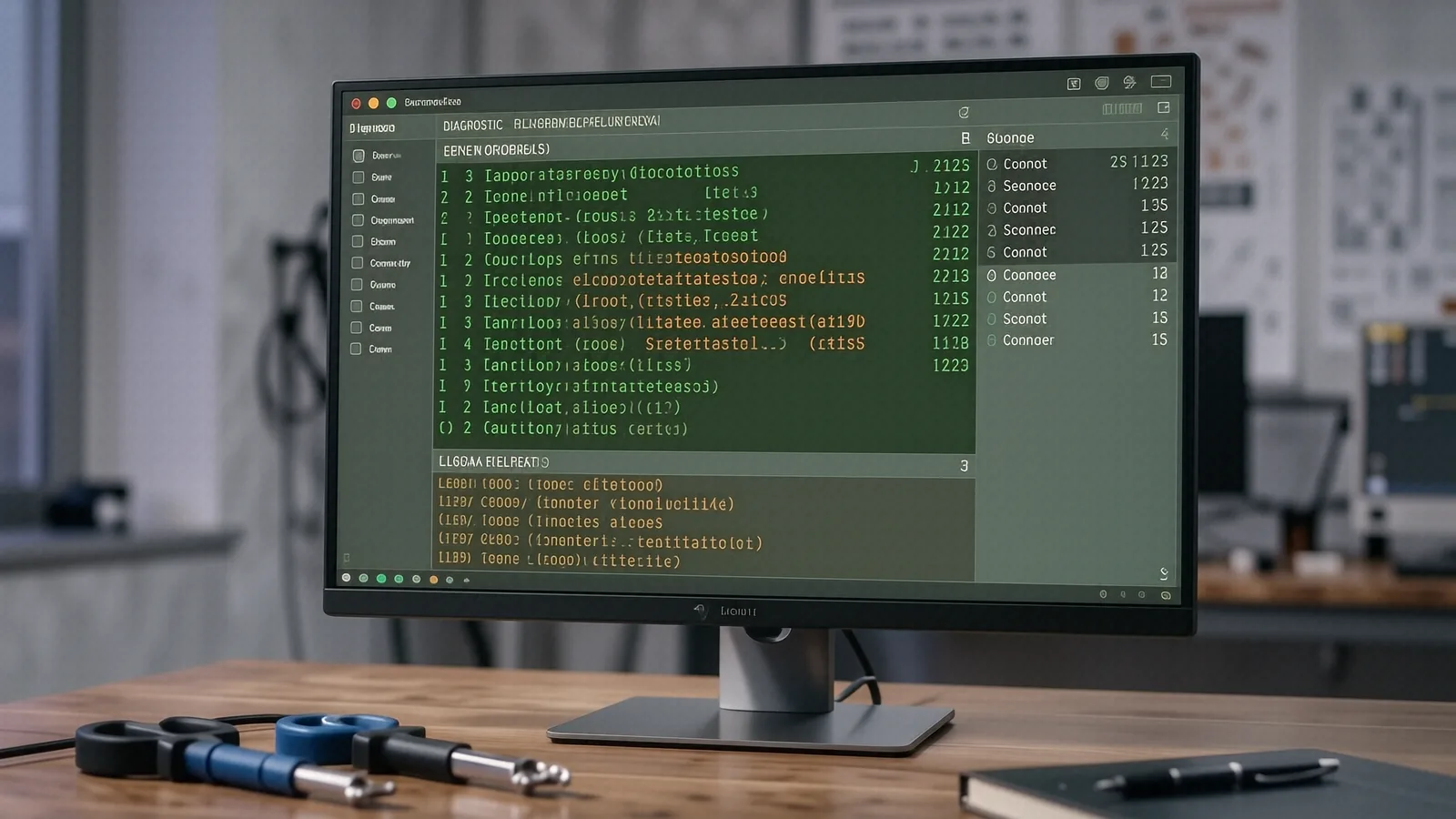
If you notice your fan spinning at max speed while the computer is idle, it is time to run a diagnostic. We use tools like Activity Monitor on Macs or Task Manager on Windows to identify which specific process is hogging your resources. Sometimes, it is just a bloated background app, but more often than not, it is a sign of something malicious hiding in plain sight.
Why Big-Box Retailers Often Fail at Virus Removal
When you take a Surface Laptop 5 or an HP Pavilion 15 to a massive retail chain, you are paying for their overhead, not necessarily their expertise. These stores often rely on automated software that scans for known signatures. If your virus is a “zero-day” threat—meaning it is new and hasn’t been cataloged yet—their software will likely report that your system is clean. This gives you a false sense of security while the infection continues to siphon your data.
We take a more manual, forensic approach to every repair. Instead of just trusting a progress bar, we check the Windows Event Viewer or macOS Console logs to see exactly when and how the suspicious activity started. We look for unauthorized changes to your startup folder and examine your scheduled tasks for anything that looks out of place. This level of scrutiny is why our customers from West Carrollton and Beavercreek trust us with their most sensitive hardware.
We also care about your data integrity during the cleaning process. A big-box technician might suggest a complete factory reset as the only solution because it is the easiest way for them to “fix” the problem. While a reset works, it wipes out all your photos, documents, and local files unless you have a perfect backup. We try to clean the infection in place so that you can keep your data without having to rebuild your entire digital life from scratch.
Our Diagnostic Process
We don’t guess when it comes to your hardware or software. Every repair starts with a formal assessment of the situation.
First, we check your SMART data to ensure your NVMe SSD isn’t failing, as drive errors can sometimes mimic malware symptoms. Next, we perform a deep scan using professional-grade tools that go much deeper than the consumer versions you find in a retail store. After we identify the culprit, we isolate the malicious files and remove them along with any registry keys or configuration files they left behind. Finally, we verify the system’s stability by monitoring it under load to ensure no “sleeper” processes remain active.
Protecting Your Hardware from Future Threats
Once we have cleaned your device, we want to make sure you don’t end up back in our shop next month for the same issue. Prevention is much cheaper than a professional clean-up or, worse, a total data recovery job. We recommend keeping your operating system updated because those patches often include critical security fixes for vulnerabilities that hackers exploit.
You should also be wary of “free” software downloads from sites you don’t recognize. Most malware enters a system when a user clicks a fake “Download” button on a file-sharing site or installs a piece of bundled software that they didn’t actually want. Using a reputable, lightweight antivirus can help, but your own skepticism is the best defense you have.
Simple Steps for Better Security
- Use a Password Manager: This prevents you from using the same password across multiple sites, which limits the damage if one site gets breached.
- Enable Two-Factor Authentication (2FA): Even if someone steals your password, they won’t be able to access your accounts without that second code.
- Regular Backups: We always suggest having an external drive or a secure cloud service where your most important files are mirrored automatically.
If you use a laptop for work, especially if you have family members working at Wright-Patterson AFB, security is even more critical. You don’t want a simple malware infection on your home computer to become a bridge into a more sensitive network. We can help you set up a more robust security posture that protects your family and your livelihood.
Professional Support for West Carrollton Residents
We know that losing access to your computer feels like losing a limb in the modern world. Whether you are trying to finish a school project, manage your business, or just stay in touch with family, a virus stops everything in its tracks. You don’t have to deal with it alone, and you certainly don’t have to settle for the mediocre service provided by the big chains.
Our technicians have spent twelve years on the bench solving these exact problems. We have seen every trick in the book, from the simplest pop-up ads to the most complex ransomware strains. When you bring your device to Centerville, you are getting a decade of experience and a direct line to someone who actually knows how to fix it.
If your computer is acting up, don’t wait until it won’t turn on at all. Bring it by our shop so we can take a look. We are located at 264 N. Main Street, Suite C, Centerville, OH 45459. You can find us open Monday through Friday from 10am to 7pm.